The LIE East and West are both localized with a non-latin s
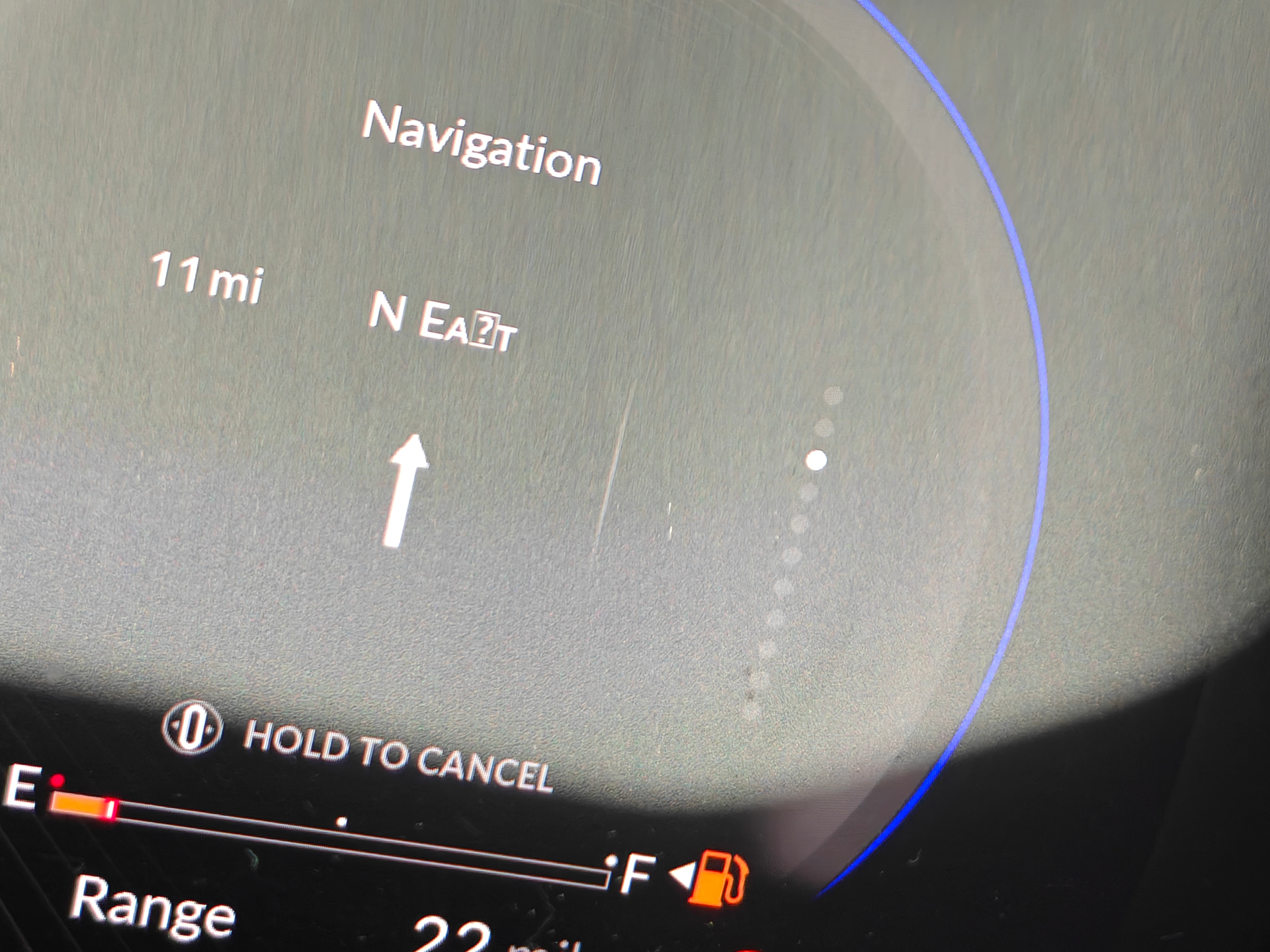
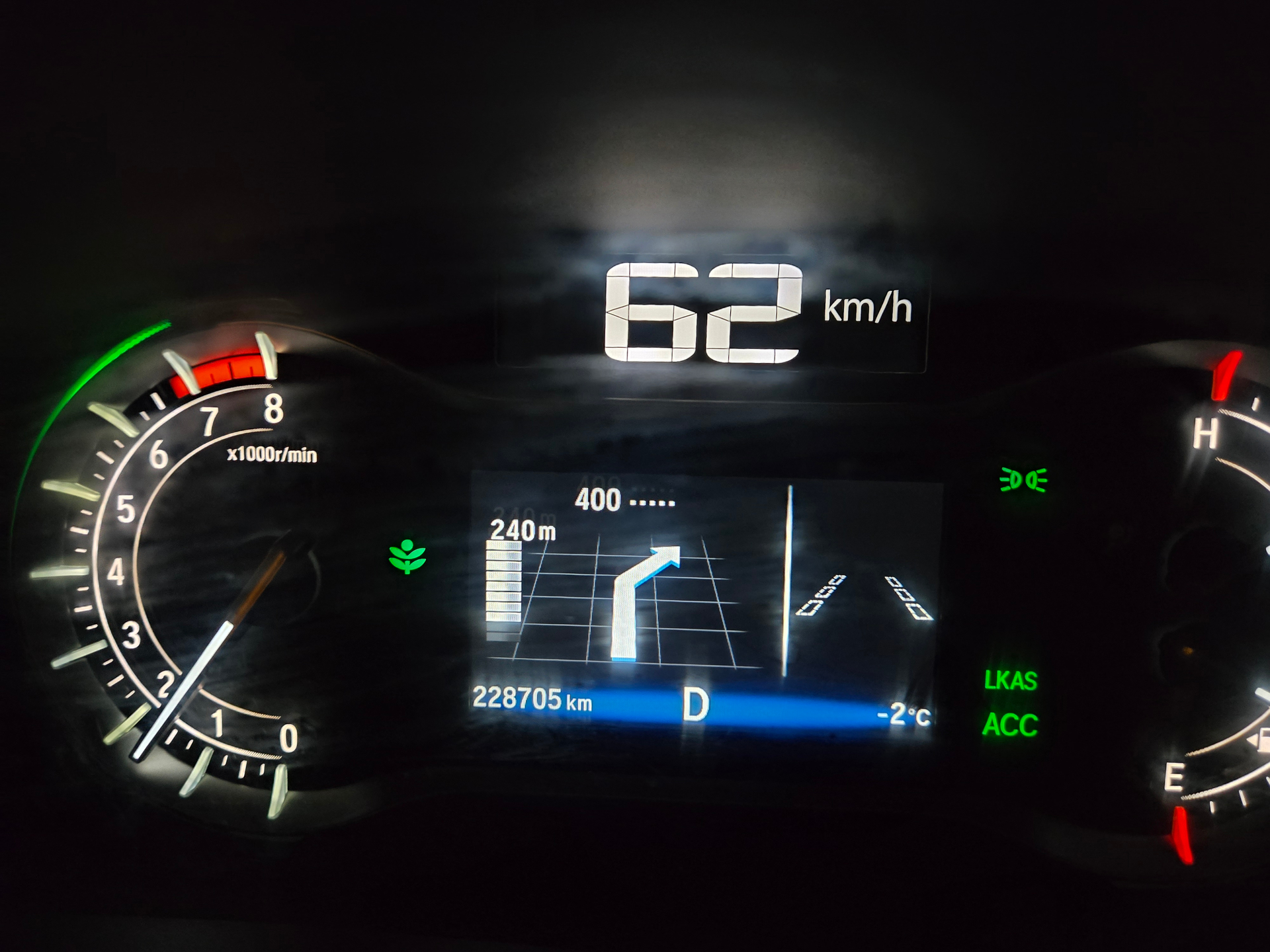
It comes up as a missing symbol in my Acura’s screen dash and heads up display.
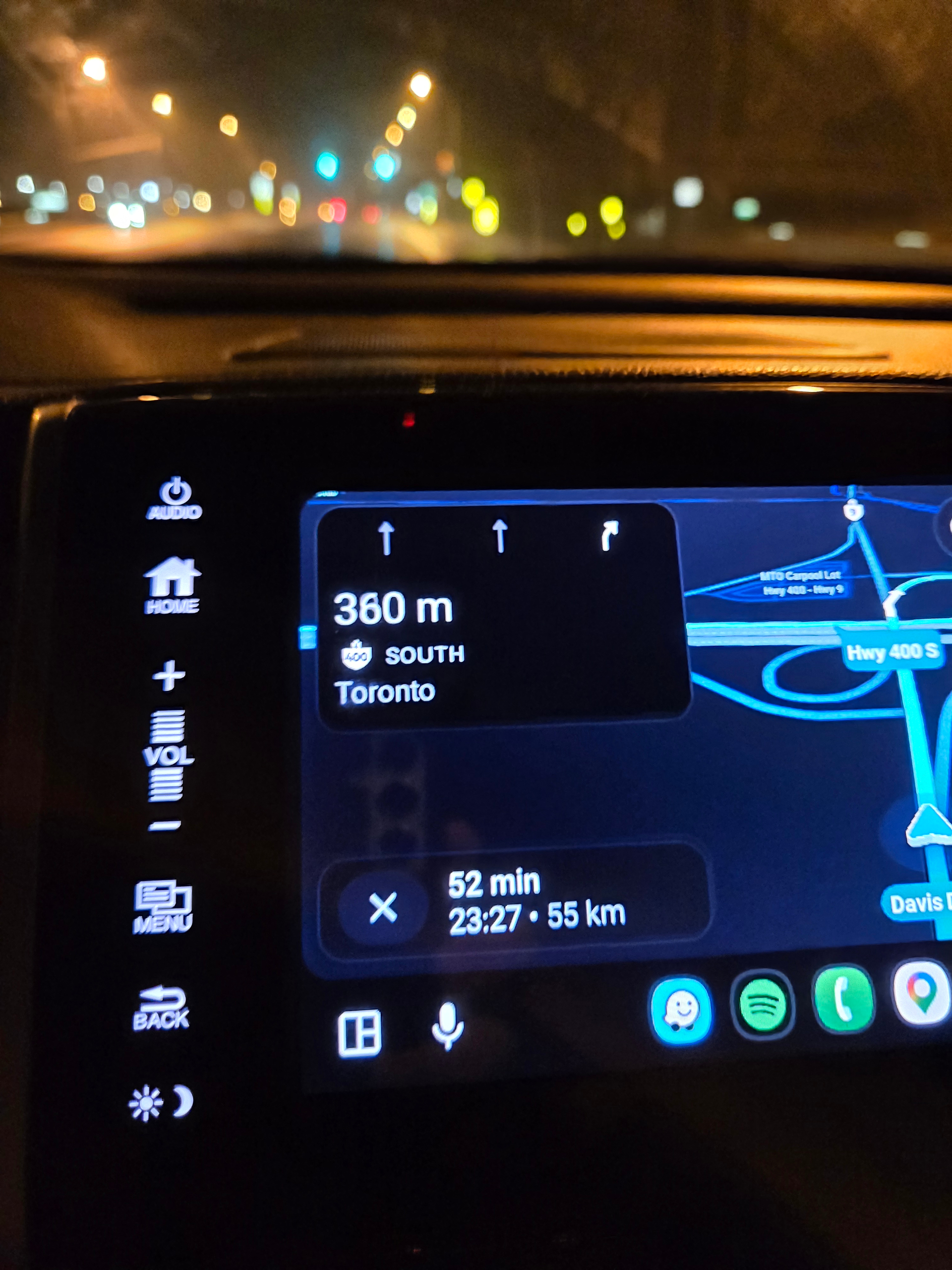
Also on the Android Auto screen the s does look like the kerning is off when rendered.
The LIE East and West are both localized with a non-latin s
It comes up as a missing symbol in my Acura’s screen dash and heads up display.
Also on the Android Auto screen the s does look like the kerning is off when rendered.
There’s many issues with the programming on the LIE.
I’m not sure exactly what you’re referring to with the small non-latin e but the road is a problem I think because of the HOV lane.
Thanks
It’s a display issue with your car’s software. Some car brands support the unicode text used for the smallcaps directions (used to match the smallcaps letters that are on exit signs), while it seems others car brands do not. This isn’t an issue with Waze itself, but rather the dash interface provided by Acura.
I haven’t noticed the s on my Android Auto, but I’ll take a look next time I drive and see if there’s an open bug in the beta forums. If you can provide a photo/screenshot of it, that would be great.
Hey Pete. However, the LIE is still a mess.
I do not think it’s a small caps issues since all the other letters render correctly.
It is specifically the “s” in both East and West
The “s” is always the “missing symbol” icon
Also in other street names with a lowercase “s” in their names, they display correctly.
The same character is used for both east (Eᴀꜱᴛ) and west (Wᴇꜱᴛ). They are not lowercase, but small caps. As Pete said, it’s an issue specifically with certain manufacturers in-car displays rendering the unicode. I haven’t had issue in my Ford, can test the Toyota later this week.