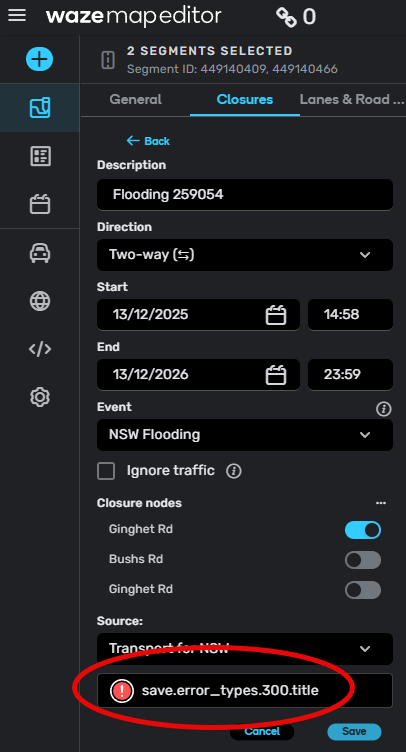
I am getting save.error_types.300.title with closures.
Is this a…:
Standard bug
Steps to reproduce this issue:
I apply a lot of closures, and I frequently encounter this error message when I try to save closures. If I keep pressing the save button, the error message eventually goes away and the closures save. I might need to press save 3-5 times in order to get my closure to apply. This is very annoying, can we please have this fixed?
Note that this bug is separate from the bug where the string is missing from the error message (WD389675). The problem I am reporting is that this error occurs frequently for no apparent reason and needs to be fixed.
Environment where the bug occurs…:
ROW
Permalink:
N/A
Browser name and version:
Chrome 143.0.7499.42
Are you using scripts? Please detail which ones.:
It occurs both with an without scripts
1 Like
Hi @LostInMyMaps,
Thanks a lot for your input!
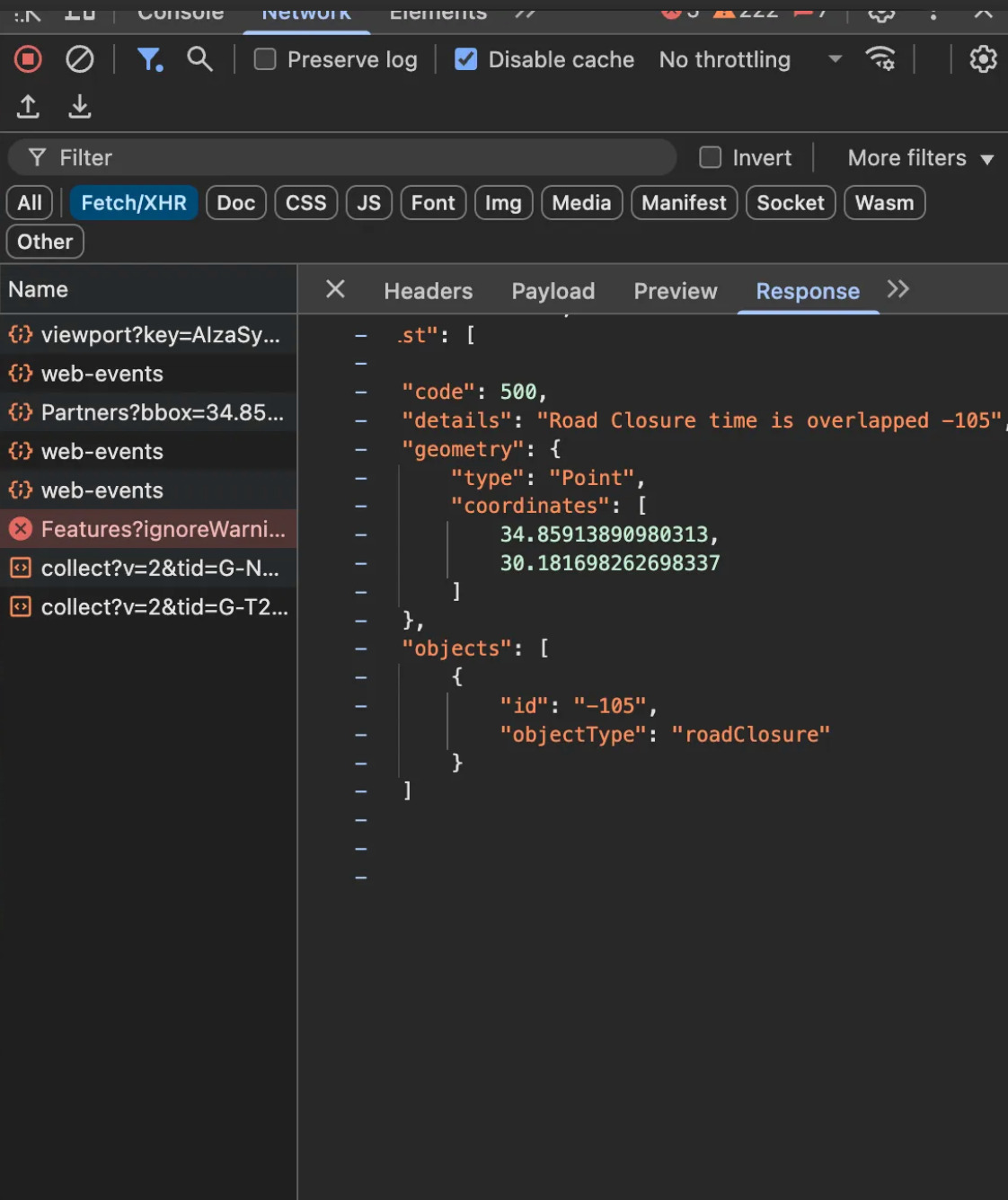
To help us investigate the root cause of this issue, would you be able to take a screenshot of the response when clicking on the red error?
Example:
All the best,
Olesya
Hi @velezss,
If you are still facing this error, would you be able to let me know in which scenario it would usually show up?
The error has been mentioned here and we are trying to gather more details so as to know how to reproduce it.
Best regards,
Olesya
It happened to me once last week, but I don’t remember the exact steps. I’ll take a video next time it happens.
1 Like
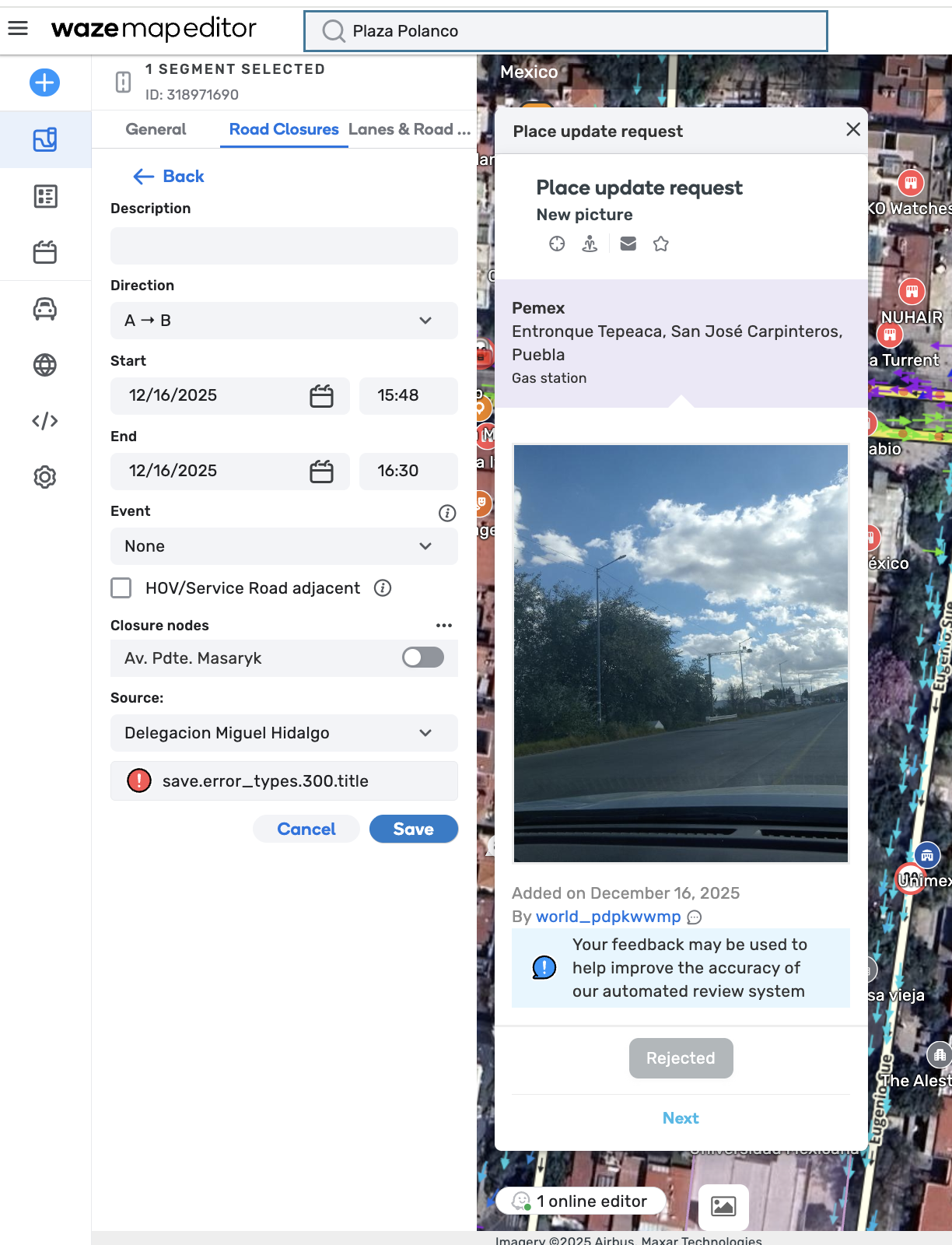
Thank you for the screenshot @velezss. If you could just take a screenshot of the error response (should be marked in red) from the console when you come across this issue again, it would be very helpful.
Best,
Olesya
1 Like
Hi @Olesya-Staff ,
I have also experienced this same error when adding road closures in Adelaide, South Australia. However, I am unable to find any specific red error in the browser logs.
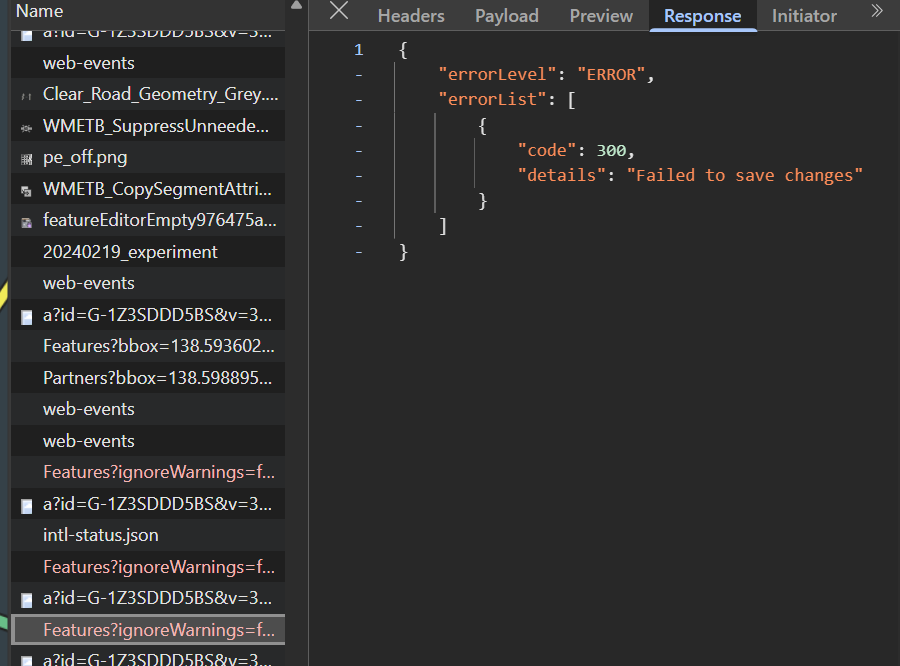
Apologies. I have found the response when reviewing the list under Network > Features?ignoreWarnings….."
Please see screenshot attached.
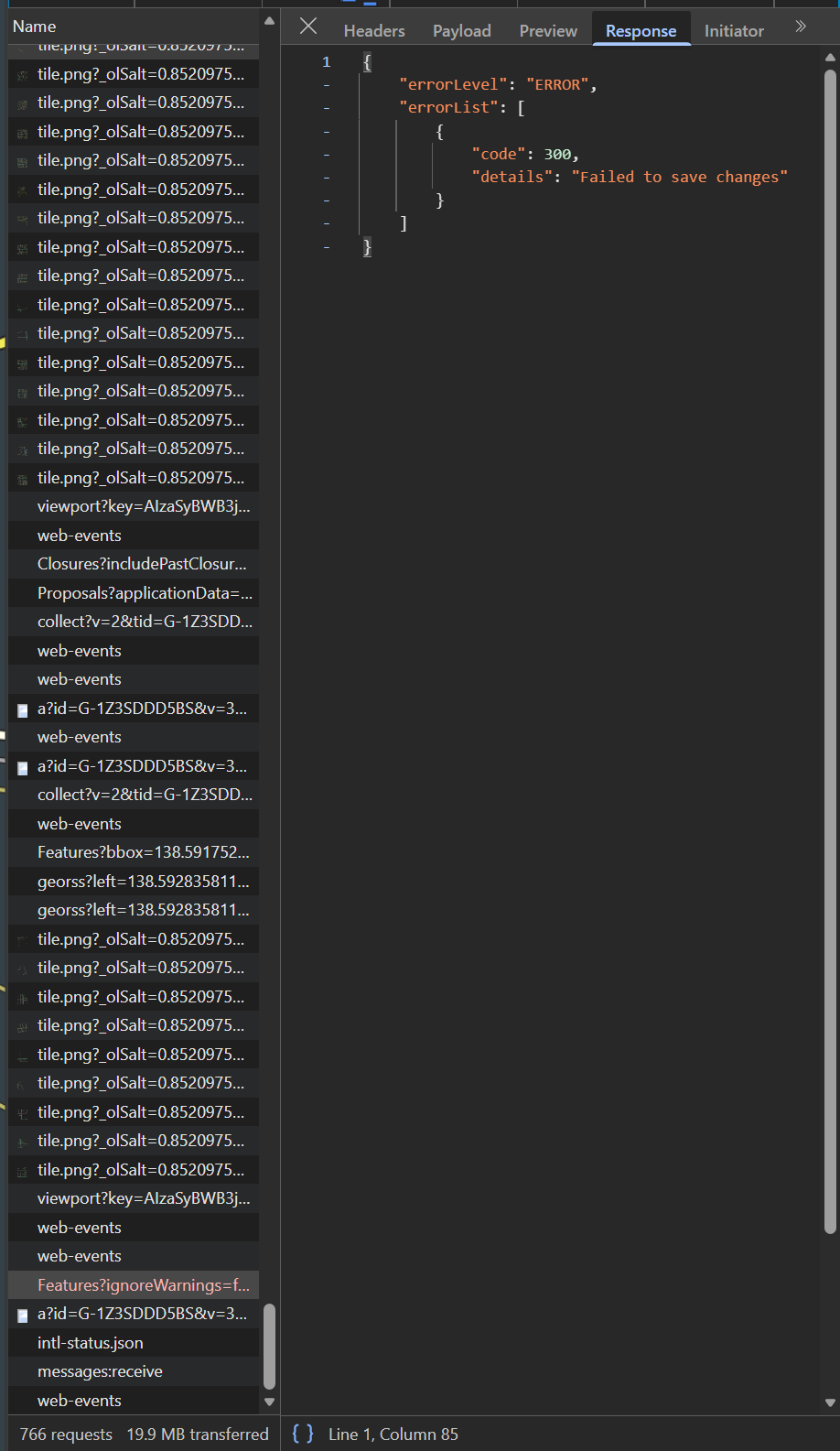
Additionally, I have had it occur on repeat for the same segments (as you can see it was successful on the 4th attempt, but there were three errors (that are exactly the same) as the response you can see
1 Like
Hi @velezss,
I just wanted to let you know that I have moved the example that you provided in this bug report to keep all cases together.
Hi @reivaxX162,
Thank you for providing the screenshots. Could you please also add a link to the location where the closure was saved successfully on the fourth attempt?
In the meantime, I have filed an internal ticket for this issue; the team is currently working on identifying the root cause.
Regards,
Nataliia
2 Likes
Hi @Nataliia_Staff ,
I can’t recall which segment it was, but it is related to the Adelaide New Years Eve event. Here are segment PL that have that event closure but not necessarily the segments that showed this error and saved successfully on the fourth attempt.
1 Like
Thank you @reivaxX162 for the additional information. I’ll forward these details to the team.
Regards,
Nataliia
I can provide a beta PL that applied only on the 6th attempt.
Thank you @LostInMyMaps for this valuable detail. I have added the link to the internal ticket and tagged the developers.
Regards,
Nataliia
Not sure if this is related, but I got this 300 error trying to apply a clusure just after checking some UR in the area (trying to identify if they were related to the closure). The point is that while the last UR description I checked was on screen, I couldn’t save the clorure. Before the 4th attempt, I closed the UR popup and then I could save the closure.
This came into my mind when I saw the screenshot with a PUR in this post.
Hi @witoco,
Thank you for the comment. Could you please add the link to the closure that you couldn’t save due to the mentioned error?
Regards,
Nataliia
Thank you 
Regards,
Nataliia
Any updated? The “Failed to save changes” error is quite disruptive and nerve racking when you’re trying to apply a complex closure. Sometimes I have to hit save 10 times to get it to work.