I have a temporary solution to access the selected(s) segment(s) information is to hold Ctrl button + the mouse scroll wheel down to zoom out max at 33% meanwhile it is fixing to be solved with a new update…
Would it be possible to add the header below in the meta header? I can understand wanting to host the script on a server you manage yourself instead of GreasyFork, but as it is people don’t get any updates when they use GreaseMonkey. With just this addition the extension will know where to search for updates. This is also useful for TamperMonkey as any script that was copy-pasted into TamperMonkey instead of added by opening the file in the browser currently doesn’t get any updates either.
// @downloadURL https://profundos.org/waze/magic/magic.bundle.user.jsNext version’ll have that. Thanks!
Para lo que tiene problema con la instalación o actualización, aquí te dejo la solucion.
1- Tampermonkey configuración, en general eliges configuración avanzado.
2- Despues de avilitar las opciones avanzadas, en filtro de pag. Blacklist: DISABLED O DESACTIVAR.
Listo.
About two or three times a day, while editing, Chrome is opening a new tab to show that the update URL for WME Magic has changed, gives me the option to Update. Clicking update does nothing, and then the tab goes away after a few seconds. Anyone else?
Was happening to me, tried an uninstall/reinstall, but now it won’t install at all. Simply hangs, or if I try the various workarounds, I get “can’t parse this” errors from TM.
As expected, third time today… grabbed a screen shot this time.
I did nothing except look at it for about 5-10 seconds, and then the tab closed itself. In the past I have tried clicking the Update button, but the button doesn’t “click”, like the screen is frozen while the tab is visible, but it always disappears unbidden the same way it came in.
Can’t update it anymore. It tell me there is an update, but it will not install.
I also deleted script and tried to fresh install but it gives me this error on tampermonkey: “Unable to parse this! :(”
any solution?
You can try to change the update url manually in tampermonkey.
Click on the script name in the Tampermonkey dashboard and change the update url:
from: http://profundos.org/waze/magic/magic.bundle.user.js
to: https://profundos.org/waze/magic/magic.bundle.user.js
All you need to do is change http into https.
Click the ‘save’ button and you should be done.

This fixed it for me 
Is it possible to add AVERAGE SPEED CAMERA parameter in unneeded junction check?
Sure, give me a permalink where you have the issue.
Point A https://beta.waze.com/lt/editor?env=row&lon=24.47032&lat=56.11759&zoom=5&segments=344723927
Here begins/ends ASC zone. Segment is split, but has speed 70kmh both directions.
Point B https://beta.waze.com/lt/editor?env=row&lon=24.46623&lat=56.14786&zoom=4&segments=344229659 the same zone, but other end/begining.
Version 35 fixes your issue.
Thanks!
Thanks.
Hello.
I can’t install that script.
I get:
“Unable to parse this! :(”
use HTTPS instead of HTTP
I can’t install magic ??

Unable to install it. I got the following message: “Aplications, extensions and user scripts couln’t be added from this site.” 
Still does not work.
The update of GreaseMonkey to version 4, seem has broken the WME Magic.
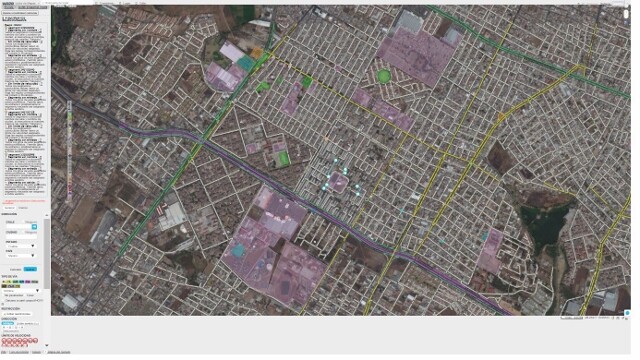
https://screenshots.firefox.com/lXV75kHXhfxdylzc/www.waze.com