Will publish this after i receive some examples from you guys
Will publish this after i receive some examples from you guys
That’s perfect! I didn’t see any examples this morning but I’ll look again tomorrow. I appreciate you trying to help us out with this request!
Sean
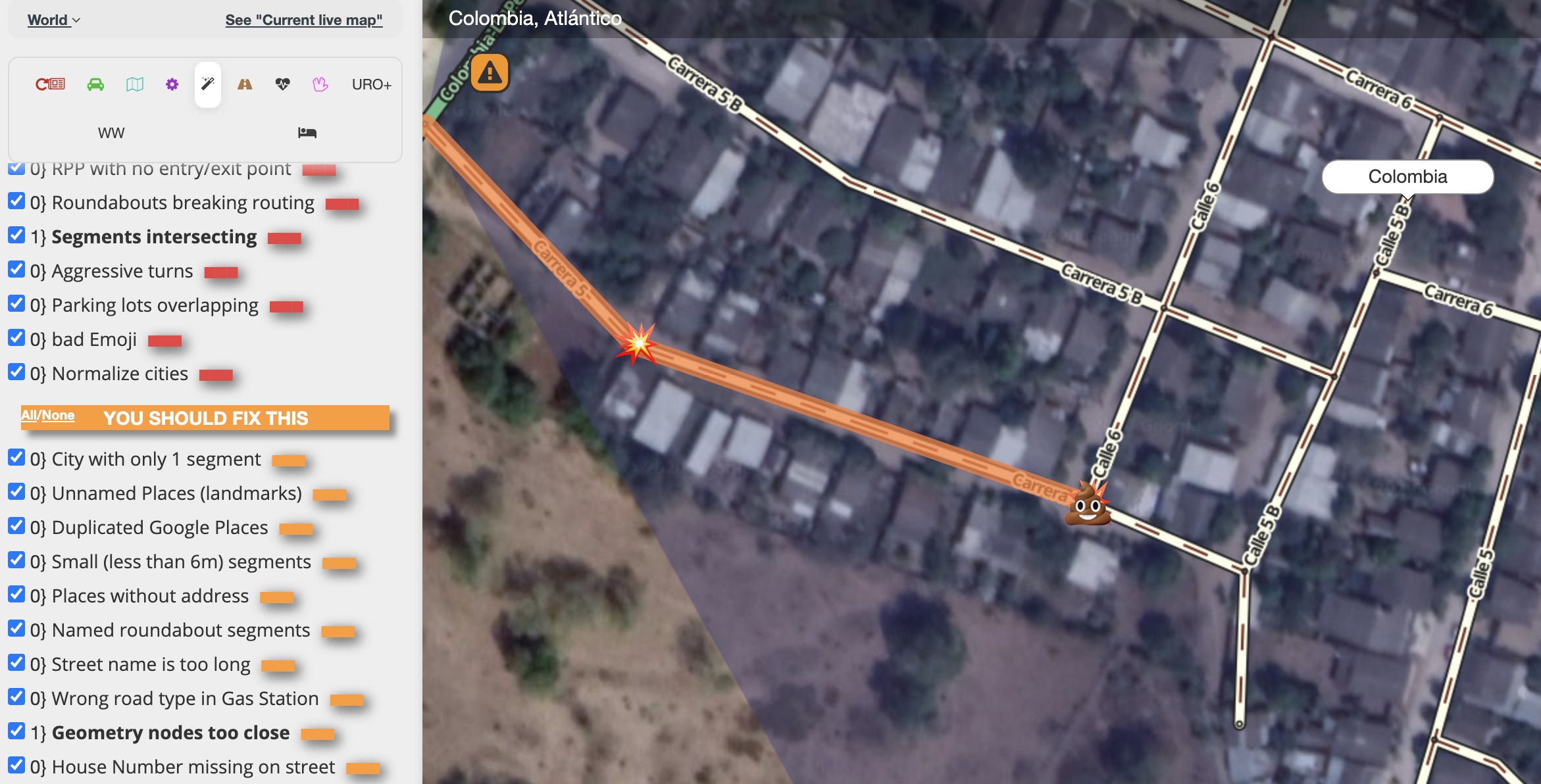
Errr - have you published something without letting us know? For the last hour or two, I’ve been seeing some . . . amusing effects in WME?
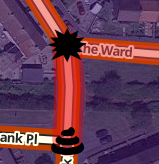
:lol: :lol: :lol:
When I turn off the Magic layer, these symbols go away and they’ve all been related to end-of-segment problems. I’m not sure about the poop icon, but the explosion is perfect! 
Is there a way users can opt-in those emojis, I prefer to have users come to the forum, read the new features and enable them, instead of having to tell 20 editors which script added those emojis and what they mean. I do not want to have to hack the script to remove them.
You may have already answered this question, is there a way to turn off all the debugging lines in the console?
Those emojis are only enabled if “Geometry nodes too close” option is selected.
WOW - I love this new emojis 
Ok, another question:
Any way to enable Geometry nodes too close or a feature in this script, and opt-in in order to see this or any other emojis that might be funny to some but not to others?
I do not want this emoji removed, I am sure some people will like it and will want to have it there, call me old fashioned but emojis on the map will not help my ADD at all.
Please add a button to turn this update off!
Or please develop some more appropriate icons that depict the nature of the problem 
Can I please point out that this script (like all the others) is voluntarily provided by a Waze community member(s), at no cost, for the benefit of the community.
It is up to the developer of any script what functions they want the script to provide and how they wish to implement them. There’s nothing wrong with making requests - half the functions in my own script only exist because someone else asked me to add them. But it’s up to me whether or not I accept such a request and it’s my choice as to how it works and whether or not it’s enabled by default.
I admit it’s unusual for a new feature to appear in a script without warning. I frequently criticise HQ for introducing new WME features without warning. Publishing an update to my own script is non-trivial, as I try to coordinate updates to the original post, the changelog post, the release post and publishing on Greasyfork. But there are no rules about this.
I’m sure we’ll hear something soon; but in the meantime, please keep the nature of your posts polite and respectful. Throwing your toys out of the pram and demanding removal of a new feature you don’t like is unfair. You may prompt the developer(s) to dig their heels in and not make changes - or become dispirited and stop bothering to make updates.
No ban?
Sent from my SM-G970U using Tapatalk
I 100% agree with iainhouse
I will add to it that there is absolutely no requirement that you use a script if you don’t like a particular feature or addition.
We should all greatly appreciate all the efforts that every volunteer script writer puts in, whether or not a script or feature is for you.
No. I decided to give you one more chance, Shmupi. :mrgreen:
It’s always a good idea to add some fun and humor to editing.
If you notice, Magic has some twists in language (nothing there is formal) that make part of it’s identity, and also reflects the creator.
I think of Magic as the cooworker every office has, that makes some jokes during the day and fools around with everybody, but never forgets to have the work done!
Having that said, I’m sure something will be arranged… Just ask nicely 
Thank you master !
:mrgreen:
Hi gang,
I though a little about on what to show when you guys asked to add a feature in Magic (to show exactly where the problem is).
The main reason to use them (they are two emojis) is related to the MOTO “Clean Your Sh¡t”, used by the Brazilian community (t-shirts). I borrowed this MOTO to use in the Magic presentation.
https://docs.google.com/presentation/d/1-acALEOHULZKMxSj9FipW4ardigaIfnKIRlbDzAEJ4U/edit?usp=sharing
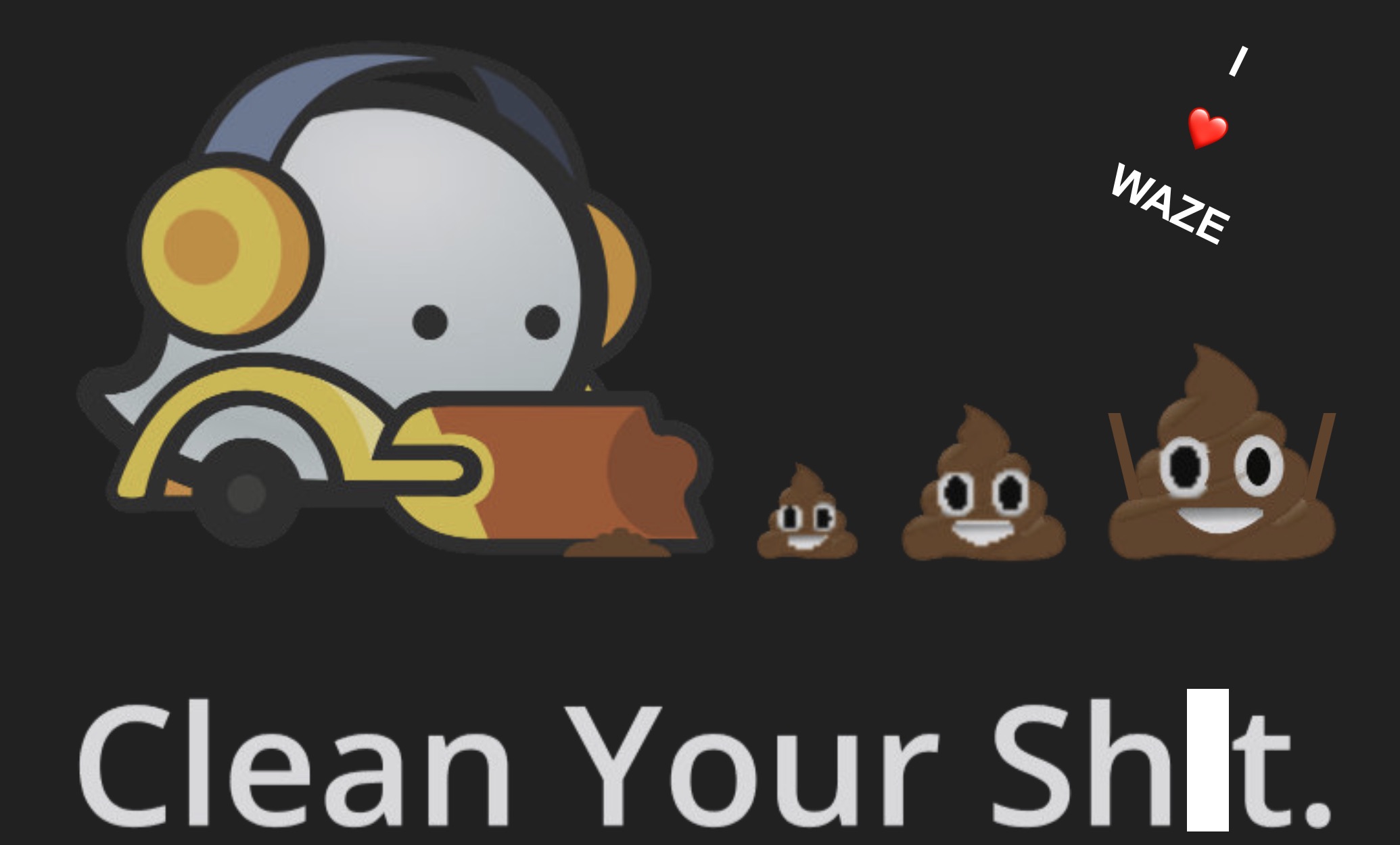
Those two emojis, one over the other looked great. At least is generating a lot of awareness, which is awesome! Those poor “orange errors” are getting some attention \o/
I hope most of you had a smile when you learned what was going on and fixed the issue .
Sorry for the GCs who were caught by surprise.
I’m a fan of having clean and clear UI and i assume this might be too strong for some.
I’ll probably decrease the size (very small) and keep only the “splash”.
If in new plugins i can detect where is the exact coordinate to signal the error, i’ll use the same principal.
Those emojis are being used in the following plugins:
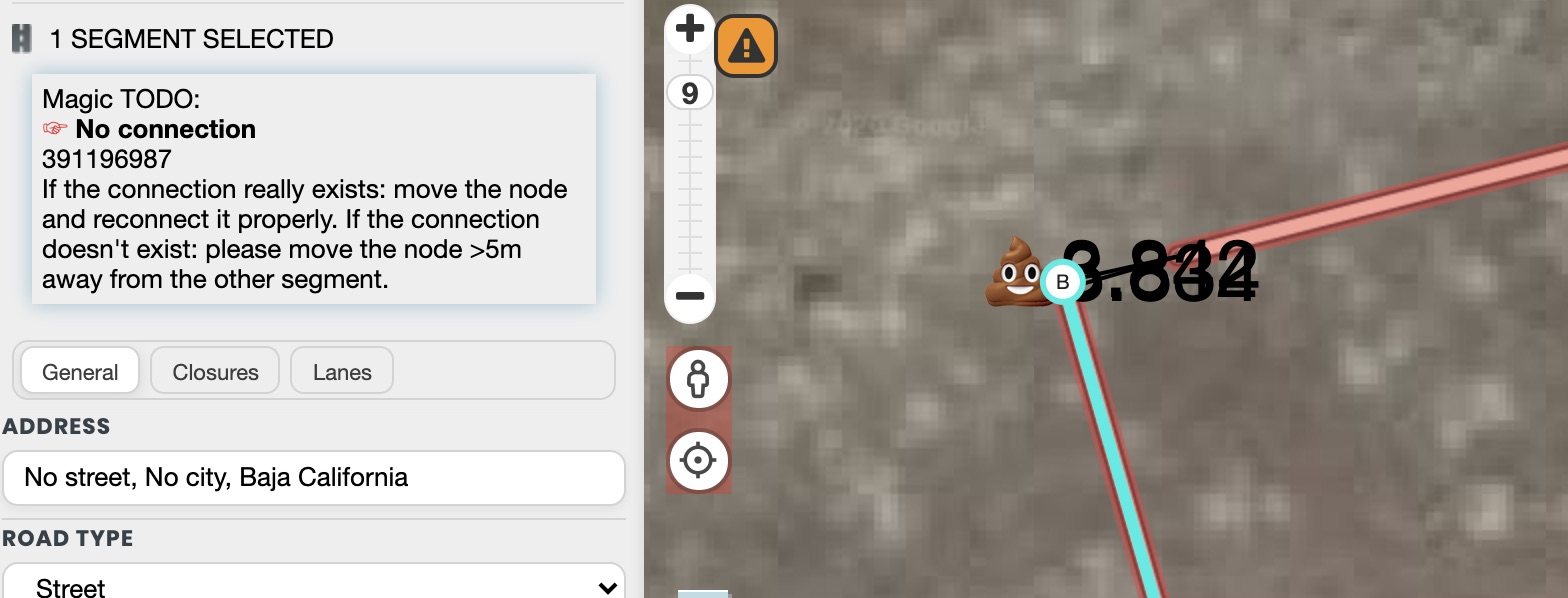
I’m finishing “No connection” plugin to visually show where exactly is the problem and show the actual distance between those two nodes.
In this latest version i’ve added a new plugin which is called “Normalize City”
Relax!
Soooo, version 222 is now published.
Changelog:
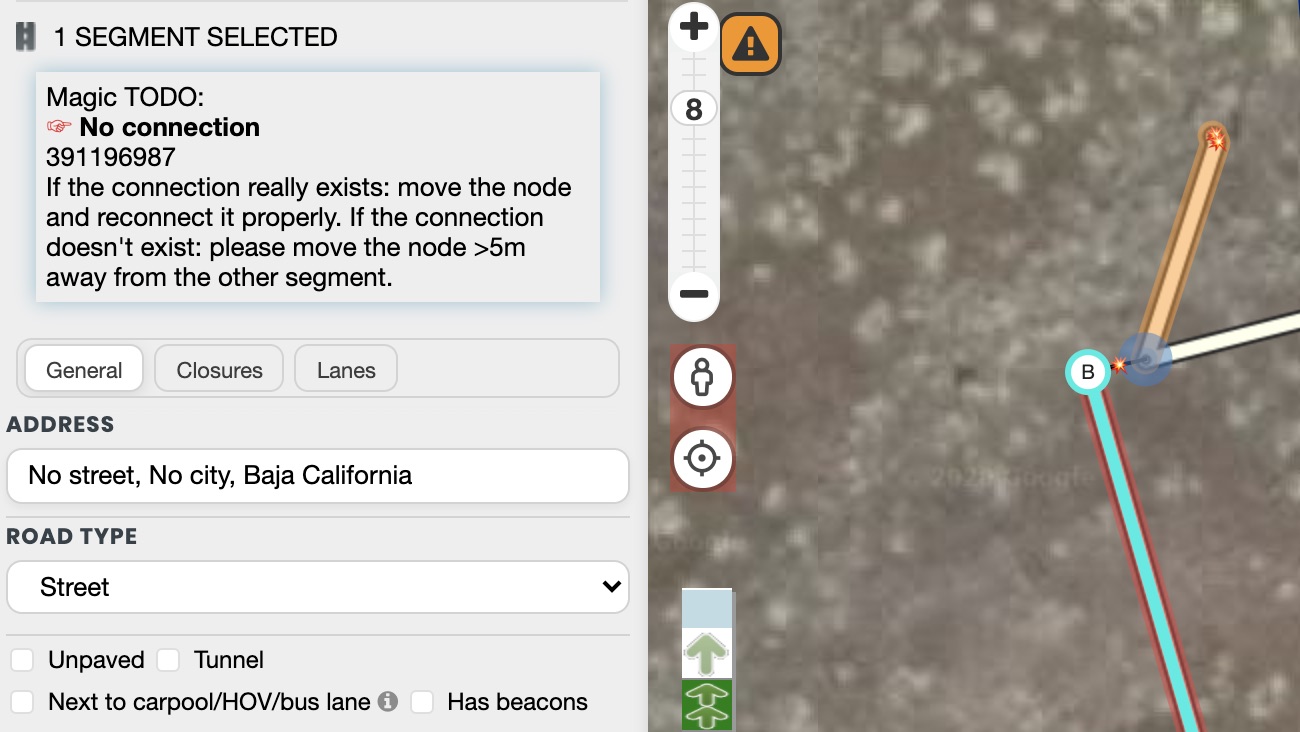

Hi gang, i planto release tomorrow a new version with the following validation:
Happy hunting
V225 is here
changelog:
enjoy
Hello dbcm and Magic developers
a while ago I posted it once, maybe you have missed it. (happens )
If a segment has no streetname and no cityname magic will highlight it as unnamed segment, segments with empty street name and also segements with empty city name
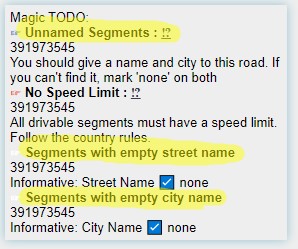
If you enter a street or city name, all 3 todo’s will not appear any more.
–> these 3 highlighters work the same
In my opinion, highlight segment with empty street/city name should work as highlight segment without street/city name
The difference? It should highlight even if the checkbox none is marked –> very often this is a fault, but we are not able to highlight it.
A view month ago, it worked like this.
unnamed segment should highlight if eather street name or city name is empty –> maybe there are some segments from old wme-versions (nowadays it is not possible to leave one input field empty without marking “none”)
At least is there is bug? segment count does not work for me:
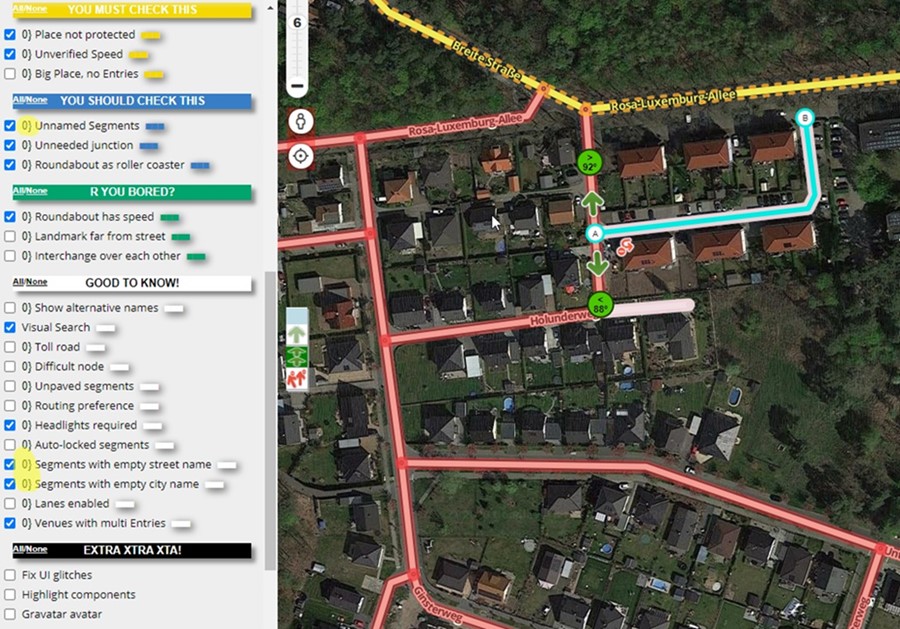
Hi gang, it’s fixed.