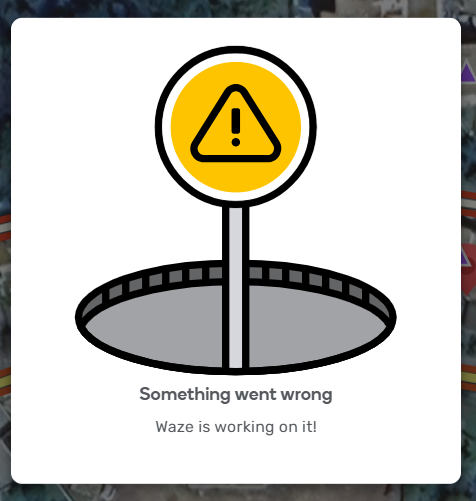
It’s happening too often.
In france we are many editors to have this same problème
In chrome with F12:
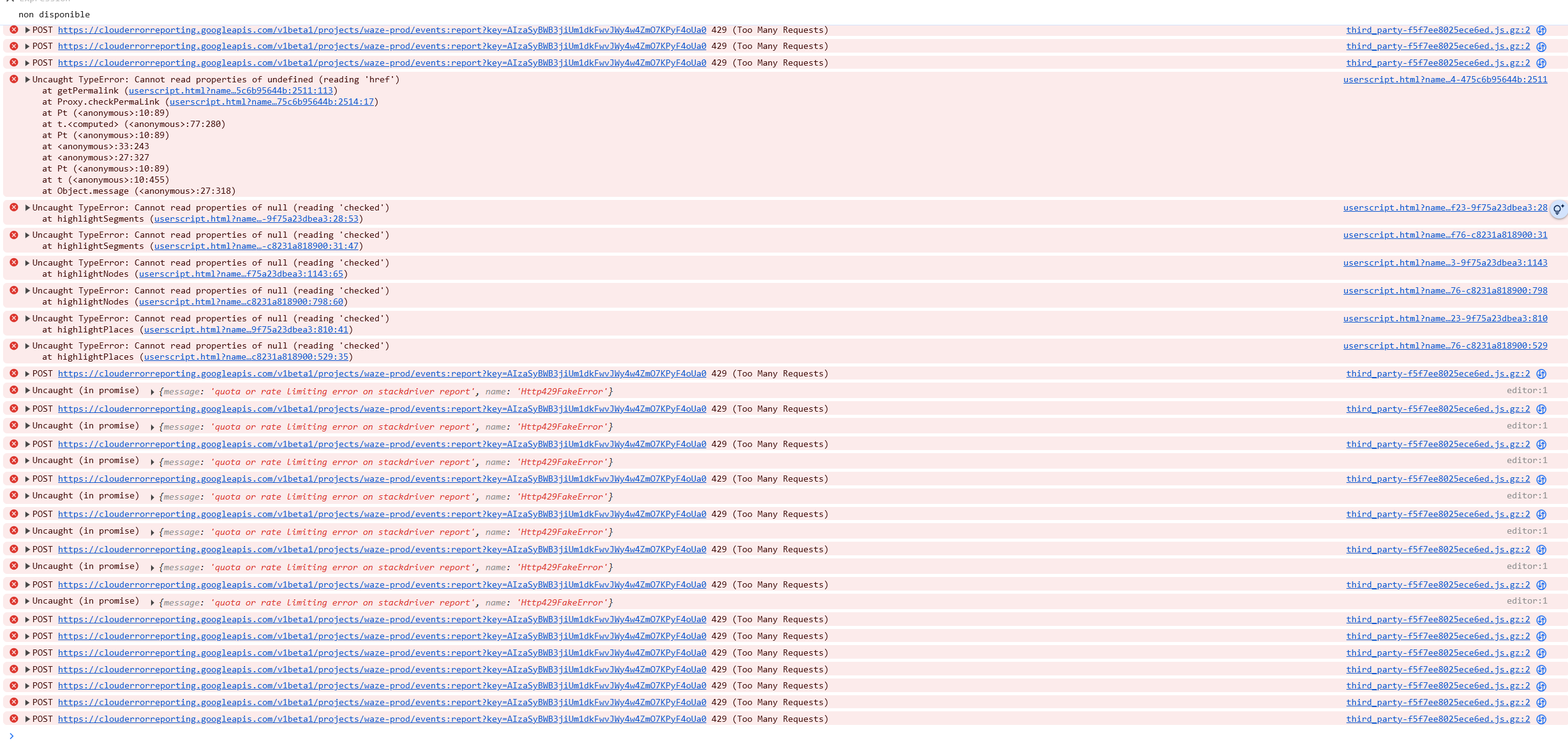
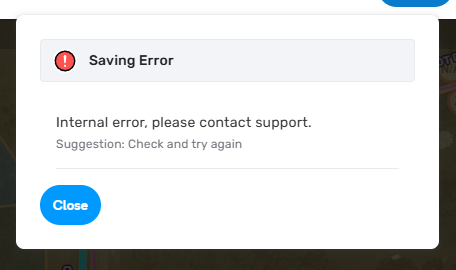
Some editors tried to unvalid TamperMonkey and they have the problem too.
4 Likes
This seems to be happening much more frequently in the latest release. Using when all I am doing is moving the map.
I have been editing script/extension free and have only had this issue happen occasionally, maybe a couple times in the past week
I have been experiencing this on Google Chrome using no scripts. It seems to occur most frequently when I use the Shift + H keyboard shortcut for toggling house numbers
1 Like
Also seeing the same

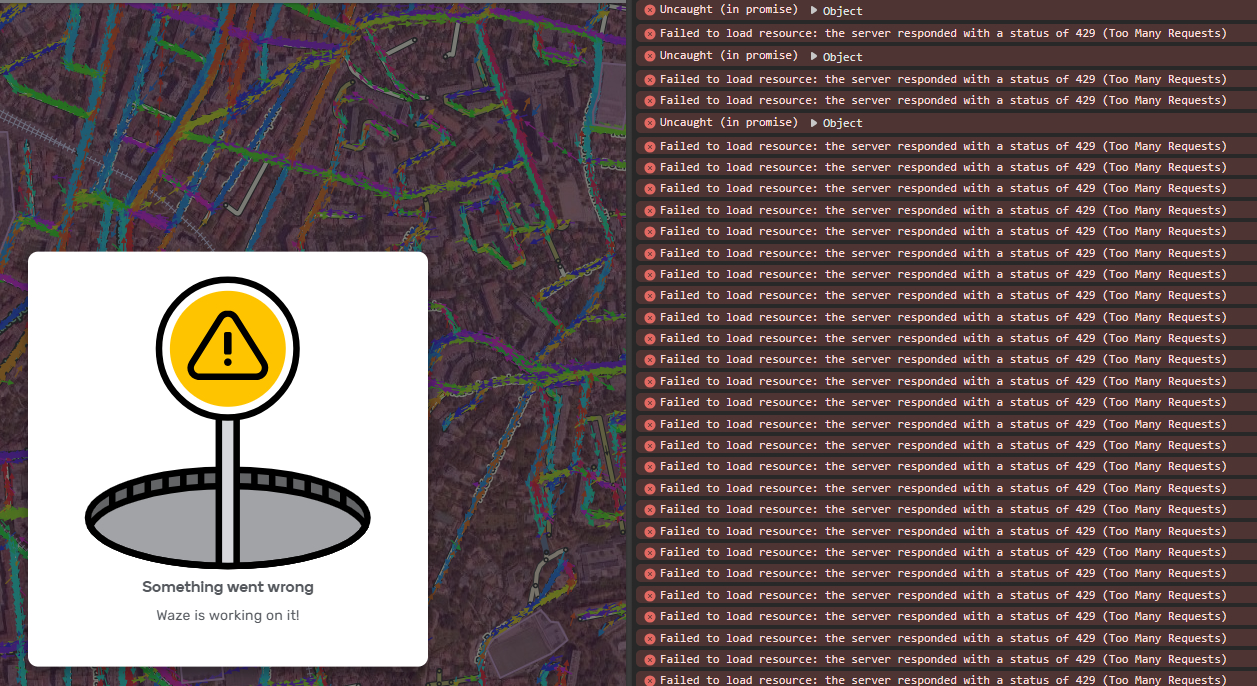
It’s pretty easy to reproduce, just pan around and use keyboard shortcut shift h. This is incognito no scripts.
2 Likes
Hello, I’m a French user.
I found a way to manually reproduce the error:
You just need to load a map area, then remain idle for 2 to 3 minutes. After that, move the map abruptly or use the search bar to look for a city far from the initially loaded area.
However, the error doesn’t occur if you don’t pause between loading new areas.
My hypothesis is as follows: when you keep moving around the map and continuously load new areas, the server allows a high number of requests.
But if you stay idle (thus sending fewer requests), and then suddenly send a large number of requests, the server blocks them as a protective measure — likely to prevent unnecessary server overloads or for security reasons.
Bonjour, je suis un utilisateur français.
J’ai trouvé comment reproduire l’erreur manuellement :
Il suffit de charger une zone, puis de ne plus bouger pendant 2 à 3 minutes. Ensuite, bougez brusquement la carte ou utilisez la barre de recherche pour chercher une ville éloignée de la zone initialement chargée.
En revanche, l’erreur ne se produit pas si l’on ne fait pas de pause entre les chargements de nouvelles zones.
Mon hypothèse est la suivante : lorsque l’on reste en mouvement sur la carte et que de nouvelles zones se chargent en continu, le serveur autorise l’envoi d’un grand nombre de requêtes.
Mais si l’on reste immobile (et donc qu’on envoie peu de requêtes), puis que l’on envoie soudainement un grand nombre de requêtes d’un coup, le serveur les bloque pour se protéger — probablement pour éviter des surcharges inutiles ou pour des raisons de sécurité.
3 Likes
Hello all,
First of all, thank you for the input you’ve been providing, it is really meaningful to us.
We understand the importance of this issue and the team is prioritizing a fix. I will keep you informed about our progress. Your patience is greatly appreciated.
Kind regards,
Olesya
Hello @Karlsosha,
Do you recall in which situations you receive this error?
Thank you @ojlaw We have let the team know about it.
I appreciate your observation @adam_0401 Currently, we are seeing different contributing factors. Thank you for adding yours as well.
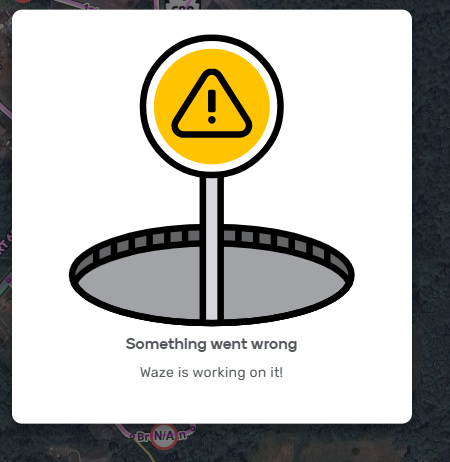
I keep getting this with no errors in the console when I resize the map with wheel scrolling during render.
It appears that the propagation of the event isn’t stopped when the new event is received.
1 Like
This is one of the most aggravating things I have had happen in awhile. I am constantly getting the “Something Went Wrong” It is making editing almost impossible.
2 Likes
It is pretty annoying. I’ve had pretty good success keeping the HN layer off. Once I turn the HN layer on things seem to go sideways more often.
1 Like
The same Is happening to me. Using Chrome or Firefox, the only way to avoid the error is to keep HN layer off.
With these settings:
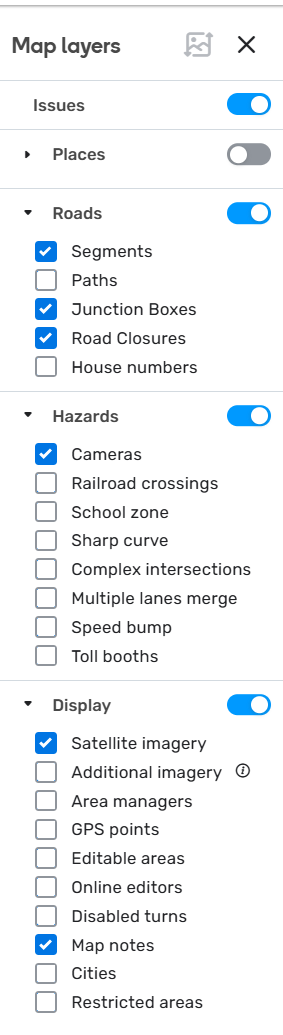
I get this every time I enable the Pneo layer, but not any other Additional imagery layer.
Same here, as soon as additional imagery layer is touched it, SOMETHING Goes Wrong!!
2 Likes
Same here.
1 Like