You may want to include your layer settings. I don’t have access to edit there, but I have no issues opening the link, panning around, enabling/disabling the HN layer, etc.
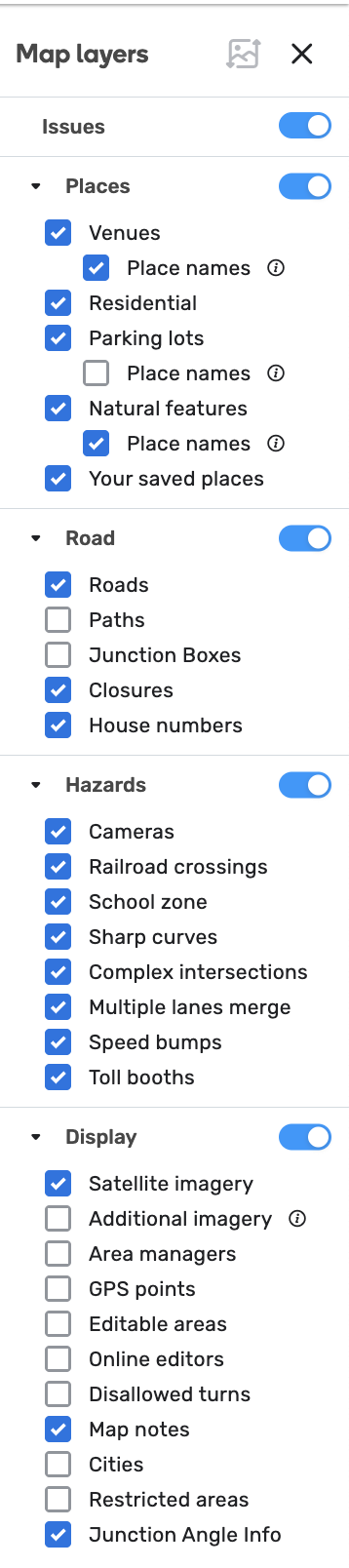
My layer settings now. Unchanged since last pothole. Usually I have the GPS points on. And additional satellite imagery is quite frequently in use.
1 Like
It just crashed on me again while responding to User Requests (URs).
Maybe these @Olesya-Staff…
- https://waze.com/en-AU/editor?env=row&lat=-37.69155&lon=145.11932&marker=true&zoomLevel=19&segments=459927413&mapUpdateRequest=24166822
- https://waze.com/en-AU/editor?env=row&lat=-37.69744&lon=145.05506&marker=true&zoomLevel=19&segments=459927413&mapUpdateRequest=24166799
- https://waze.com/en-AU/editor?env=row&lat=-37.69714&lon=145.05606&marker=true&zoomLevel=19&segments=459927413&mapUpdateRequest=24166800
It happened around then.
Thank you, @maporaptor, for the links. I managed to reproduce the error once while checking URs from the list and comments. It seems to occur randomly. If you find clear steps to reproduce it, please let us know.
Regards,
Nataliia
Jumping in to say that for me this error happens on the moment I mouse over the save button but before the diff view drops down. It happens much less frequently (possibly not at all, I’m not sure) when using Ctrl+S to save.
There is also a related error which I haven’t been able to consistently reproduce, where the same error appears but the changes are actually saved. When I reload the page, the house numbers are duplicated on top of each other, with one set already saved and one set pending. I think what’s happening is that the changes are saving successfully, but my client doesn’t think so, and is trying to recover the “unsaved” changes.
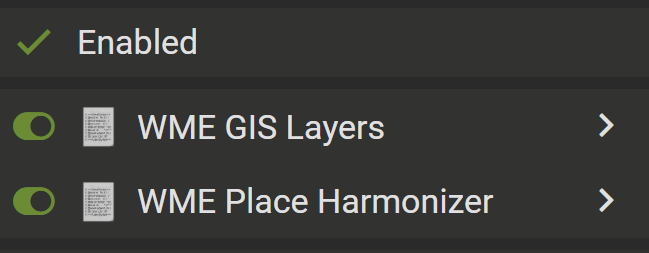
Also, it’s worth mentioning that I am a very new editor and only have two scripts running: GIS layers and Place Harmonizer.
Not sure if this is of help for others, but the potholes were really a nuisance only for a couple of days. After I restarted my Mac, I don’t think I have had any more.
1 Like
Lucky you  I’m still getting them.
@YanisKyr, many thanks for your feedback. If you could provide your steps to reproduce the issue/screen recording, it would be very much appreciated.
I have not seen this error even with all scripts mentioned by @CuttySpark before + Toolbox in areas densely populated by HNs. I might be missing some other conditions, so please let me know if you notice other contributing factors.
All the best,
Olesya
Hello @Catalyzzt,
Many thanks for your input. Could you capture the issues you you have described in a video by any chance?
Best regards,
Olesya
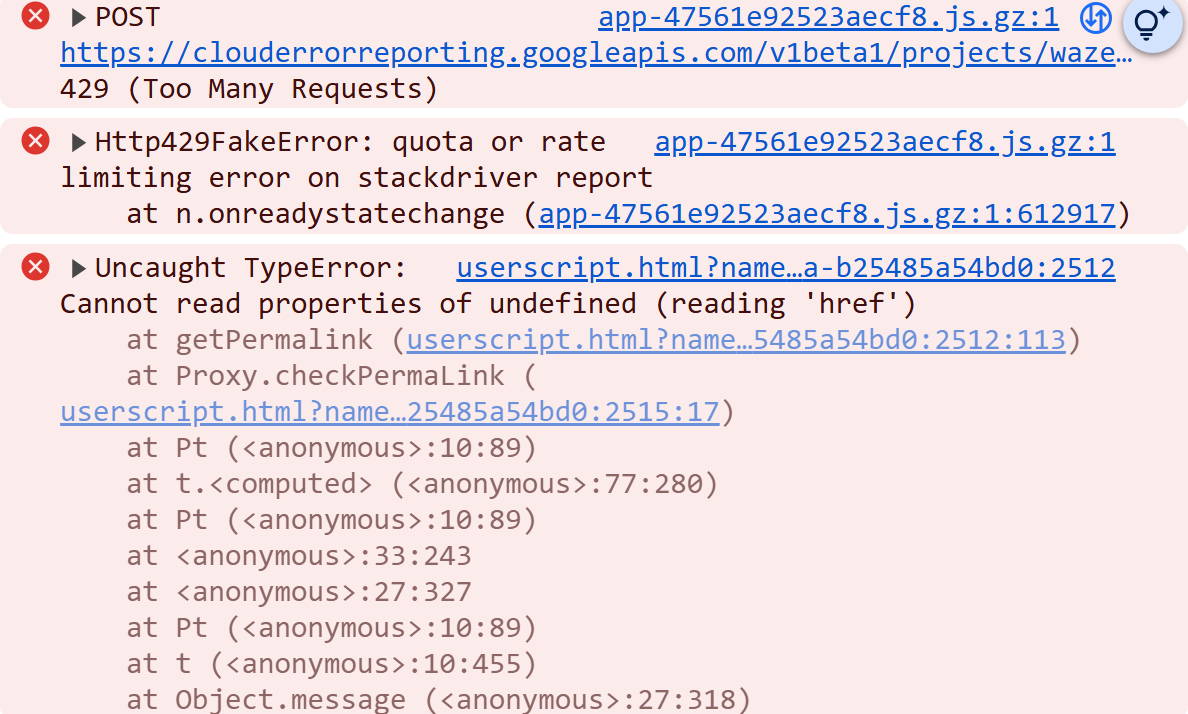
If you hover over the userscript link, what script is shown?
Unfortunately, I haven’t identified a pattern.
I might get it 10 times one evening, and not get it for a couple of days. 
1 Like
This issue is been happening a lot more since 2 or 3 days ago, and is been happening very often in my case specially when im adding new segments or diving a street, it just gives me an error saying that the Node # couldnt be connected and after a couple of tries it just goes into the SOMETHING WENT WRONG screen. thank you for looking into this
Hi @locojd1,
Many thanks for your feedback. This could be related to Junction nodes failing to generate Please give it an upvote and follow to receive further updates.
Best regards,
Olesya
1 Like
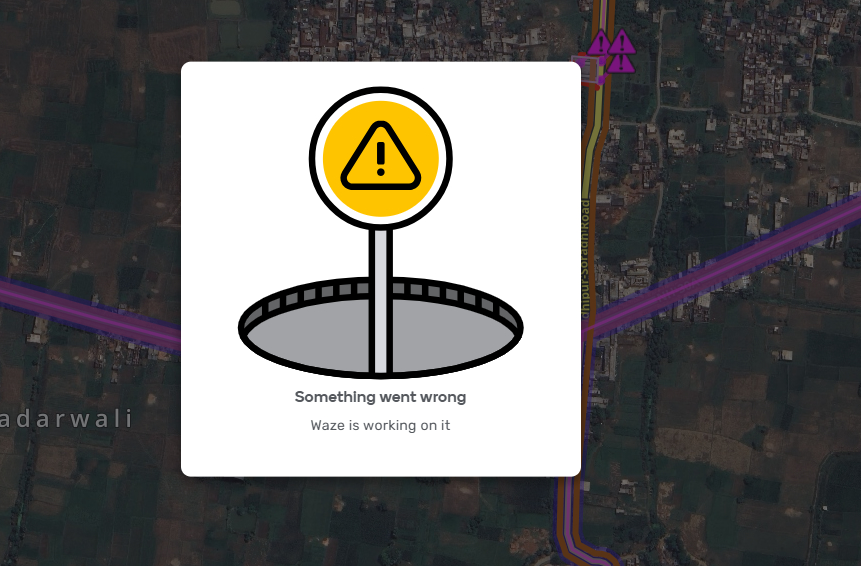
Could we please update this icon to
“Try refreshing the page or try again later” in the main message, This signage is very confusing for new editors.
1 Like
I would love it if it has a button to refresh the page at the current location!
1 Like
This would be a feature request, not a bug
2 Likes