Address location is incorrect in Orlando, FL. It shows 6021 E Colonial Dr on the West side of St Rd 436 and Colonial Dr. It is on the East side across the street from Home Depot a mile different.
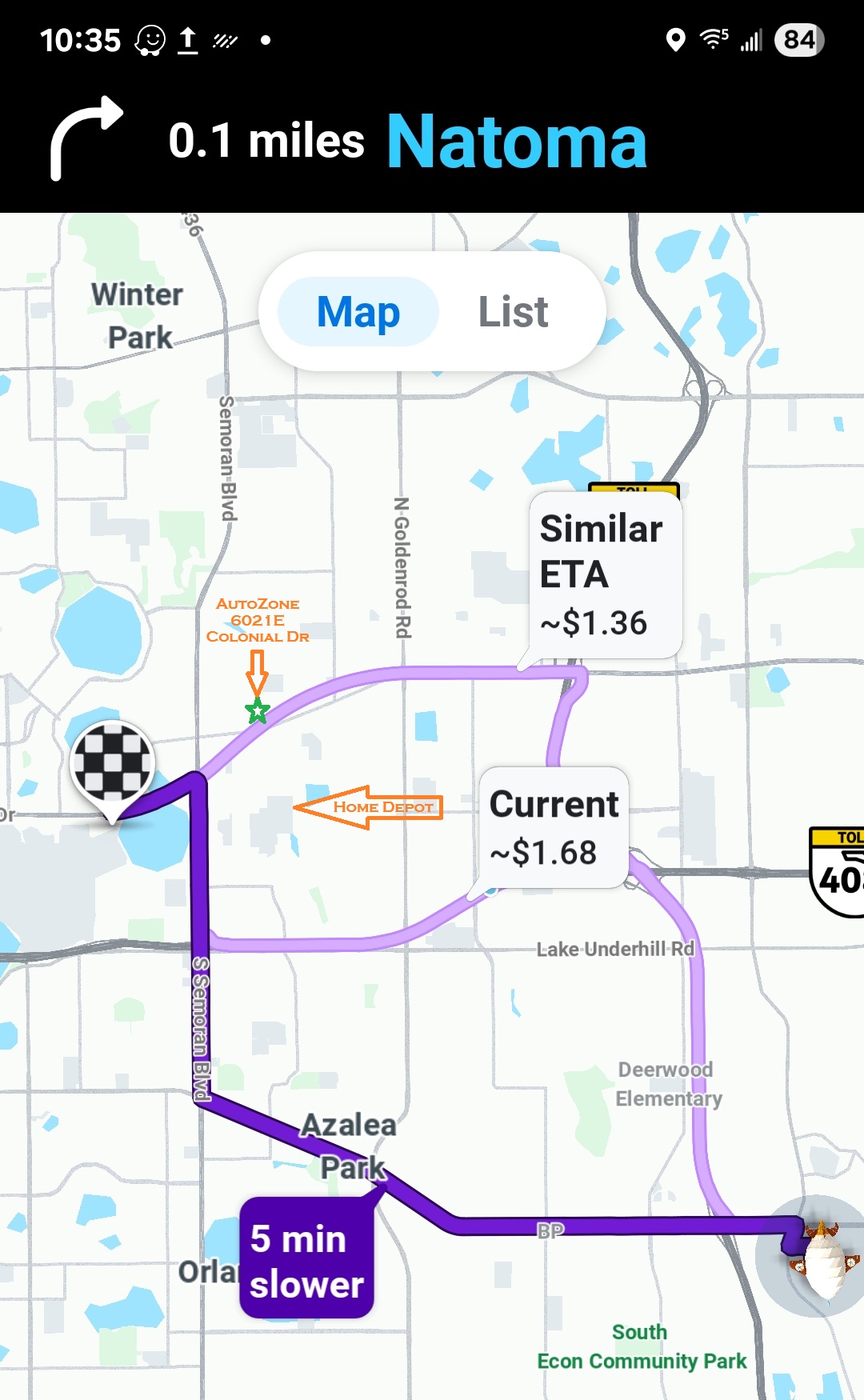
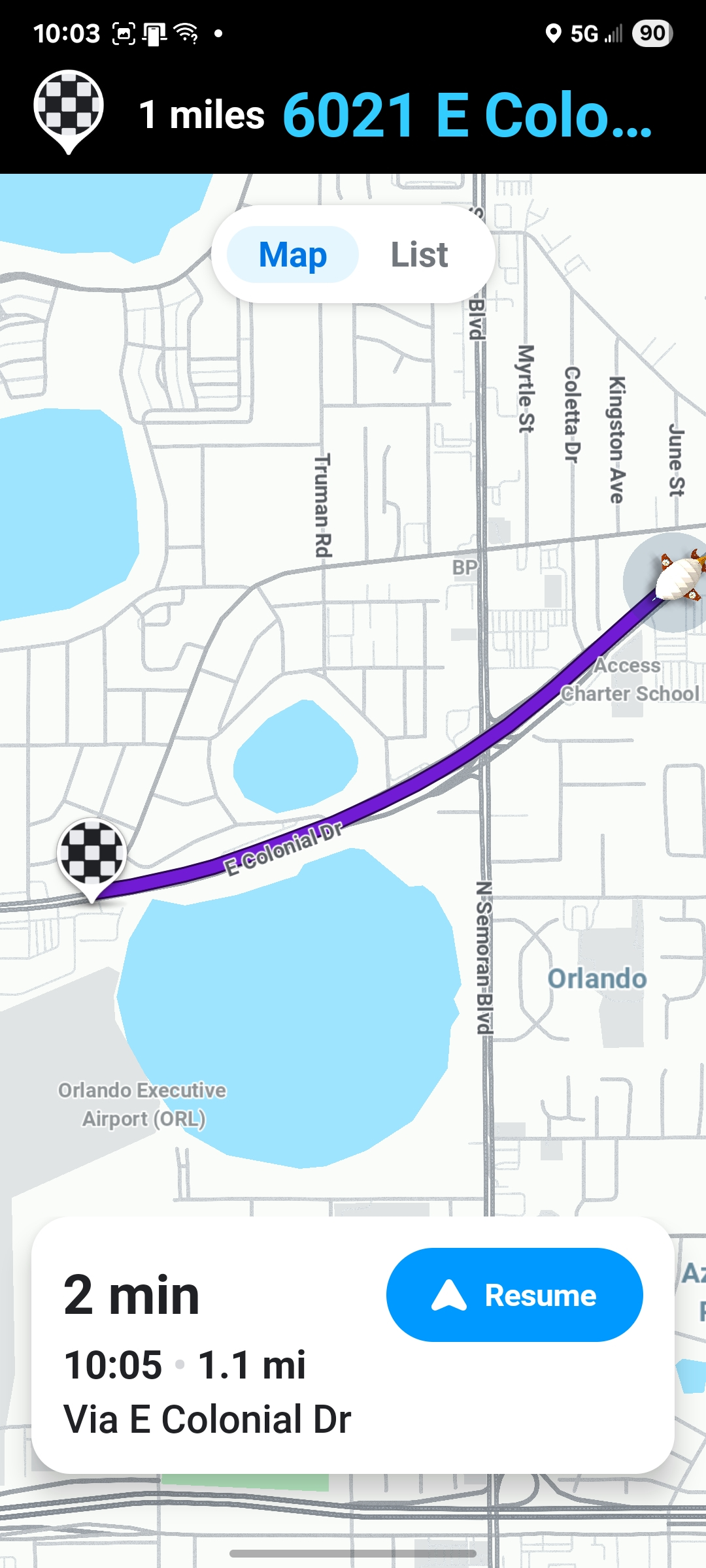
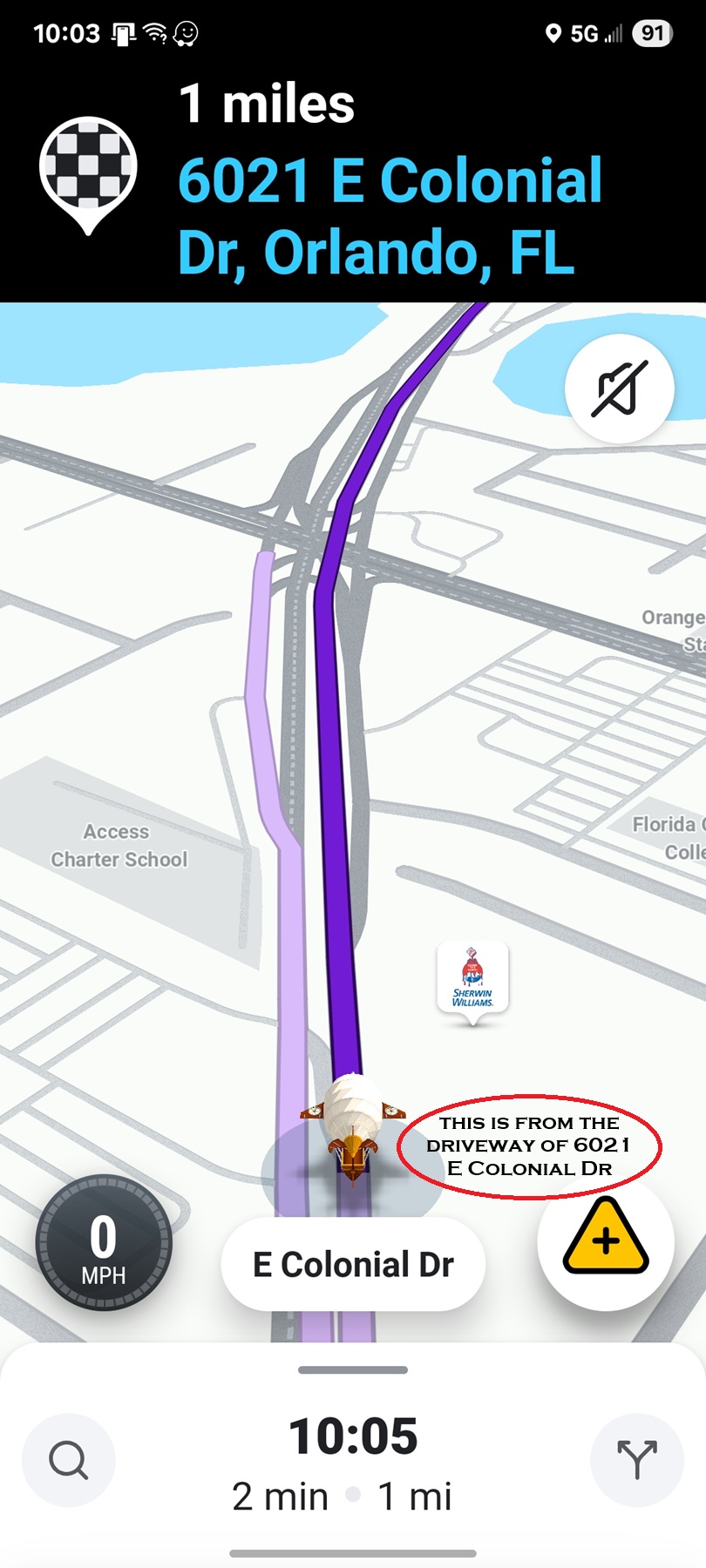
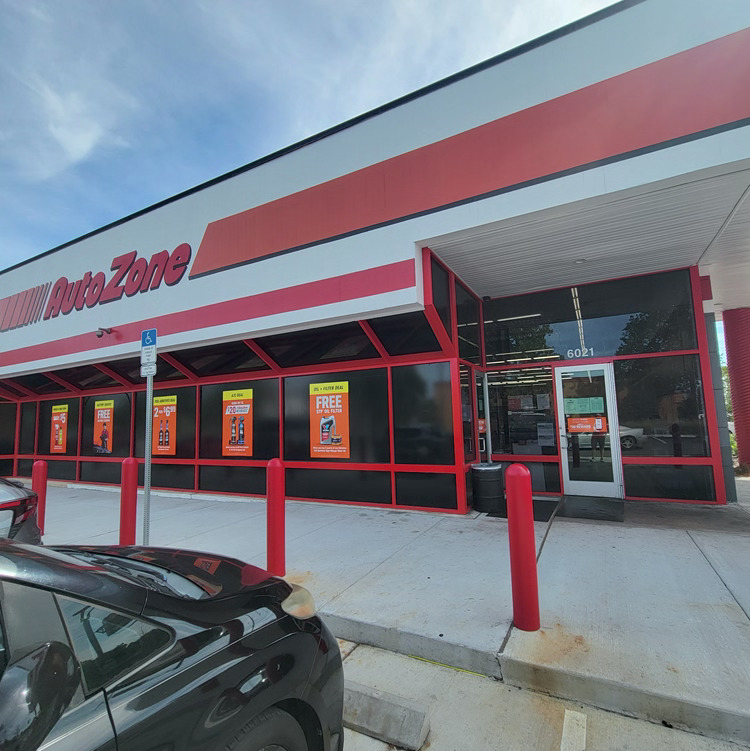
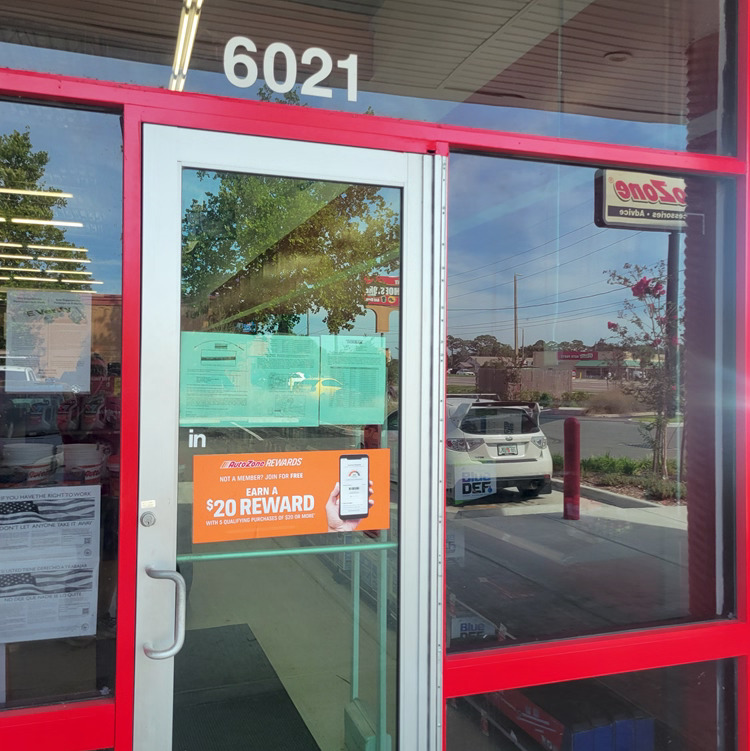
I’ve made some changes here that should help for this. However, where you have it indicated is where I show we have it located on the map.
Are you able to show/share an image of the destination you selected in Waze? I searched this via address 6021 E Colonial Dr as well as by AutoZone and got the correct location.
Also, you can try deleting the result from your phone
Open Waze
Scroll down to your Recent drives
look for the address or name that you searched/drove to for the AutoZone
Long press and hold on it
Click Remove drive
Then try searching for it again and let me know if you get the correct results.
Thanks for the detailed images it did help locate this and to make sure it’s in the right spot.
Hey Scott,
I went in and cleared that drive then reentered it, and it appears to be correct now. Normally I wouldn’t use Waze in an area I know rather well. But traffic can build up there, and I was just checking the best route. The old destination is a strip club.
From how you write, it sounds like you may not have received any of my original screenshots. In case, I included one (with insert details) to show the difference now.
When I noticed this, I did multiple searches. Being just using the address, using AutoZone, clearing the search, and redoing it even with the zip code thinking it was assigned to the wrong one. I travel a lot (about 40k a year) and use Waze extensively.
Thanks for your effort,
Ray
Orlando, FL
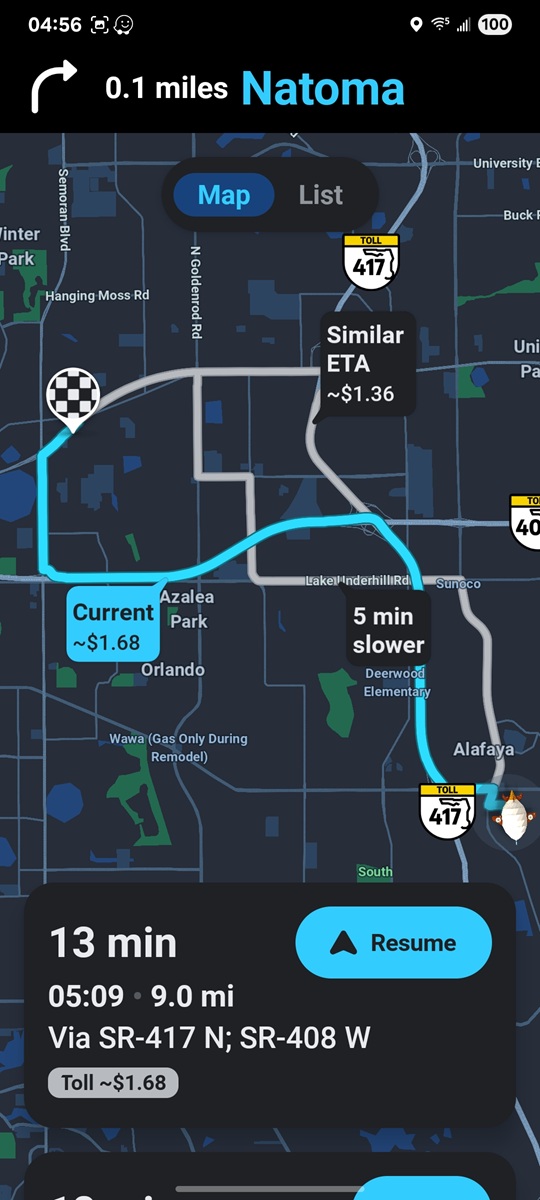
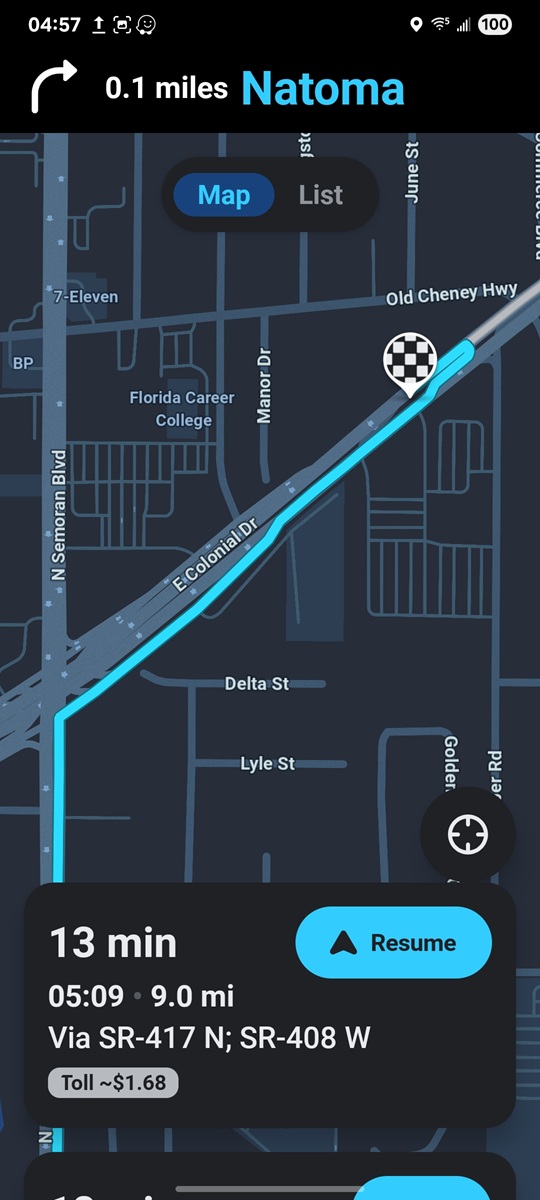
Ray, Thanks for the reply, looks like the changes I made and the clearing of the route have resolved the issue.
Please let us know if you have any other issues we’d be happy to help!
Ron