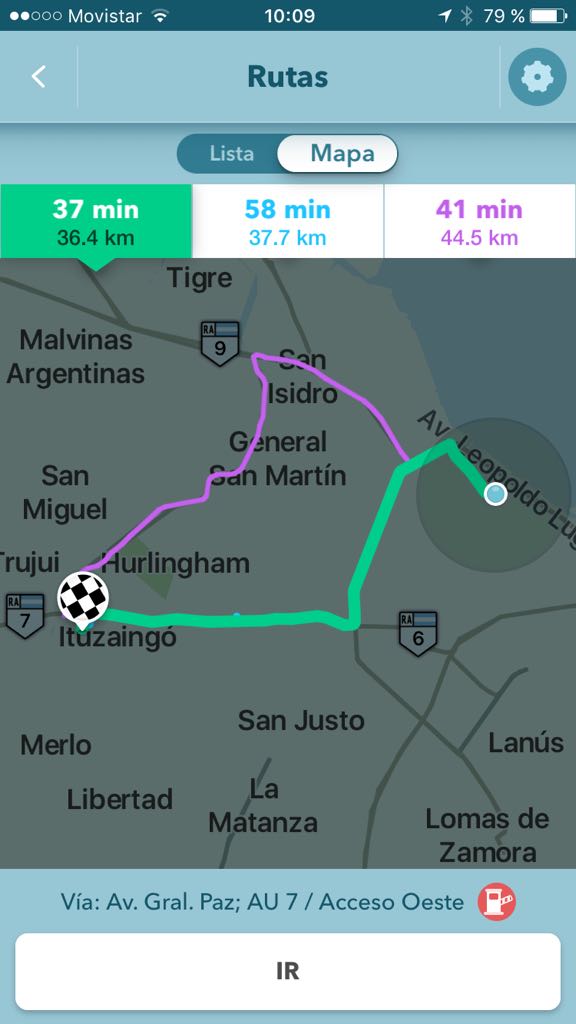
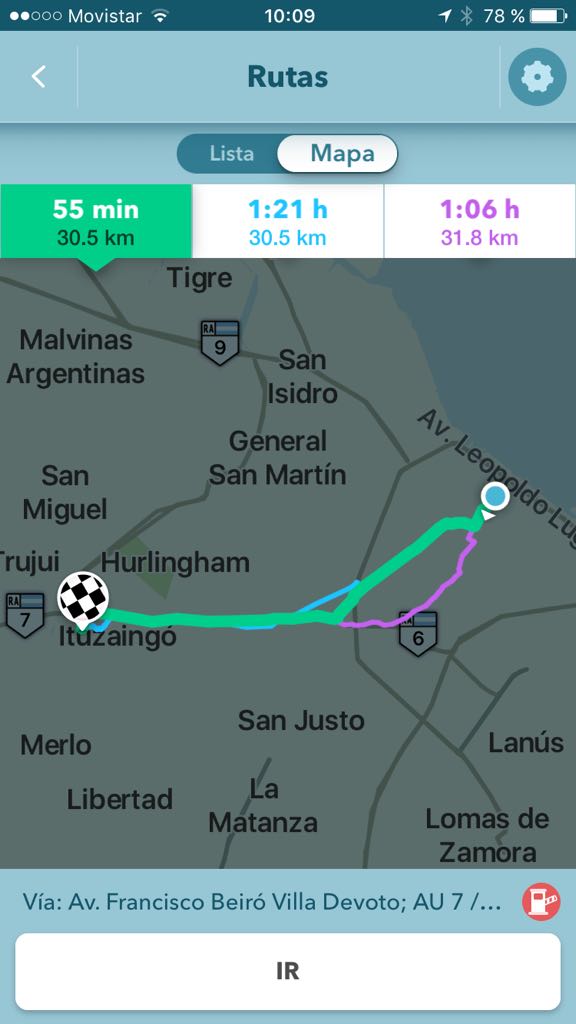
I live in the Tampa Bay Area, and work on the other side of the bay … from where I am there are basically three bridges to cross the bay and get to where I am going, and all three theoretically are highways/interstates so their posted speed is generally similar. The problem is that two of these bridges would route me through Tampa (city) and the third – while only a couple miles and a minute or two longer – would be almost exclusively “rural” interstate with much less traffic and simply a much easier commute … but Waze is pretty insistent I take one of the high traffic routes.
Right now my only solution is to tell Waze I want to make a stop on the way actually AT the bridge I would prefer to cross … but there really should be a more elegant solution. Being able to avoid specific routes or roads would be nice – or simply being able to “reject” suggested routes until it comes up with one you like would be very helpful.
I’m a bit of a novice, so I apologize if I have missed some way to do this … but I think I have checked out the options pretty thoroughly. Thanks.
Does the third (preferred) route show up in the alternative routes list? If yes, the others are simply faster according to real time and historical data. If it does not, there is a possible map error on the third route.
In the routes list there are three options, but the variations are AFTER the “Tampa route” bridges … my issue is that some of these bridges have 7 or more miles between exits, and if there is a backup reported ahead of me once I pass that last “bail out” exit, I’m screwed.
It is a risk/reward scenario that just doesn’t pay dividends for me … if the two “Tampa” routes have no issues (which would be rare) I would arrive 3 minutes earlier … but I’m willing to give up the 3 minutes because the “rural” route rarely has issues – whereas the others are almost assured.
I have just started this route recently, and with the holidays ending I will be pushed more into the traditional commute hours (and so will everyone else) … so maybe this week my preferred route will start showing up in the top 3 options.
I have similar problems, there are two highway entries that I can get onto, one that is free will take 1 minute longer, and waze will insist me to take the one that cost me $0.5 per trip. I hope I can avoid this highway entry.
It will be the best if there is a dollar/time calculation. So if I am paying $0.5 for saving 1 min, it’s not even worth to pay the price.
Really no way to do what you are asking if an alternative route is not presented. Waze is designed to take you via the fastest route with the current conditions. There are other factors to the routing such as road type, distance, etc.
So likely the way Waze is taking you is the fastest route. If you want more control of your route and the fastest route is not that important, another App may suite you better.
There is toll road avoidance in the options. It’s not sophisticated enough to allow the cost to be factored in. And not very helpful if you area has many toll roads.
I have the same problem. There are 2 roads on my commute to work that back up badly, and I will sit on them watching the eta updates and “traffic is building ahead” notifications come up. If I can tell Waze to avoid Buchanan and Railroad, and just take side roads, my commute is much shorter, but I don’t know the side roads well enough to know when to ignore Waze. The route options usually are the 2 roads I want to avoid, and something taking far out of my way.
Any chance you’d be willing to tell us generally where your route to work is?
The problem is that waze is designed to route you around the traffic. If its not, then it may be that there is some problem. It is much more likely that waze will want to correct the map or improve its routing algorithms than they will provide an option to manually avoid traffic.
I find that although Waze is quite accurate on route times, I personally avoid certain roads or routes.
An example of this is a main road that leads to my down town, that main road has a steep incline (3rd gear or you are crawling/HIGH RPMs) and I like to avoid such high gas guzzling routes.
Another example is Waze prefers me to take the interstate home from work which I live close by to. Technically it is faster, but I really don’t like to get onto the interstate for less then a 6 mile trip when it only saves a minute or three.
So basically I have just been running Waze without routes; I just turn it on and drive as I see fit. As far as I understand, it is still collecting my drive data and including it for other Wazers.
There are exceptions, if you navigate using the type of route “the fastest” in their alternatives it may show slower routes than if you choose navigate using “the shortest route”.
So I think waze meanning of “the fastest routes” mean “prefer highways”. Thus if it’s some traffic event, then it will ignore faster routes just because they are shorter. Which is crazy.
See graphic example, note in the shorter routes the green route is faster than the blue route from the faster routes.
Me too. I always avoid the George Washington Bridge when heading from NJ to Westchester or New England. I need to say NO WAY!
Also, I need a way to stop Waze from insisting to go back to the “fastest” route after I have deviated BECAUSE I KNOW BETTER. We need a button that says DONT TAKE ME BACK, RECALCULATE.
I always drive between NE & NJ. I avoid GWB by 2 setup destination, 1st one I use West Nyack’s Palisades Center Mall address, 1000 Palisadez Center Dr., West Nyack NY, then I take a break there, and set my dest to NJ addr or NE addr, depending on what direction I am going.
How far would you want to deviate from a given route to do this? You might be better off with planning your route at home at the kitchentable and drive the predestined route.
There’s a specific road that goes mainly through Osceola County, FL called Nova Rd. that is 23 Miles of nothing. Should there be a way to make Waze avoid certain roads you choose for you?
There are a few options to avoid a few types of roads (like freeways and dirt roads) but as a general rule Waze will not be able to be set to avoid most options. The objective of the app is to get you to your destination as quickly as possible not avoid certain roads you choose.
The only way to do this is to set various destinations that would cause the app to avoid roads you don’t like.
I do the same thing. This post is 4 years old and there is still no way to avoid the GWB. If the Mario Cuomo Bridge is just a few minutes longer then I would prefer to take that but I can only do it by adding a stop.