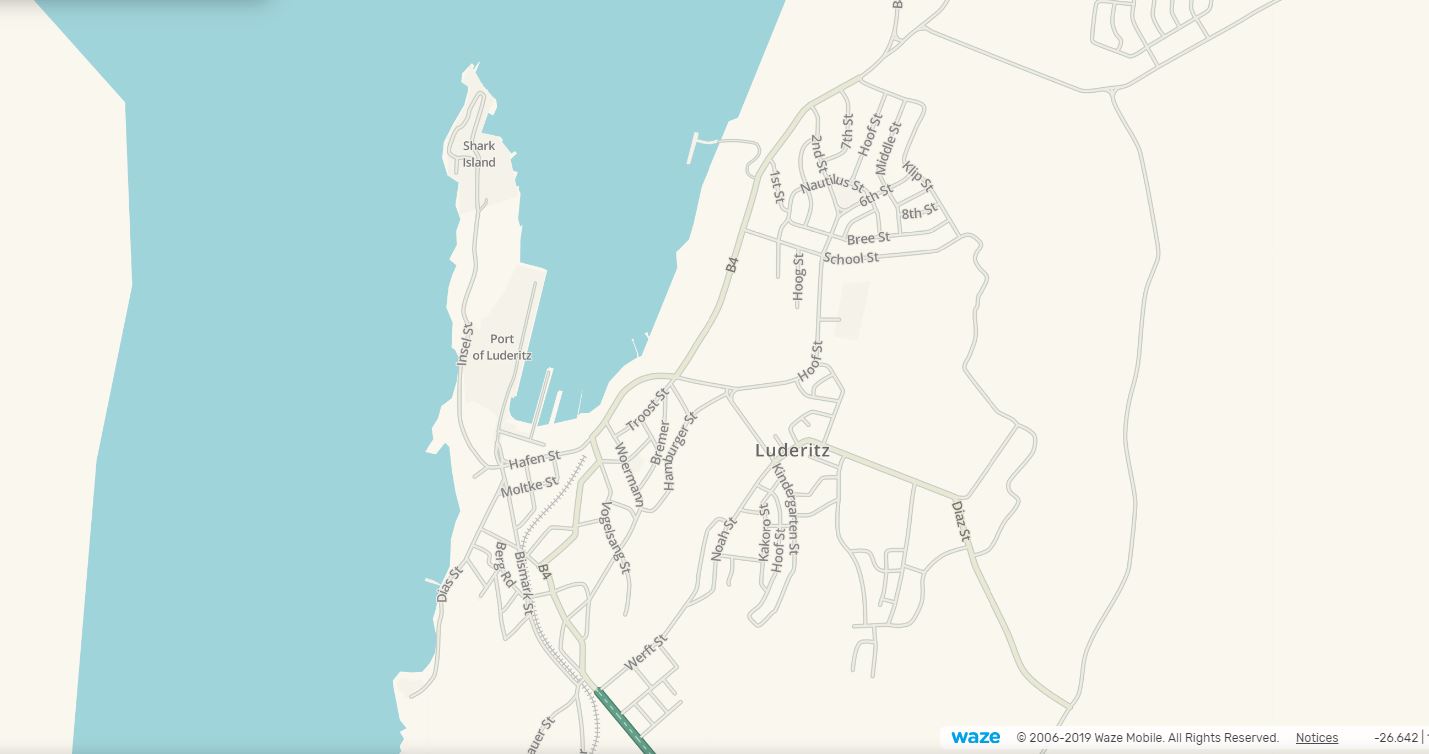
Can anyone help me out with coastlines. I’ve had a read through the forums of other countries, and have noticed people supplying Waze with Ordnance Survey (OS) maps, after which Waze would then have these maps updated. Problem is, my town’s roads are basically running through the water when you have a look at the maps on your device/app.
I’ve only been mildly irritated, but someone else has now also complained, explaining the whole of Southern Africa is like this etc. I’ve tried fixing it by adding the water boundaries, but basically I’ll have to create a “place” which is an island or land category and drag it over everything else. That doesn’t seem right. See this picture for a screenshot:
It’s a worldwide issue, not just Southern Africa. Bodies of water are now places!. Waze support are the only ones that can fix it, as it’s in a layer we volunteer editors don’t have access to.
I saw that UR in Walvis Bay, and feel that Wazer is just miffed. This bug doesn’t affect navigation, or any functionally in the app that I am aware off, other than giving you a blue background.
Good Morning
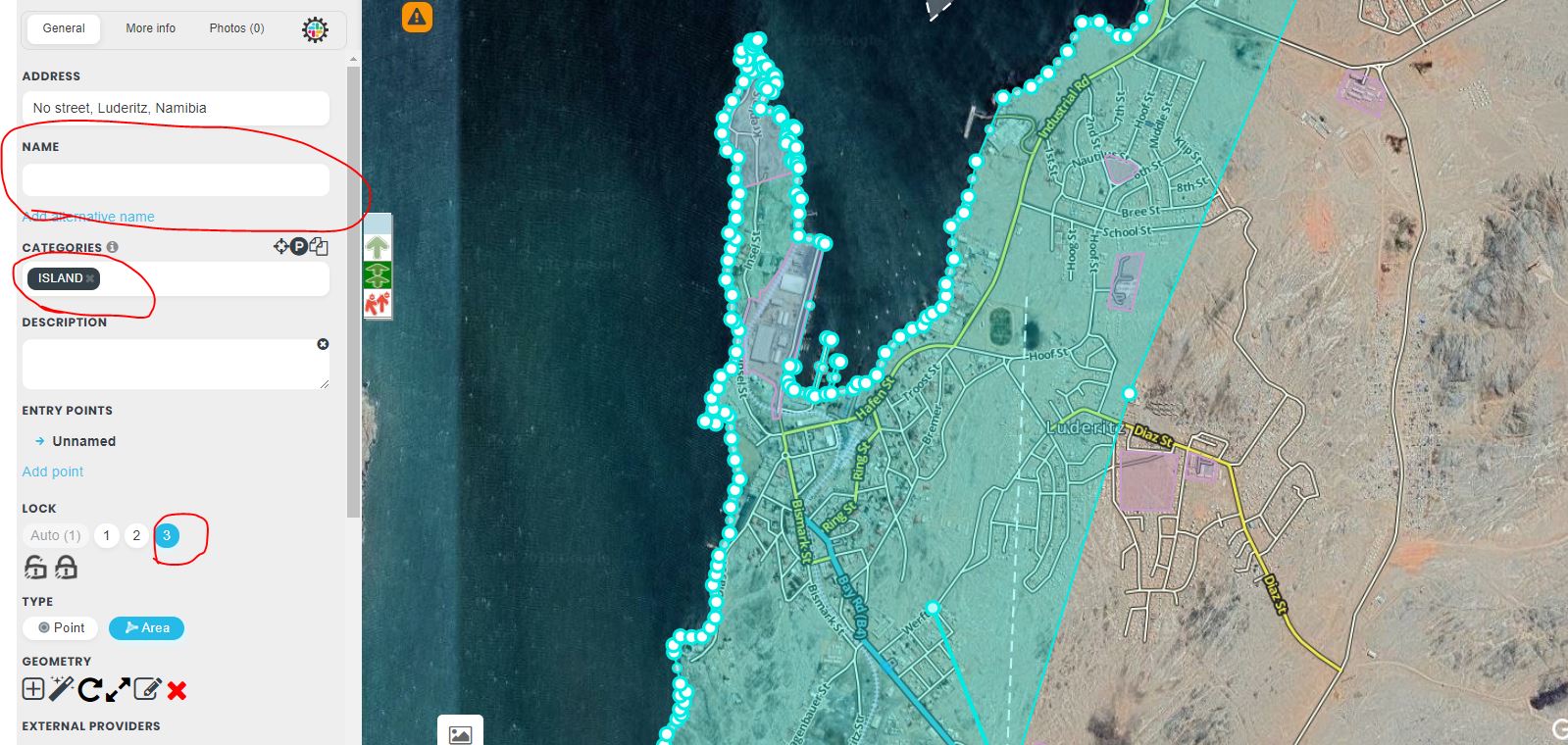
Over the past few months I’ve been actively editing in and around Namibia. I found the easiest work around for this problem to make an area place and follow the coastline. Select a category “Island” and do not name it and lock it as high level as possible or ask for L6 UL.
In some places the opposite is true where land ingresses into the ocean, I think Cape Town, Then I would do an area place from the ocean side and mark it as “Sea/Lake/Pool”
I’ve done it for Luderitz, Swakopmund, Wlotskasbaken and Hentiesbay. Walvisbay was done before.