There are numerous parts of my drive where I’m driving in water a lot. I’ve updated the coast lines in the map and look fine in the live map but don’t seem to actually update in the app.
Is there a specific process for reporting coastline issues?
There are numerous parts of my drive where I’m driving in water a lot. I’ve updated the coast lines in the map and look fine in the live map but don’t seem to actually update in the app.
Is there a specific process for reporting coastline issues?
It’s a known issue and Waze is aware of it.
Not known ETA on a fix.
Cheers,
HM.
Seven years later, this is still an issue along the coast on highway 530 east of Shediac. I was driving in water for several kms.
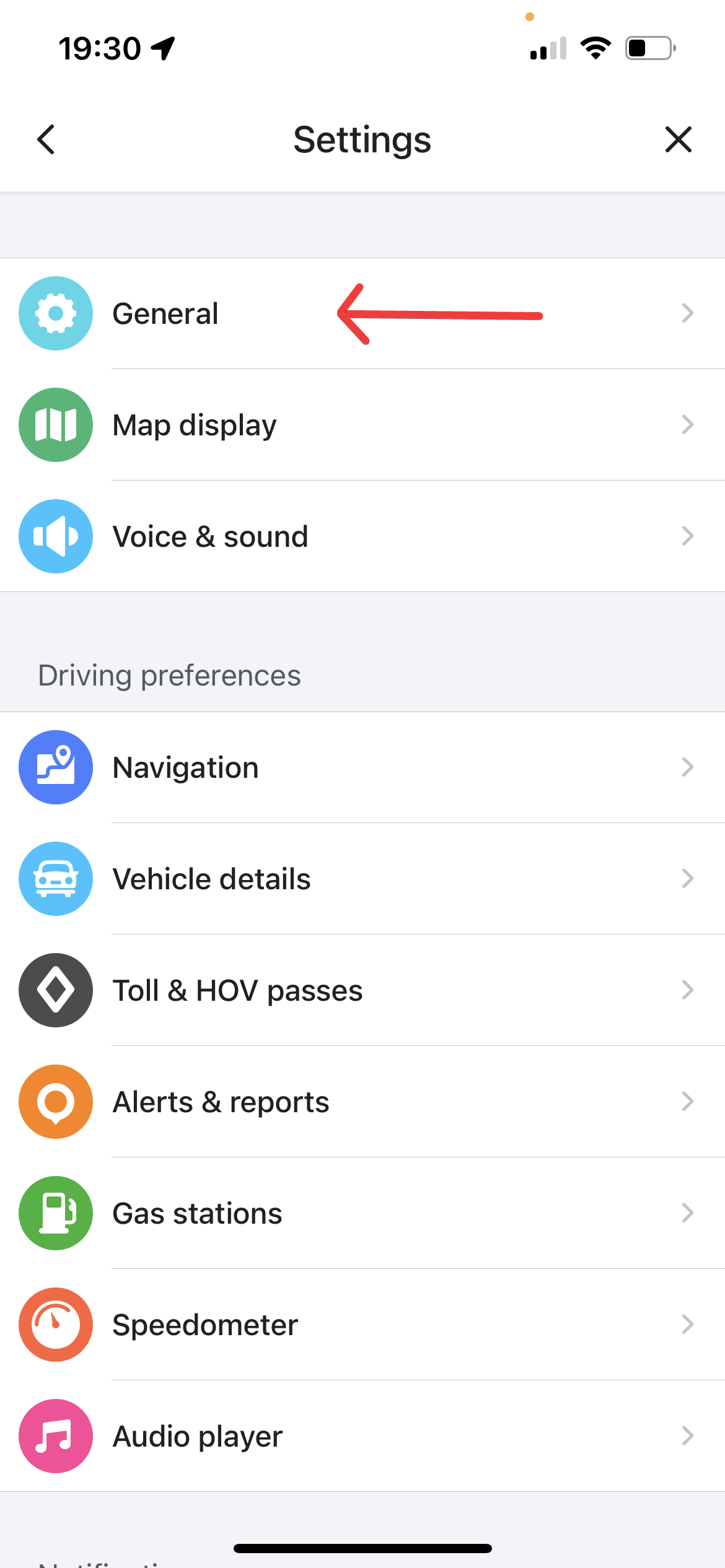
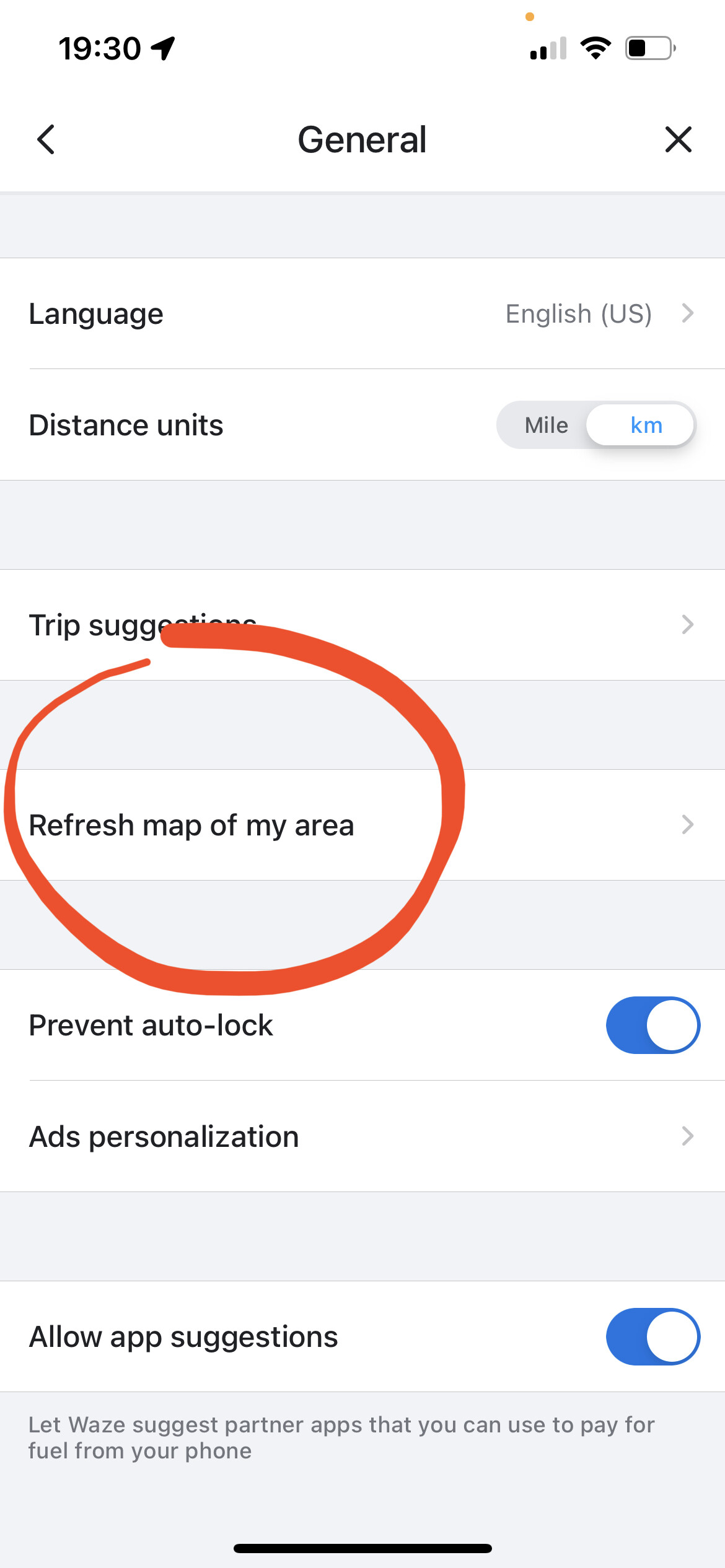
Thank you for bringing this to our attention @garyhooper. I’ve gone ahead and added an island polygon to fix this issue along Rte 530 near Shediac, changes should take effect in a few days. You may have to manually refresh the map tiles in your settings if you don’t see it within a few days. See the pictures attached below on how to do this.
Unfourtatenly, the issues with floating roads and the water layer going too far inland is due to the basemap import when the Waze map was first created years ago. Much of Atlantic Canada suffers with poor coastal visuals, but editors over the years have slowly found the problem areas and address it as they see it by adding in island and water polygons as a workaround.