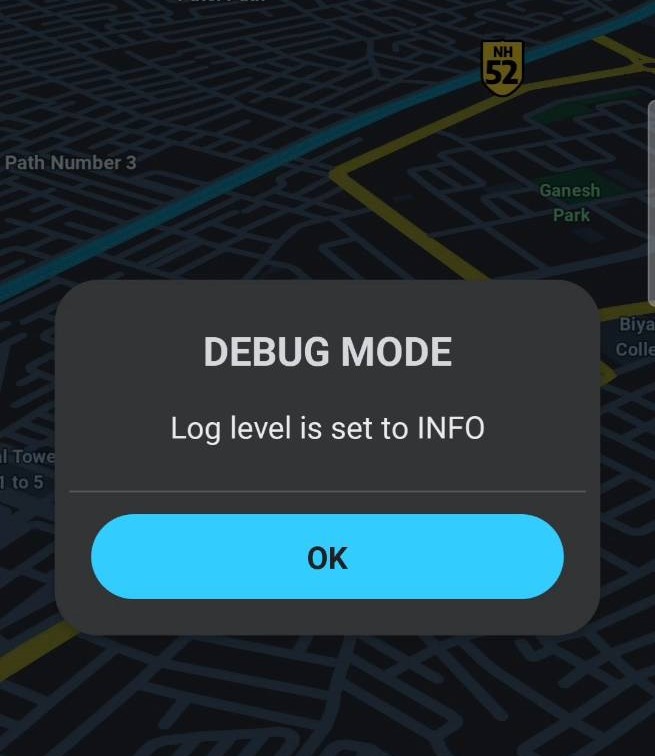
Waze team needs a detailed log of the app behaviour when an issue is found that is not WAD (Working as desgined).
To do this, a debug mode can be activated by pressing 2##2 in the search box.
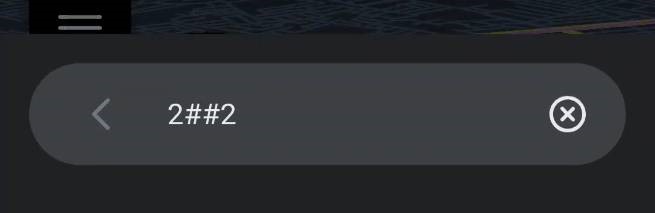
This will give a confirmation that “Debug Mode” has been enabled.
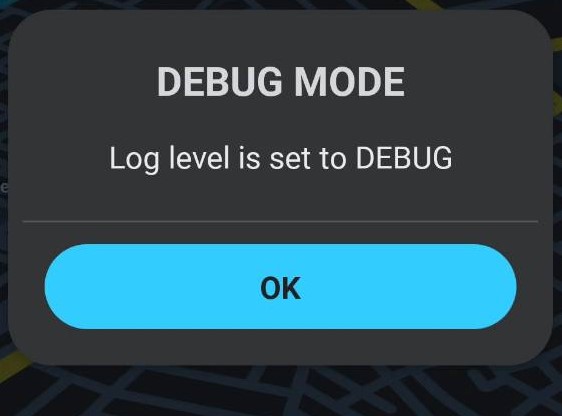
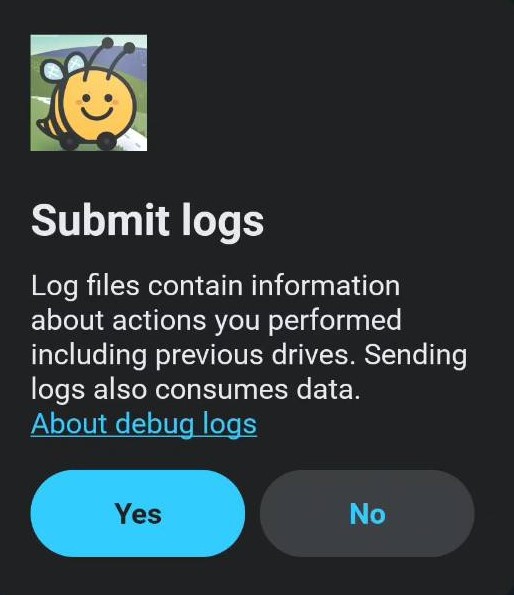
When the same unexpected behaviour is noticed, the Wazer can send logs by pressing the Debug button from report menu.
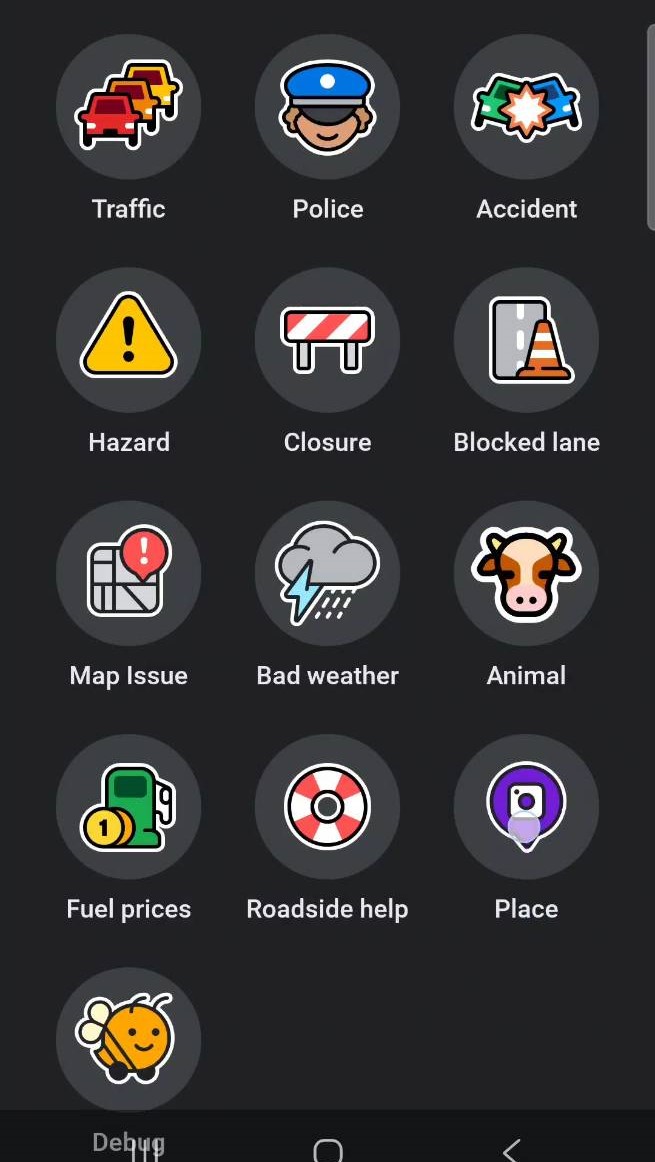
The top of the waze app will display as below


Wait for a confirmation that logs have been sent as this step can sometimes not complete depending on app behaviour and your network connection.

After that creating a Waze Discuss topic or add to a pre-existing bug report so the Waze team can check this issue.
Once completed, retyping 2##2, will disable debug mode which is advised as the app collects details and may cause extra drain on device resources.