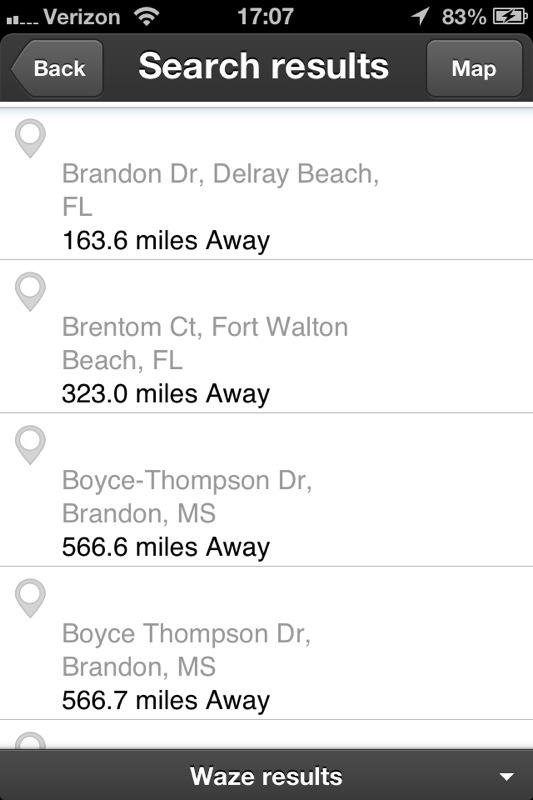
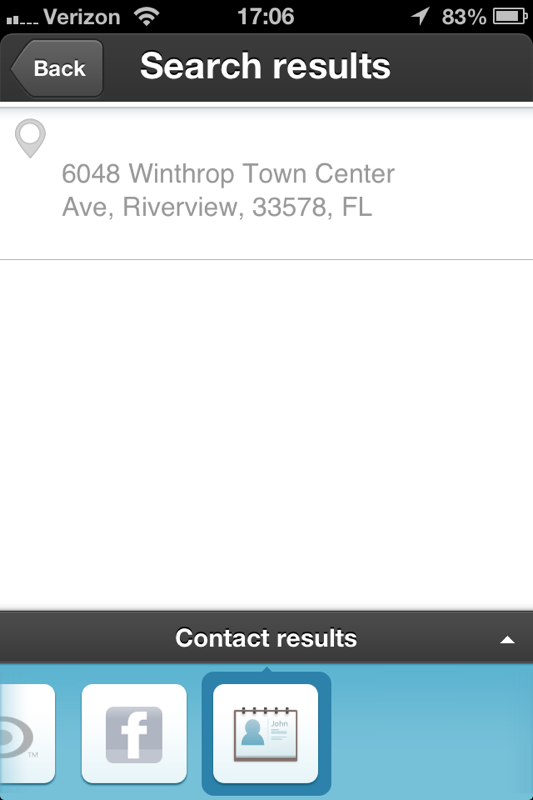
When I search for a business name, I’d like to see the name so that I know whether what I am really looking for has been found or if the name that is attached to an address is only similar. Today, the search results in an address that I can navigate to, but the name does not display.
In the search results, the name should display. Try flipping to another provider. You’ve got 6 to choose from. If you search for address, you will only be shown addresses.
Could you provide what you entered for a search and post a screenshot of what your results are?
I search on the term “Brandon Bike” and from most providers, I get the name to appear, along with the address. Here is the result from Waze and from my Contacts in my iPhone.
It occurs to me that I may have developed a habit from my years of using a Garmin which is getting in the way here. That is, creating a list of names & addresses for use by the navigation device. For businesses, should I default to using one of the search engines?
For POI/biz names, it switches to either 4sq or yelp for me, but only if it cannot find any other results does it stick with Waze or go to Contacts automatically. Waze has no database of POI/biz including address, so your results will only be for street names or cities which match words in your search string in the Waze results section.
I would then hazard a guess that the recommended way to use Waze is to not search against one’s contacts, but against other providers so that the name will be retained.