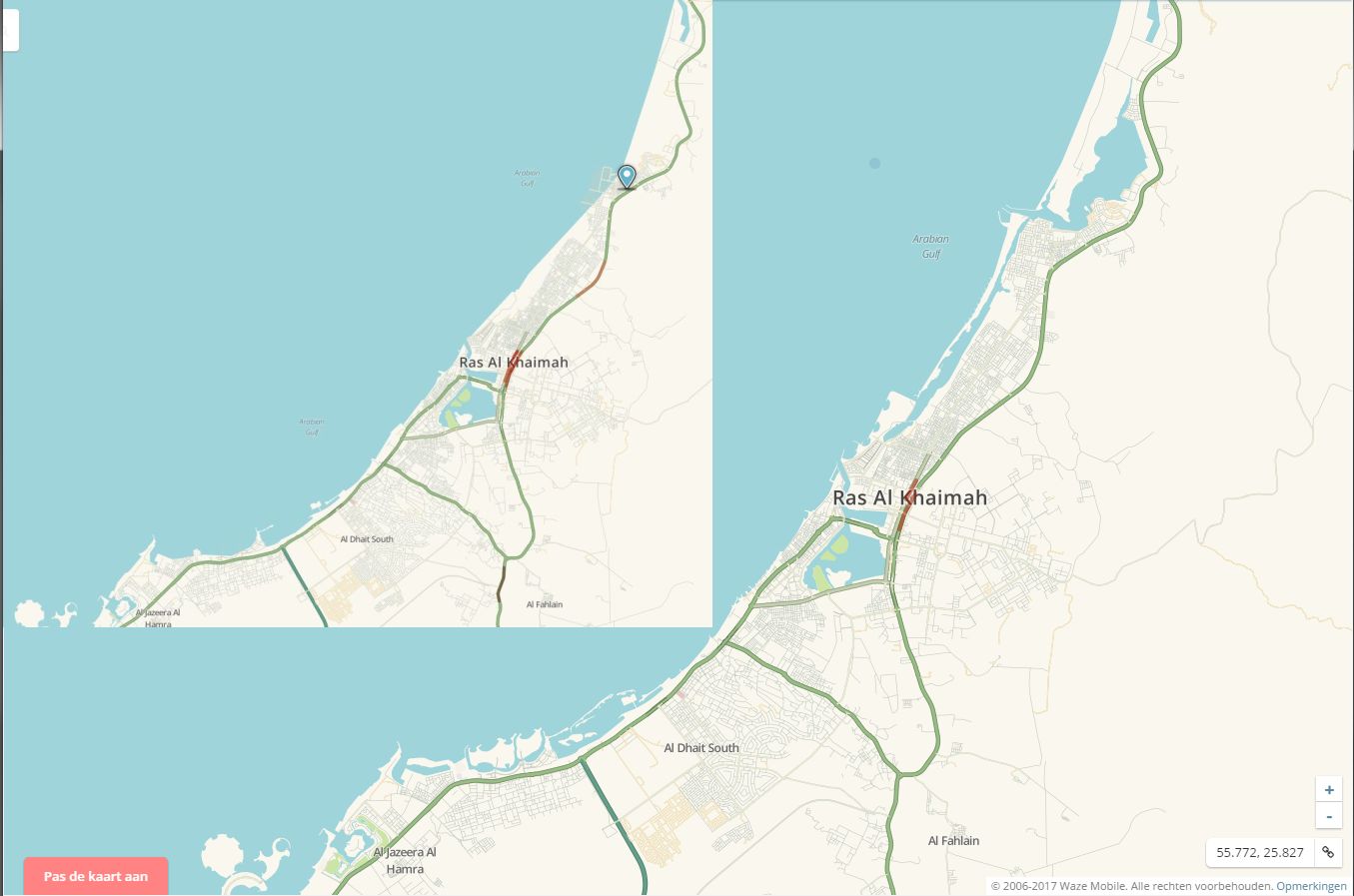
Eastern part of Doha looks like it is submerged in water. That is because the water layer is incorrect.
This water layer can only be fixed manually by Waze and it will take some time for them to accomplish this since it is a global problem. I have raised the issue with Waze and got the reply that they will put Doha on the priority list.
Waze is working on a solution, for years. There is a water layer that we can’t edit, so we have to use workarounds to get “land” on top of the water. Island places are the only solution so for.
It’s a temporary work-around, that’s been working fine, during the 2+ years that waze is working on this. Untill they give a solution, we can prevent complaints from users, by doing this.