You can embed Google Docs, Sheets, Slides, and YouTube videos directly into your forum posts!
1. YouTube Videos:
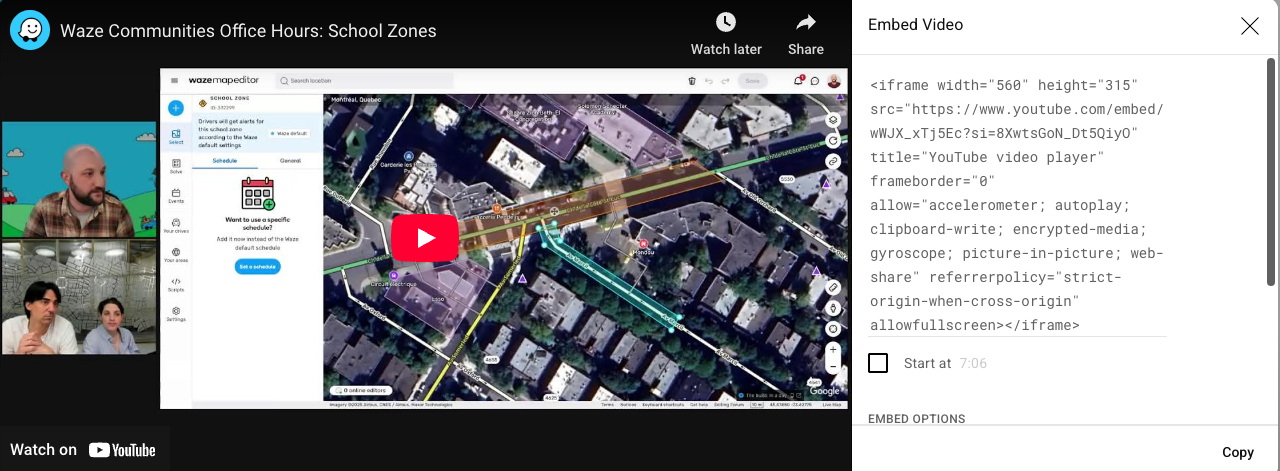
- Paste the full YouTube video URL onto its own line, or you can share the embed code
2. Google Docs, Sheets & Slides:
- Crucial Step: First, ensure your file’s Sharing setting is “Anyone with the link can view”.
- Then, paste this
<iframe>template into your post:HTML<iframe src='YOUR_GOOGLE_LINK_HERE' width='960' height='749' frameborder='0' allowfullscreen></iframe> - Replace
YOUR_GOOGLE_LINK_HERE:- For Slides: Use the URL from
File > Share > Publish to web > Embedtab. - For Docs/Sheets: Use the standard sharing link (with “Anyone with link can view” permission).
- For Slides: Use the URL from
(You can adjust width/height in the code if needed).
See example: