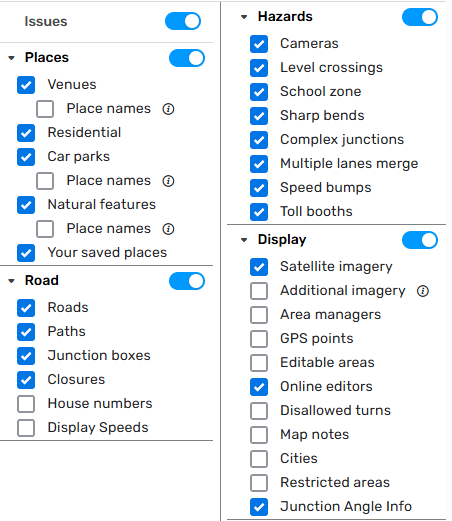
Steps to reproduce this issue:
Hi Everyone!
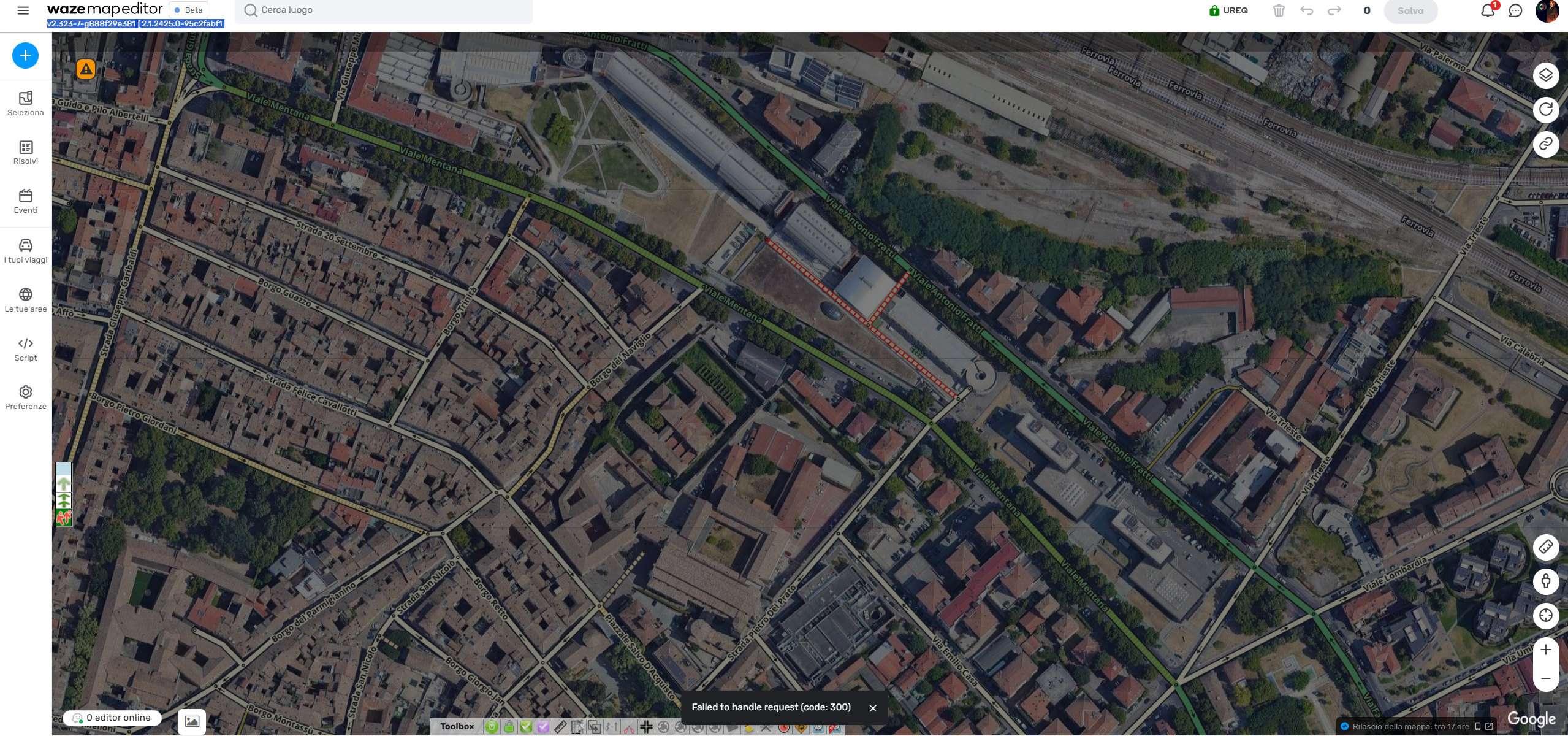
Since yesterday, I can’t edit a specific part of the map, which is within my AM Area, and I keep receiving the pop-up error with “Failed to handle request (code: 300)”. I tried on Beta, Prod, and using different browsers, but I keep receiving the same error message.
Also tried disabling the scripts or using a browser without them.
I’ve already seen a bug report, but it’s from 2021, and none of the reported workarounds have been effective.
Hi @Olesya-Staff ,
Thanks for the update!
Was there an error in the editing? I didn’t receive an error or alert message on the WME nor a Map Problem appeared.
Sounds more like a back-end issue where something probably got skipped, or wasn’t available for some reason, causing an issue. This should not be caused by something you did. If it did, they’re gonna try to figure it out, because it shouldn’t happen.
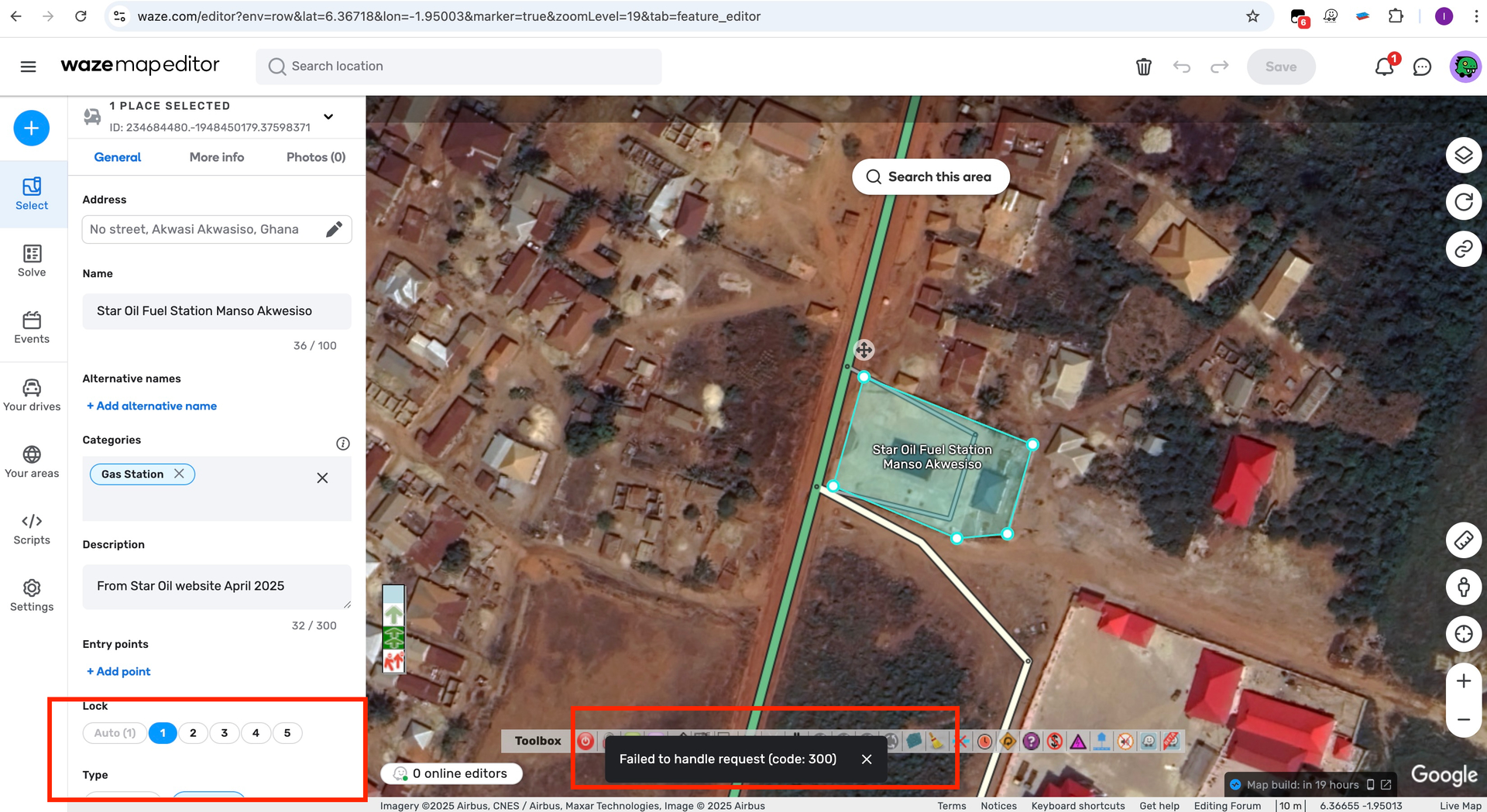
I’ve just started having this problem, I can edit the areas as long as they are within my driving range but the 300 error keeps popping up at the bottom of my screen and gets quite annoying. I’m editing in UK.
Thank you for your feedback and welcome to the forum!
The issue you’ve come across could be related to Failed to Handle Request – Closures; it should be resolved now, could you please verify?
Hi Olesya,
I get this error without editing anything. Today I also noticed that a gas station place was gone. Reloading did not make it come back. I added a new place and then the old place suddenly appeared with an update request. You can see the request which I could approve myself(!) in the history. https://waze.com/editor?env=row&lat=6.36712&lon=-1.94995&marker=true&zoomLevel=19&venues=234684480.-1948450179.37598371
I also notice that the “Brand” field had disappeared from this gas station place.
Thank you for letting me know. The issue is currently being addressed.
As for the gas station issue which had disappeared - it could have been caused by this error as well, whereby a request for the venue might have failed to update properly. Please let me know if you see it happen after the error is fixed.