How do I delete old destinations?
Tap “Where to?” and then swipe left on the destination you want to delete. Go into the three-dot menu and select “Remove drive.”
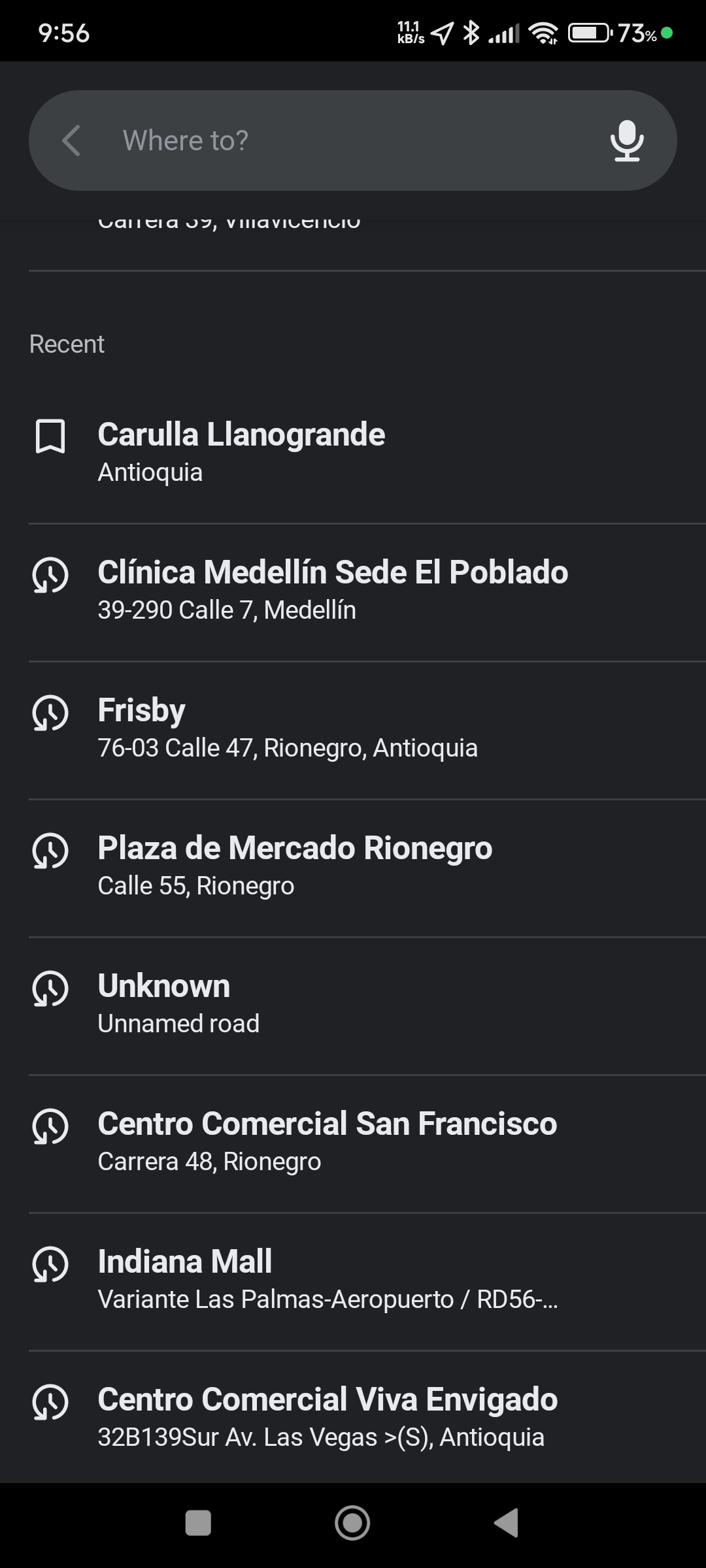
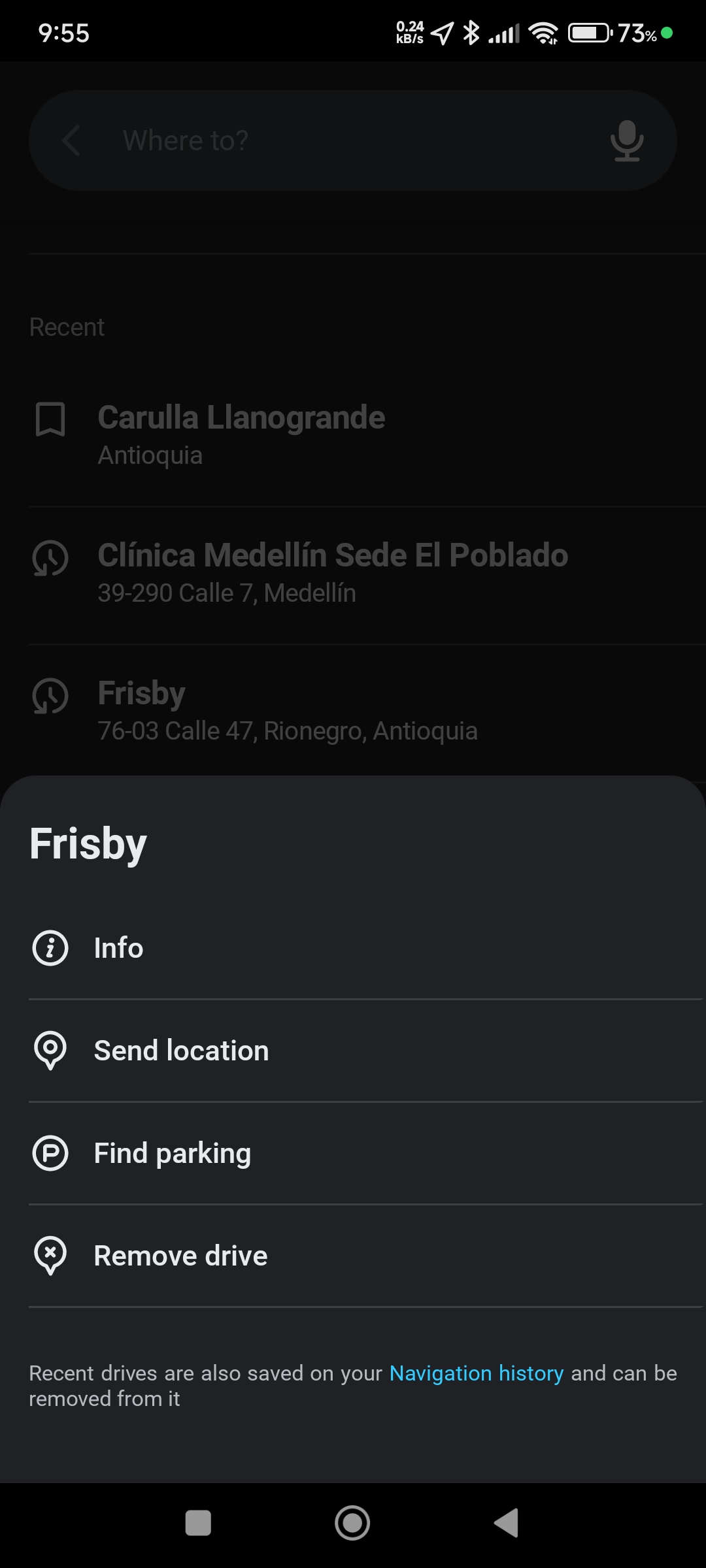
I hope my answer helps! If you have any further questions, just let me know.
Regards 
Thanks, just did the first one . I am very grateful.
Bill
1 Like
Hi Andres,
I don’t know what changed, but it stopped working after the first one. I did the one, then got out to send you the reply. When I went back, swiping left does not work, no movement. I tried many times and even got out, rebooted the phone twice and still not working. Would appreciate any suggestions.
Thanks, Bill
Hi Andres,
That does not show at the bottom of my screen. I tried again using your first suggestions and was successful with one change. When I brought up the Waze screen I just swiped left without first tapping the “where to” bar. Just swiped left first and that worked.
Thanks, Bill
Hi @usa_21jazfav
Try by setting Privacy Navigation history.