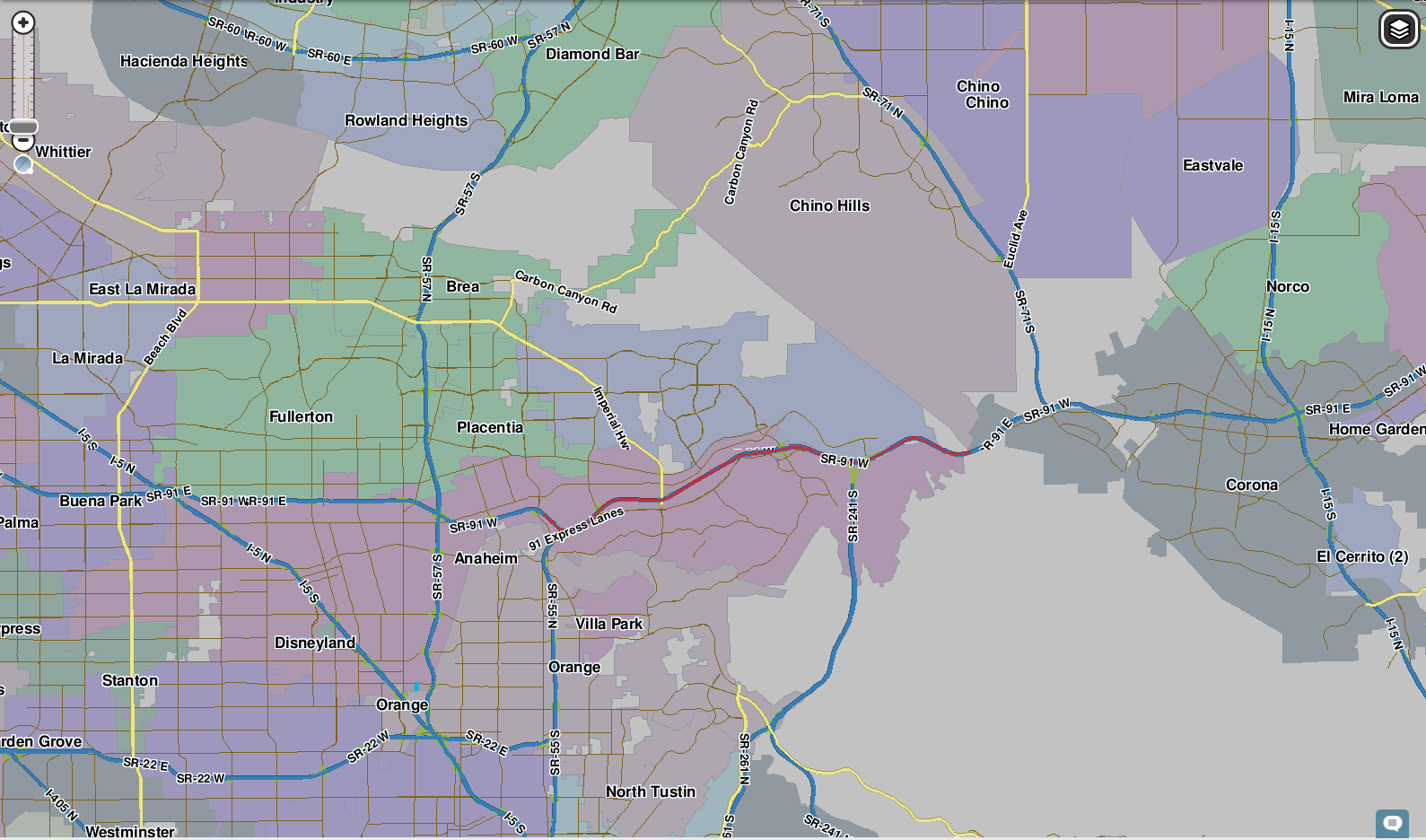
In the CA-91 corridor between Anaheim and Corona, CA, Waze keeps reporting traffic “near Lorba Linda”. The city of Yorba Linda is directly north of CA-91 in this area, but Lorba Linda is not an actual location in California and does not appear on the map editor’s Seach function; yet, we continually receive reports of this inaccurate location. This does not happen when navigating to destinations, only in the traffic alert pop-ups.
Understood. I’ll install a screen capture app on my phone and try to snap a picture if I get a chance. I also wonder if this is getting aggregated from a 3rd party source like Yelp; obviously that might take more investigation.
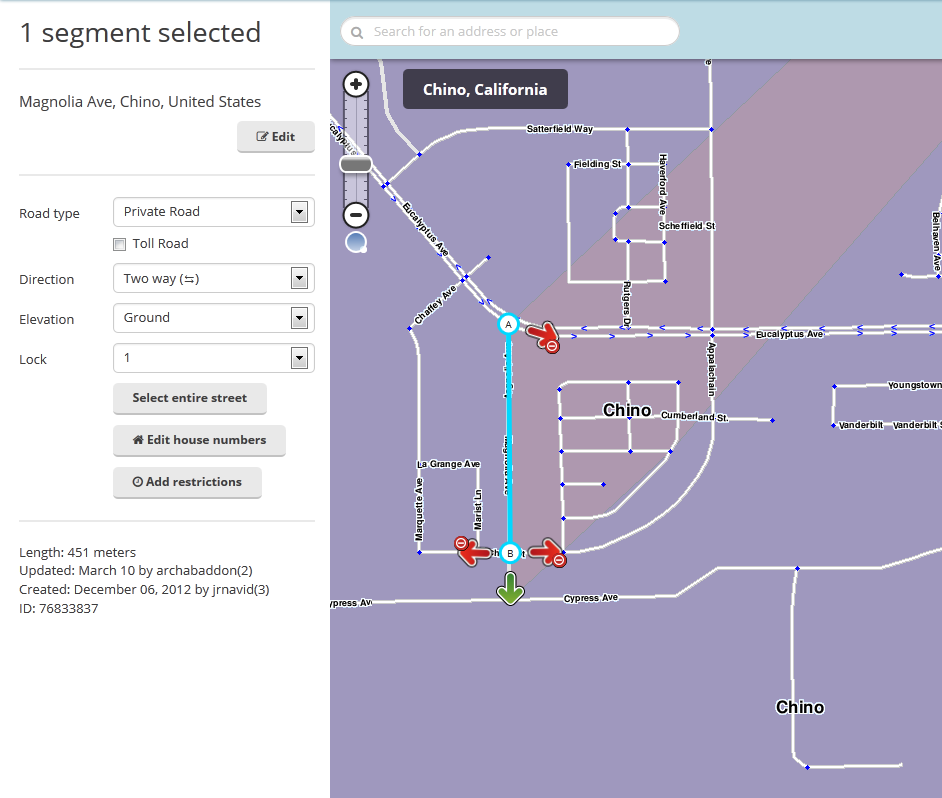
I see something going on in the general area. Check Smudged city#Missing state name for info on this one. Notice the address shows “United States”? That is not normal. When the state name is present, you only get the state name. When the state name is empty (not sure yet how that can happen), the segment(s) for the city without the state get mapped separately of the other segments with the state name. Just fix the state for those roads, and it should correct itself after a few updates. I believe you have to force a map tile update in the area, so you need to do something to the road like add a geometry node, save, and then remove it if unnecessary, then save again.
I am finding a number of missing states on random roads in the area. Fixing as I see them. You can see the two Orange and two Chino.
One thing very suspicious. All cities EXCEPT Yorba Linda are displayed with road and city layers only. That is very suspicious and likely related to the problem.
Thanks for digging into this. I have observed this happening mostly on SR-91, where some segments have missing city and state data, but which I cannot fix due to insufficient privileges. If you have a chance, you may want to take a look at segments of SR-91 between SR-55 and I-15.
I’m starting to see allot more URs popping up about this issue suddenly. Not sure if something has been changed or if people are just starting to report it more. I see 3 URs that specifically mention Lorba Linda and about 5 more that say something along the order of “name error” which i suspect are also related to this…
Do we have any “definite” update from Waze about this?
I’ve not been able to find one shred of anything fishy on SR-91 segments, and yet the URs keep piling in. Could we just add the pertinent city names to the segments to be on the safe side, or is this again best practices for highway and interstate segments (I honestly don’t know)? My thinking is that, wherever Waze is pulling this erroneous city name from, we could override it by providing higher-priority info through the segment info.
When the city is put on the segments then it can cause other issues (in regards to routing off then back on to the freeway) - http://wiki.waze.com/wiki/Detour_mechanism
This issue is not only here, other parts of the country have the same issue and we want Waze to find it and correct it.
Thanks jemay, and thanks for the additional background info. I’d seen it as recently as last Friday or Saturday, so I can personally confirm that the mysterious kraken is still roaming the waters.
I saw that too at http://status.waze.com/. With the updates pushed out on April 4th now, should we close an existing “Lorba Linda” tickets to see if any new ones arise?