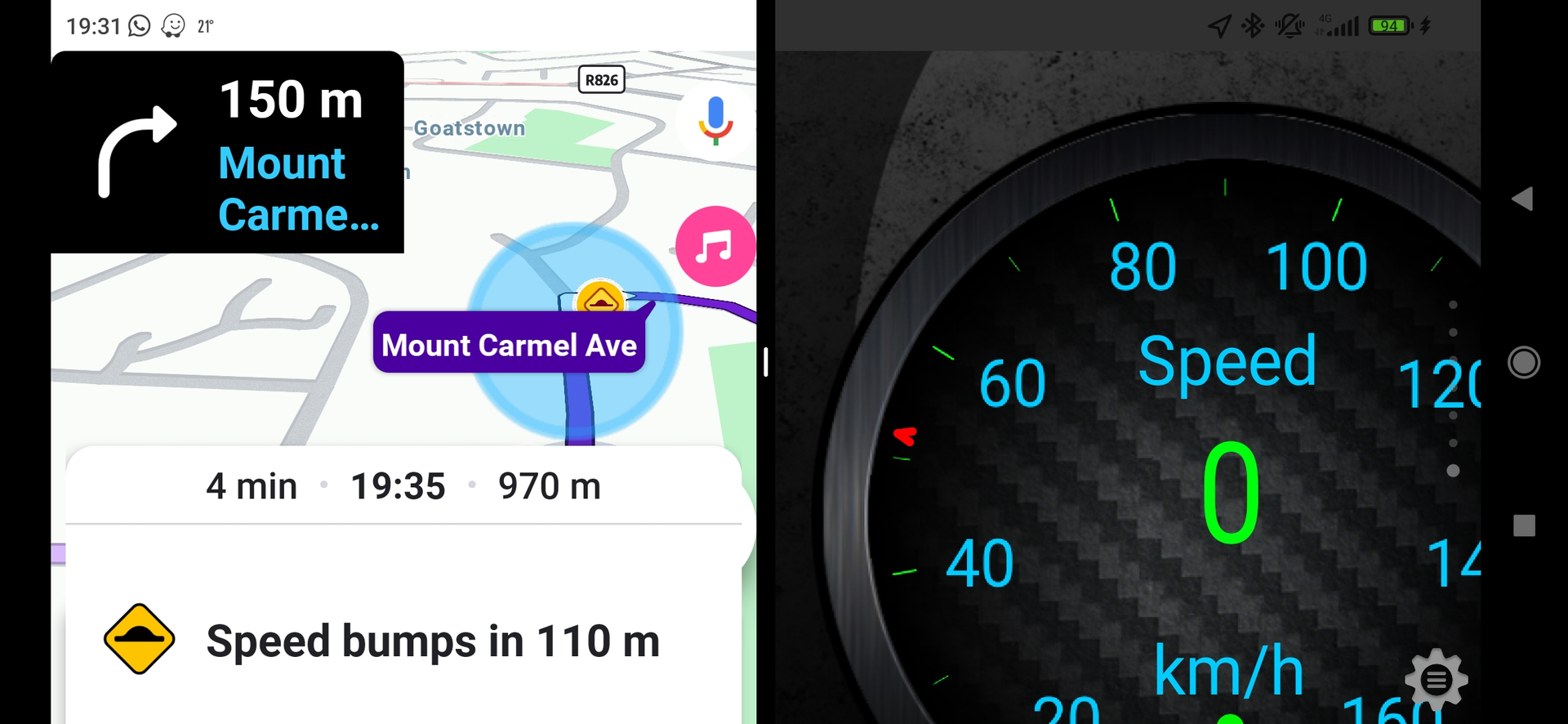
Since the latest update for Android, when viewing Waze in split screen the “speed bump” notification takes up a large part of the screen. It will also hides my car icon and any turns that I need to take within the next few meters. This has caused me to miss turns as I don’t see the turn as the speed bump notification is covering it.
1 Like
Also the speed limit and current speed is hidden