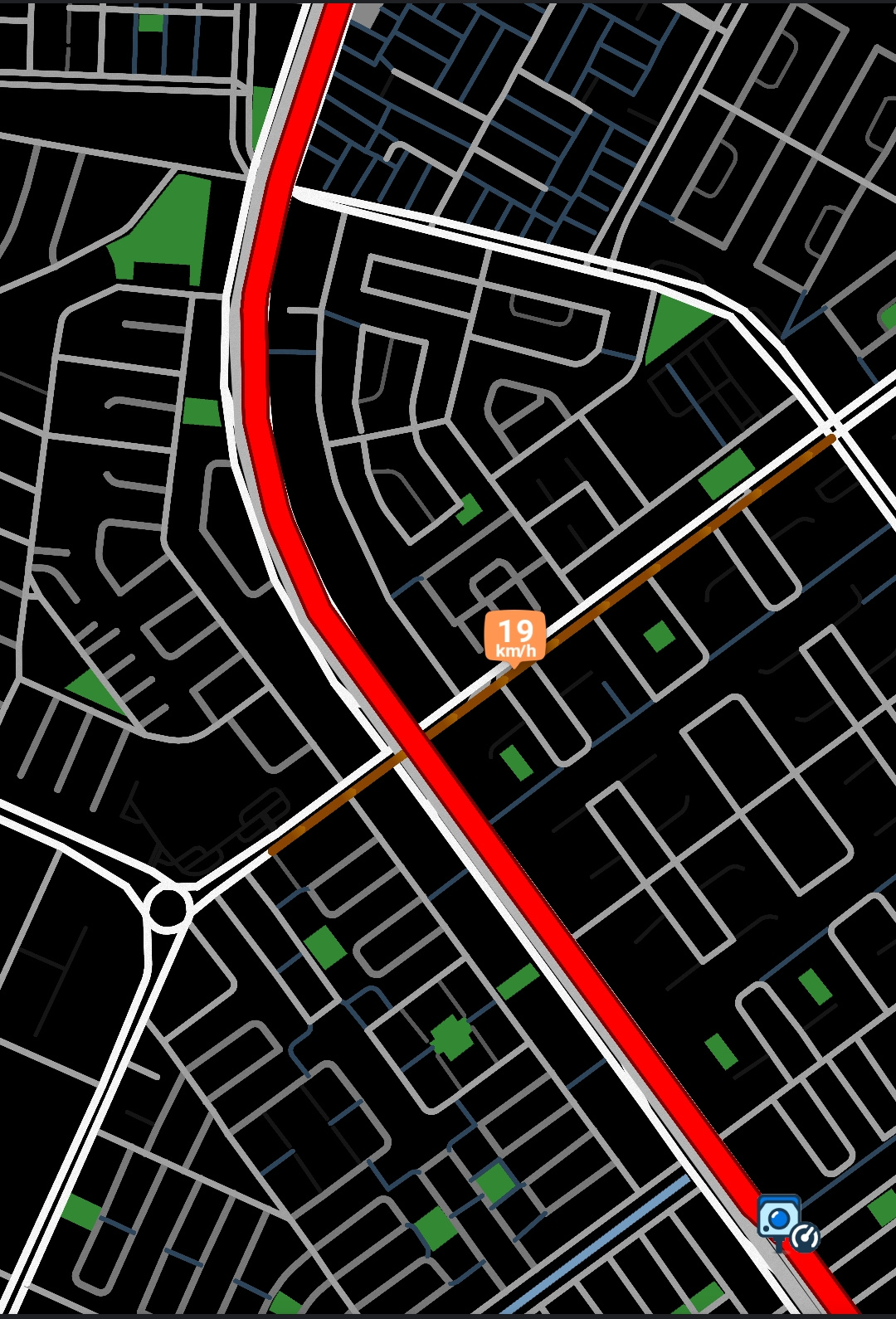
The Wazeopedia entry on custom color schemes point to a thread that seems to no longer exist, so I’ll just post my findings here, in a new topic.
Waze uses now Lua files for the map color settings, they aren’t read from internal storage or sdcards, so to edit them, you’ll need access to /data/data/com.waze/waze/skins/default (needs a rooted phone with access to modifying /data).
The relevant files to edit are two:
skin_values.day.lua
skin_values.night.lua
skin_structure.main.lua also contains settings which might be of interest (road thickness at different zoom levels, bubble display per zoom levels).
There are also two editor files, which I don’t know where they are used (skin_values.editor.day.lua & skin_values.editor.night.lua).
Notice that if there’s a mistake in the lua file, Waze won’t read it and all settings will be left as 0 (so you’ll get your car diving in a sea of black instead of a map).