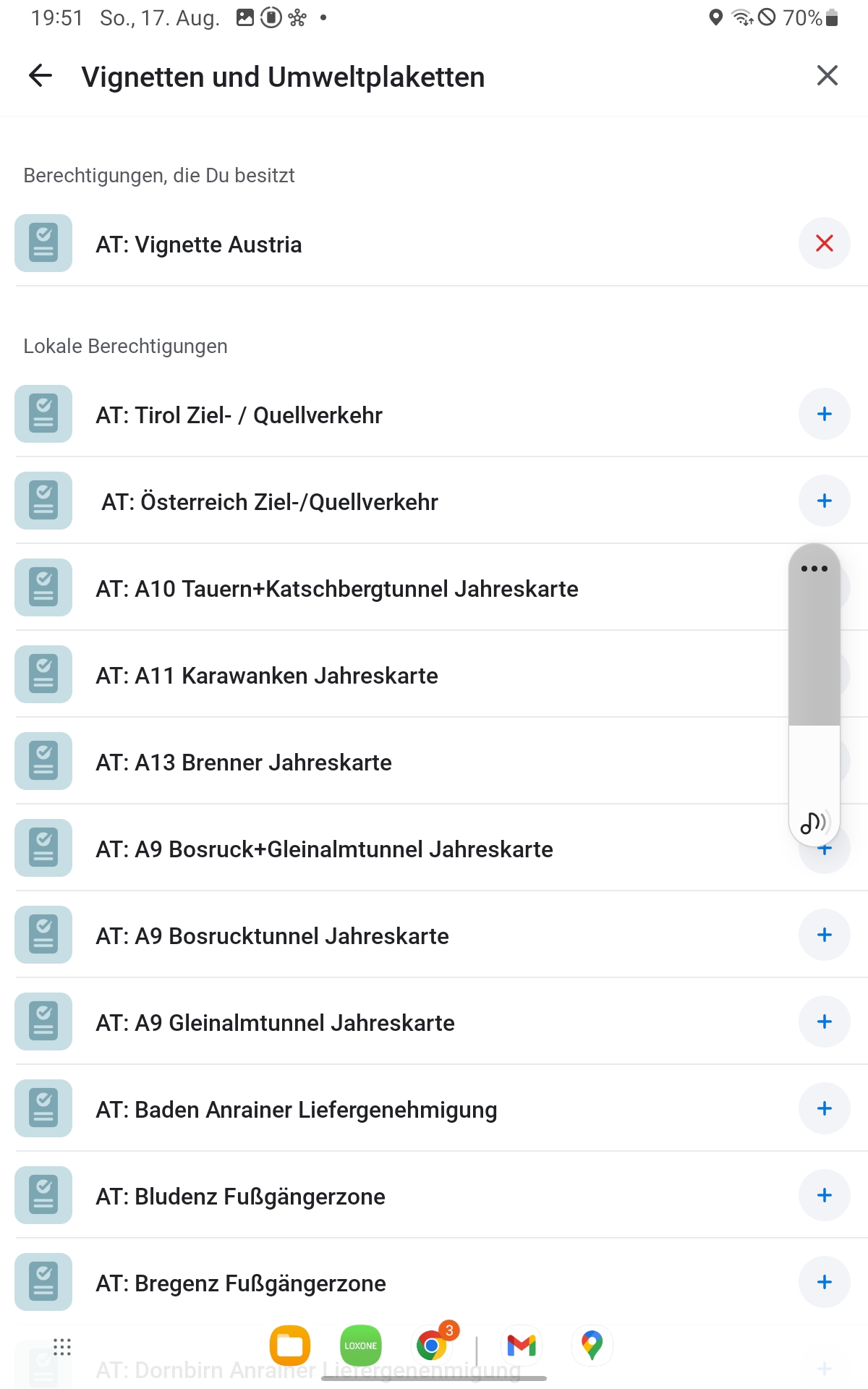
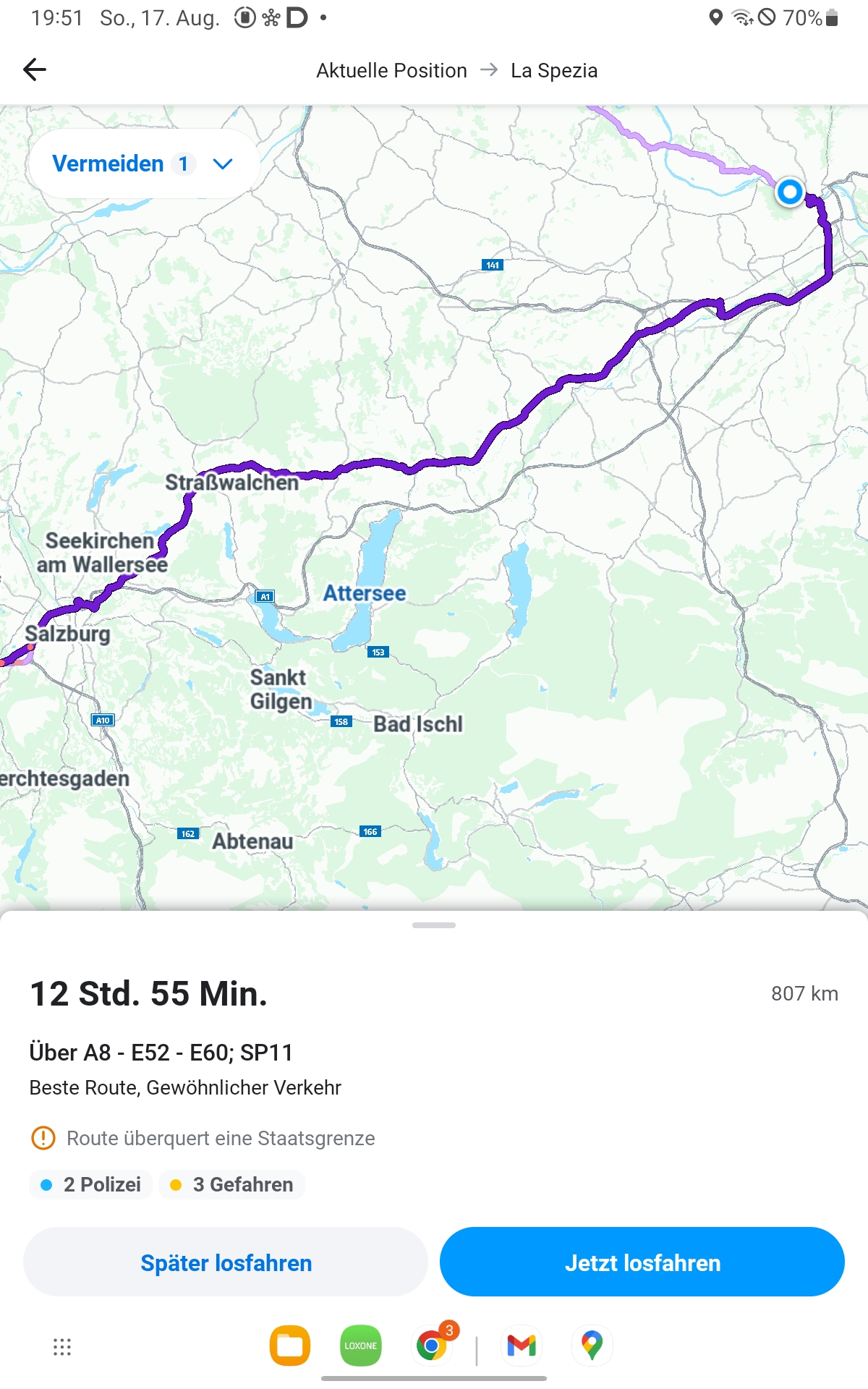
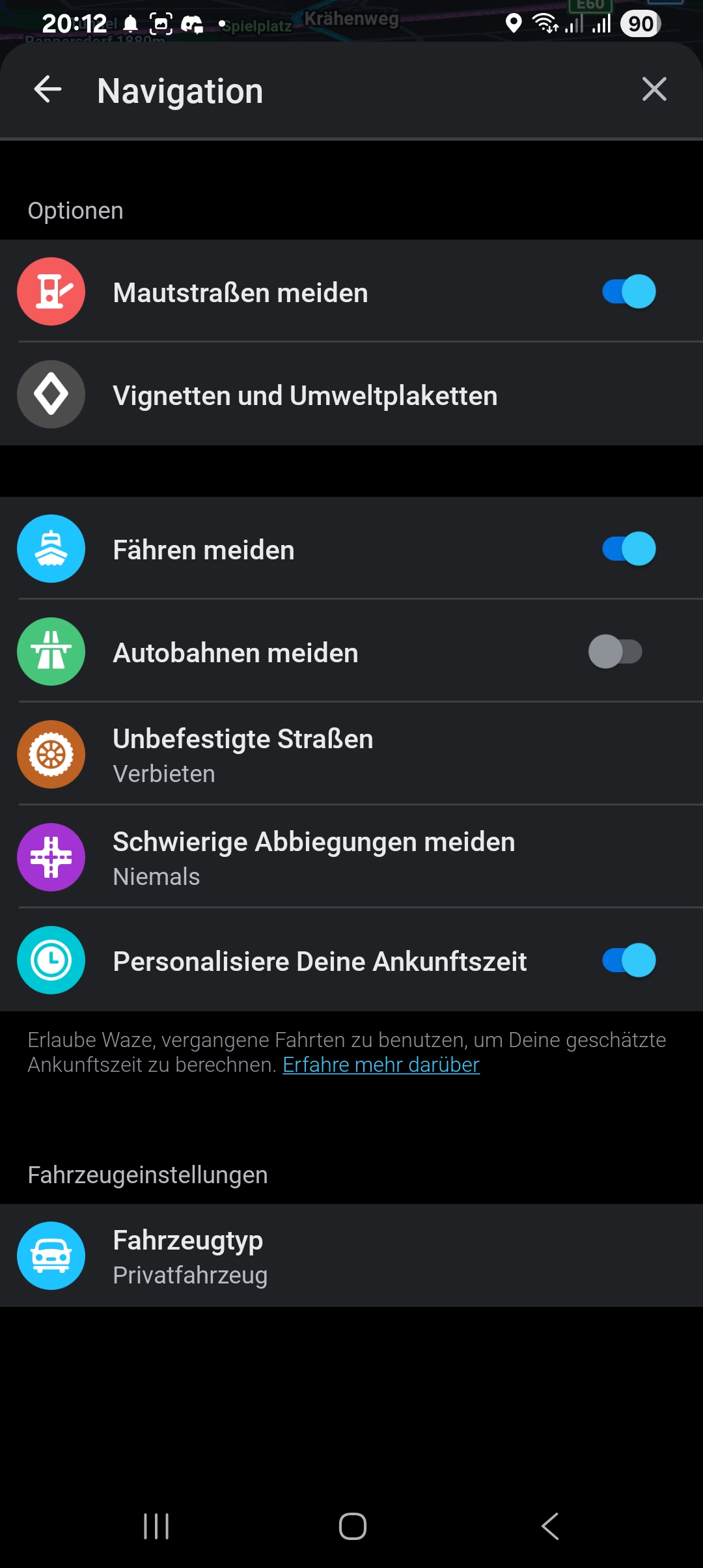
Bei einer Routenplanung von Linz/Donau nach La Spezia (I) ist mir heute aufgefallen, dass “Maut vermeiden” neuerdings die Vignette ignoriert - mich also trotz Vignette AT in Österreich über die Bundesstraßen leitet.
Ich bin zu 100% sicher, dass das früher nicht war. Es macht auch keinen Sinn, die Vignette zu hinterlegen, wenn Maut vermeiden sie sowieso nicht nutzt.
Könnte das mal wer gegenchecken?
Danke und lg,
Christian
Also bei mir funktioniert es über die Autobahn. Hast du auch hier alles richtig eingestellt?
Hallo,
der Anfang schaut nicht nach Linz aus. In welchem Ort hat die Route begonnen? Kann wegen long distance routing relevant sein.
Dir ist bewusst, dass Du mit Maut vermeiden nicht über den Brenner und die A10 (Streckenmaut) geroutet wirst? Natürlich sollte das nichts an der A1 ändern.
Start war Puchenau (Nachbarort von Linz).
Tatsächlich ist es auch bei mir so, dass beispielsweise bei einer Route nach “Griess am Brenner” noch alles passt.
Erst wenn es weiter wird, ignoriert das “Maut vermeiden” die AT Vignette.
Also wohl wirklich ein Thema von Long Distance Routing.
Naja, wenn es bis zum Brenner passt, könnte das auch daran liegen, dass in Italien die Autobahnmaut als Maut eingetragen ist (soweit ich weiß, dort gibt es mW ja keine Vignette).
Interessant allerdings, wenn sich das auf die Route in Österreich auswirken würde.
Warum möchtest Du Maut vermeiden aktiviert haben?
Motorrad-Tour, aber mit AT-Vignette.
Mit dem Motorrad fährt man ja kaum Streckenmaut-Abschnitte, sondern nimmt die Pässe oben drüber. Insbesondere ist die Streckenmaut und italienische Maut für Motorräder gleich teuer wie für den PKW.
Hi,
ich hab es jetzt in der App getestet und kann Deine Beobachtung bestätigen. Zwischen Linz und Salzburg nimmt er mit Mautstraßen vermeiden trotz Vignette die B1 statt der A1.
Ich werde das einmal weiterleiten.
1 Like