Hi Darya
Are you able to read this post? The screenshot and explanation are inside there.
Hi Darya
Are you able to read this post? The screenshot and explanation are inside there.
Hi AndyLaode,
Yes, sorry, I’ve missed it somehow. I’ve forwarded your suggestion to the team.
Thank you!
Darya
Hi. I’m level 6 and got the message. I could not undeestand.
I tried again and it was succesfully. Refresh was not needed.
Rgrds
Steps to recreate are very simple.
Now to show the problem:
This is problematic and inefficient because in many cases when we are doing a lot of work to add segments, we now have to constantly click away to unselect the previous segment in order to continue attaching new segments to whatever we are building. This used to not be a problem. I’ve been out of editing a while so I don’t know when it became one.
An extra click here or there isn’t the end of the world, but for high volume editors this kind of extra step is bad UI design. Should eliminate extra clicks (and keystrokes and scrolls etc) at every opportunity. In fact this general concept is why the ClickSaver script was written! 
Thanks for your consideration.
Hi SeveriorumPatrem,
Thank you for the detailed description! We’ve tried to reproduce it, but it seems that we didn’t manage to do it. Could you please record a video for this issue? We want to make sure that we are not missing anything.
Regards,
Darya
I have also unsuccessfully tried to duplicate this.
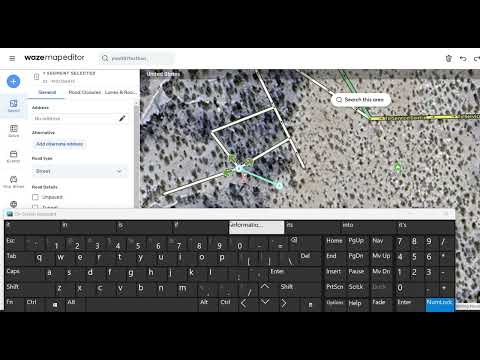
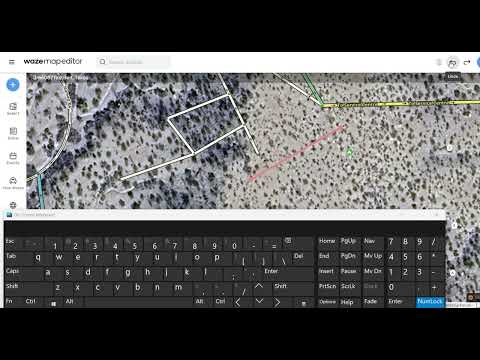
Here are a couple videos of what I did.
The first one using an existing segment, The second one using a new segment.
Since this is referencing the production version, the videos are production. But I also did the same in vanilla beta.
When I add the second segment and draw it to the first segment, I double click at the end and it works.
I also am showing the on-screen keyboard to show the clicking of the “I” to add new segment.
The only time I it fails to work is if I am trying to start the second segment on the first segment (anywhere), but IIRC, this has always been the case.