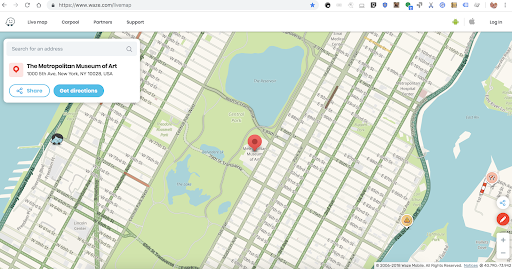
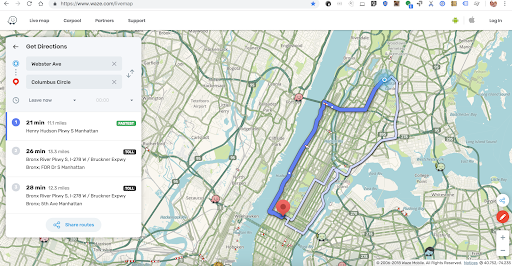
We’re excited to share some changes to the Livemap! We’re working hard on making it prettier and easier to use, and as part of that lofty goal launched the following:
Prettier and friendlier UI
Places card makes it easier to share and navigate
This is just the beginning, and the groundwork for the really big changes coming up:
Go links will have a universal link experience that lives on the map - opening them on will show the actual destination with navigation options, whether it’s on a mobile with no Waze app or on the web.
Venue pages: search for a place and you’ll be able to share a link to a place or a venue page that presents a card on the map with the place details.
Both will be released in the following weeks. Stay tuned, and as always we would love to get your feedback.
Whilst working on making Livemap “prettier and easier to use”, will any effort be going into resolving the perennial problem of it not being visually up-to-date and showing update dates at different zoom levels?
Generally speaking when looking at status.waze.com we expect the client’s map to contain changes we make on WME as indicated by the updates there, however when we look at the Livemap it’s often not the case and sometimes even weeks or months later it still shows outdated mapping.
Regarding the zoom reference, he means that sometimes we look at the Livemap at a certain zooms and we see the updated map tile, then at other zooms we see the outdated map tile.
I aggregated your feedback and am working with the dev team to expedite solving the update issues. I’ll update here when I have some news.
We’re working in parallel, to both fix issues and develop the map to better suit user needs. We want it to be more practical for businesses, event organizers - private and others - etc.
It would seem that the app tries to navigate to the location in the URL no matter what value you put in the property “navigate”. Usually you should be able to add “&navigate=no” to the URL to have the app just display the location.
It seems that the waze:// URL used in the button always has the navigate property set to true (it ends with n=T all the time). Would it be possible to tell me whether it is still possible in some way to adjust that behaviour through the URL?
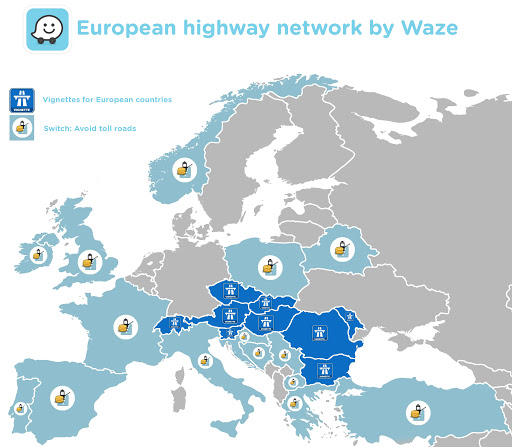
As you may or may not know, many countries in Europe switched from a Toll roads system in Waze to a “toll sticker/vignette” system in the form of HOV and Toll passes to add from the navigations menu.
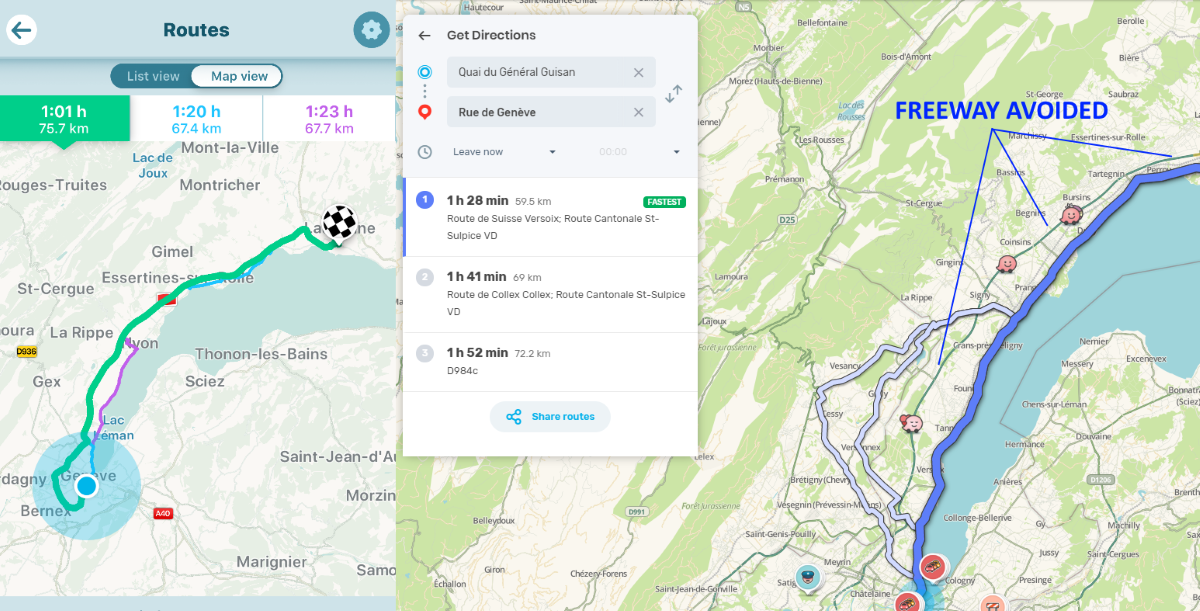
This works great in the App if you’ve added the right pass, but the Livemap seems to be having trouble since passes are not selectable.
I’m aware of the URL tricks to get RBS, Taxi and Motorcycle modes, Avoid tolls, danger zones, ferries or dangerous turns… But what do we do for passes?
I honestly don’t know how many people make use of the Livemap in the countries that switched to this system, but it seems that right now it has become unreliable due to this change, as it will always choose non-pass-required roads making the ETA’s wrong for the majority of people trying to find the fastest route with it.
Any short-term solution for right now? And any other long-term solution on the road map?