Hi, in UserVoice, it says that it’s available now, but I am still getting the “invalid house number” error when saving the given format in HN.
Hi @kid4rm90s,
Could you please share the link to the segment where you want to add the house number, and let us know which number you’d like to add? I will recheck the issue.
Thank you in advance!
Nataliia
Hi @Nataliia_Staff ,
We are encountering an issue with adding specific House Numbers (HNs) to the following segment:
https://waze.com/en-GB/editor?env=row&lat=27.68059&lon=85.30430&zoomLevel=20&segments=456172205
We are unable to add HNs with the format Number/Number-Number, such as:
-
95/52-4
-
95/52-5
-
95/52-6
-
95/52-7
-
95/52-8
-
(And likely others in this sequence)
We also have below tyepes of HNs on different segments (e.g., on segment https://waze.com/en-GB/editor?env=row&lat=27.67474&lon=85.30040&zoomLevel=21&segments=428155282 , such as:
-
134-T3A-101
-
134-T3A-802
-
134-T3B-1001
-
123-T3B-802
Could you please investigate why we cannot add the 95/52-X and 134-T3A-X format HNs to the segments mentioned above?
Additionally:
We would like to suggest an enhancement for the RPP system. Currently, RPP appears to only support simple numeric HN formats (e.g., 1, 2, 45, 86). It would be highly beneficial if RPP could be updated to support the same complex HN formats that are handled elsewhere in the main addressing system (like the 95/52-X and 134-T3A-X examples).
Thank you for your assistance.
1 Like
Hi @kid4rm90s,
Apologies, I somehow overlooked your comment. I’m currently checking with the team on the status of the functionality for adding such house number examples and will get back to you once I have an update.
Regards,
Nataliia
Just now saw that save button have animation when saving is underway? is this new feature??

Hello,
I’m seeing a warning message at the bottom of the work area, and I’m wondering if it’s necessary at this stage. It served its purpose in practice mode, but now it contributes to visual clutter. Once we’ve moved past practice, we usually have a good grasp of what to do.
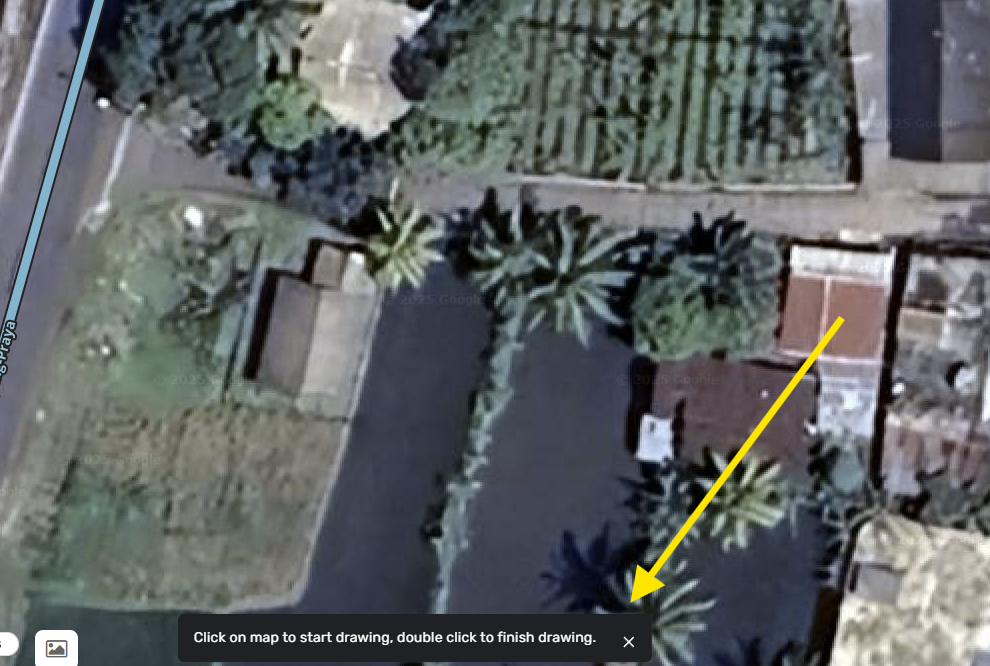
It is for new users, not just practice mode.
I think adding a feature request in Uservoice to Disable for L2 and above would not be a bad idea.
The user voice system presents a challenge because it’s based on voting, and I am not a popular guy who can get a lot of votes. So, why request something that actually isn’t there in the first place through that channel? The implementation for user voice suggestions, if they ever happen, is often without a clear or practical timeframe (the “soon” time frame). In contrast, requesting to FUME offers a possibility of quicker implementation if the script maker approves it.
another half baked feature .. it is actually so annoying. like yeah thank you for the info, not like I have already been doing that for years …
Hey @AndyLaode,
Thank you for the comment. I will communicate your feedback to the team.
This is a part of changes which we started to introduce with the new WME v. 2.290.
You can check out the other changes there, and we’d love to hear your feedback in that thread.
Regards,
Nataliia
sure things. let me comment there
1 Like
Creating a uservoice feature request for new features = 100% chance of getting votes (at least giving a chance to getting selected)
Not creating a uservoice feature request for new features = ZERO % chance of getting votes (giving no chance of getting selected)
Then why should?
Because if it is not there in the first place, it would be considered a feature request.
Thank you @AndyLaode.
Regards,
Nataliia
Trying to add House Numbers is pain now. Everytime I try to do anything, WME crashes and forces me to reload the page. I’m using Rapid House Numbers script but even without it, WME crashes really often.
Is the issue confirmed? Any updates on it and is it gonna be a priority?
I’m trying to fix routing issues because in a city I’m working on, Google Maps data gives really mixed results and it’s better to just map everything by hand and set it accordingly to real data but with these issues, it’s nearly impossible to do it.
Hi,
The new version (the previous one also had it) I suspect has a problem with zoom.
Frequent zoom changes cause an error:
Even on the last Office Hours, this error occurred. Today I have it on the screen every 5 minutes.
It’s very annoying.
1 Like
for me this has been happening for the past 2 weeks, it is annoying.