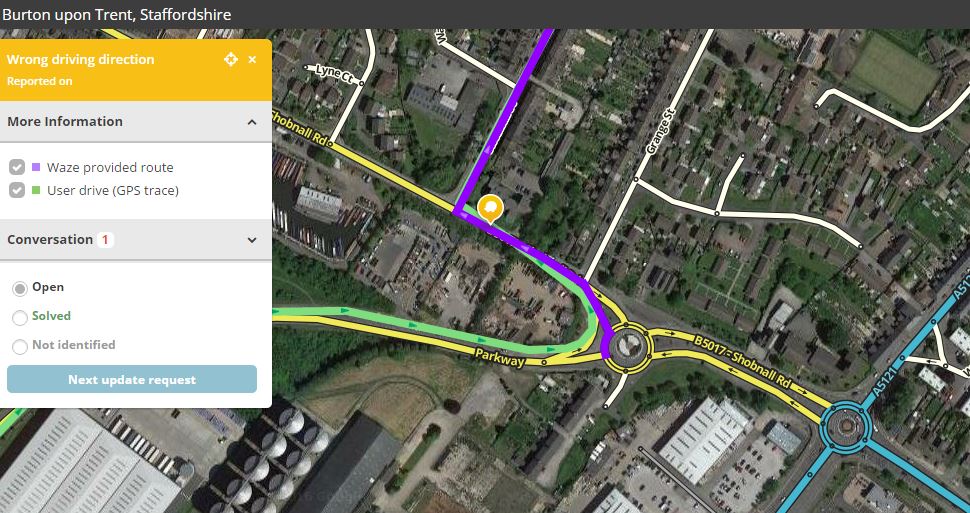
I found this UR just now, and I wondered if this is something newly screwed up in Waze.
I had the same thing on a different roundabout this morning. It too has a separate lane to go left, and Waze, until this morning, said “Keep left” (or something along those lines). But today, it said “Take the first exit”, the same thing that apparently this user experienced as well.
Now on “my” roundabout, one can indeed take the first exit, just fine. But on the one from the UR, the lane Waze told him to take is not to go left, only straight on.
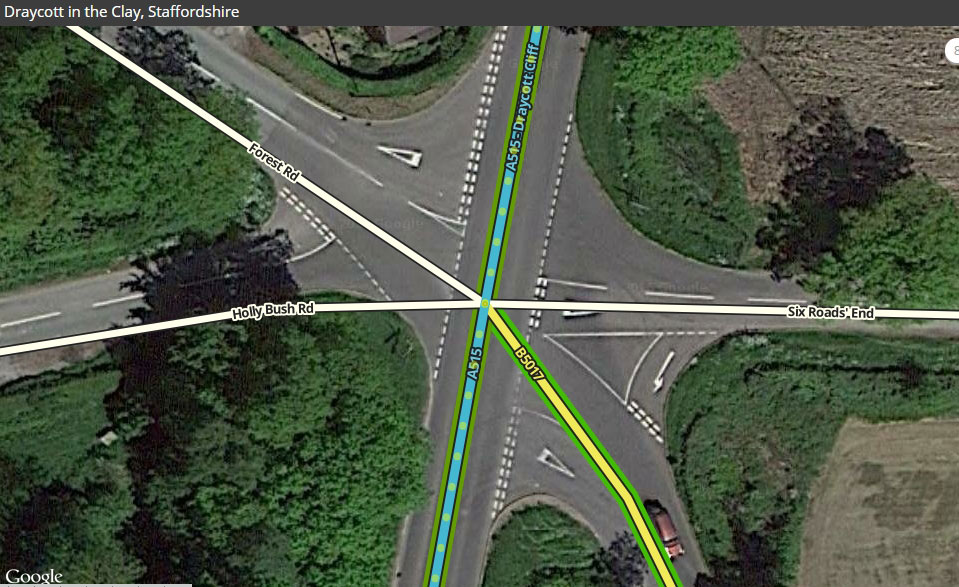
Oh jeez, wow… That’s quite the roundabout! I’ll have to study that closely!
Thanks for the tip, MK. Question though, can it happen that the routing changes like that from one day to the next? It’s been correct for ages, and now suddenly it’s not?
Its only the bit of the roundabout I’ve zoomed on that needs copying. I can check your edit for you once you’ve done it.
If there are two valid routes (or what Waze thinks are valid) it will pick what it believes to be the quickest, so it can change. There may be another reason in this instance but I don’t know what it is.
On some roundabouts, its a nicety to make this sort of edit, but on this roundabout its a necessity to stop the incorrect first exit routing.
That looks good. The key is that the two turn angles must add up to 180° - the JAI script is a great help here. Simply speaking, that (plus a connecting segment <15m) makes it look like a u-turn and Waze will avoid it.
Why does this happen? This is due to a vicious circle effect that happens when 2 parallel routes are physically close to each other. This is roughly how it works:
Waze routes a driver via the slow route
The driver takes the fast route
GPS isn’t accurate enough to tell which route the driver takes.
The faster speed gets recorded on the slower route.
Waze will therefore find the slower route more favourable and offer it more often
Repeat
Note that moving the roundabout/bypass segments about won’t help. The problem isn’t with the mapping - it’s with routes that are physically close to each other. This has been acknowledged by Waze staff as a likely cause of this type of bad routing.
Junction Angle Indicator isn’t working for me at the moment, so I can’t check the angles are correct but it looks good. Iain’s further explanation is very helpful.