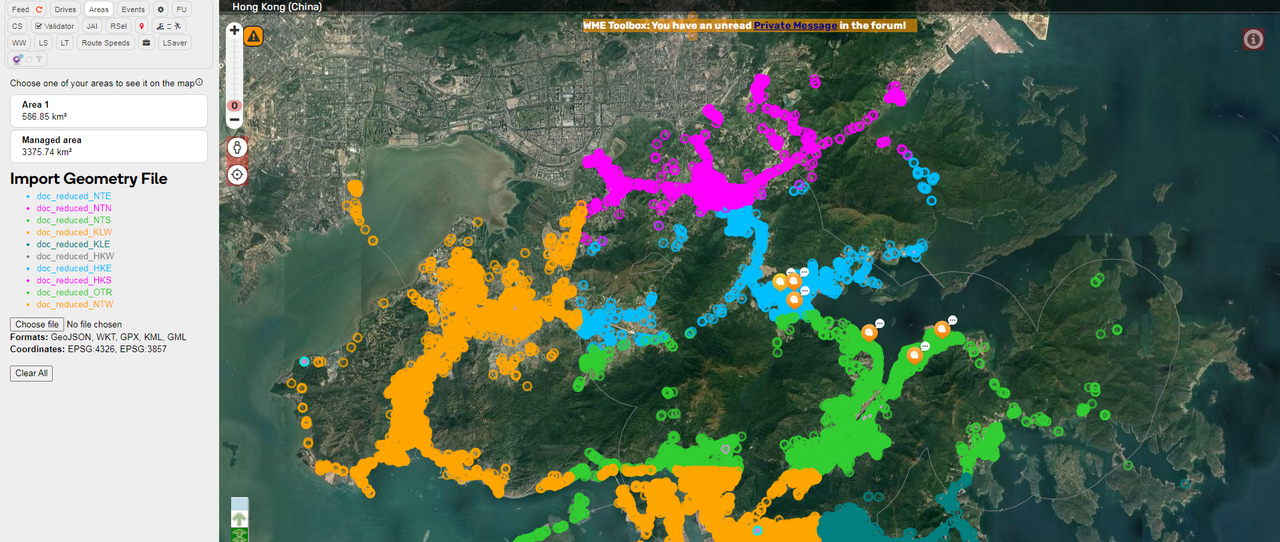
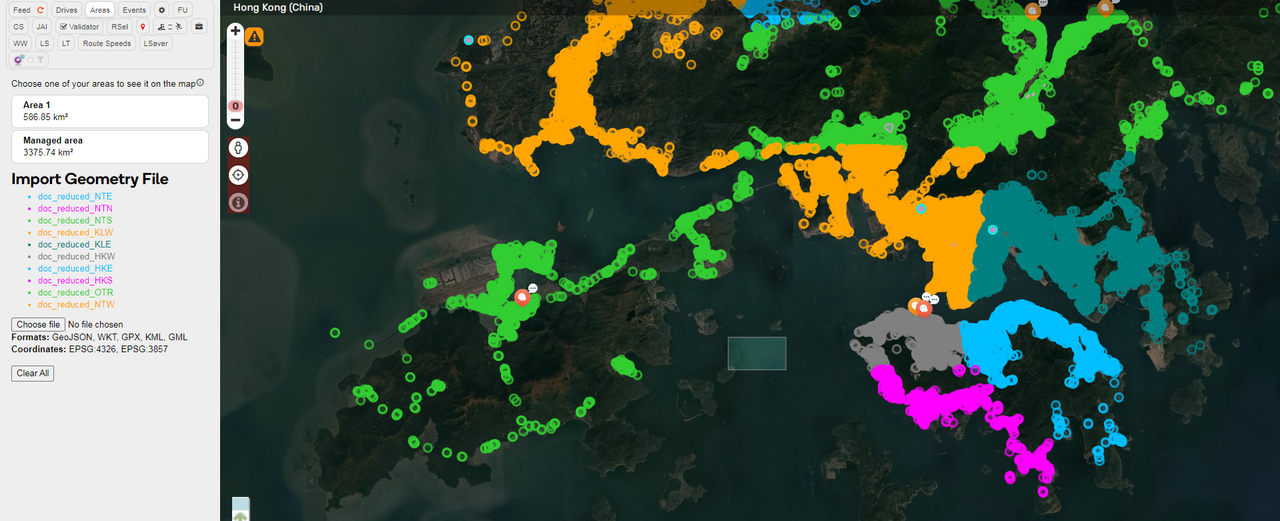
Guys, this is awesome news. I can’t help but to share with you what I just found.
I’m not sure if any of you are aware of this already but I found this open data from HK Government with all the road segment centerlines, intersections, roundabouts, basically everything you need in order to draw in WME, and it’s updated every month!
The last time I checked this open data from the government website, they still had their data in that stupid coordinate systems called HK1980 as opposed to the GPS coordinates systems (Latitude and Longitude) that we are used to everywhere else in the world.
Now they have it in KML format and guess what? Someone already wrote a script (WME Geometries) to import KML format data and overlay it into WME.
Here is what you need to do to overlay the government open data into WME:
Choose what you want to download (I tried Intersections and Roadabouts, but don’t try Road Centerline, the file is just too big (520MB) and WME Geometries simply can’t cope)
Download the file and save it in your computer
Now you may notice the file you just downloaded has the file name *.kmz instead of *.kml
Don’t worry, rename the *.kmz file into *.zip and :!: magic happens :!: , you can unzip the file and find the *.kml file inside
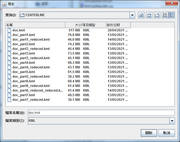
Import the extracted *.kml with WME Geometries script
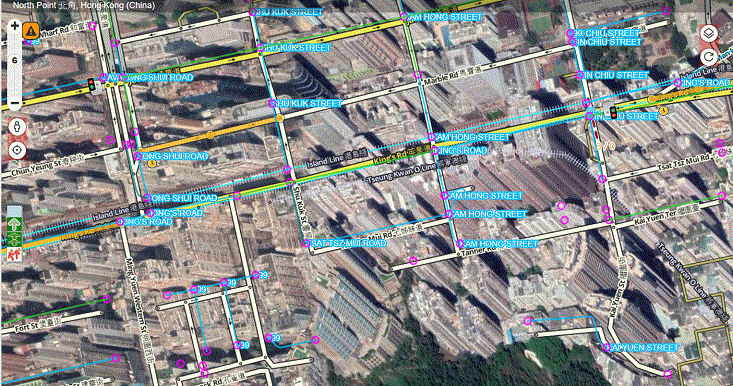
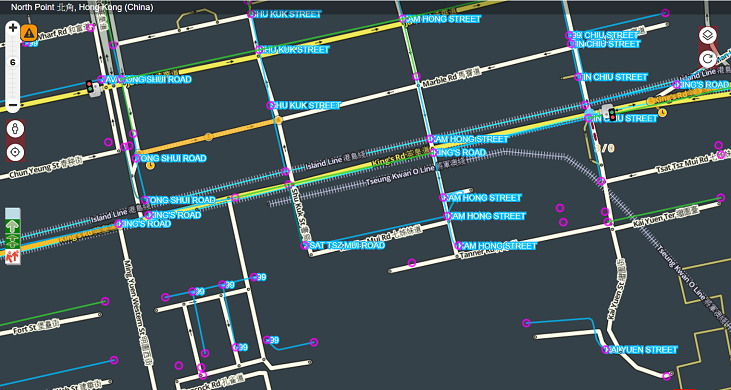
Bingo! Now we no longer have to rely on the skewed satellite images or GPS traffic layer to guesstimate where the center of road segment should be drawn
Points to note:
WME Geometries said it can cope with *.kml files with 100MB sort of size. Sadly the Road Centerline file is ~500MB scale, and it cannot load in my computer, or perhaps my computer is too rubbish?
Intersection file is 52.4MB unzipped, Roundabout file is 752KB unzipped, both can open just fine in WME in my computer
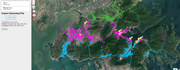
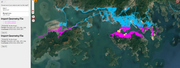
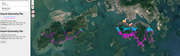
Example Screenshot:
You know, I even can turn off satellite image layer as it is skewed and not as reliable as a government source
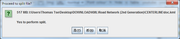
I have programed a Java app to split the large HK KML into 7 pieces and also remove some waste data to reduce the file size.
I currently set it up to use 1GB of memory, I hope it won’t hang, otherwise it is likely to be out of memory.
If you choose to split the data, the logic will only work for Hong Kong as it is split by the latitude.
The program will split the file into 7 parts and then reduce each of the 7 parts.
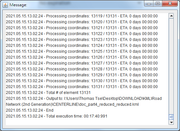
Overall may take 3 hours depends on your computer performance. You may wish to kill the program if it takes too long or unresponsive.
I also wrote my own script for splitting files, hereby attaching in this post.
I use NodeJS so if you don’t have it installed, you need to download it from https://nodejs.org/.
The only dependent library is node-stream-zip (https://github.com/antelle/node-stream-zip/) for unzipping the .kmz file (so I don’t need to unzip it manually, the script does it for me as well), but I’ve included it in the attached 7z already so you need not download it separately.
After downloading the 7z, extract the two js files and put them in same directory as CENTERLINE.kmz and INTERSECTION.kmz, then run node ./index.js
If you don’t want to include INTERSECTION.kmz, just remove it from the array in the first line of source code.
===
The areas are defined in the beginning of the source-code (sorry didn’t mean to share it when I wrote it so I didn’t put too much comments in the source). I’ve tried to tune the size of the area such that each output .kml files are less than 50MB.
They are first divided horizontally by latitude (with 0.005° overlap in each):
HK1x (HK11 to HK17): latitude from 0°N to 22.275°N
HK2x (HK21 to HK26): latitude from 22.270°N to 22.295°N
KLNx (KLN1 and KLN2): latitude from 22.290°N to 22.365°N
NT1x (NT11 to NT13): latitude from 22.360°N to 22.440° N
NT2x (NT21 to NT24): latitude from 22.435°N to 90°N
Then divided vertically by longitude (with 0.01° overlap in each):
HK11: longitude 0°E to 114.161°E
HK12: longitude 114.151°E to 114.166°E
…and so on.
The output filename also tells you the coordinates of that rectangle for easy reference (only the upper number is included).