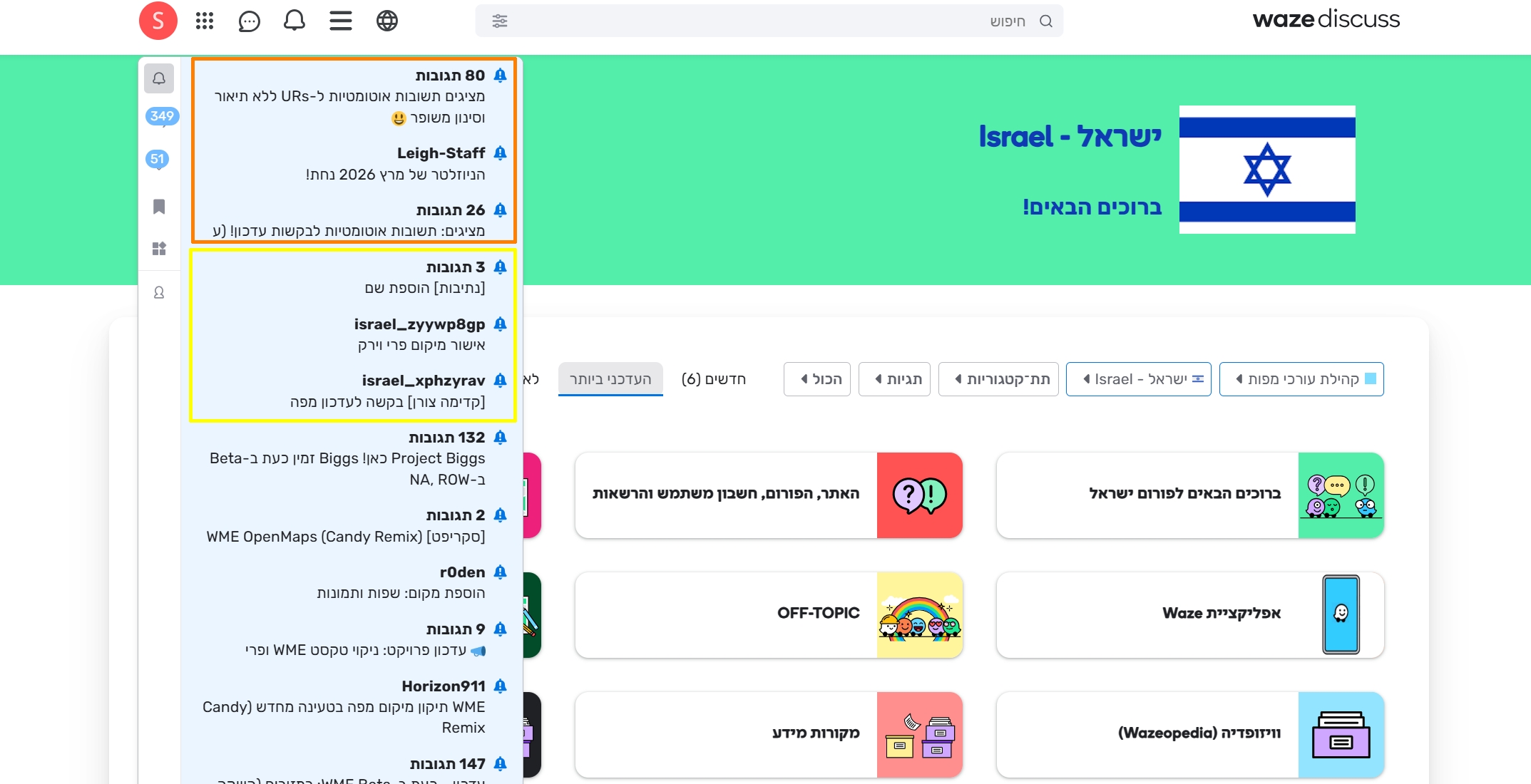
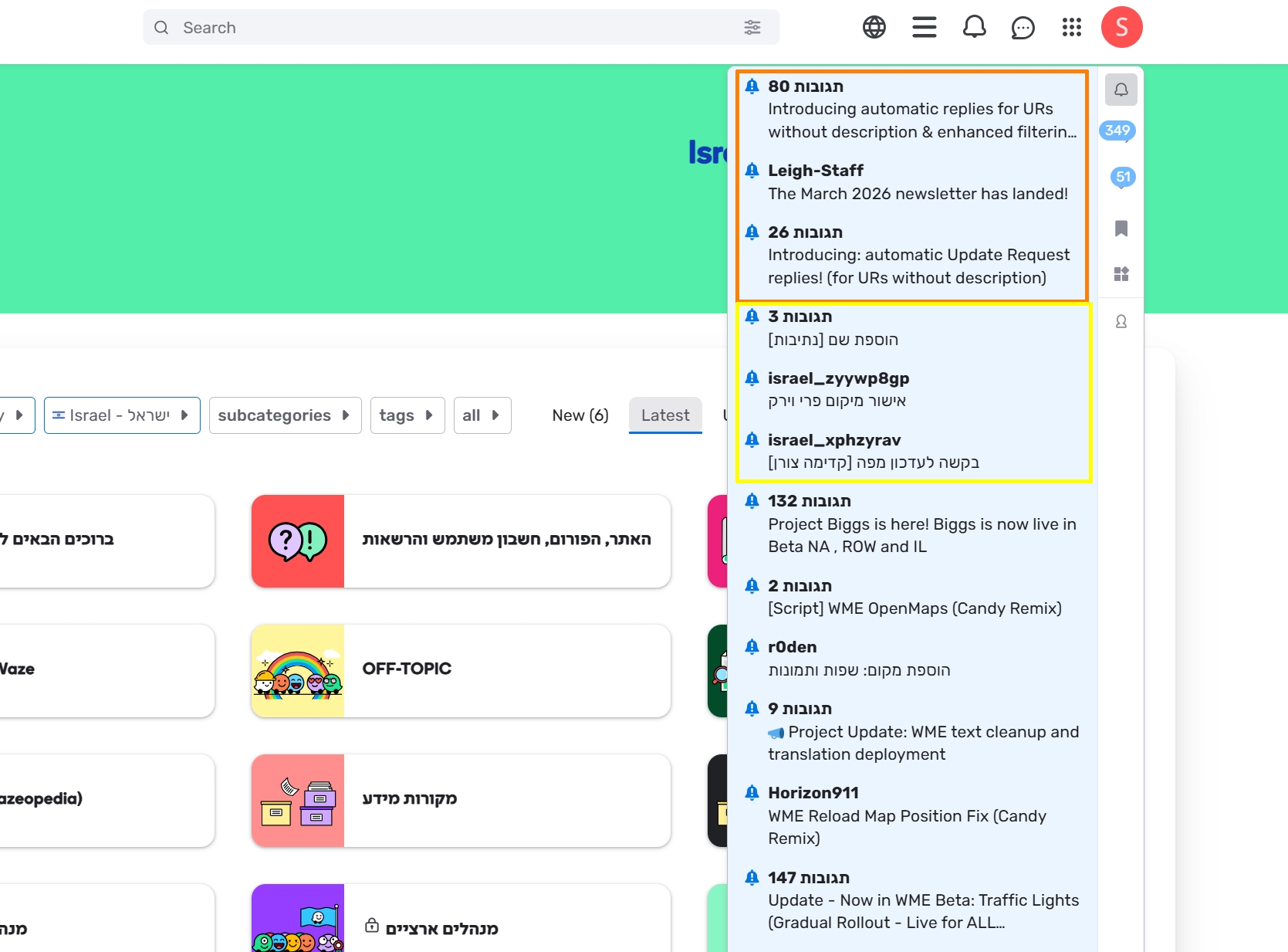
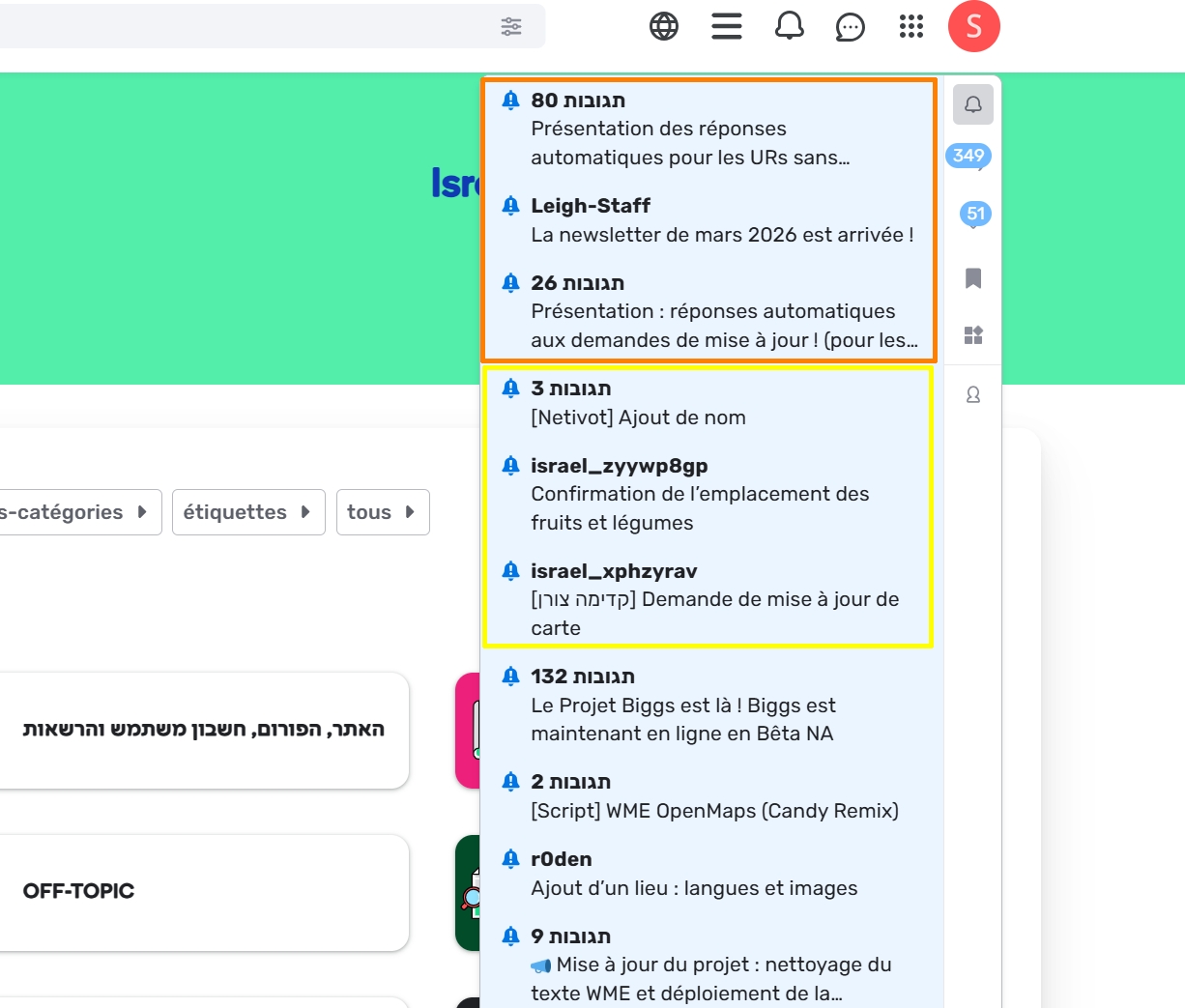
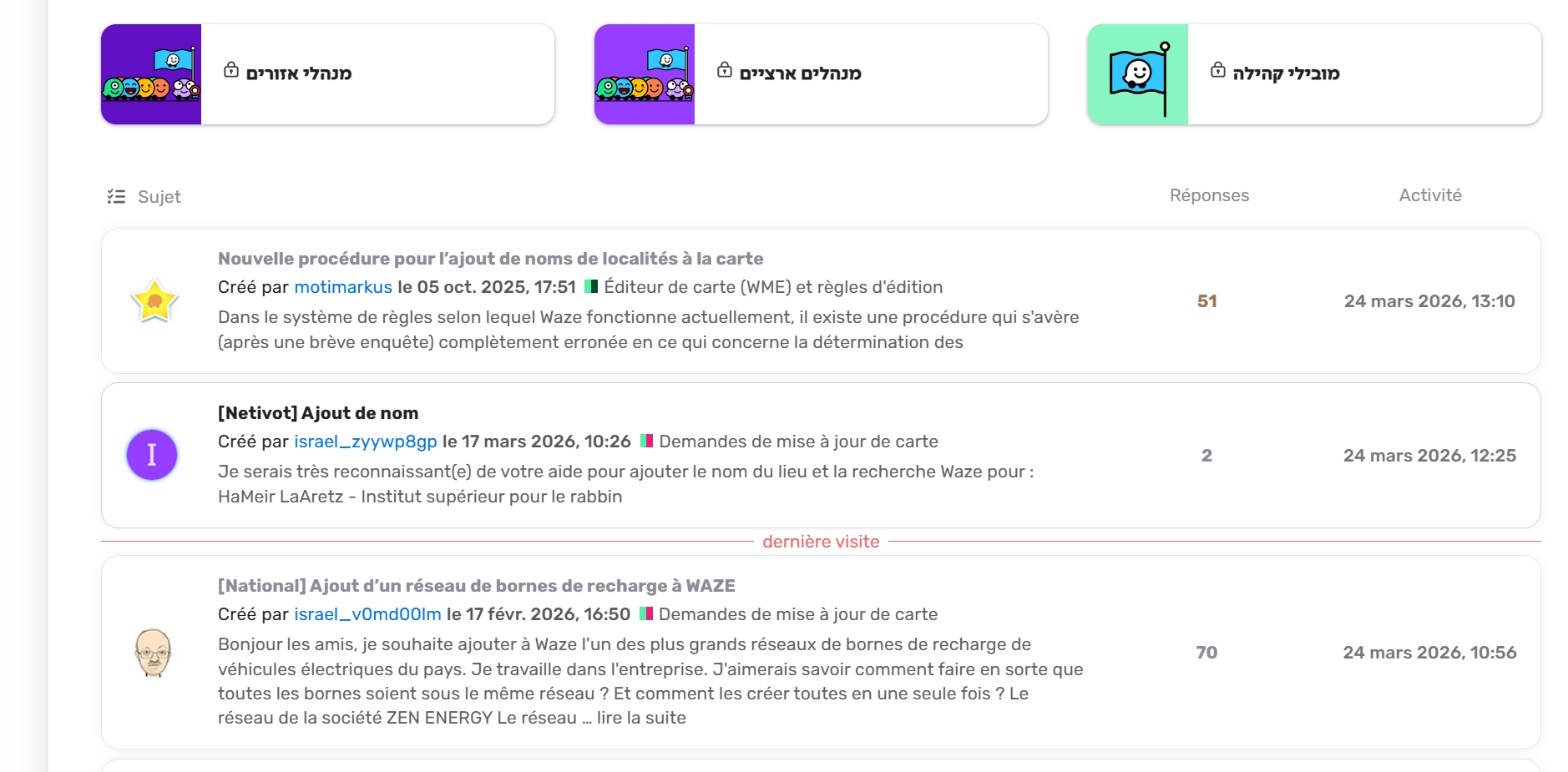
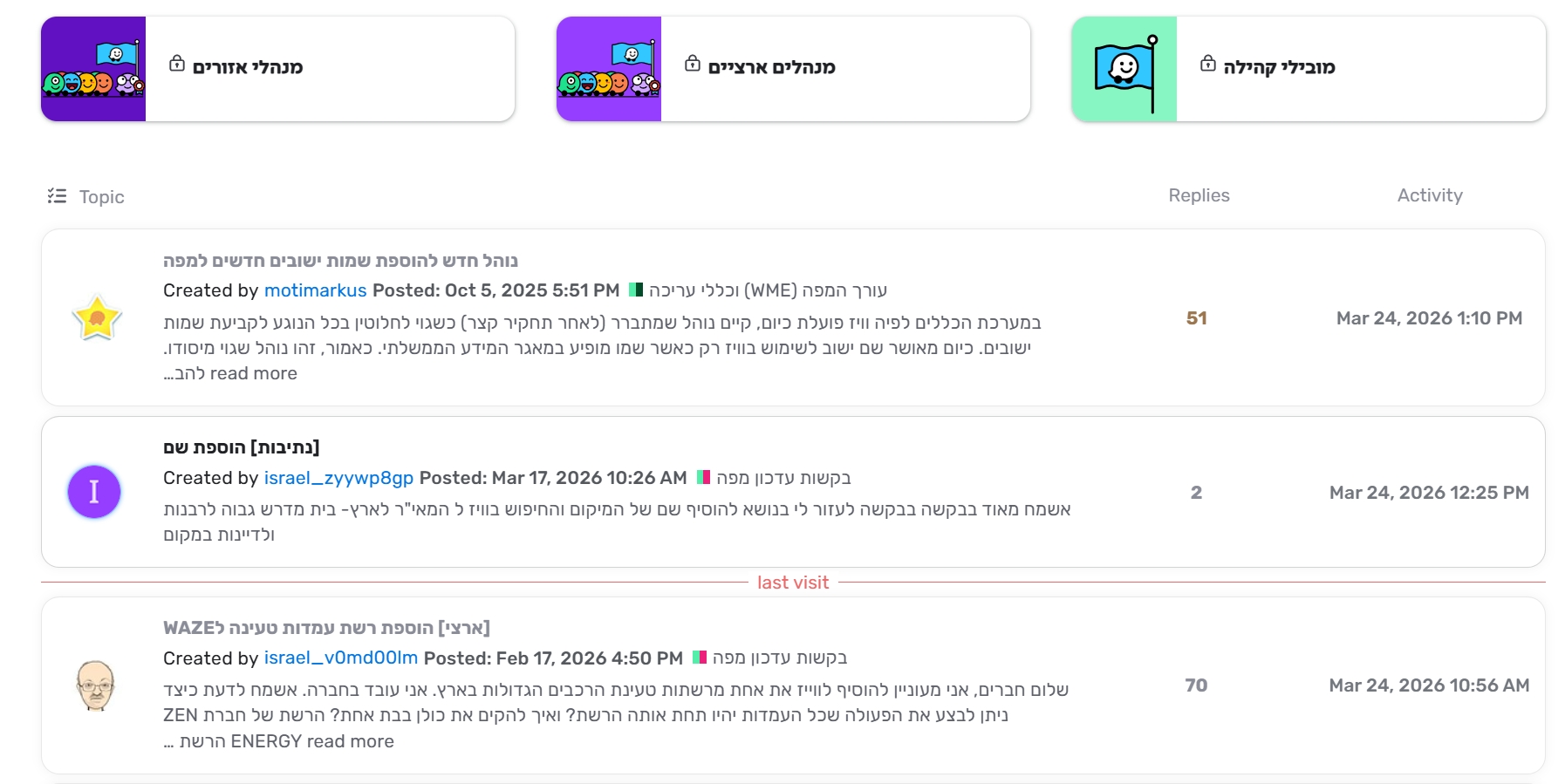
Steps to reproduce this issue:
Select interface language and point at notifications or browse to a specific location.
For any language, other than English, posts headers and posts-briefs are translated to the selected interface language.
If the selected language is English, there is no active translation. But the view is LTR which is not good for RTL languages (i.e. Hebrew)
It is annoying and confusing. Especially when checking the notification list. Since all headers and briefs are in current local language, you cannot know where it comes from.
Issue is posted here after discussion with Shira.
Permalink:
Are you using scripts? Which ones?:
No
2 Likes
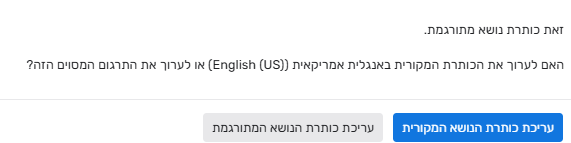
In addition to the above, If I try to edit the header of the post (as a moderator), I get a response that I have to choose between the original post or the translated one. For example, when trying to edit this topic header, I get the following:
I must correct both of them, otherwise the one I didn’t ediy, will remain unchanged.
In many cases I prefer to read the original post (In English).
It will be much better if anyone can choose not to translate.
2 Likes
Hi @sh-oded,
Thank you for your report.
Just to clarify, the issue that when the interface is English, the Hebrew text in headers and post previews is not translated and is also pushed to the left which makes it hard to read—is this correct or did I miss anything?
Best regards,
Olesya
Hi @Olesya-Staff,
The main issue is that if the interface language is Hebrew (or any language other than English) as we always did, the headers and briefs are translated (ie. to Hebrew).
To stop translation we must use English, but then we cannot set default to RTL.
There should be a way to let us stop (and resume) the auto translation, as it was before this change.
Hi @sh-oded,
Thank you for the clarification! I have opened an internal ticket to look into this issue and will keep you posted on further updates.
All the best,
Olesya