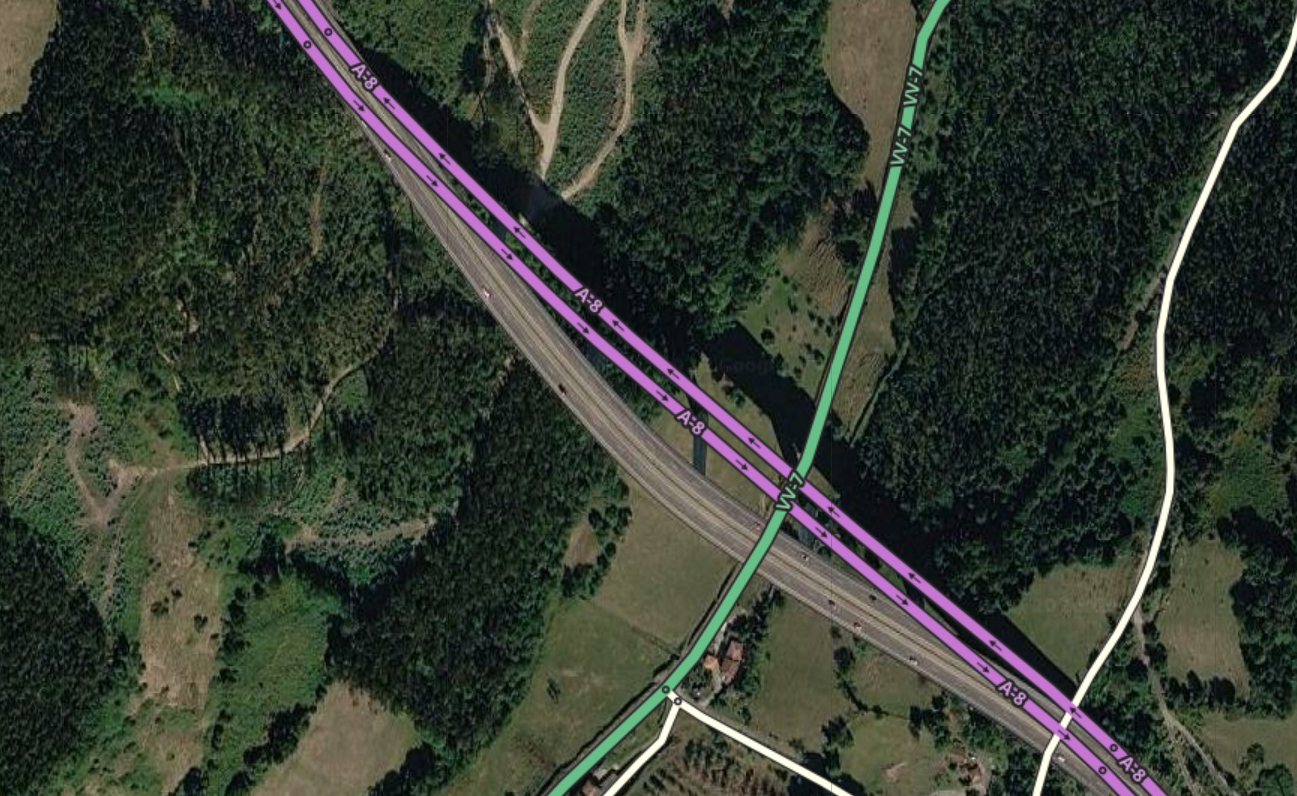
Hi JowyBF. Unfortunately, we sometimes get these faulty and distorted images. If you look at the permalink I’m sending you with the GPS arrows enabled, you can see that the segments are shifted to align with the users’ actual tracks. To find out who the last editor was or to see the history of that segment, click the segment and look at the feed on the left side of the map editor, at the very bottom. You will be able to see the user’s nickname and the “View history” section. There you will more or less see what has been done to the segment and by whom. If you see a strange edit and notice it’s a high-level editor, click their nickname and you can send them a message through the editor to ask if what they edited was a mistake or what the reason for their edit was, so you can know if it needs to be updated or if it stays as it is.