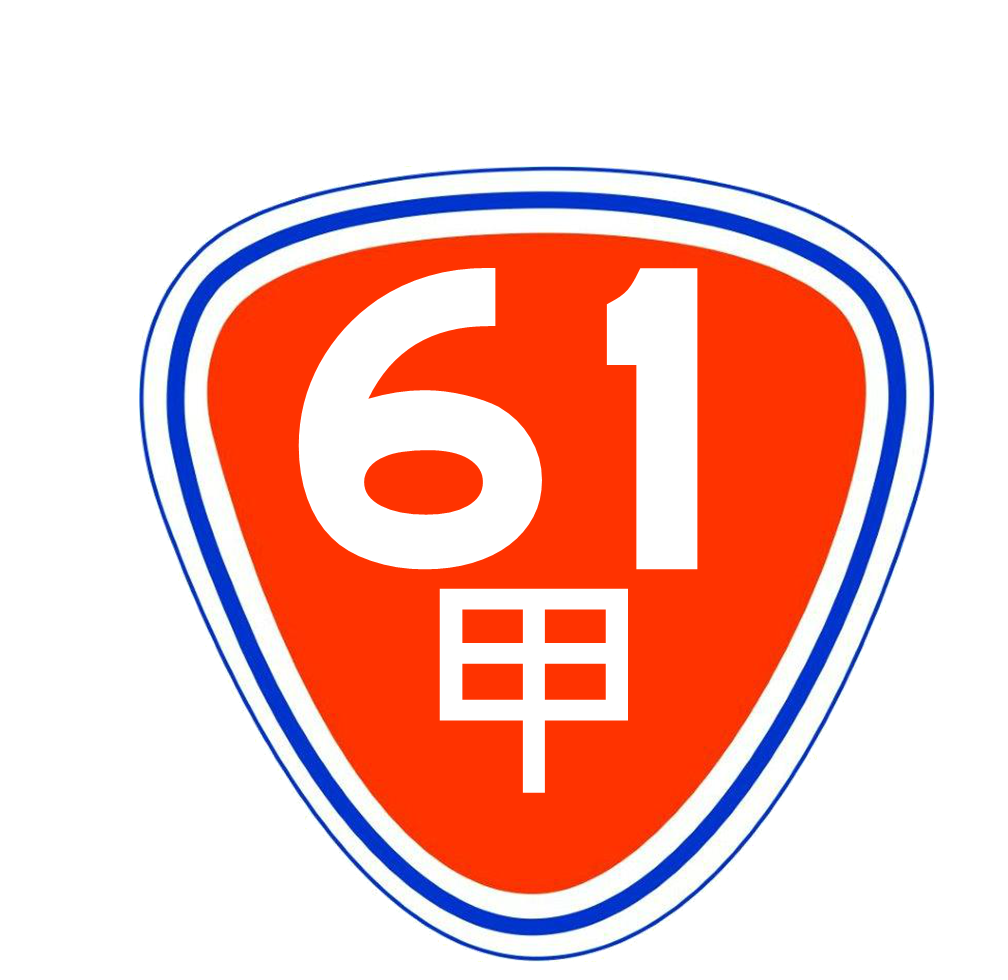
Is this a…:
Standard bug Steps to reproduce this issue:
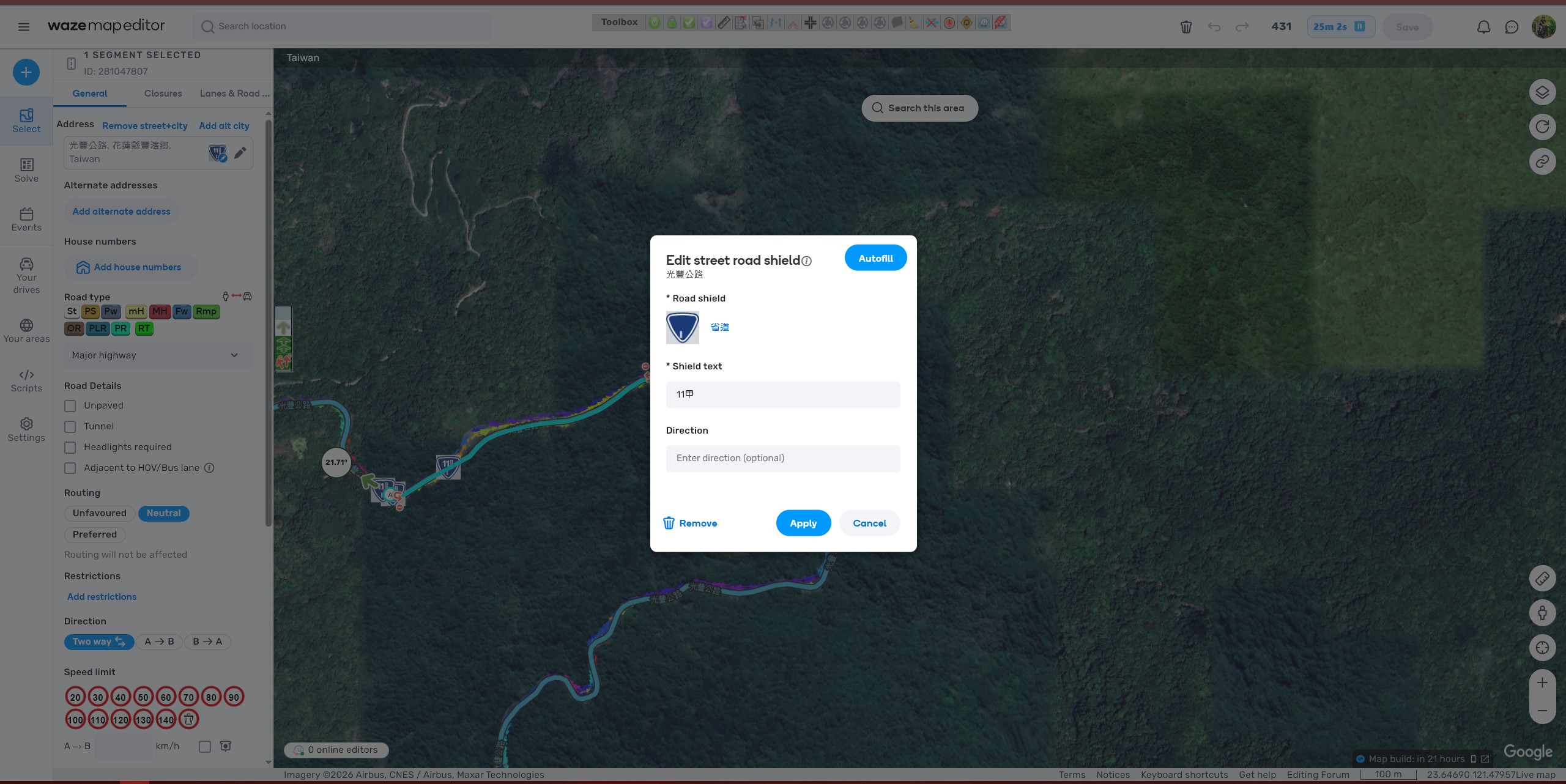
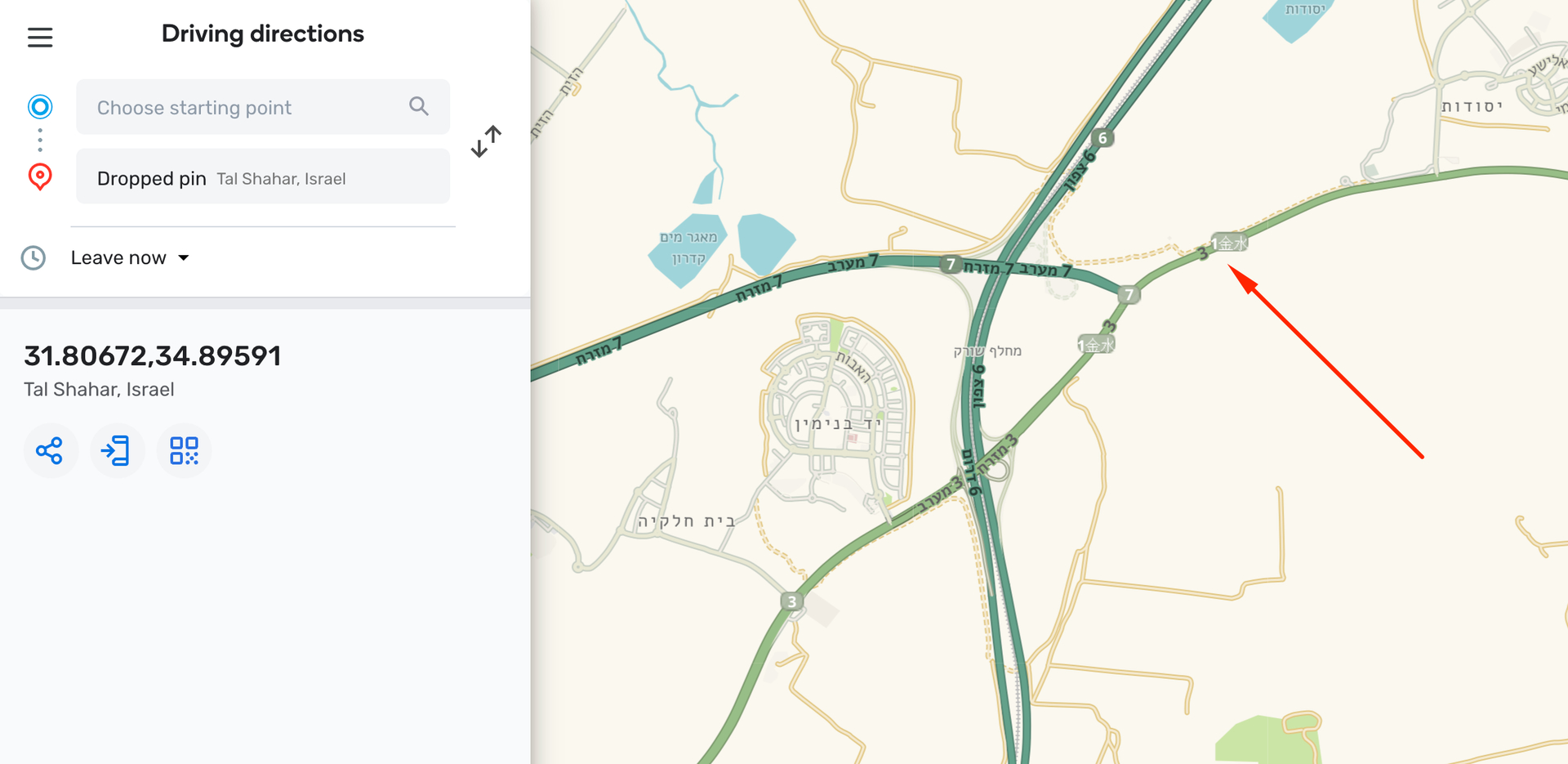
Use Permalink click “Edit in road shield editor”.
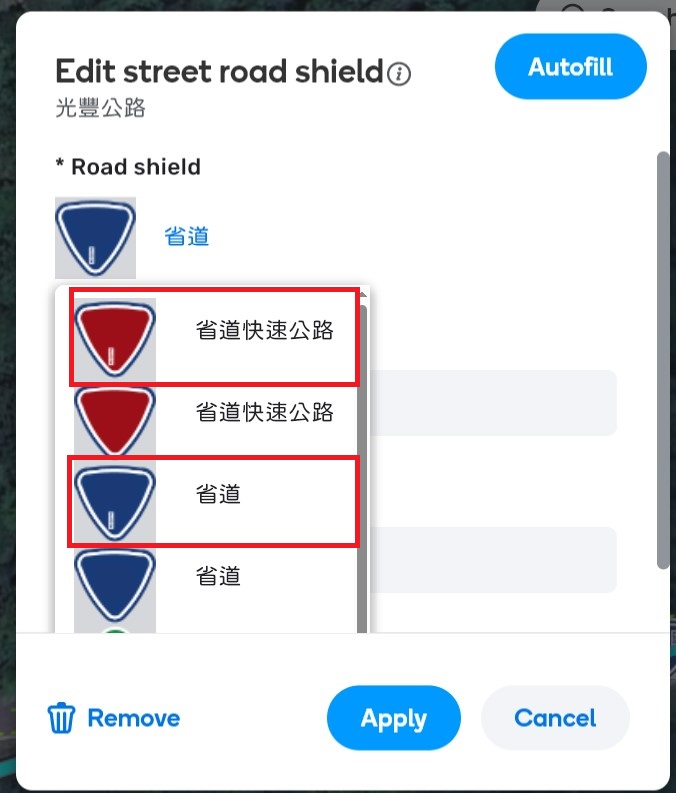
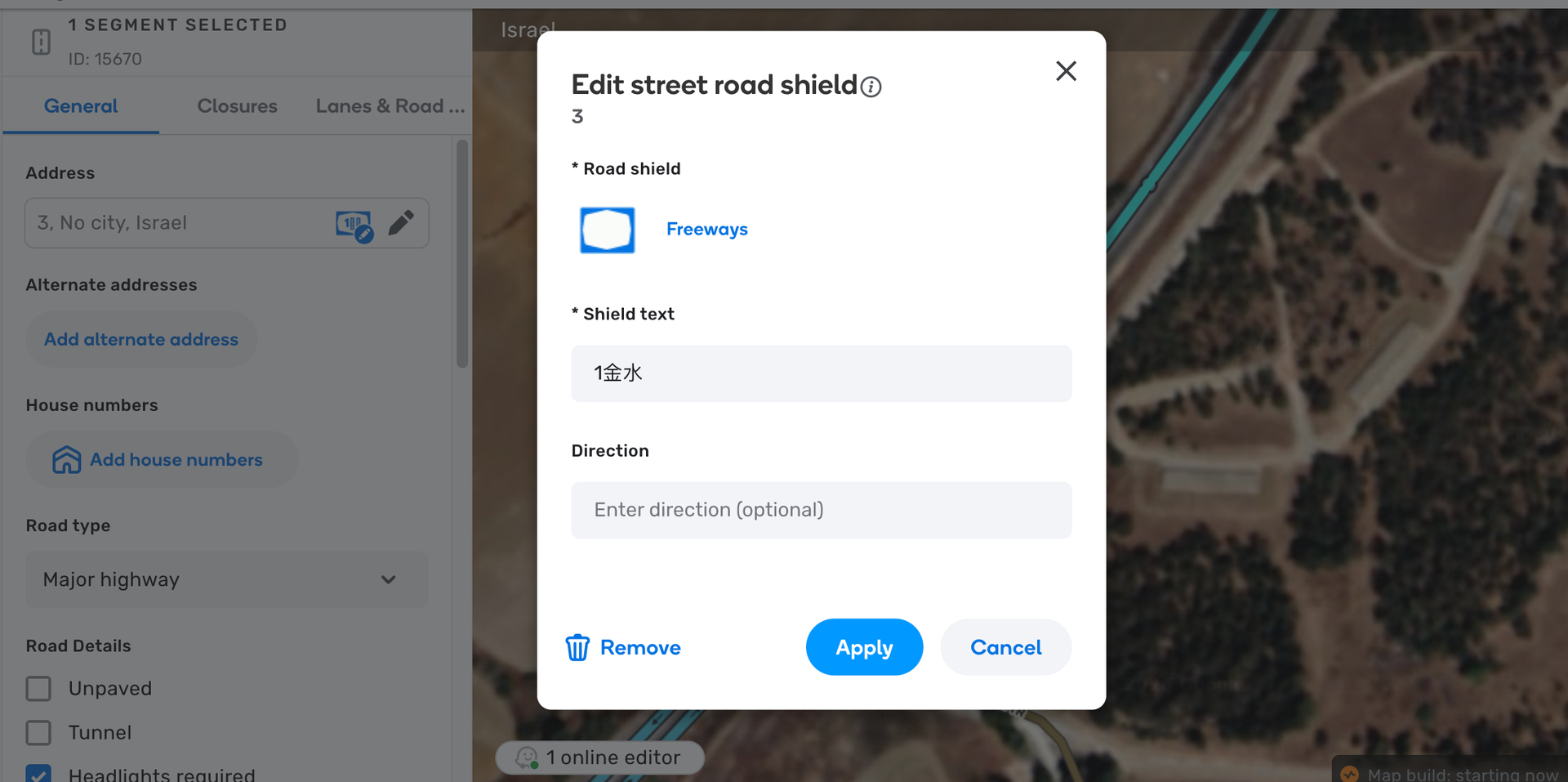
Click the first “省道” option on “Road Shield”.
Enter “11甲” in the “Shield text” field.
Click “Apply”
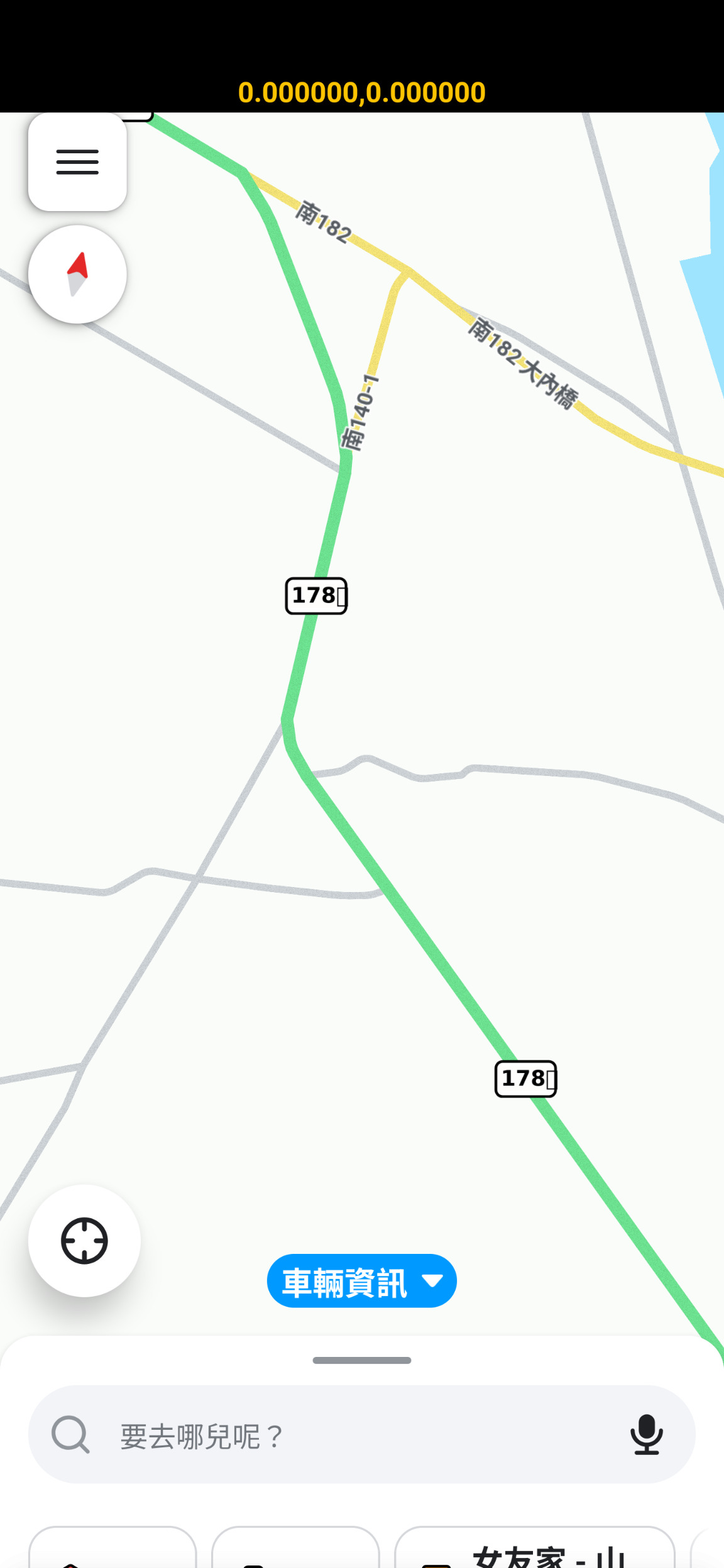
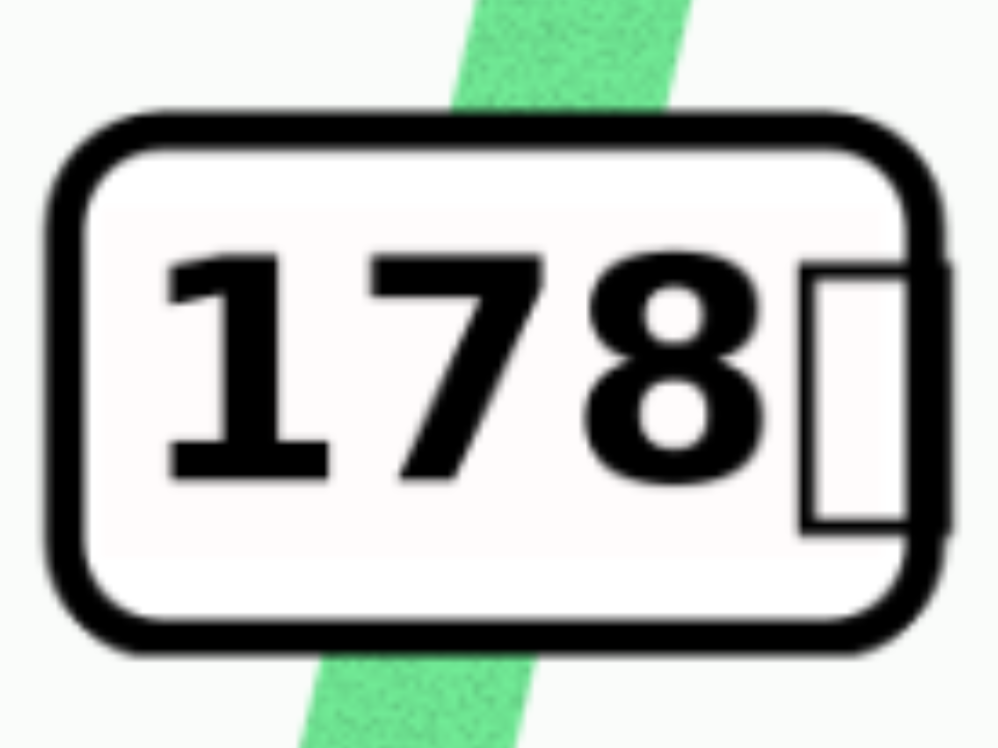
The Road Shield displays “11” and “NO GLYPTH” at the top and “NO GLYPTH” at the bottom.The Road Shield does not display “11” at the top and “甲” at the bottom as originally intended.
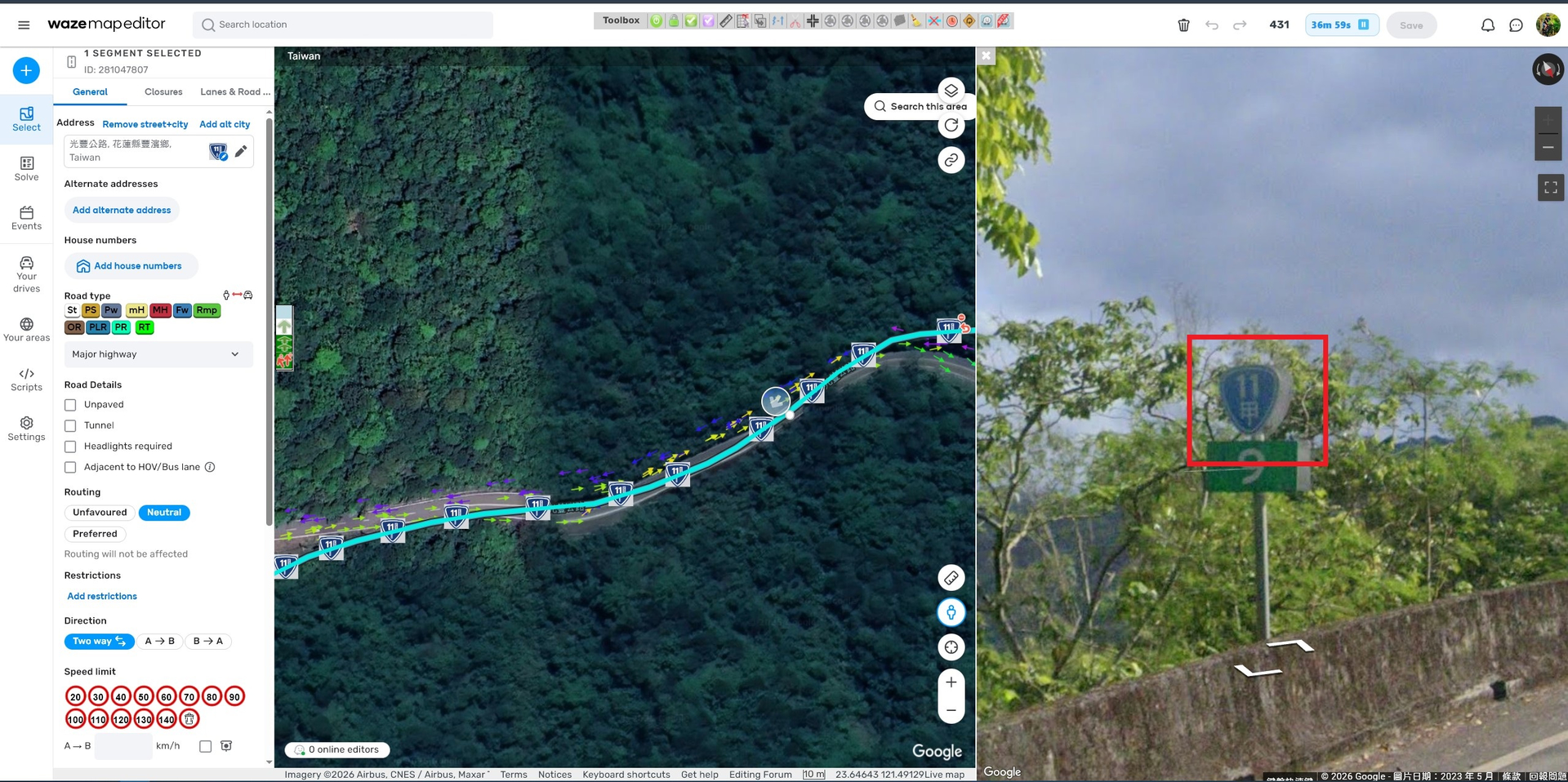
Note: Fixed text should not be used bottom Main road number in Road Shield. Instead, use the Traditional Chinese words “甲/乙/丙/丁/戊/己/庚/辛/壬/癸”.
I’d like to offer a suggestion here. Could you add “支線” after these feeder Road Shield “省道” and “省道快速公路” options?
Because feeder Road Shield “省道” and “省道快速公路” have a Traditional Chinese words “甲/乙/丙/丁/戊/己/庚/辛/壬/癸” which is placed bottom Main road number.
Thank you for submitting this bug report. I have filed an internal ticket for this case, and the team will review it.
I wonder, do you have examples of road shields where specific Chinese characters or font variations are displayed correctly? If so, could you please share those examples here?
Here’s what I’m seeing on my side: currently, road shields do not render Traditional Chinese characters correctly (they show “No Glyph”).
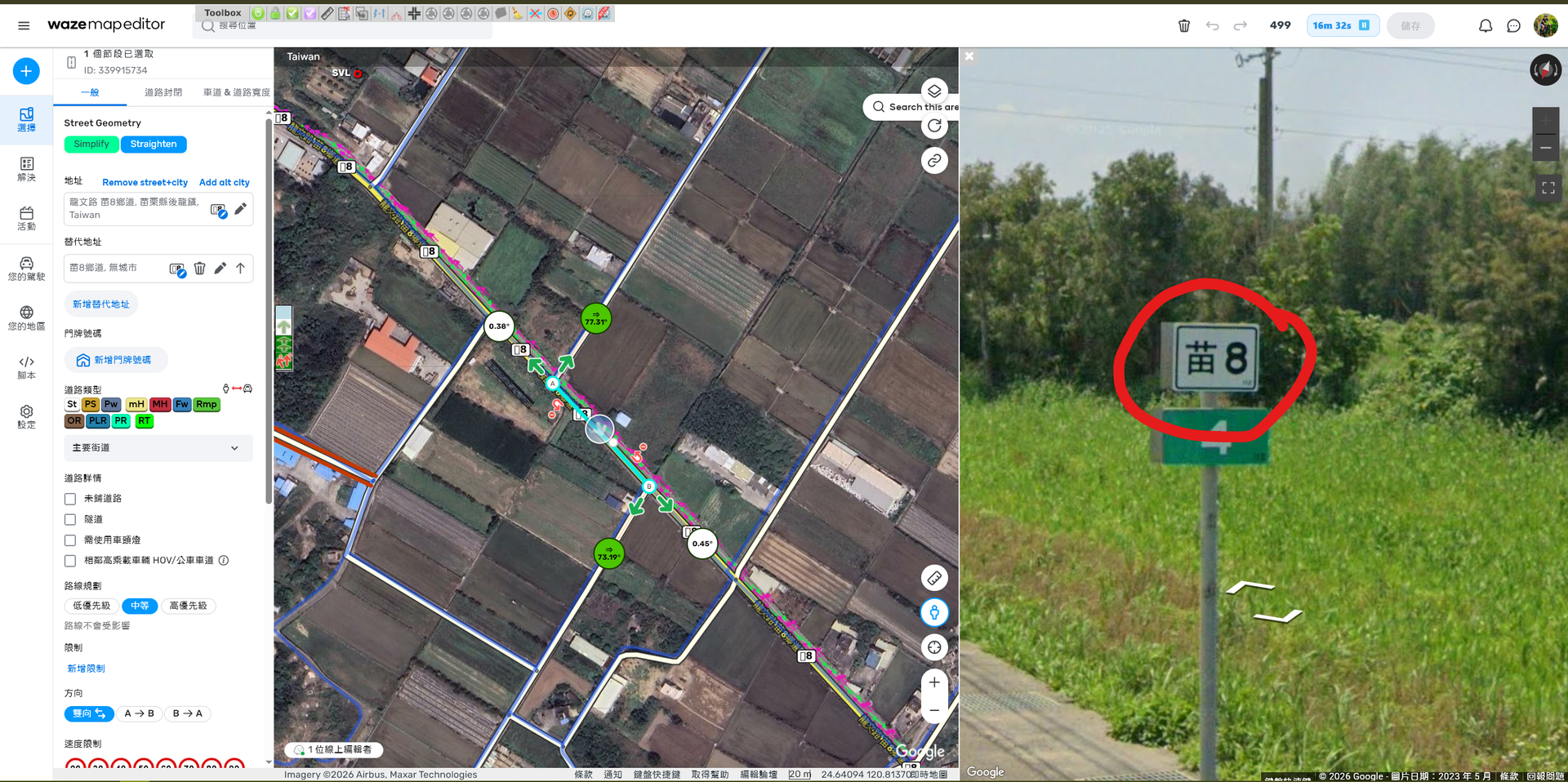
I also checked with @chengkeith on whether we’ve ever configured road shields to render Traditional Chinese properly in the past, and the answer was no. For example, for “11甲”, we’ve had to enter it as “11A” as a workaround.
I know that maintaining the coverage of Traditional Chinese glyphs is much more complex than supporting Latin letters and numbers.To clarify, our current road shields only use the following seven Traditional Chinese suffixes: 甲 / 乙 / 丙 / 丁 / 戊 / 己 / 庚.
Given the scope is limited to just these seven glyphs, could the team add support for them first so we can run a targeted test? If that works, it would cover 100% of the Traditional Chinese characters we currently use in road shields “省道支線”, “省道快速公路支線” and “國道”.
Also, for feeder Road Shield (Alternatively, would “spur routes” be the right term? If there’s a more official term, please let us know so we can use the correct wording.)“省道支線” and “省道快速公路支線”, could the “Shield text” field support a delimiter (e.g., “;”) that the renderer interprets as a line break—splitting the content before/after the delimiter into top and bottom lines?
Thank you for sharing the additional information and your experience. I have forwarded everything to the team. I will update you once I have more information.
However, as I recall from past road shield changes, it might be worth contacting the Waze Community Manager responsible for China so they can also highlight the importance of this change from their side.
Let me know if I can do anything else at this moment.
Thank you for the recommendation. This change primarily impacts Taiwan road shields, and Taiwan’s route numbering and shield formats differ from China’s.
To avoid misapplying requirements, I suggest looping in the Taiwan Waze Community Manager (or Taiwan champs) as well to validate the spec and concrete examples/test cases.
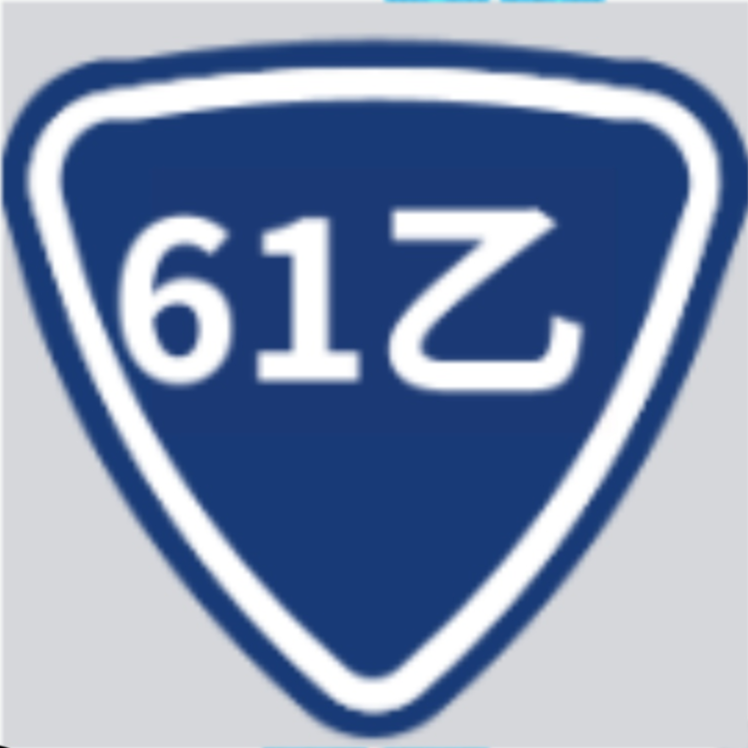
The engineering team has been addressing this issue; below are the results showing how the shields look now in the testing environment. Could you please take a look and confirm that the added changes meet the requirements?
Thank you, @honkhongliang, for the prompt reply. I believe the team intends to use the Noto Sans TC font, which includes both Traditional and Simplified characters. However, I am rechecking this with them and will keep you posted.
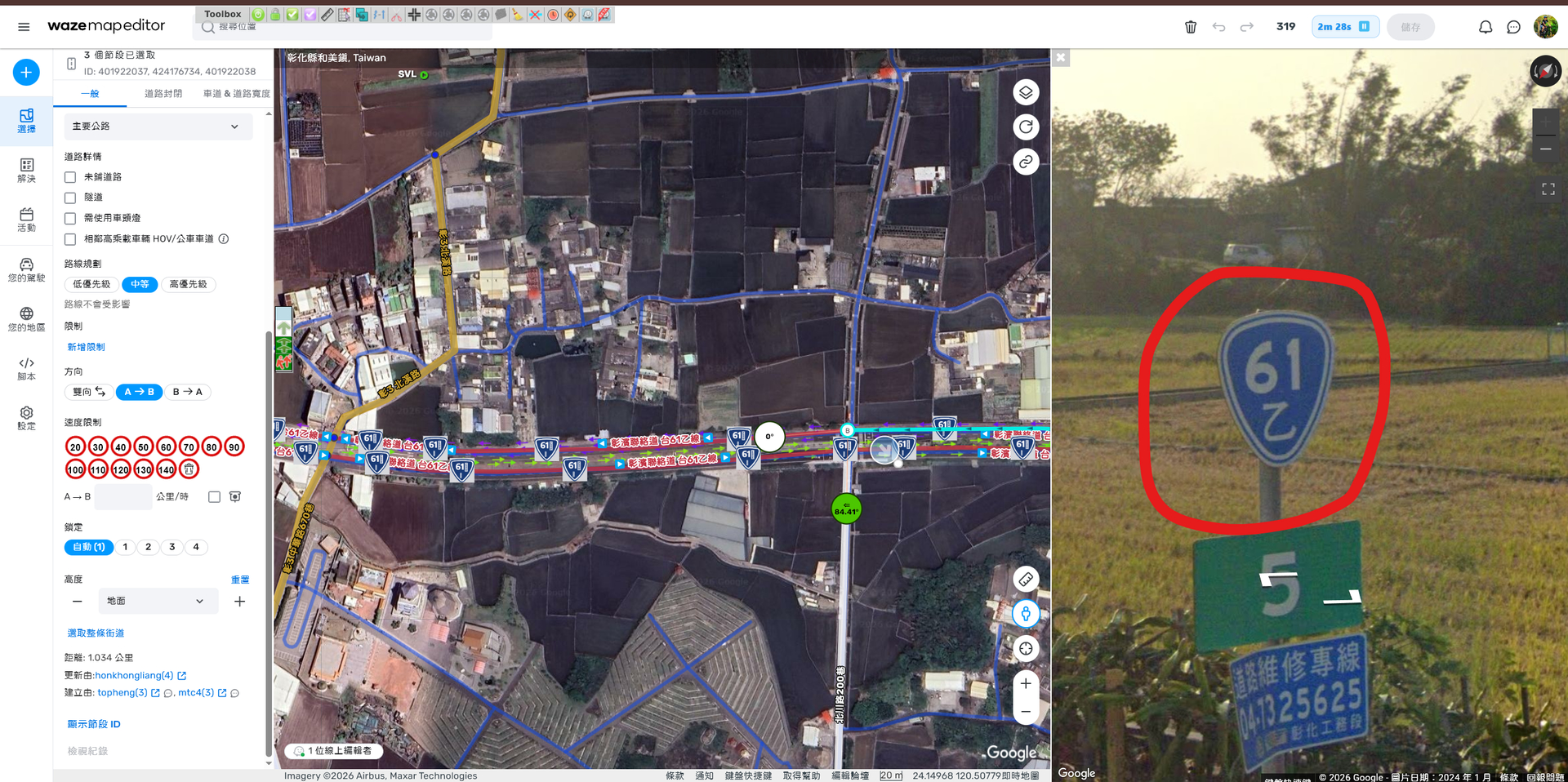
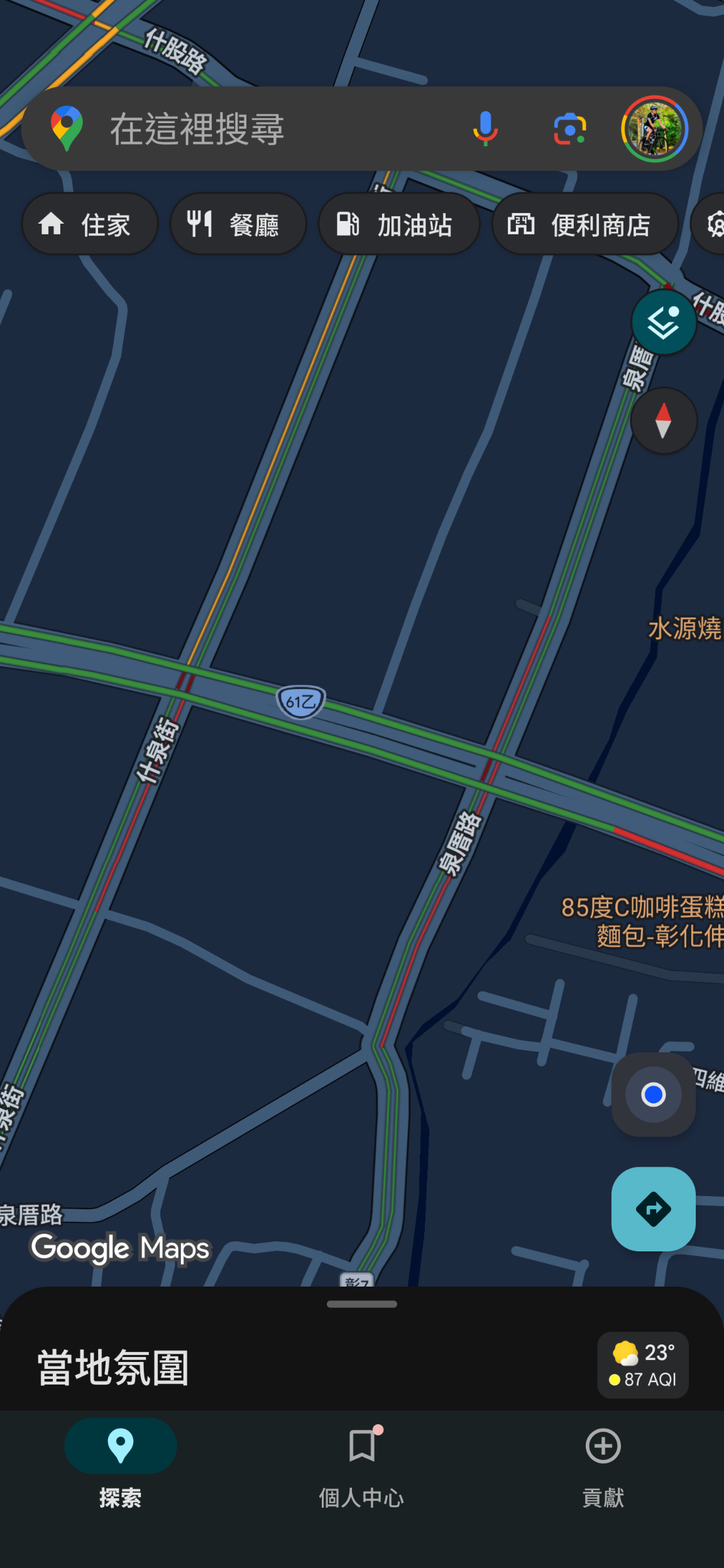
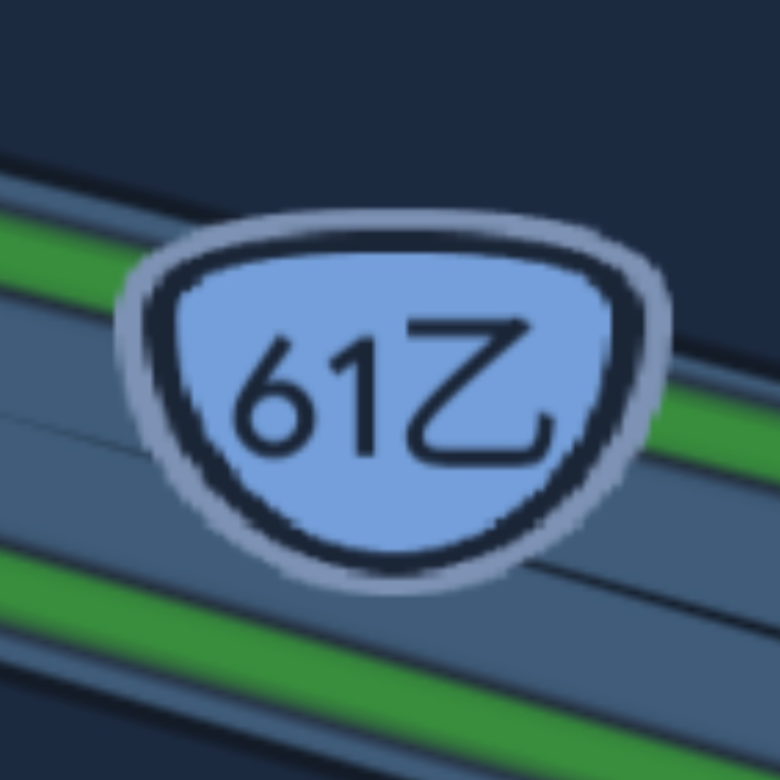
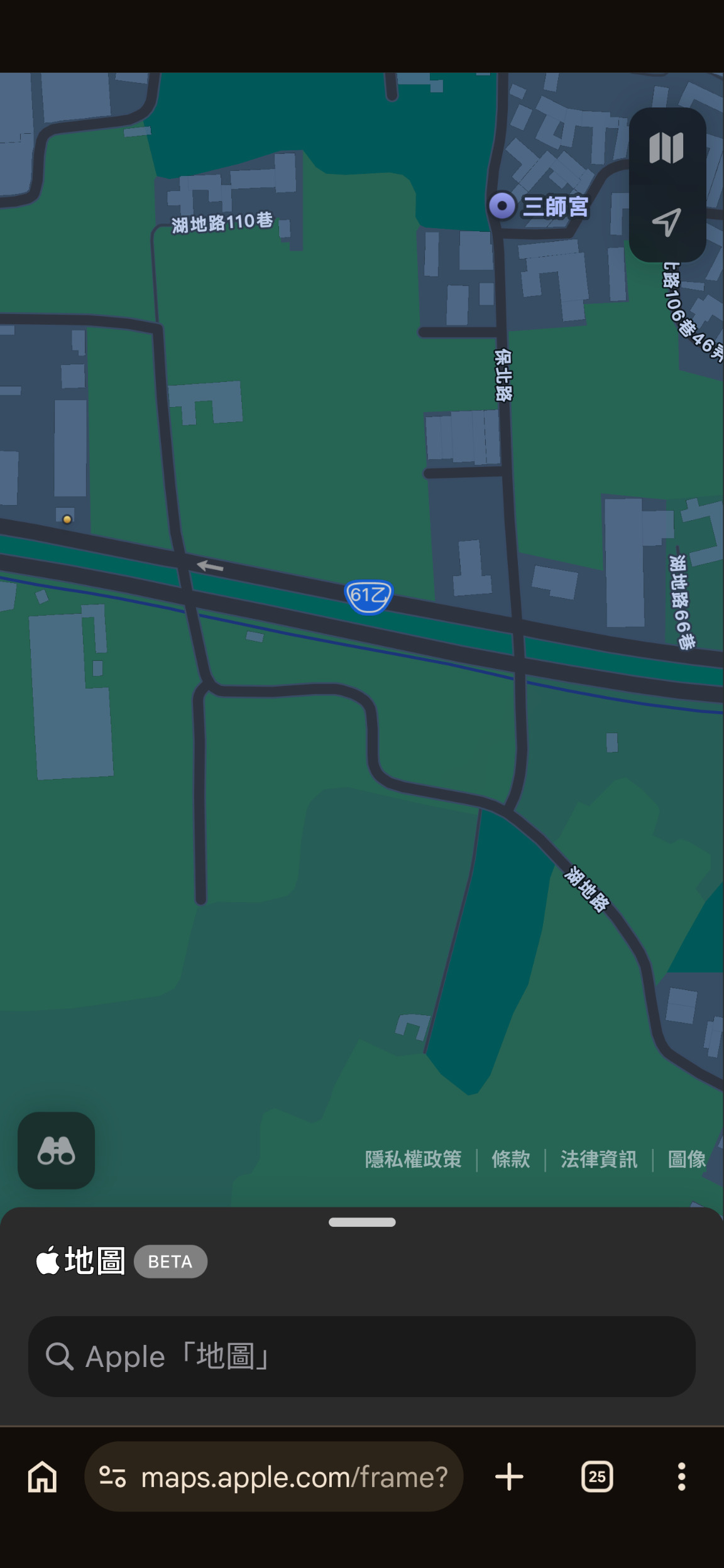
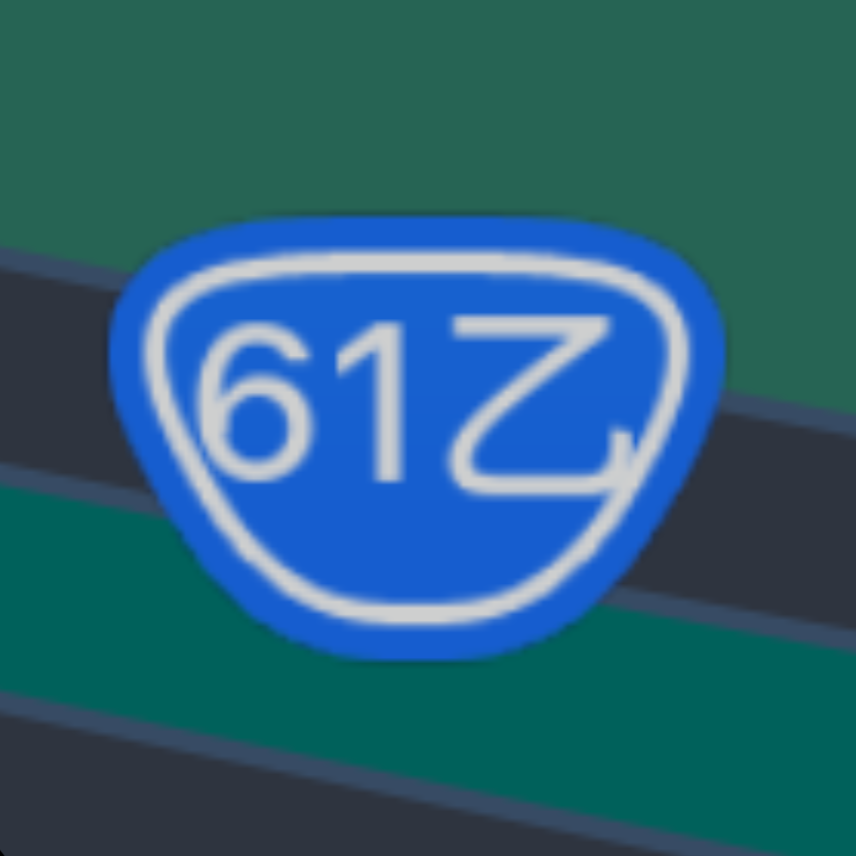
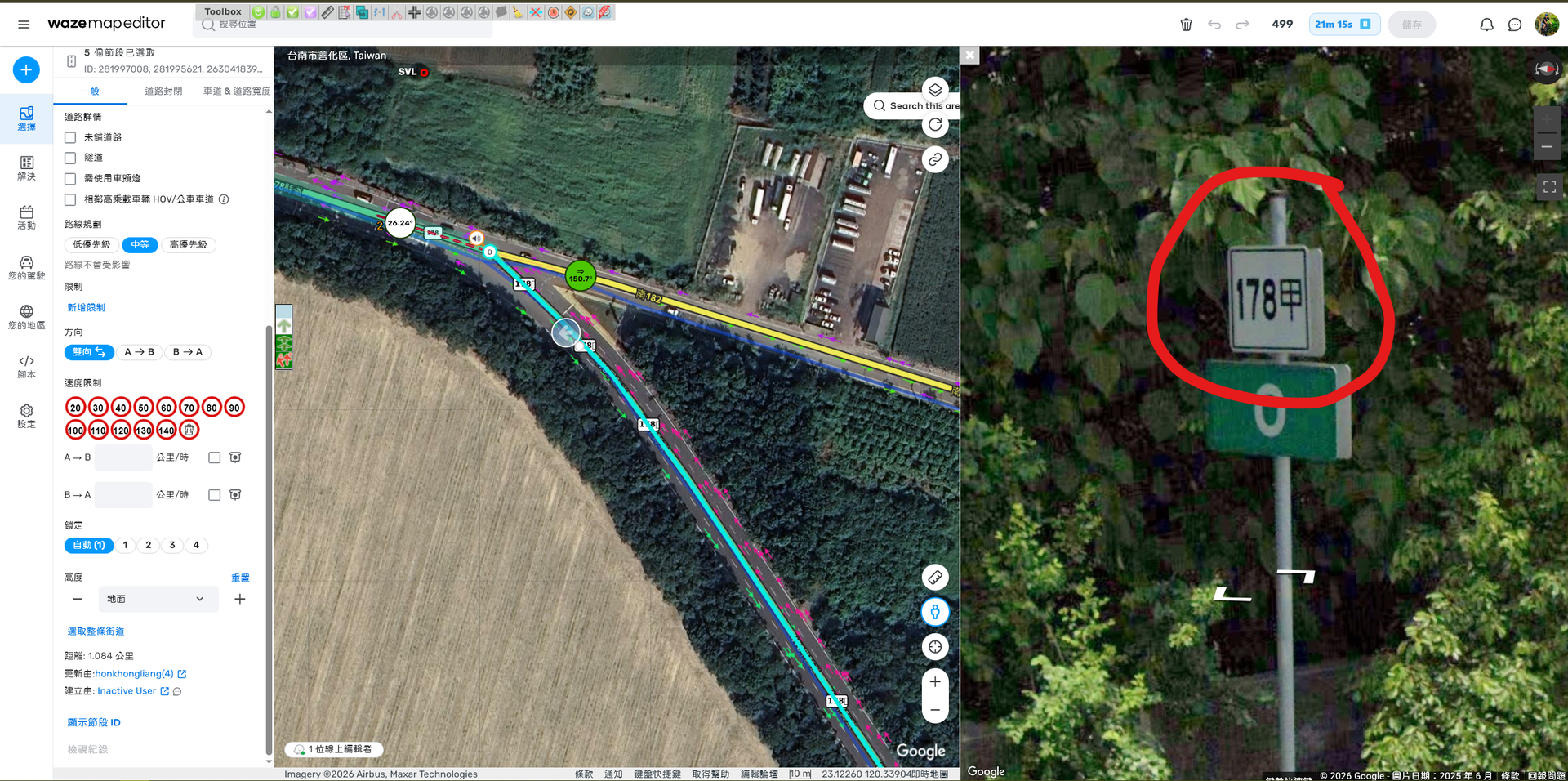
The Road Shield displays “61” and “NO GLYPTH” at the top and “甲” at the bottom. The Road Shield does not display “61” at the top and “乙” at the bottom as originally intended.
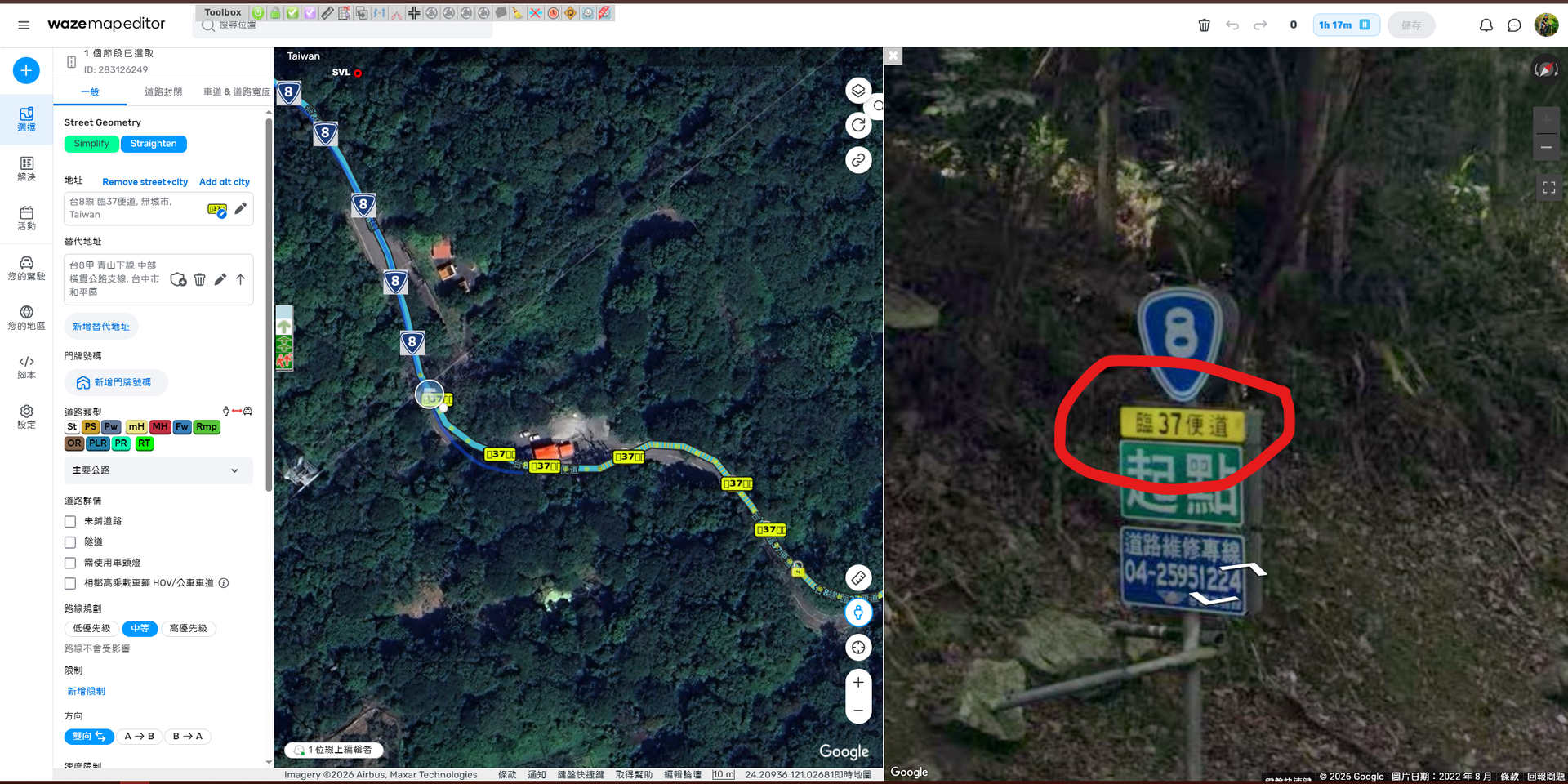
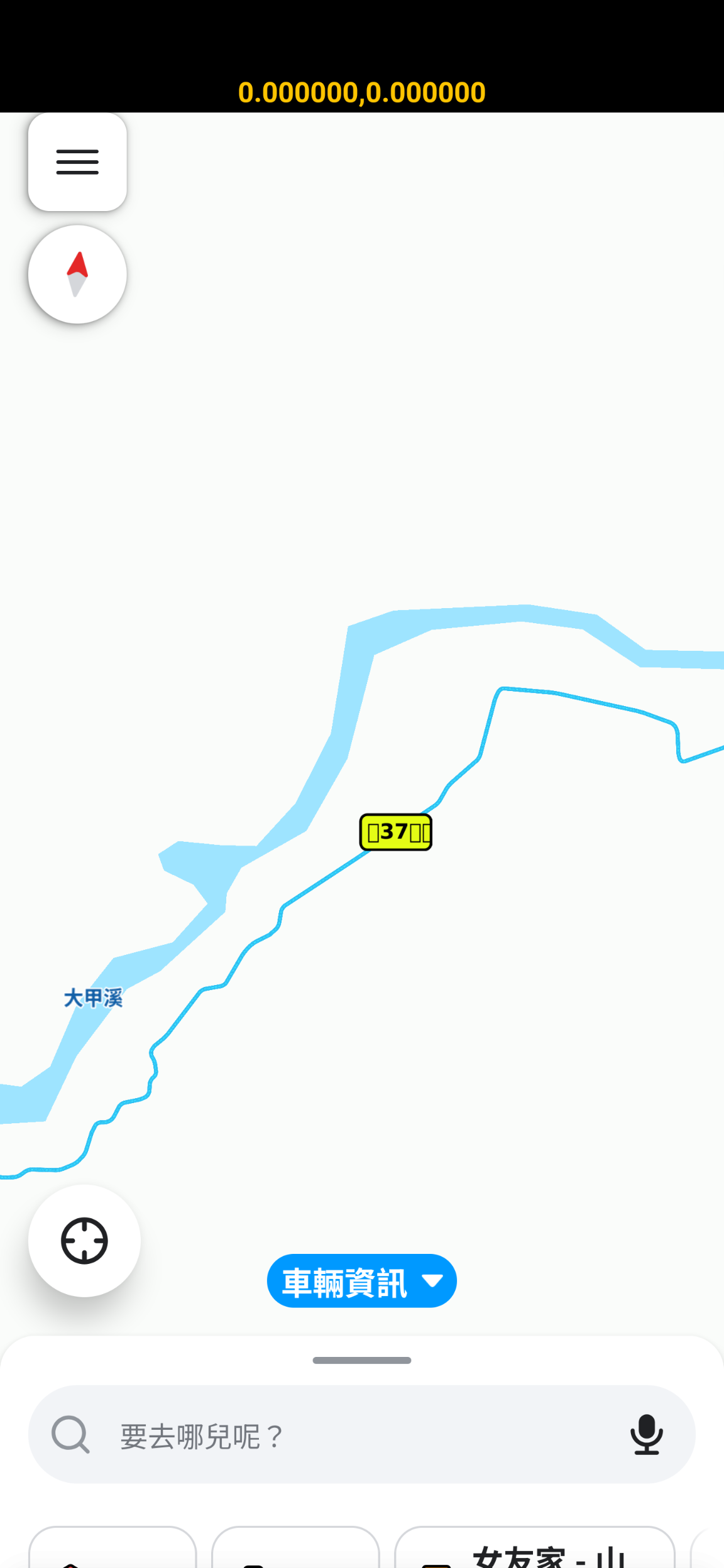
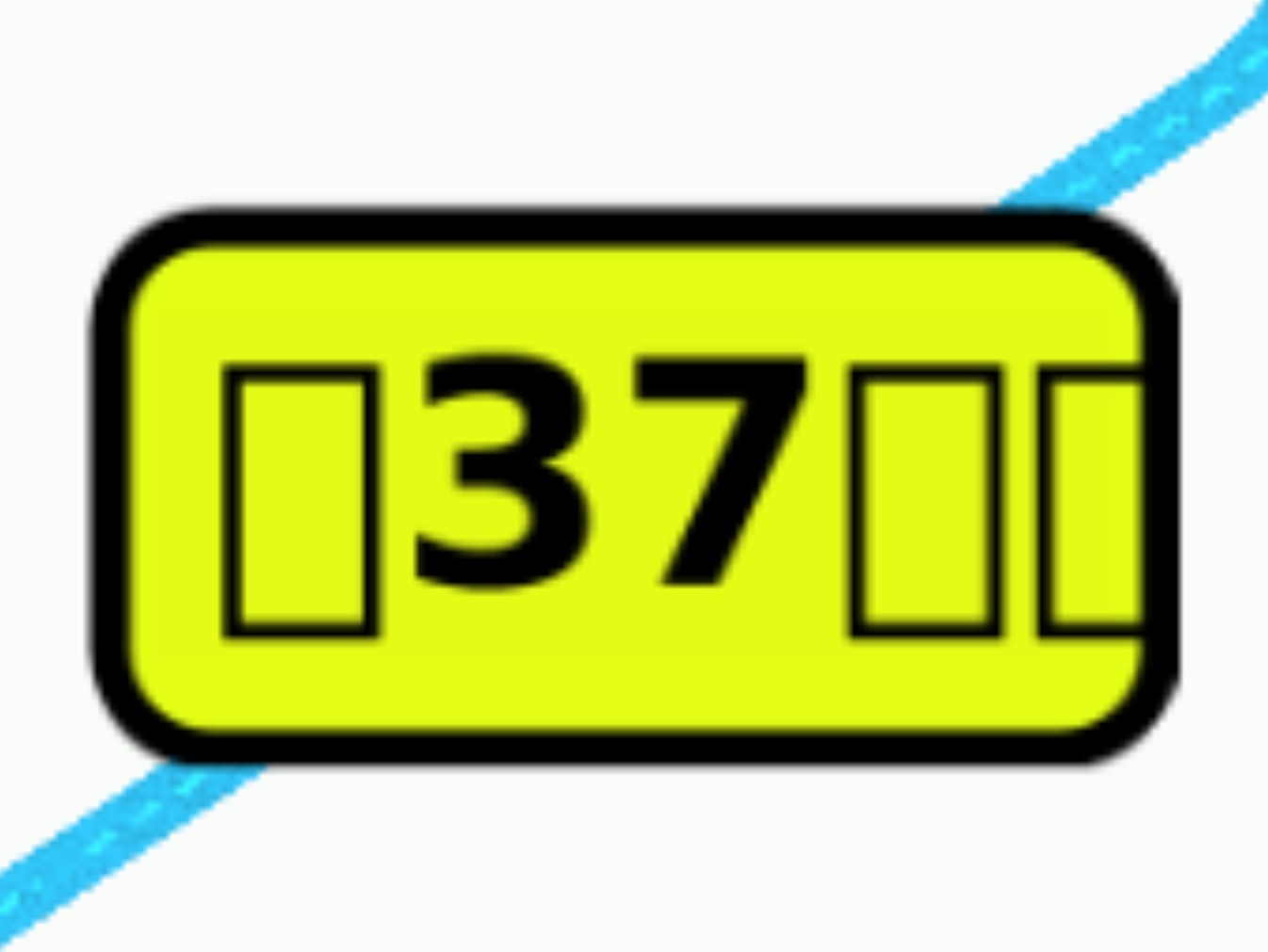
Also, the Road Shields for ‘市道/縣道 County and City Highways’, ‘區道/鄉道 Township and District Roads’, ‘專用公路 Exclusive Highwy’ and ‘臨時便道’ (which were added earlier this year) cannot display Traditional Chinese properly.
Would it be possible to resolve this bug at the same time?
I apologize for any confusion caused by my lack of a detailed explanation earlier.
When I said ‘different configurations’, I meant testing various ‘Provincial Highway’ (省道) options under the ‘Road Shield’ setting on the ‘Edit in road shield editor’ page.
I have updated my original response to include the specific steps. Hopefully, this will help clarify things for you.
It took some time for me to get back to you as I noticed the original ticket has been fixed. I’ve been checking with the team to get more details. So far, I see they applied Noto Sans TC, which is supposed to support both Traditional and Simplified Chinese characters. My guess is that there might be a rendering or encoding issue, so I have filed a separate ticket to investigate. I will keep you posted on any updates.
Hi @Nataliia_Staff , I’m just checking in to see if there are any updates on the following issues:
The Road Shield for first “省道” and “省道快速公路” option shouldn’t be hardcoded with the character ‘甲’. It should dynamically change based on the last character inputted. For example, if we input ‘61乙’, the shield should display ‘乙’ at the bottom instead of always showing ‘甲’.
Road Shields for ‘市道/縣道 County and City Highways’, ‘區道/鄉道 Township and District Roads’, ‘專用公路 Exclusive Highways’, and ‘臨時便道’ (which were added earlier this year) cannot display Traditional Chinese properly.
Based on the suggestion from our team member @Gazcore44 , we can provide some templates for your reference to make adjustments for first “省道” (Prov. Highways) and “省道快速公路”(Prov. Expressways) option.
(To avoid confusion, these options should actually be renamed to “省道支線 Prov. Highway Spur Routes" and “ 省道快速公路支線 Prov. Expressway Spur Routes". I have already asked @lawvaban to file a report regarding this issue under Localization Bugs.)
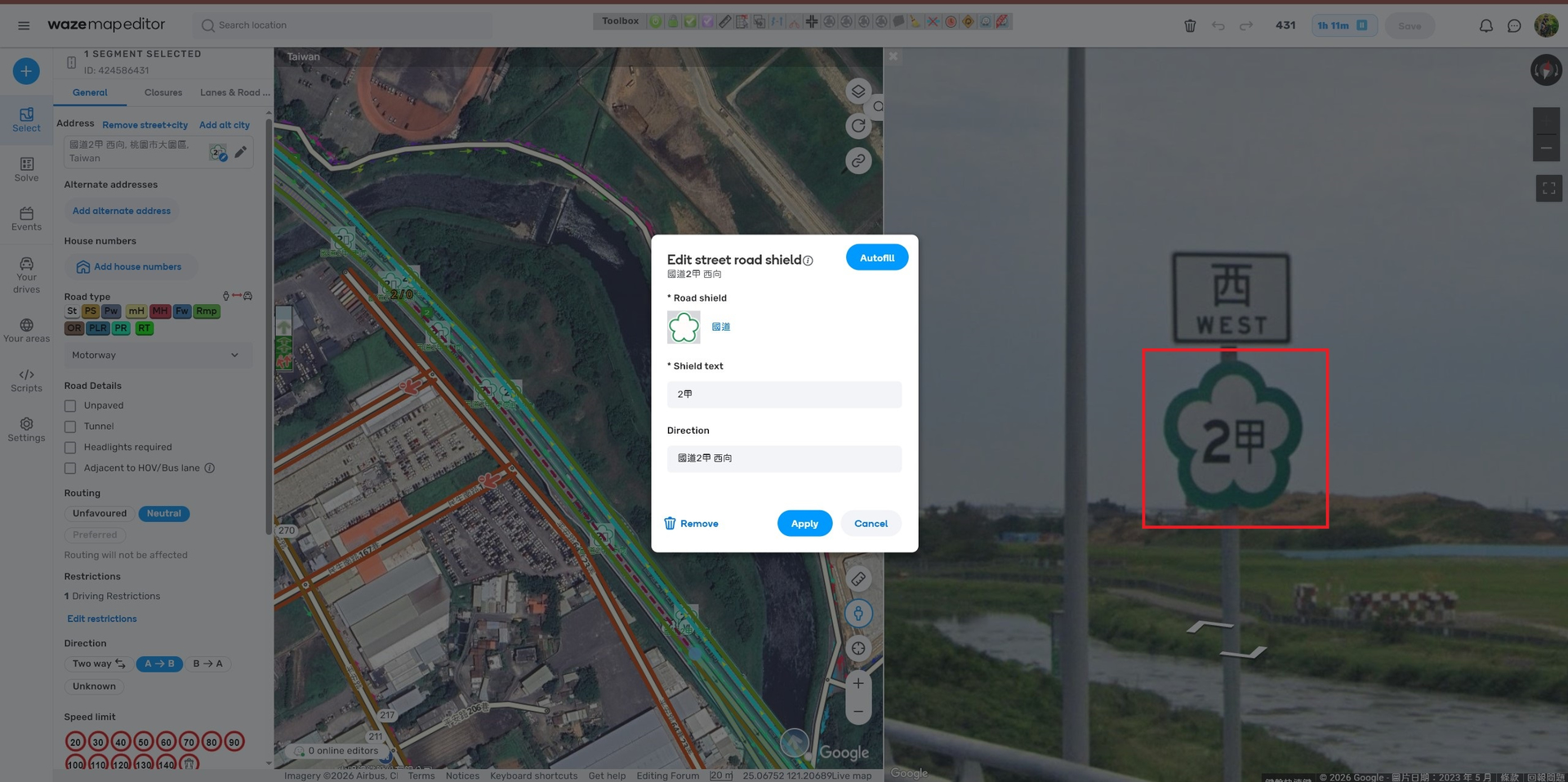
Provincial Highway 2 Spur Routes:
Provincial Highway 2A(台2甲線):Enter “2甲” in the “Shield text” field.
Provincial Highway 61B(台61乙線): Enter “61乙” in the “Shield text” field. ( This route could be upgraded to a ‘Provincial Expressway Spur Route’ in the future.)