Two requests for editors using devices with limitations on screen resolution (or limitations on visual acuity who choose to use lower resolution so they can see what they’re doing):
Can we find a different place to put the link to open the settings control panel, or find an alternate way to open it? With lower screen resolution, even without this script in play, in some locales the imagery copyright notices already run into and through the scale bar and lat/long, and the link to open the settings is pushed into unreachable space. Current workaround is to move the active editor view to someplace known to have a shorter strong of copyright notices.
Can the settings window open a little higher on the screen, or can the settings window be movable? On this device, when it opens, the bottom edge gets pushed off the bottom of the screen.
I’m not certain how the first remark is relevant for Street Vector Layer?
Ideally the copyright notice should just be hidden underneath the controls on the right.
For this to happen now, the object with CSS class olControlAttribution must have the CSS property value “right” increased whenever a script author adds a control there. By default the code assumes that the controls to the right of the attribution text will not take up more space than 250 pixels, but that is already too low from the start as that should be 300 pixels. I’ll create a bug report about that in the beta forum. Ideally Waze should use the flex layout there to get a consistent layout in all screen sizes, which would also have the advantage that script authors can safely add controls there without having to do anything special.
Thanks, this reveals the limitations of my understanding of coding and design, I understand now that this shouldn’t occur if the base setup from Waze didn’t suffer from (another) design oversight.
That said, design flaws in WME are ubiquitous, and have everything to do with why we have and depend upon so many scripts. I don’t have high hopes that Waze will soon (or necessarily ever) fix the copyright notice formatting to the ideal state, so the problem for some will remain. It is for that reason that I made the request. If some aspects of a script are inaccessible due to poor native design by Waze (in this case the link to open Street Vector Layer settings), isn’t it the nature of script writers to work around and overcome those flaws, instead of waiting for Waze to fix something to its ideal state?
Upon additional rumination, maybe this is a fix request that should be directed to FixUI… if there is a way to resolve the copyright string issue with a script…
EDIT: And so I went over there to post about it and see that Glodenox already did.
Change request for Street Vector Layer summarily withdrawn.
I just started using this script and love it! Thank you for your hard work on this!
When I am running this script and toggle it off via the check box in the layer drop-down, it seems that the roads do not seem to display, as if WME is trying to load them. When I refresh, Street Vector Layer turns back on (as it should).
I am running an i7 laptop and internet that gets around 300 mbs download, so I’m not sure that my resources are struggling to download the street layers/tiles. Any suggestions?
When you disable the layer the standard layer does not get enabled back automatically, maybe you just wanted to have a look at the imagery. Did you enable the “Roads” layer back on?
After toggling off the Street Vector Layer, I can go and toggle off the Roads layer then toggle it back on and the Roads layer shows normally. Works for me. Thanks!
Starting to use WazeWrap (at the moment for the layer Checkbox and the keyboard shortcuts, let me know if you notice anything strange with their behavior).
I posted some time ago about imported settings not taking effect until a refresh was done. No one else was having that? Even then, those settings were lost the next time you did a browser tab refresh.
Now I’ve hit a point where imports won’t take at all.
This is just me, really?
Would love some troubleshooting help if someone could tell me where to look.
Already confirmed it to be failing with all other scripts disabled - but I’ve failed to take that step before so I appreciate the reminder!
Just discovered that it is apparently the format of my saved settings causing the problem. Saving a new text string and reloading it works fine. I’ve run into that before when Notepad had Word Wrap enabled, but ruled out this time. I’m left to guess that a script update changed the import/export format ever so slightly somehow?
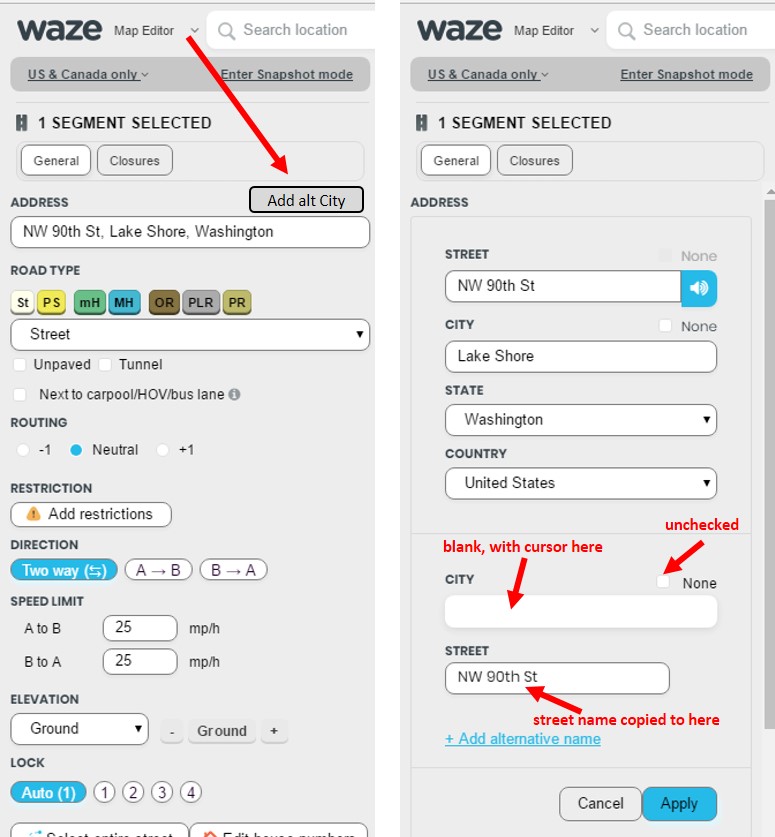
Unrelated, but repeating a previous request, per the screenshot below, to either make the options control box smaller, movable, or resizable, since even on moderate resolutions it runs off the bottom of the screen and there’s nothing you can do about it.