I installed the URO+ 4.12, and now its release notes are shown every time I reload WME page or open a permalink.
I’ve observed the same. Happy to hear that I’m not the only one. I was looking in the settings if something needed to be changed.
For the time being, I’ve commented line 2528 as a quick and dirty fix.
4.13 fixes the save settings error that was causing the above problem…
Thank you so much for your hard work on this script! It makes my editing experience a lot easier.
Muchas gracias @Twister-UK
4.14 can now apply RTC filtering to the closure list in segment popups, and also fixes the RTC filtering in the side panel.
The delete closure (apply to all) button only deletes one closure, not all.
This is being caused by bug #2 in the following report - Closure bugs
I’m glad you posted this. I had started a lengthy Advanced Closures when I realized I needed to change something. Instead of letting it run it’s course and using the Delete Closures feature to undo my mistake I was able to refresh the page to stop the process and delete the three closures that had made it in manually saving me a ton of time.
Thank you for posting this.
And thank you Twister-UK for having the feature in the first place. It’s so useful when an update doesn’t break it.
Today’s WME prod release has broken some URO+ features, including the button to remove all closures (which I know was not working properly due to a WME bug) and the feature that allows you to hover your mouse over a segment and see the details.
EDIT 9:30 EST: It looks like the mouse hover feature is working.
For me the segment pop-up when hovering over a segment isn’t working anymore.
And the same counts for all pop-up. Places, UR’s Restricted Areas etc..
*Edit: weird, now its working, all popups 
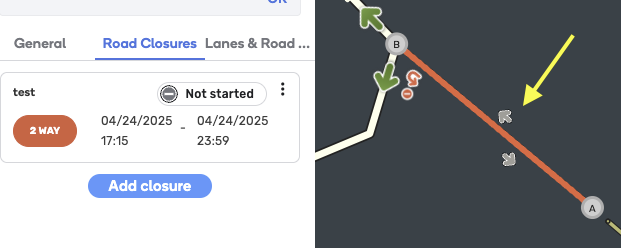
It looks to be due to WME loading things much slower now. There is a noticeable lag to display a segment or place when you click it.
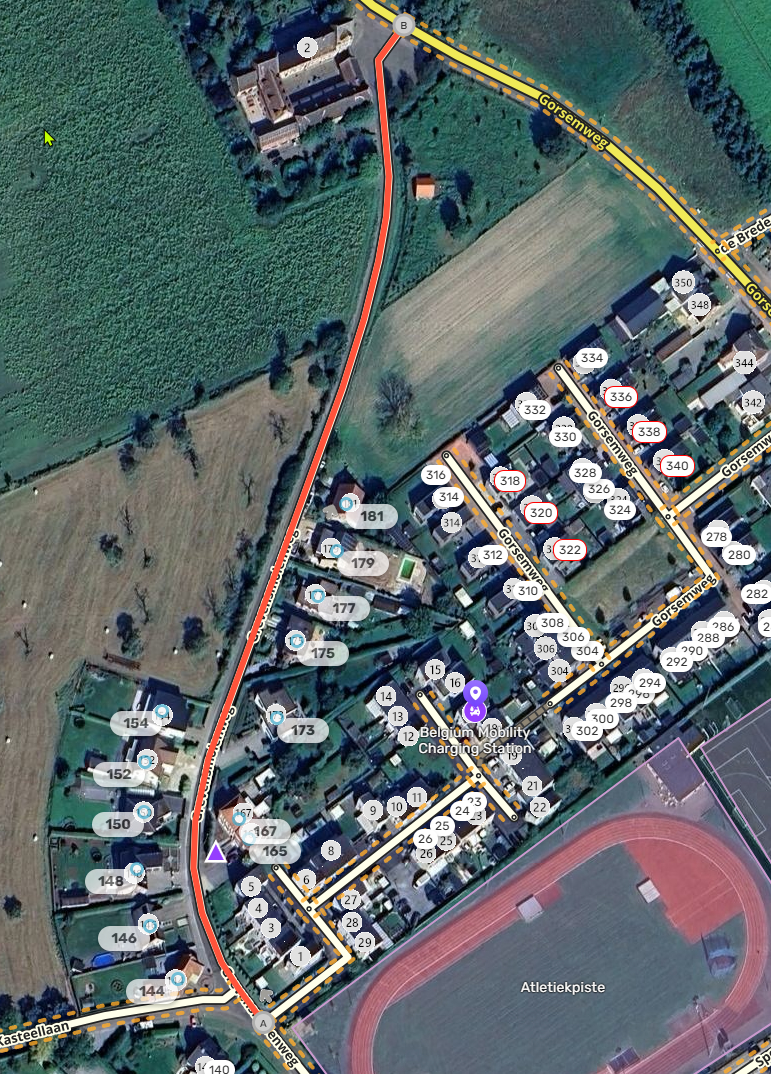
4.15 fixes the RTC display issues caused by the latest WME update, temporarily (I hope) disables RTC cloning due to the latest WME update, and welcomes the return of a long, some may have thought forever, lost friend - marker unstacking 
Is there a chance that we get back the ability to mass-delete closures?
If not, is there another script that does this? It’s such a time-saver.
The script currently can’t do it because of a bug in WME: [Script] UROverview Plus v4.15 (20250428) - #2348 by Twister-UK
I’m running into a bug when adding a new MTE. This is with only URO+ enabled in WME prod.
- Add a new MTE
- Go to add a road closure
- Click the dropdown menu to select an MTE
- The new MTE does not show in the dropdown. Normally it does.
- Do a hard refresh and repeat step #2. The new MTE now shows.
I’m seeing that even with no scripts running, so I think it’s safe to say URO isn’t the guilty party here…
4.16 gets RTC filtering working again in the sidepanel, and adds new filtering options for different types of closure submitter. Segment popups now work again if the segment has no name details. And, drum roll please, the Delete All button for RTCs is back…