This is not correct, I’m afraid. In terms of whether or not a roundabout is normal, all nodes count, whether they are inbound, outbound or two-way.
Script not working today in Prod & Beta (Chrome browser)
WME RA Util depends on the WazeWrap library (a userscript used by some userscripts), which is currently experiencing a problem.
WazeWrap is fixed - and hence this script should be working again.
But don’t thank me. I didn’t fix it; I’m just spreading the good news. :mrgreen:
Hello
Don’t know if it’s just me or if there are more editors that would find it useful, but: is possible to change that blue circumference that is draw on top of roundabout segments!?
The current option to put a circumference on top does not allow identifying (at least not easily) some errors marked by others scripts like Magic or Toolbox neither to literally see (in an easy way) the type of segment of roundabouts. The idea is to have a solution that allow editors to simply look at map and see those eventual marked errors and also evaluate if the type of segments are correctly selected!
Consider making such circumference more transparent … or remove it and only let those interior lines with angles … or other possible solution that others editors may have 
Thanks in advance 
Have you unticked this box?
I think besides the on/off, you’re also asking for more options in-between which wouldn’t be a bad idea. For example, I always turn it on/off to check angles because the thick blue line isn’t my favourite

You are right with that “options in-between” : I like to have the angles on but that thick blue line is not helping to see if the segments are being marked by others scripts (mainly Magic). A less thick line … a kind of more transparent line … a dashed line … would (probably) be more “efficient” :roll:
something very wierd happening with this script.
Toolbox and all other scripts off, only WME RA Util running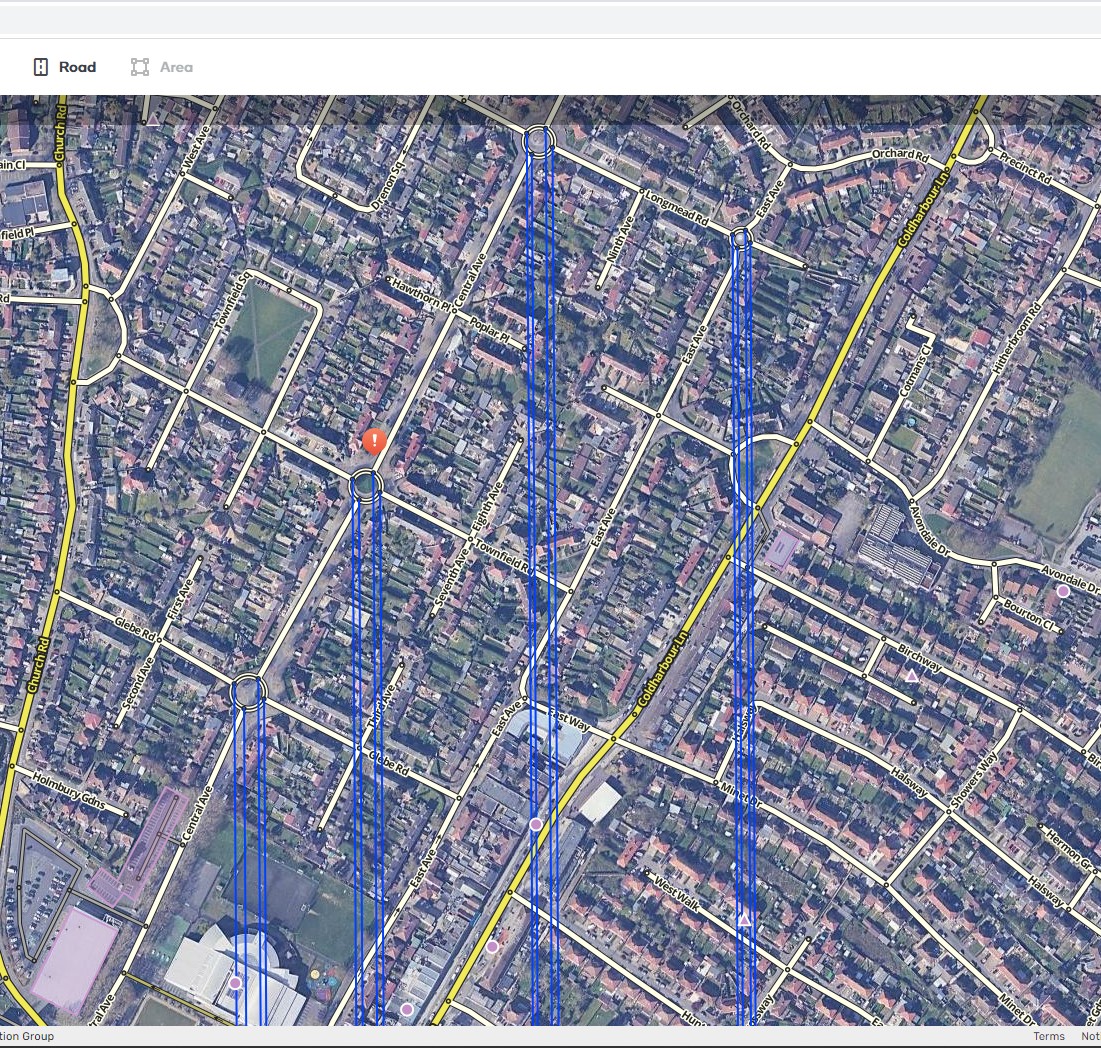
This is related to a WME update that has broken a few scripts that rely on coordinate information.
This issue has been fixed
Just a heads-up in case the news haven’t reached the dev; with the latest WME update this script is no longer working.
There you are, trying to draw the script developer’s attention - and all you get is mine…
Sad, isn’t it? A bit like clicking on this ‘active’ topic, hoping to find a post, promising to solve the problem “soon” ™
Comments like these don’t help anything. The script developer is well aware of the changes and will fix the script (if possible) Waze Soon.
Workaround: disable TB and script works again
You ok bud?
Good to know, thanks for that.
For me, not needed to disable TB, To work you just need to select the entire roundabout and not a single segment.
Hi, cannot move script window around. I think it was possible before?
I am still able to move it around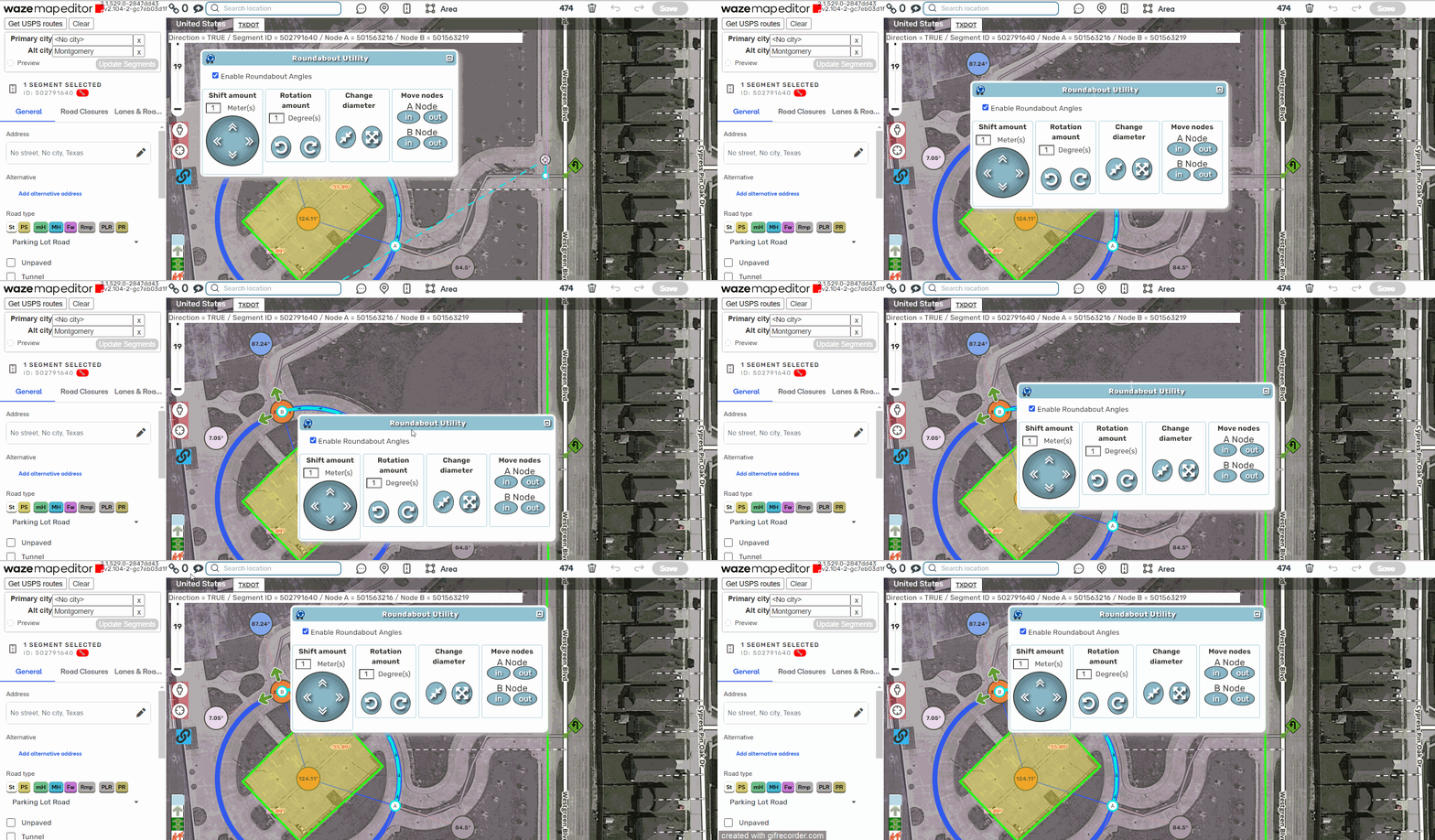
Same here, no problem moving it.
Hi, in the new beta WME version (v2.109) this script puts blue lines all over the map
