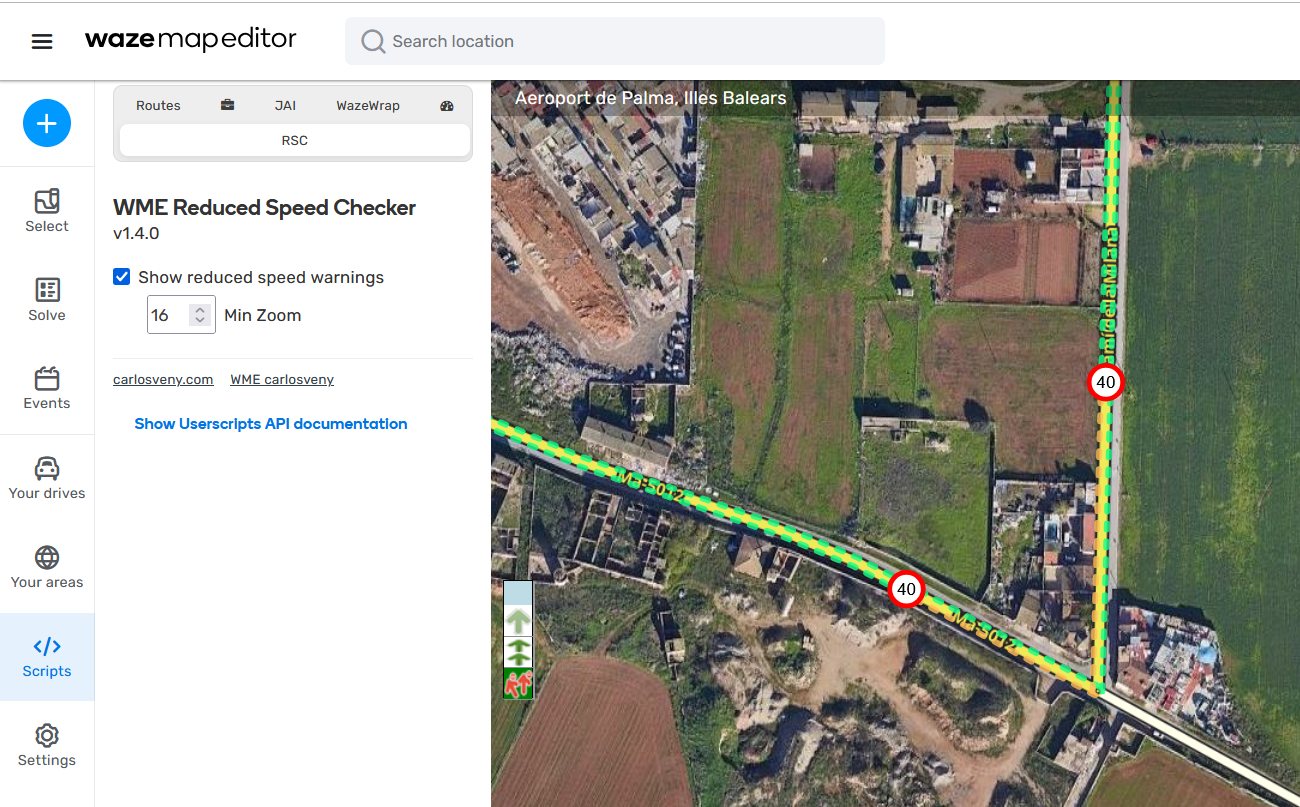
I’m happy to share a script that I have been developing for the last month. The purpose is to show the “Reduced speed warning” signs in the editor.
Based on my experience, these warnings somtimes appear when the speed limit is incorrect or when an intermediate speed limit that reduces the speed more gradually is missing.
Feel free to test it and send some feedback so I can improve it or fix any errors.
Useful info:
Available languages: English, Spanish, Catalan, Galego, Euskera and Portuguese (@linguasaltitante).
Speed limit signs are European-style, and the script only works in km/h.
In the config tab, you can show/hide the signs or change the min zoom level from which they are displayed.
(See links and screenshots below)
¡Hola a todos!
Me alegra compartir un script que he estado desarrollando durante el último mes. Su función es mostrar los avisos de “Advertencia de velocidad reducida” en el editor.
Según mi experiencia, estas advertencias a veces aparecen cuando el límite de velocidad es incorrecto o cuando falta un límite de velocidad intermedio que reduce la velocidad de forma más gradual.
Espero que os sirva de ayuda y estoy abierto a recibir feedback para mejoras, sugerencias o errores.
Información útil:
Idiomas disponibles: Inglés, Español, Catalán, Gallego, Euskera y Portugués (@linguasaltitante).
Las señales de límite de velocidad son estilo europeo, y el script solo funciona en km/h.
En la pestaña de configuración, se puede mostrar/ocultar las señales o cambiar el zoom mínimo desde el cual se muestran.
(Consulta los enlaces y capturas de pantalla a continuación)
I haven’t troubleshooted it yet, so I can’t provide more detailed information. However, I stopped using this script because it caused me to lose elements of the map.
I lost the segment that I drew and needed to refresh WME a few times to bring it back.
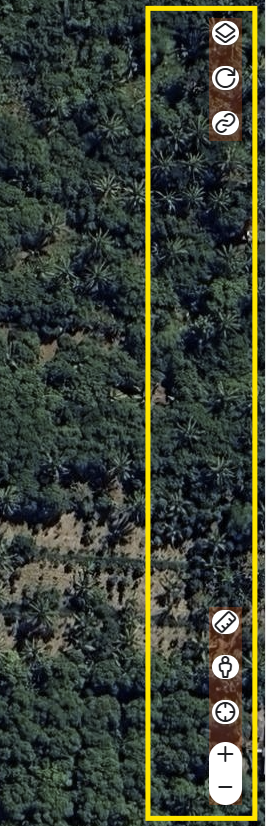
I lost the right-side controls (layer button, refresh button, permalink button, ruler button, GSV button, and zoom button).
Hello @AndyLaode !
Are you talking about WME Reduced Speed Checker or WME Color Speeds?
The first one is my script and it shouldn’t have the bug you comment. The second one… WME Color Speeds is a script from another user that I personally use and I think is really useful to use along with my script, but it has nothing to do with me.
If you indeed are talking about WME Reduced Speed Checker… can you please provide more information? A PM to the area you have seen the bug, your editor language, other scripts that you use (maybe they interfere)… I also remind you that at the moment the script is only working with Metric system (km/h).
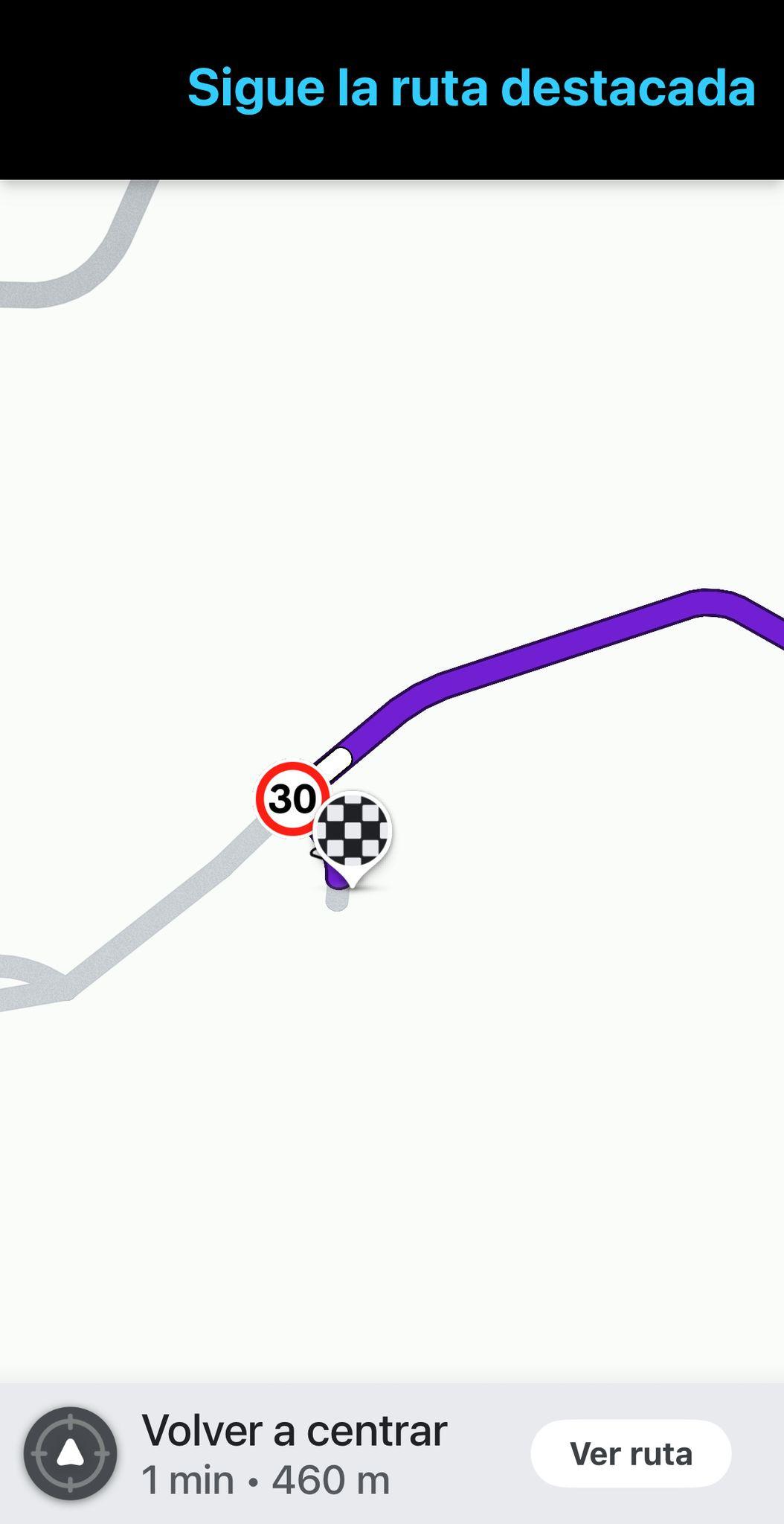
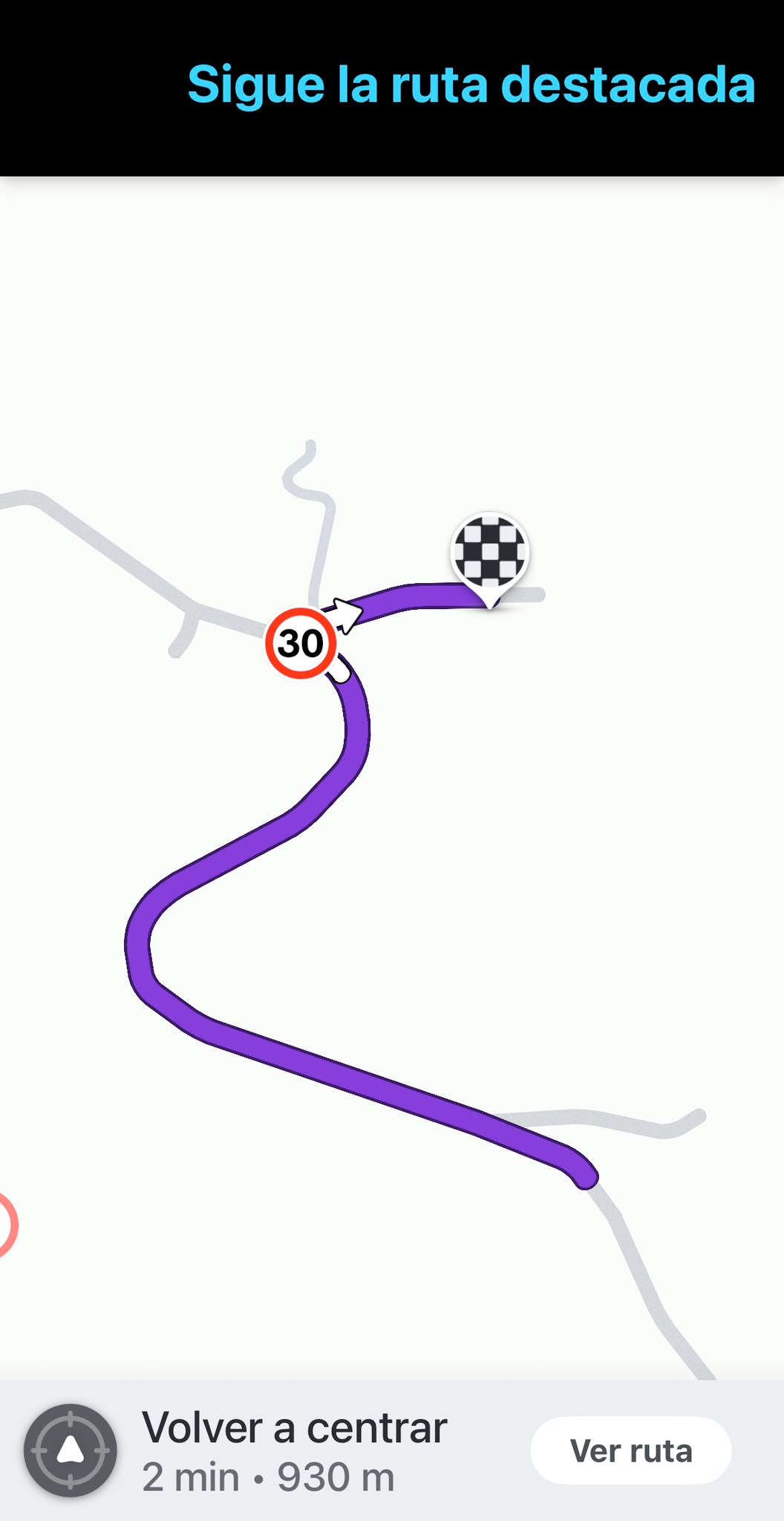
I understand what you are saying but you are seeing the alert in the editor because if you make a route there, you indeed will get the alert in the app (see screenshot below).
If you see the alert in the editor it means that, in a node, there is at least 1 possible route that will display the alert in the app (if there is more than 1, the min speed limit will be displayed in the alert). Then it’s the editor’s work to actually determine which is the route that will show the alert (checking speed limits) and decide if it’s correct.
I have tested a lot of scenarios and I think the results are consistent. It doesn’t matter if there is a turn indication, the alert will keep showing in the app. If you actually want to know when this alerts are shown in the app, you can read the GreasyFork description of the script. Waze doesn’t provide this information, I have collected it using trial/error.
PD: Also, keep in mind that this alerts just show in the app the first time you navigate through them. Then you have to wait for X days until the alert is shown again.
You are right: those alerts will always appear on such situations in Waze.
But having in mind the description on your script - «Este script ayuda a detectar estos errores.» - I would say that maybe you can go a little further
As is, your script will always show those situations where the reduced speed happens. But, maybe(!?) … and maybe only, you can try to “actively” identify the “real” errors.
I know that the situation I describe below will not always result in a real error, but … a situation where you have the following conditions can be a serious candidate for being an error:
3 consecutive segments +
same road type +
same address +
the middle segment falls inside that reduce speed criteria
(In this middle segment, maybe the option to define the maximum segment length of it would be helpful, in order to try to prevent false positives. Also, it could be an option for the user to change as he wants.)
By identifying such situations, maybe you could mark them with a different icon
I will think about the suggestion you propose because I don’t want to fall into making the script “too personal”. For now, it only shows real data (as far as I know) and your suggestion includes something to actually detect if there is an error. But again, it’s pretty “personal”.
I will think about it and I will gather more information from other users to see if we can make something “for everyone”.
I’m not fully aware of all the conditions that will trigger this alert in Waze (sorry for that).
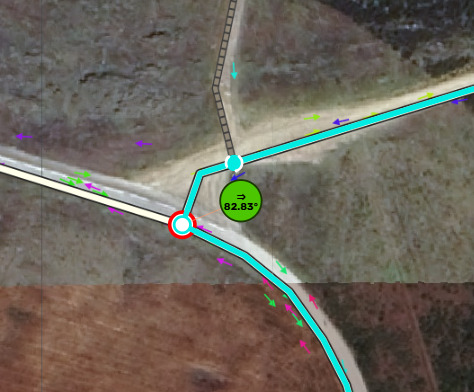
To try to better understand it, can you please clarify if this error will be triggered when we are at a cross road, and you are specifically instructed to turn right or left!? I don’t remember to ever been alerted to a “reduced speed” when I’m instructed to turn right or left!
I’m asking this in continuation to the example on my first post, where you see that all the reduced speed happens when you turn right/left!
Personally, I do not agree that this alert should be shown when we change direction as a result of a turn … but this is my opinion only and I know that this isn’t something related to your script (but Waze only).
Hello again @linguasaltitante , as I said in a previous comment, I’ve checked a lot of scenarios and yes, the alert will show in Waze even if there is a turn right/left.
Don’t get me wrong, it’s also weird to me, but that’s how it works. You can try to create a route there and if you zoom in that cross road, you will see the warning.
If you want to know all the scenarios I’ve tested you can have a look at the script description in GreasyFork.
It looks like it does not use any WazeWrap functions, so the check for wazewrap ready in checkWazeReady could be removed. (And then you would not add the require wazewrap line.)
Hello @JanKlaaseen . @daveacincy is completely right, I don’t use any WazeWrap functions in my script (so I don’t need to import WazeWrap). The thing is that I check if WazeWrap is ready (which I shouldn’t do) and the script throws an error.
I’ve released v1.5.1 with the bug fix.
Thanks to both for reporting the error!, I have more scripts installed and some of them use WazeWrap so I didn’t see the error.
Hey @carlosveny, I am getting this in Firefox and then saving behaves weirdly.
The screen dims, it does save the edits, but then while it’s dimmed I can see the elements as they were before the edits. It requires a tab refresh to become useable again.
Hello, I’ve been having this issue for weeks and I didn’t know it was because of my script. Do you have a way to replicate the error? In my case, sometimes it happens but I can’t find a pattern.
Also, if you disable the script, does the error not happen?