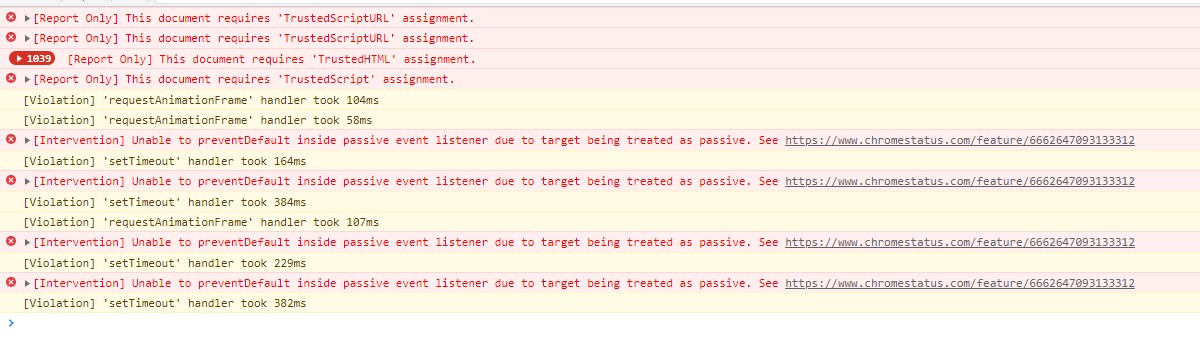
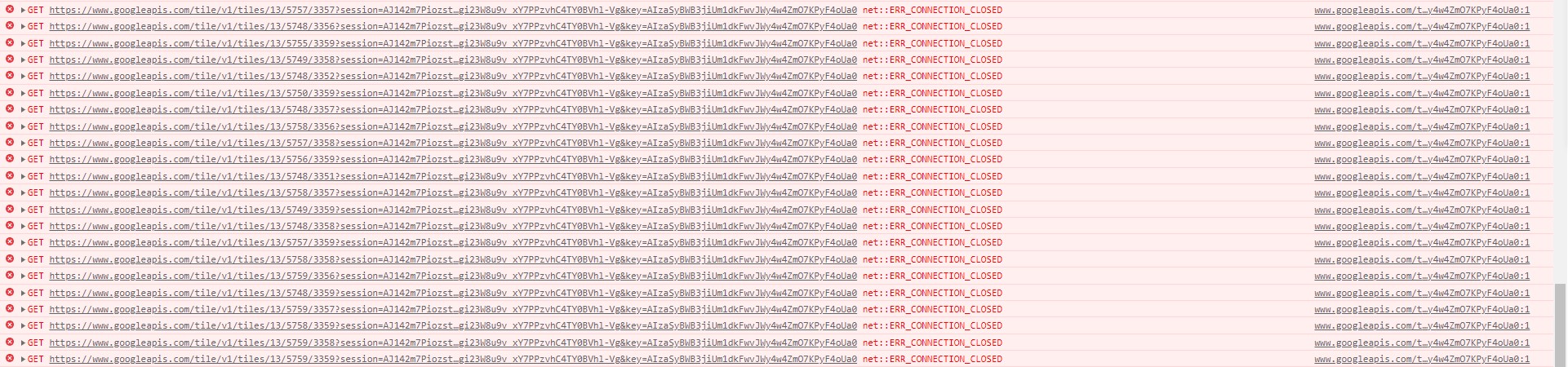
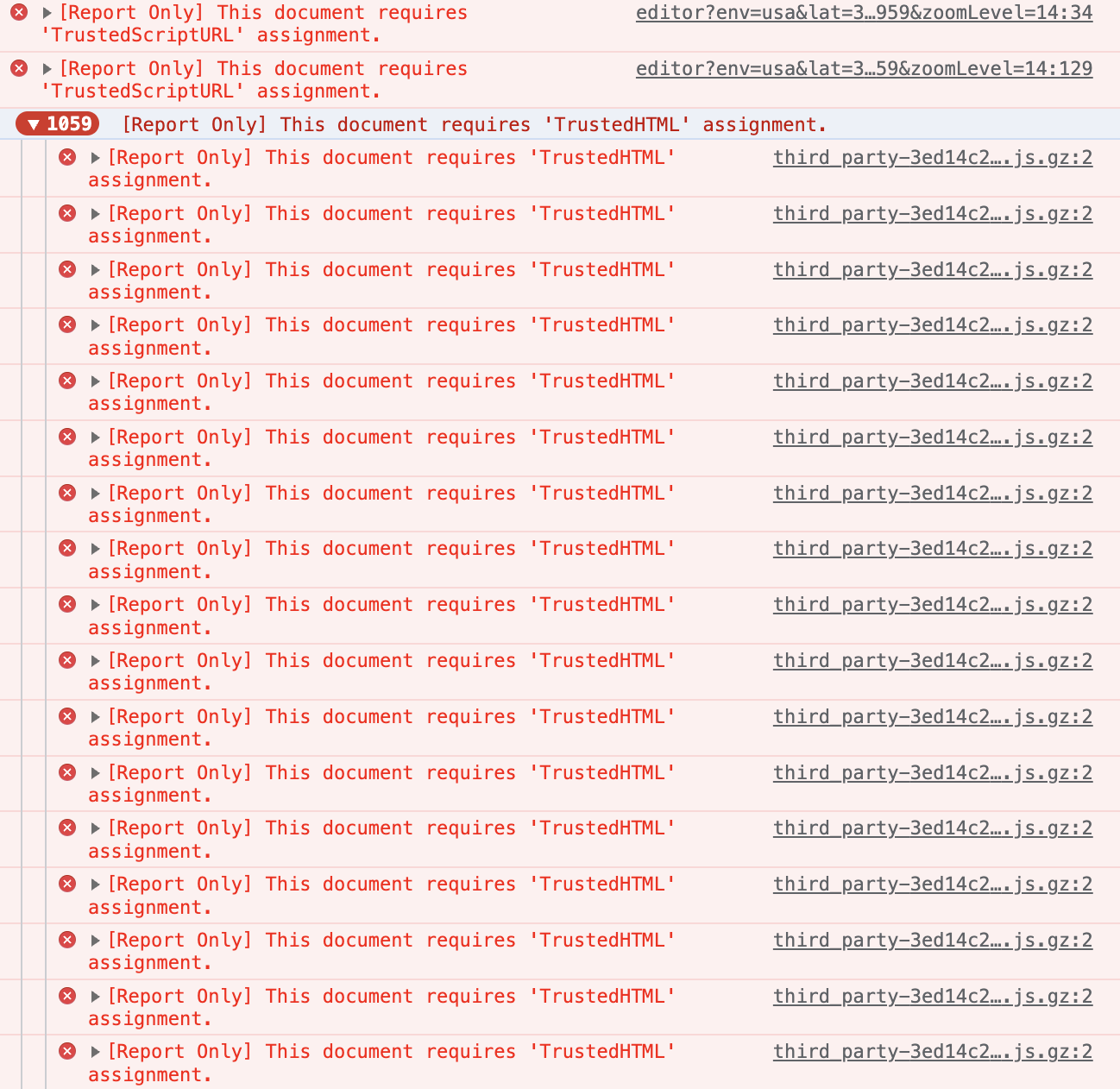
Of late, I am seeing thousands of errors in the console in both production and beta WME. The screenshot below is from a fresh script-free beta WME load.
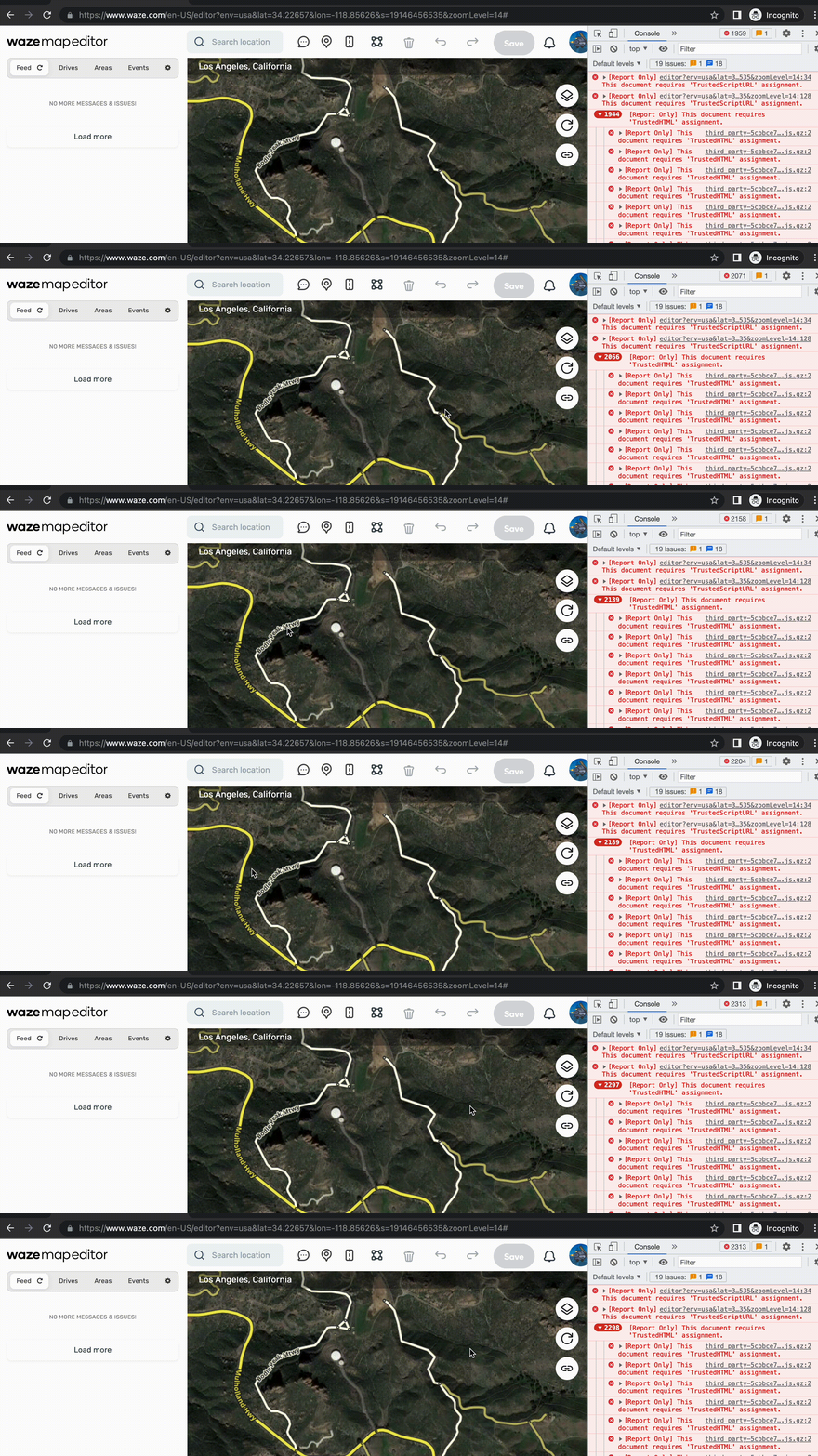
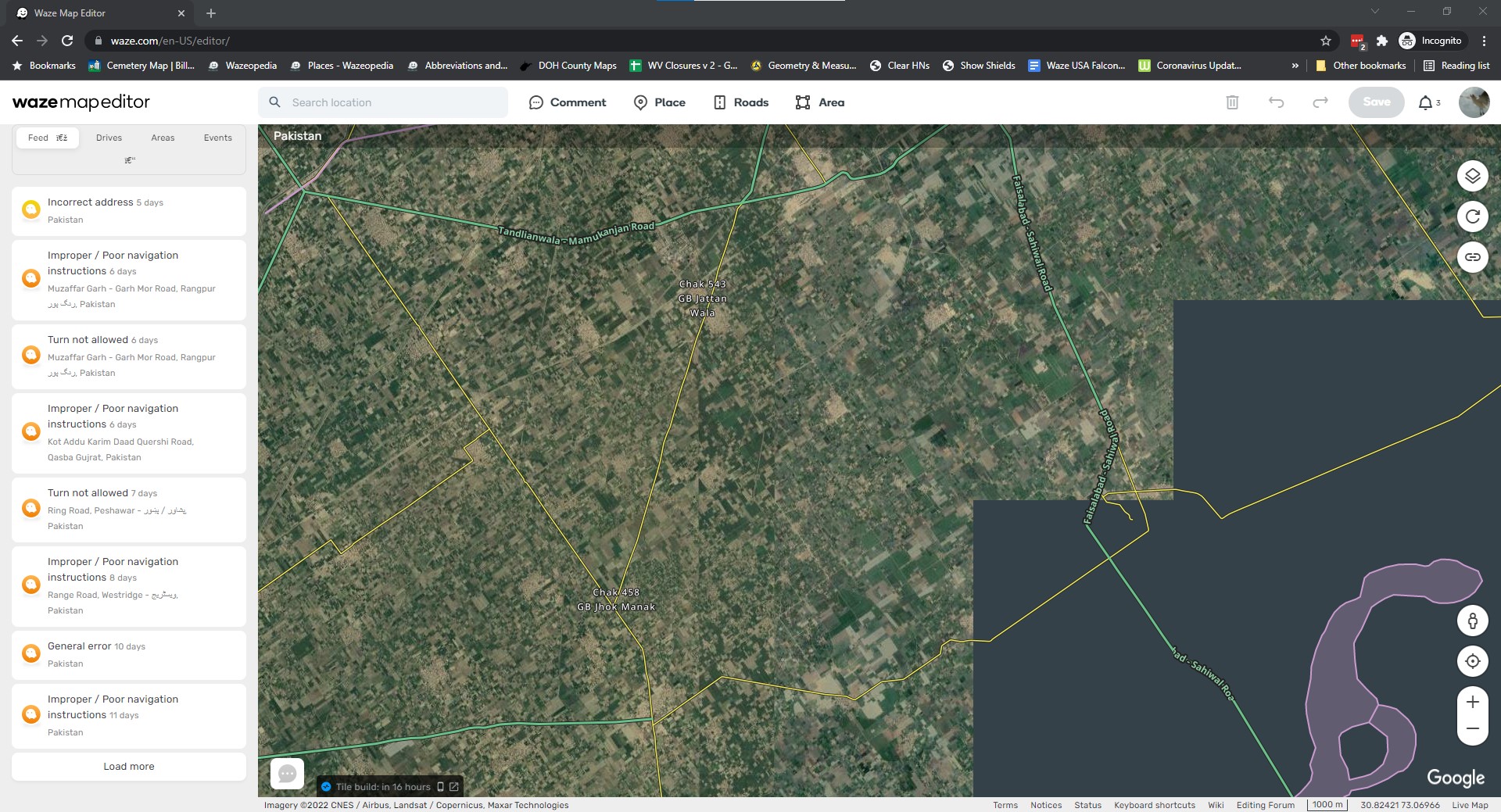
I opened an incognito windows and loaded WME beta. Even before logging in, the first 6 errors and the second violation appeared.
After logging in, the number of “[Report Only] This document requires ‘TrustedHTML’ assignment.” errors continued to climb to several hundred.
I panned the map a few times and the number of “[Report Only] This document requires ‘TrustedHTML’ assignment.” errors accellerated.
I zoomed the map twice. Upon zooming The remaining errors and violations appeared.
Could you please specify if you experience the issues besides displayed errors in console?
Also did you check with disabled scripts in you browser, correct? You mentioned that you used incognito mode, I wanted just double check the understanding.
Thank you for your reply. I have filed an internal issue for this, the team will review it. Also I want to tell that I will move this post to the WME Local Issues section as these issue seams to be country specific.
Hi Nataliia,
Disabling the venues layer doesn’t solve it. I tested incognito without the venues layer and continued to see errors as I panned and zoomed the map.
I’m also seeing this, and I’ve seen others reporting the same. This should be observable by anyone who looks at the browser console. I don’t think it’s a local issue.
Observed using incognito Chrome in ‘practice mode’ (not logged in) with all layers disabled. This is likely to be related to the Content-Security-Policy-Report-Only response headers that have been added to the editor page. [cf. trusted types]
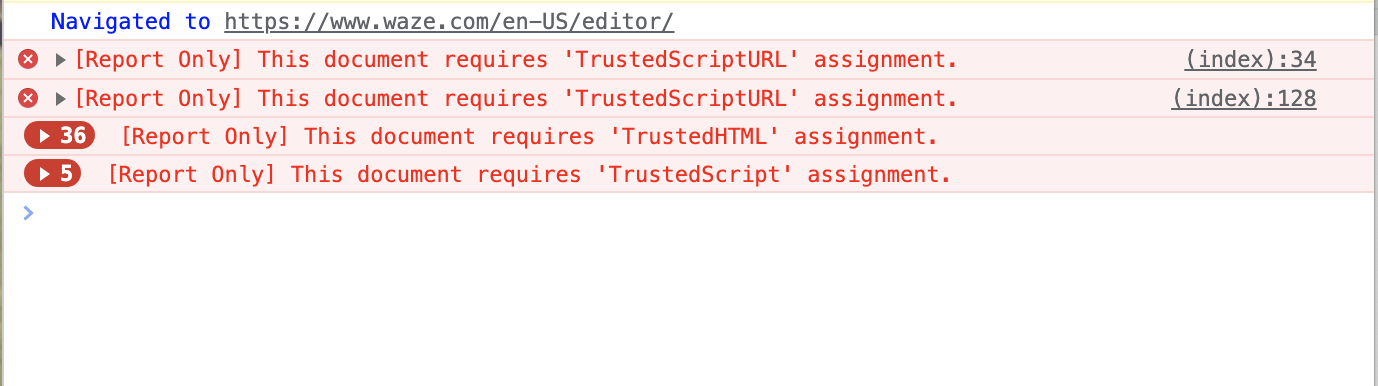
Hi Nataliia, It looks like the issue isn’t resolved. I just tested Chrome incognito (no scripts nor extensions) Mac and this what I see in the console-
This continues to happen in both beta and production WME. This screenshot is from just now in beta WME and represents just a few seconds of WME usage incognito with no scripts. Logging in and panning/zooming to a point.
Here is a video I just created in Incognito WME Beta showing the errors.
NOTE: that the errors happen every time I move the mouse over the map. When I stop moving the mouse, the errors stop, when I start again, the errors start.
The team identified that such errors appear due to the complexity of the deployment process. During previous back-end versions releases the database was under significant pressure. It led to a downtime and errors.
We’ve take various steps to reduce the likelihood of this happening again. Please keep an eye on the problem and leave comments in case you notice errors again.