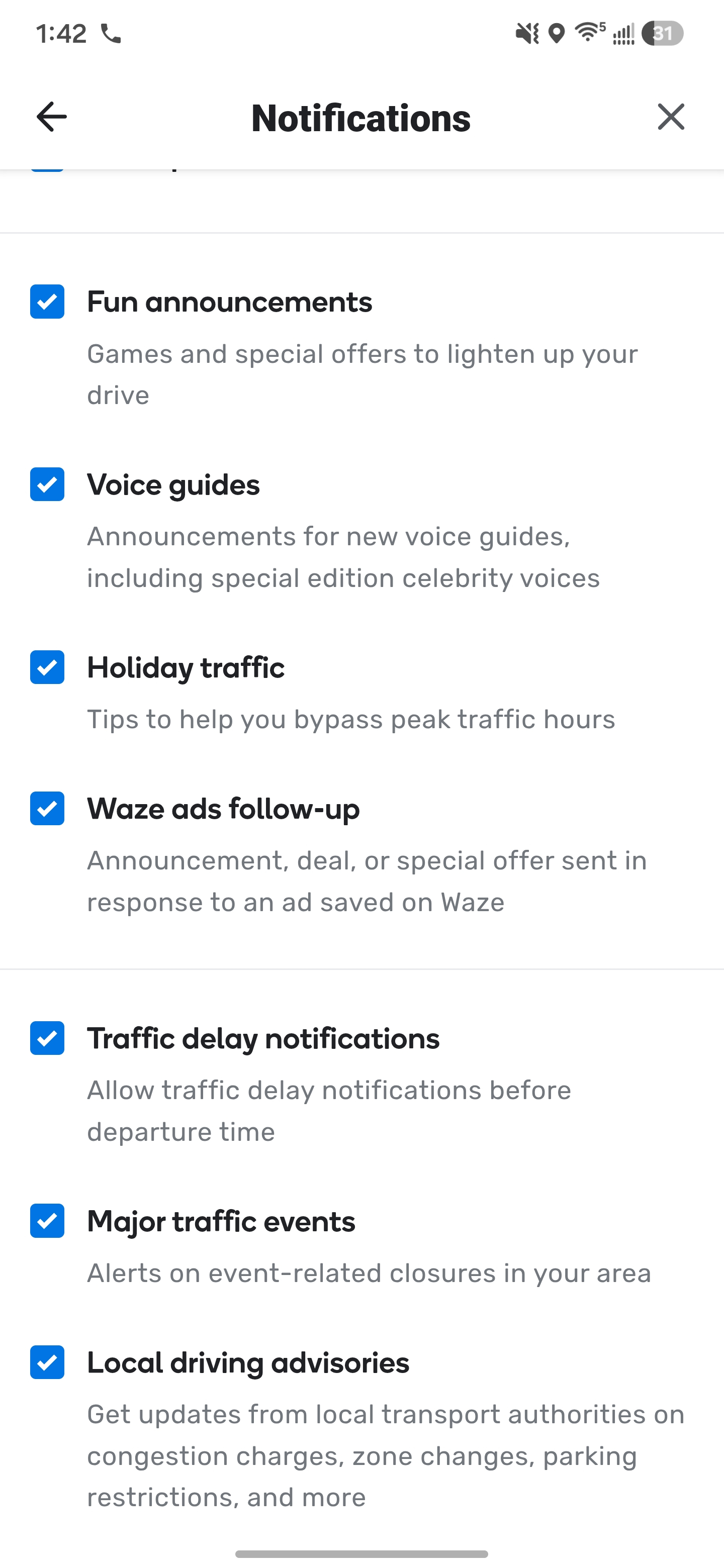
A few months ago, I had been in Nashville for a concert. I now keep getting “Waze Traffic Alerts” with issues that would be important to me if I were still there. I’ve looked in my account and the forms, but have not seen much to help. I did run across this.
“A push message will be sent to Wazers affected by the TE. This means anyone that lives in the area selected or regularly travels to, or through, that area.”
I’m not sure that this is the source of the messages, or not, but the bottom line is I’d like to figure out how to stop them, as they have been coming every few days.
Any advice?
I did see this, and I’m sure it may work, but my issue is: how can I turn off for an area I’ve only driven to once every few years, and that is 250 miles away? I have no issues with receiving alerts for areas I may be in, such as my home city.
Waze will send you push notifications if you have any favorite (home/work/any other favorite) in the impacted area, or you have driven on any road within the impacted area recently (63 days if I remember correctly).
Once none of these conditions will be true you will no longer receive notifications for these areas. If you don’t have any favorites within that area, then you simply has to wait for your drive to become old enough for the system to stop sending you notifications.
Thanks for the input. I was not aware that you could set a Favorite, and that would be worth looking into. I’m familiar with creating a saved place, but I haven’t seen how to set a favorite. Can you share the steps to set a favorite, and I’ll see if I‘ve somehow saved Nashville.