Edit: Clearly I have no idea how to properly report a bug it’s extremely confusing / unclear if I sent it to the right area/community/etc. type at me in all caps in the replies if I dun goofed, sorry in advance.
Edit: Edit: I did upload debug logs from yesterday and today after I had these issues.
Is this a…**:
Standard bug
Steps to reproduce this issue:
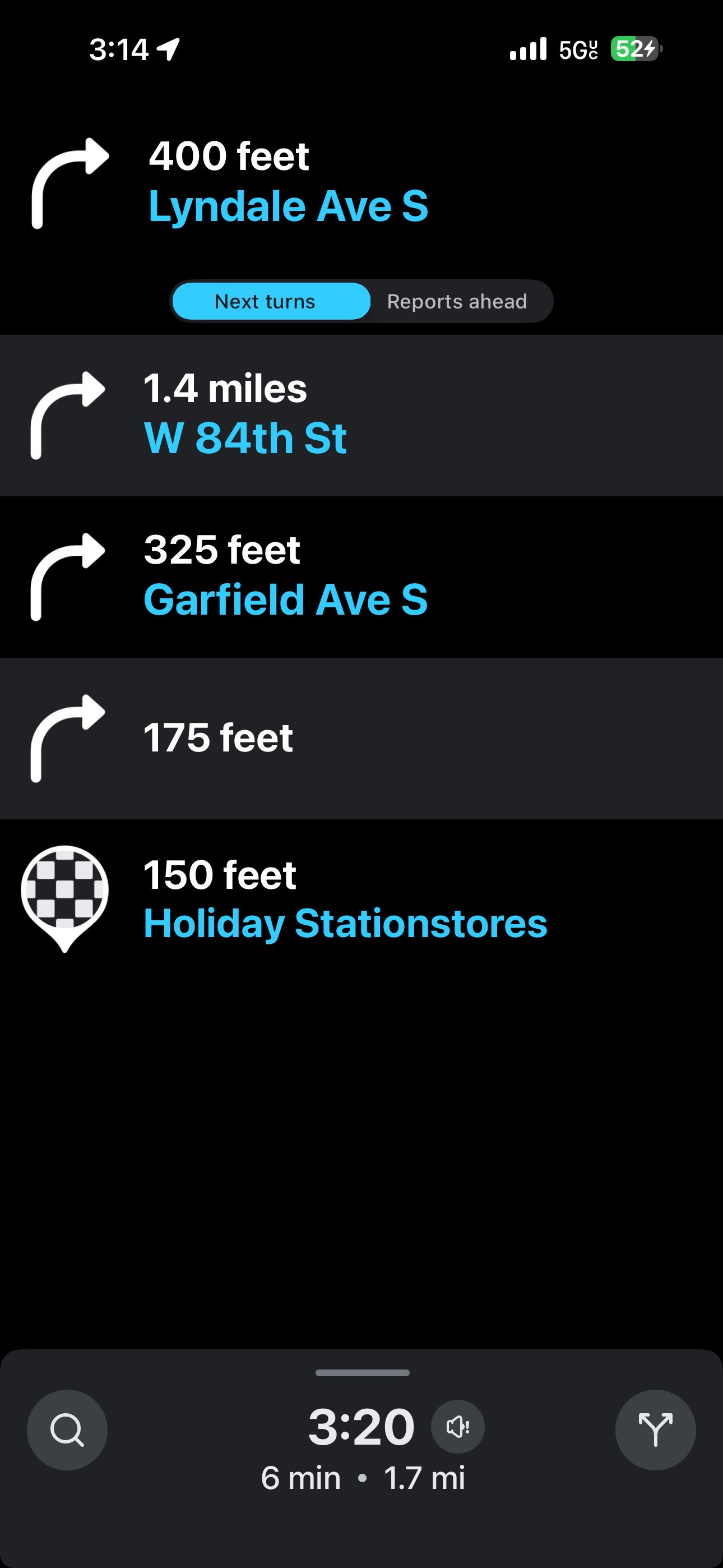
While connected to wireless carplay headunit… On phone or car display search for an address, and click navigate. Car’s display loses the map but retains remainder of the UI elements. Phone UI seems fine.
To bypass this bug you can have an address already being navigated to then connect to Wireless Carplay or restart car’s headunit.
Thia happened after the last 2 version updates of the Waze app. (5.19.1.0 and the version before that released a day earlier)
Broken on iOS 26.4.3 and iOS 26.5
Environment where the bug occurs…:
NA
Permalink:
what
Browser name and version:
iOS 26.5 v5.19.1.0
Are you using scripts? Please detail which ones.:
No scrips. using iOS