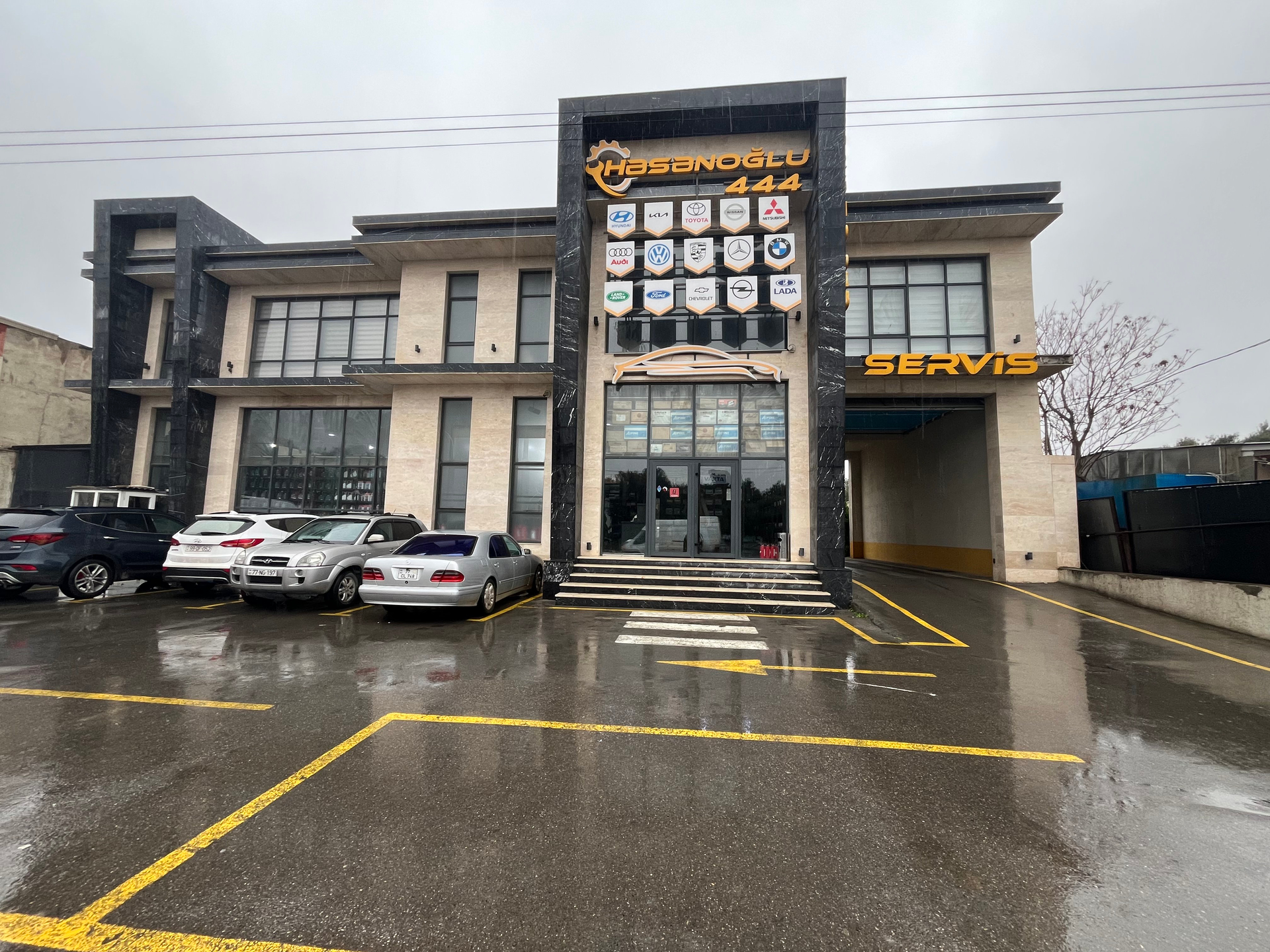
Hi,
I added a new place in Baku, Azerbaijan.
It is a real business, already confirmed on Google Maps.
The place is stuck with “Place Update Request”.
Could an Area Manager please review it?
Place name: Həsənoğlu444
Hi,
I added a new place in Baku, Azerbaijan.
It is a real business, already confirmed on Google Maps.
The place is stuck with “Place Update Request”.
Could an Area Manager please review it?
Place name: Həsənoğlu444
Hello, I hope you’re doing well.
Welcome to our community page. Your place addition has been approved and is currently awaiting publication.
If you have no further questions or other details you would like to mention, please do not forget to mark this “Yeni bir məkan - A new place” topic as “solved” below.
Hello,
I received a thank-you and confirmation notification from the Waze App regarding the location I previously added; it is visible on the map, but it still does not appear in search results. Location name: Həsənoğlu444.
I kindly request the following for the existing location:
Since the location has already been confirmed, I do not want the review process to start over; I only request that the indexing be expedited. For optimization purposes, thinking it would help speed up the indexing, I added the phrase “Spare parts store and car service” to the description section in the editor.
Location of the entity on Google Maps
Thank you!
Thanks for the info. However, the publishing process takes 1-2 days at best, provided no issues arise. This means you just have to wait. It is not possible to speed it up. After all, the map is updated globally periodically; it’s quite an intensive process.
As for the photo, once your location is published, you can take it yourself and add it right there through the app. Once you’ve done that, just let us know so we can approve it quickly. It will start appearing the same day it’s approved. The hard part is only until the location is published for the first time.
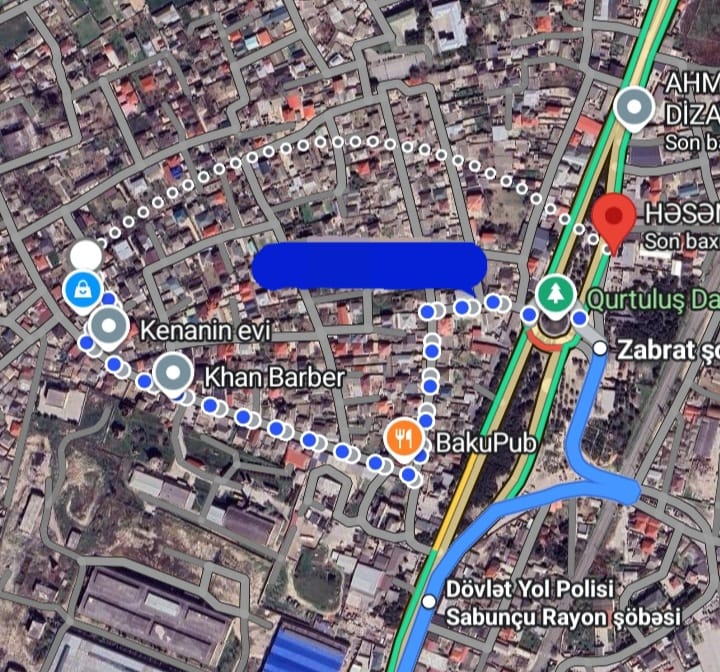
Hello again! Just to let you know, your location has now been published on the map. This means you can now add photos to it. Additionally, please note that while your location marker is in the correct spot on Google Maps, there is an issue with setting a route there, as seen in the image below. There is no problem on Waze because we have merged it (the Google Maps reference) with the entry added to Waze itself. However, those trying to get there using Google Maps might experience problems. Bye for now! 


Hello, thank you very much for the information.
Since navigation via Waze is currently working smoothly, there don’t seem to be any issues on this end. Users are able to reach your location easily using Waze.
If any further needs arise in the future, we would be happy to look into it. Thank you for now.