Hello,
I’m quite new here and I need some help on deleting a duplicate waze listing.
Is there anyway for this to be fixed? I’ve tried to find ways to make this edits but I’m quite restricted in some way.
Thank You.
Hello,
I’m quite new here and I need some help on deleting a duplicate waze listing.
Is there anyway for this to be fixed? I’ve tried to find ways to make this edits but I’m quite restricted in some way.
Thank You.
Thanks for the post. What do you mean by duplicate? There is only one venue in Waze for The Joint at that location. If you’re seeing more than one location in livemap search (your link is to one) or the app, keep in mind that you will get results from both Waze and Google Maps.
(Link to place in Waze)
@turbomkt Hi there and thanks for popping in.
The issue we have is there are two listings for the same business.
Correct listing: https://www.waze.com/live-map/directions/us/ca/pasadena/the-joint-chiropractic?to=place.ChIJaTIanYLcwoAR0bQo_GegOxM
Incorrect / duplicate listing: https://www.waze.com/live-map/directions/the-joint-chiropractic-pasadena,-ca-e-foothill-blvd-3653?to=place.w.158531926.1585515863.3996993
The first one is the correct one. The second one is incorrect and a duplicate.
We’d like to either merge the two listings, or remove the second one.
We have to keep the first one because it’s the one that’s being managed in Yext. But Yext support isn’t able to help us remove the incorrect / duplicate listing.
Is anyone able to assist us in this process please? Thank you for your time!
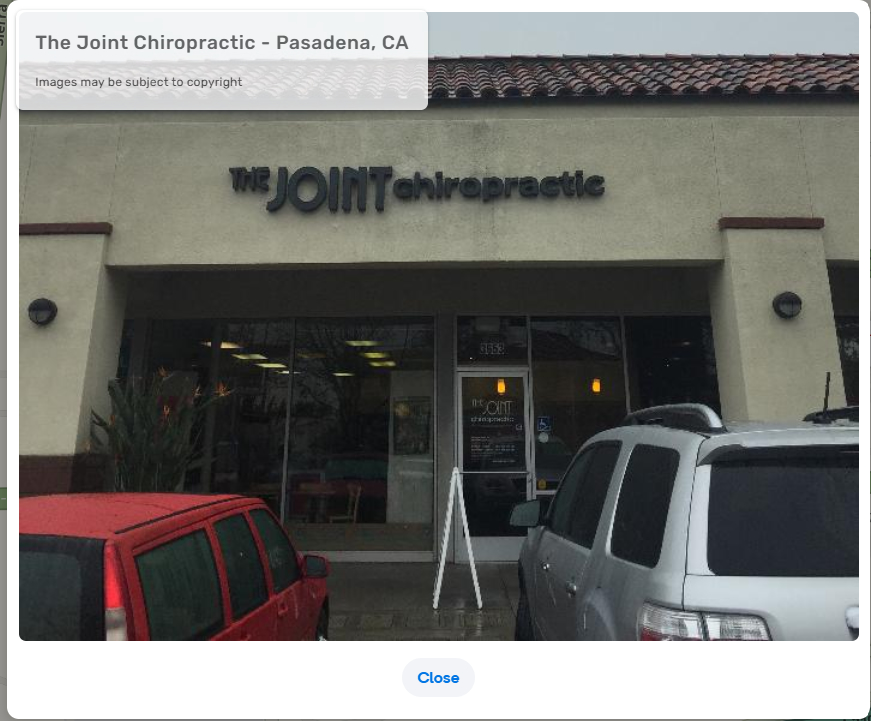
Again, this is not a duplicate listing in Waze. You are seeing two search results in the livemap, one provided by Google and one that is the Waze venue. In the case of the Waze venue, you can see the one image from Waze as well as some from Google (8 image maximum displayed). In the Google entry, you only see the images from Google.
This is the image from Waze
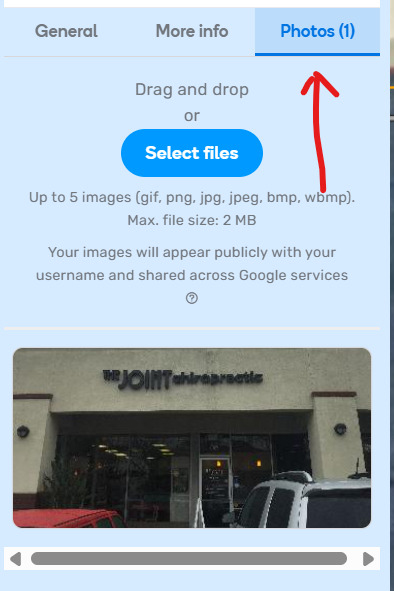
When you open my link to the location in Waze (not your Livemap search links), you will see an information panel open on the left. Selecting the photos tab you see the only image Waze has.
Keep in mind that Livemap search IS NOT the same as app search. In the app, searching for The Joint will give you routing to the Waze location even if the Google entry is selected.
@turbomkt Thank you, this is very educational. And confusing, hahah! But I will get the hang of it eventually now that you’ve explained it to us. We appreciate your time and efforts.
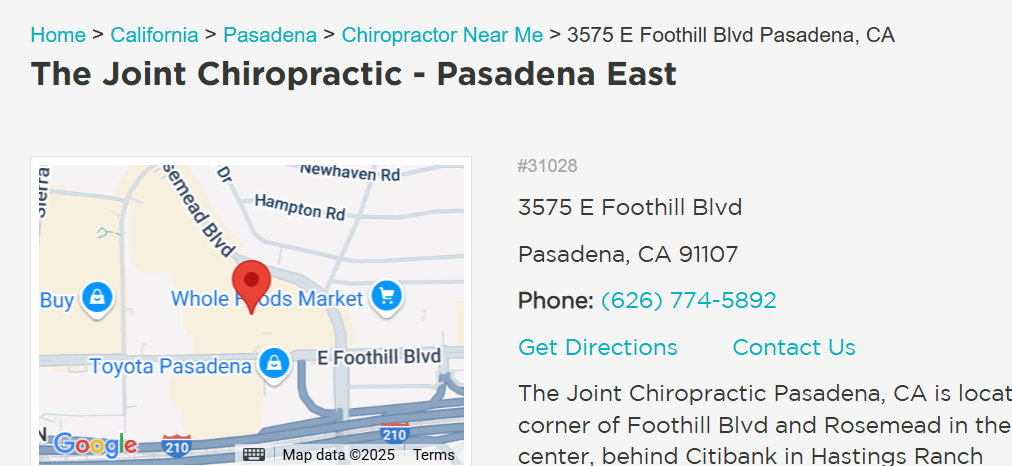
When I visit the link you just shared it’s not showing me any images, and it’s showing the incorrect phone number.
Screenshot: Waze Map Editor - 2025-05-29_12-27-02 - TechSmith Screencast
Screenshot: Waze Map Editor - 2025-05-29_12-27-11 - TechSmith Screencast
If I’m understanding this correctly, we should just update the Waze listing phone number then on this Waze location (ID: 158531926.1585515863.3996993).
That should solve our issue here then since there is not really a duplicate? And if users run into the Google listing on Waze, it’s not an issue since they will be routed to the Waze location?
We were more concerned about having two listings showing on Waze causing any confusion and containing different information than each other (like phone number). Thanks again times a million!
Sorry… @ojlaw removed the image because it was from the other location before it moved.
The phone number we have listed is from the website.
When I tested search in the app just now, there was only one entry and it was properly located.
@turbomkt Ah, ok. Yes, the phone number on the website is a tracking number. We have a different number that we use on citations. And we make sure that Google knows about the different numbers on their Google listing in the GBP dashboard. Long story short, we still need to update the phone number on the Waze listing so that it matches all citations. The number on Waze is supposed to be (626) 436-3798. Do I need to submit an edit to get this done? When I try, it looks like I’m not allowed to. Thank you.
@turbomkt Thank you so much for your help on this issue. And we appreciate the phone number being updated. I think we are all good here then. You’re fantastic!
I think those reports were mine before my colleague posted this thread. Sorry, I wasn’t sure how updating Waze listings worked.
Should I leave a comment that they can be closed? Or what would be helpful for me to do with them?
You can comment on them that they can be closed, or close them yourself.
@turbomkt I left a comment on both of them, thanks. It won’t allow me to mark them as “Solved” since I’m a level 1.
It looks like @BrianGuevarra may have submitted one of the reports, which is why you couldn’t close it.
I have closed both of them. Thanks.
Thanks again @turbomkt!