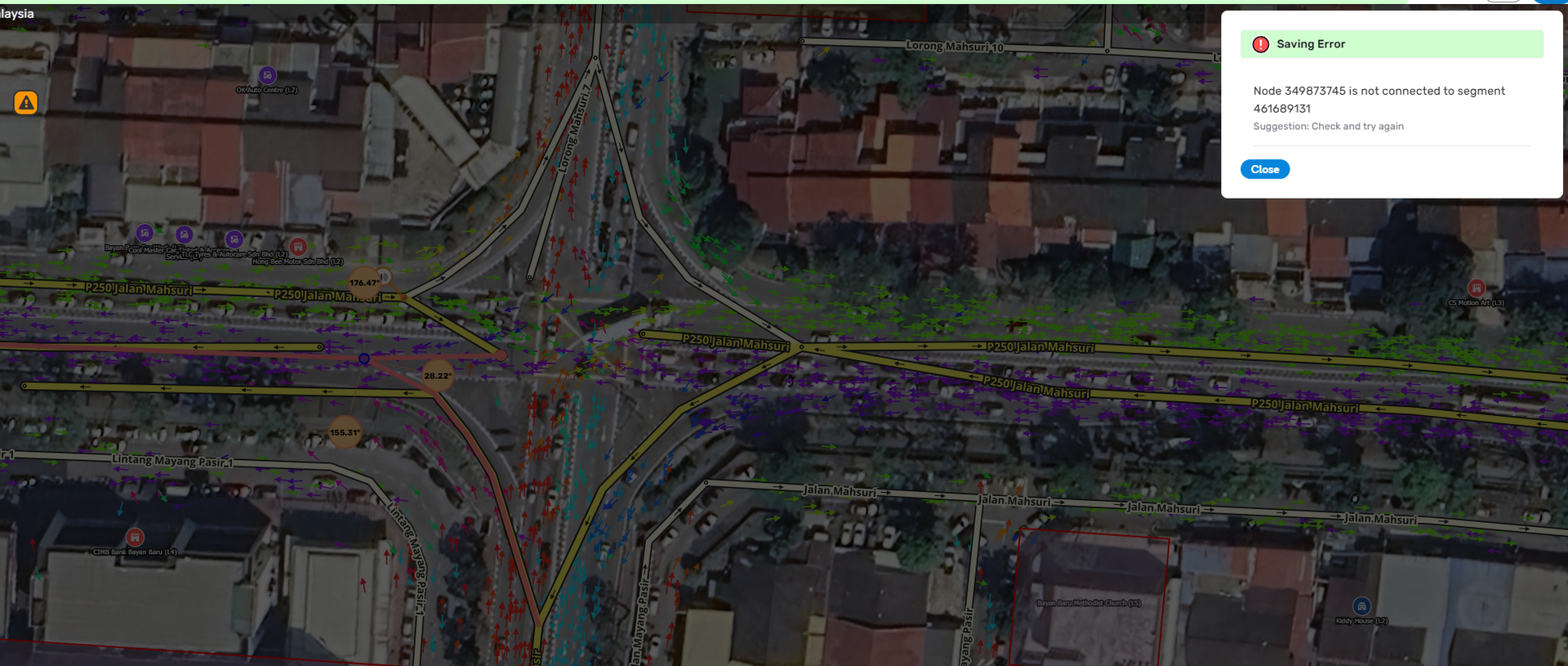
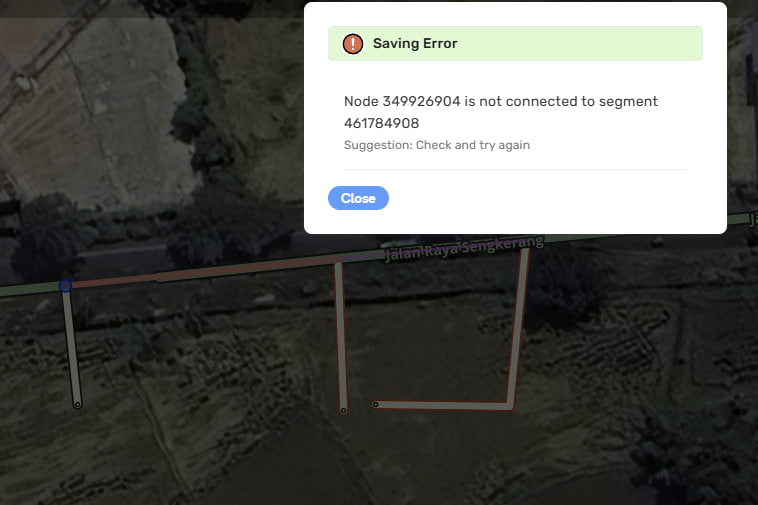
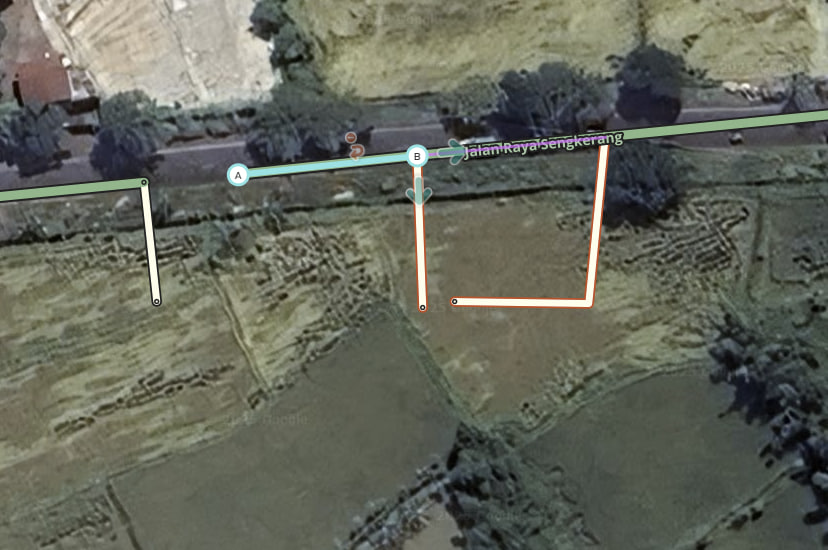
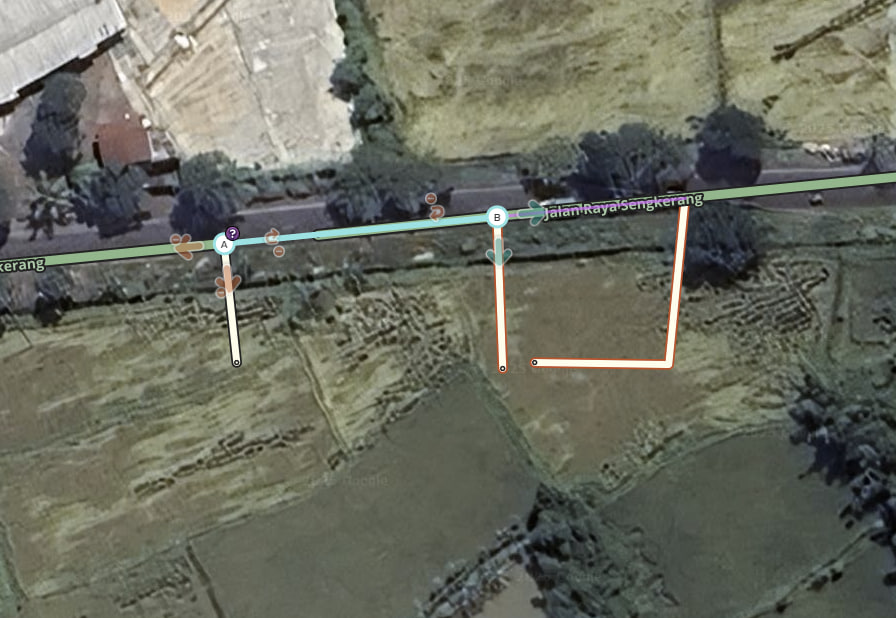
Is this a…:
Standard bug Steps to reproduce this issue:
When trying to connect existing segments the Junction Node fails to generate unless you do one at a time and enable a turn arrow.
Example one - connect segments only.
Connect existing segment A to existing segment B.
Save.
Expected: Segments are connected via Junction Node, no turns allowed.
Actual: Segments are not connected (even though they were prior to save), and are just overlapping where the Junction Node should be.
Example two - connect and allow all turns.
Connect existing segment A to existing segment B.
Click on the Junction Node and click allow all turns (or click Q then W)
Save.
Expected: Segments are connected via Junction Node, all turns allowed.
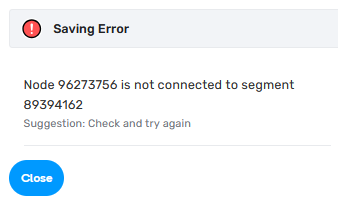
Actual: Save error, e.g: Node 349869890 is not connected to segment 461682682
Example three - working method.
Connect existing segment A to existing segment/node B.
On segment A click a turn arrow to allow a turn to segment/a segment of node B.
(Optional) Click on the Junction Node and click allow all turns (or click Q then W)
Save.
Expected & Actual: Segments connected via Junction Node, turns allowed as per your previous actions.
Note: Seems to only work connecting one segment to another segment/node. If you had three unlinked segments that you wanted to connect together you would need to connect two, save, then connect the third, save.
I have this same issue, was trying to redesign a junction, and I cannot join any segments together without this error. Please treat this with a higher priority, I have a pretty busy junction that I cannot reconnect.
However, I am not only not able to join more than 3 segments, joining these 2 segments alone itself doesn’t even work.
Whilst this issue is being worked on, there seems to be a workaround: you need to select segment A (so the whole segment gets highlighted), click on its node and connect it to segment B at a their junction node. This applies to both two or more segments.
The issue appears to happen when you highlight a node prior to connecting it to another one.
The error seems to occur systematically when directly connecting two segments previously separated by an intermediate segment. On the server side, it refuses the saving because, on the node joining the two remaining segments, it seems to be looking at all costs for a reference to the ID of the deleted segment.
The problem is particularly disabling, I hope that a solution will be found quickly.
In the meantime, I’ve found a workaround if this happens to you:
Create a fictitious roundabout connected to the segments you’re interested in, then save. If the roundabout already exists in the editor but you want to delete it, skip to the next step.
Disconnect the roundabout segments and connect them together, then save.
Steps to reproduce this issue:
What used to be possible is to drag a junction node on top of another to merge them, thus deleting the segment connecting them. This is now not possible any more, I consistently get the error that xxx node is not connected to yyy segment. Just wondering if this is intended or not, would be a shame.
I needed to divide a road a few days ago for a new traffic configuration, and it was a real pain, kept getting these error messages. I probably destroyed all pertinent speed data because of how I had to disconnect and reconnect segments to complete the job. High priority needed to get this bug fixed, please!
I’ve also developed the habit of dragging nodes by selecting just the node itself. This becomes problematic because the current error only allows us to properly connect junctions when we drag from either the A or B node by selecting the entire segment. It’s a bit frustrating when the system doesn’t accommodate different workflow preferences like this.
Thank you for your feedback. The issue has been prioritized and impact highlighted internally. I will let you know once we have it fixed in production.