Hey, new to the Waze community forums but a long time Waze driver.
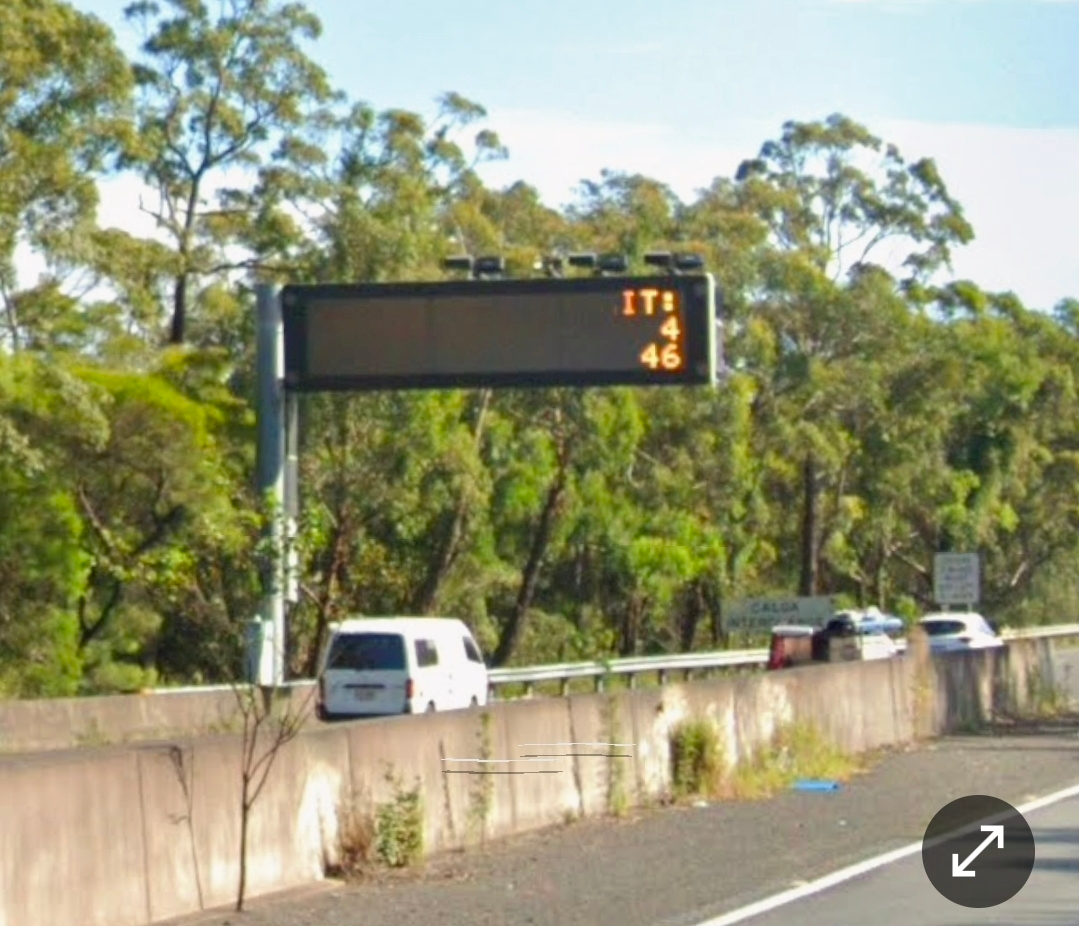
I’m just curious as to why the mobile detection camera located Northbound on the M1 Motorway, Calga (a couple kilometres from the checking station in Mount White), displays on the Waze map at random.
For example, one day it will display an audible alert that you’re approaching a mobile detection camera as well as the icon, other times there is only a speed camera icon, and the rest of the time nothing is displayed at all - no visible or audible alerts.
Why is this?
Is this some restriction by NSW on notifying of a mobile phone detection camera?
Thanks for your question. It’s not the government; it’s not an error; it’s worse than that—it’s a feature.
Waze suppresses alerts on some camera types for 21 days after you’ve seen them twice to avoid spamming drivers. The function is called familiarity capping. The types of cameras it impacts are listed on our wiki page in the table:
Many of us find this frustrating and confusing. In response, Waze is working on improvements to how cameras are displayed in the app in general. I hope this helps.
While you’re here, consider adding a vote to these suggestions:
Thanks so much for the quick and detailed explanation. That clears it up perfectly. I had no idea about “familiarity capping” and why some alerts disappear after you’ve passed them a couple of times. It definitely explains the inconsistent behaviour I was seeing with that camera on the M1.
I really appreciate you taking the time not only to answer but also to link through to the Wiki and break it down in plain English. It’s good to know that it isn’t an error or a restriction, but rather a part of how Waze currently handles things.
I’ve also added my vote to those Waze Suggestion Box links. Thanks again for the thorough reply!