Template of topic 380525, post 1
as-wiki-guides-permanent-hazards
Hazard types
 Cameras
 Narrow bridge
 Railway crossing
 Raised crossing
 School zone
 Sharp curve
 Speed bump
 Traffic light
Toll booths are disabled in Australia due to our exclusive use of nationwide electronic tolling. Other hazards, such as complex intersection, multiple lanes merging, high-speed crossing, and shoulder/lane ending, are not available in Australia.
About permanent hazards
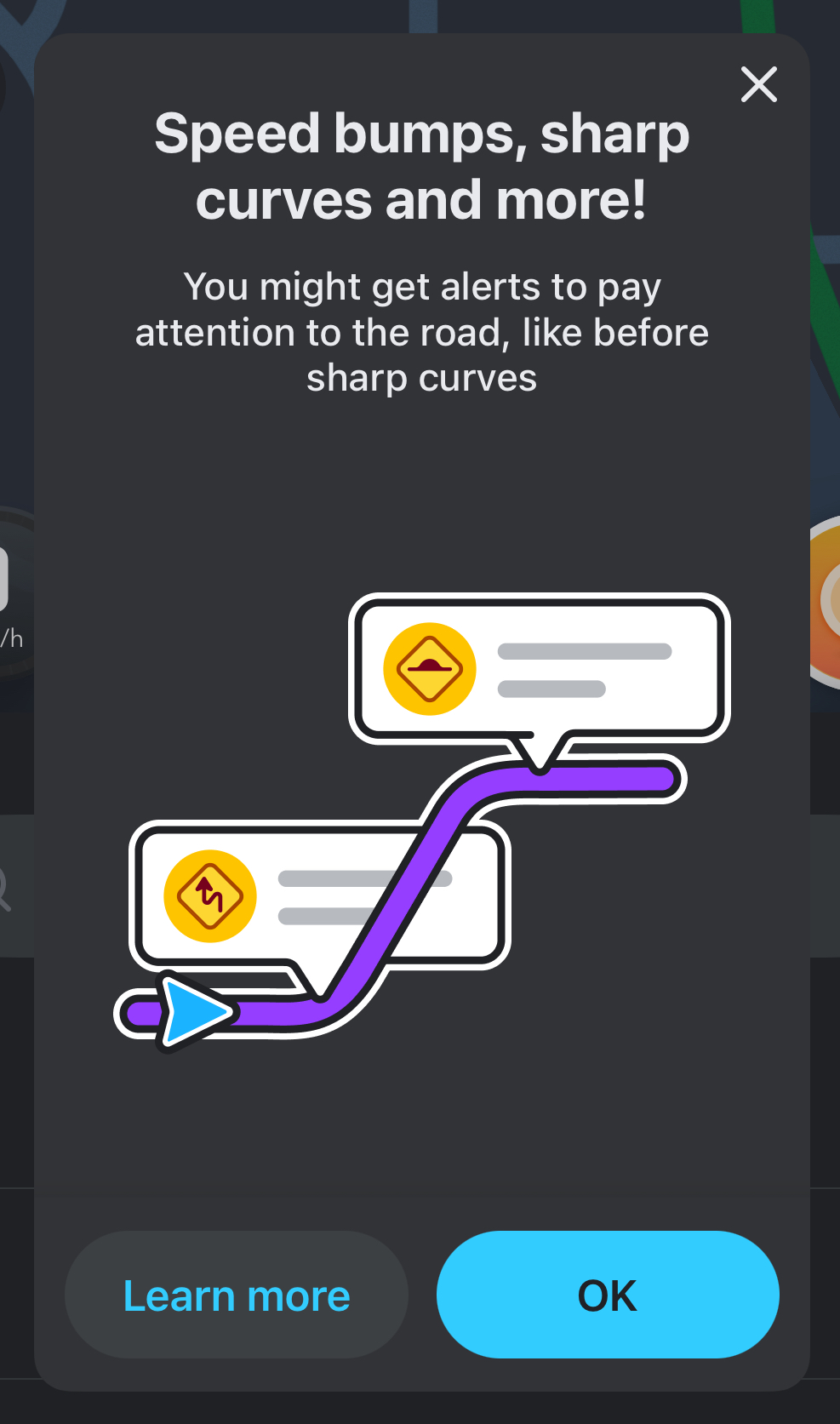
An in-app notification teaching drivers about permanent hazards.
Permanent hazards are a feature allowing editors to map hazards that are constantly present and pose an ongoing risk to drivers.
- February 2024 - a new top menu item launched in WME called “Hazard”.
- September 2024 - cameras and railway crossings were migrated over to the permanent hazard framework.
Further background is available at Waze Community Hub - Permanent Hazards Phase 1
Waze is primarily used by drivers who routinely drive the same route daily, such as to work and home. These drivers are often already aware of permanent hazards on their routine drives and there is little benefit in providing added safety alerts to these drivers. Providing unnecessary alerts can lead to alert fatigue and cause drivers to disengage from the alerts or turn them off. Australian road infrastructure is also generally well-engineered and modern, and hazardous road features are rare. For these reasons, Waze Australia has adopted a conservative approach to map permanent hazards only in empirically hazardous conditions, as documented below, and in the most extreme circumstances. When drivers hear a permanent hazard alert in Australia, they can trust the alert requires their attention and that changes to driving behaviour are needed for safety reasons. It is for this reason that not every hazard should be mapped in Australia, and hazards that do not follow these guidelines may be deleted.
Locking
Feature and country-specific lock levels, including for this feature, are documented in country specific permissions. Where a segment is locked higher than the feature lock, any permanent hazards attached will also be automatically locked to the segment level.
Hazard placement
Wherever possible permanent hazards mapped in Australia should meet objective standards to be mapped, as guided by state road authorities. Just because you subjectively feel a hazard applies does not mean it can be mapped.
In Australia, permanent hazards should only be mapped on public roads, i.e. narrow passageway, street, primary street, minor/major highway, motorway or ramp. Never map permanent hazards in private locations, such as industrial areas, car parking or private estates like caravan parks.
Hazards should be mapped in their real location. If the hazard applies to multiple segments, map the hazard to each segment that is impacted. The alert to the driver will be before they reach the hazard. Please note, hazards cannot be mapped directly on a node, they are snapped to a segment. Hazards can be mapped as bi-directional, so there is no need to map two in opposite directions on two-way segments.
How to map a new hazard
- Click on + > Hazard
- Select the type of hazard you would like to add
- Position it on the segment (careful to avoid it incorrectly snapping to the wrong segment such as a footpath or railway)
- Define the driving direction and complete other details (if applicable)
- Save.
Template of topic 380209, post 5
School zones use a polygon rather than a point so are mapped differently - How to map a School Zone
Alerts in the Waze application
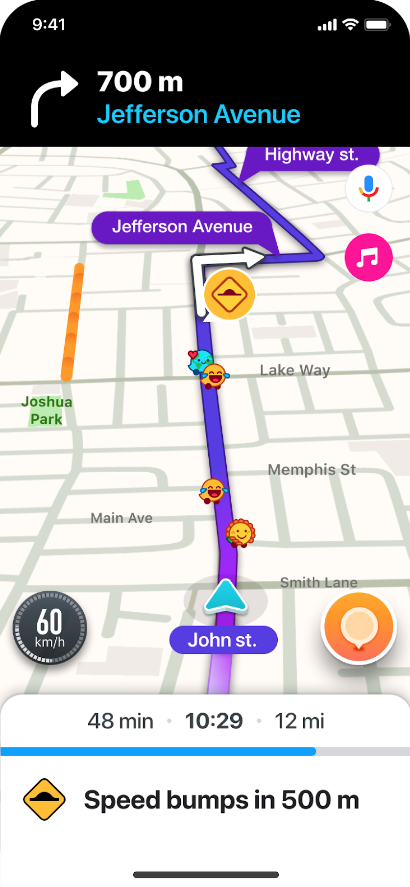
An example of how permanent hazards appear in the Waze app.
To help avoid alert fatigue, the Waze application will:
- Group the same type of hazards together if they’re within 500m of each other and only alert for the first hazard.
- Apply a “familiarity cap” after encountering the hazard twice, snoozing the alert for 21 days afterwards.
- Alerts in Waze are prioritised, which may delay or suppress the hazard alert if higher priority alerts are activated.