I live in a mobile home park and my street Don Antonio Way goes all around the park. My address is 180, but my location on the map is showing around the corner and down the street. How can we fix this? I have added a screenshot of where I am sitting in my house and where Waze thinks my address is.
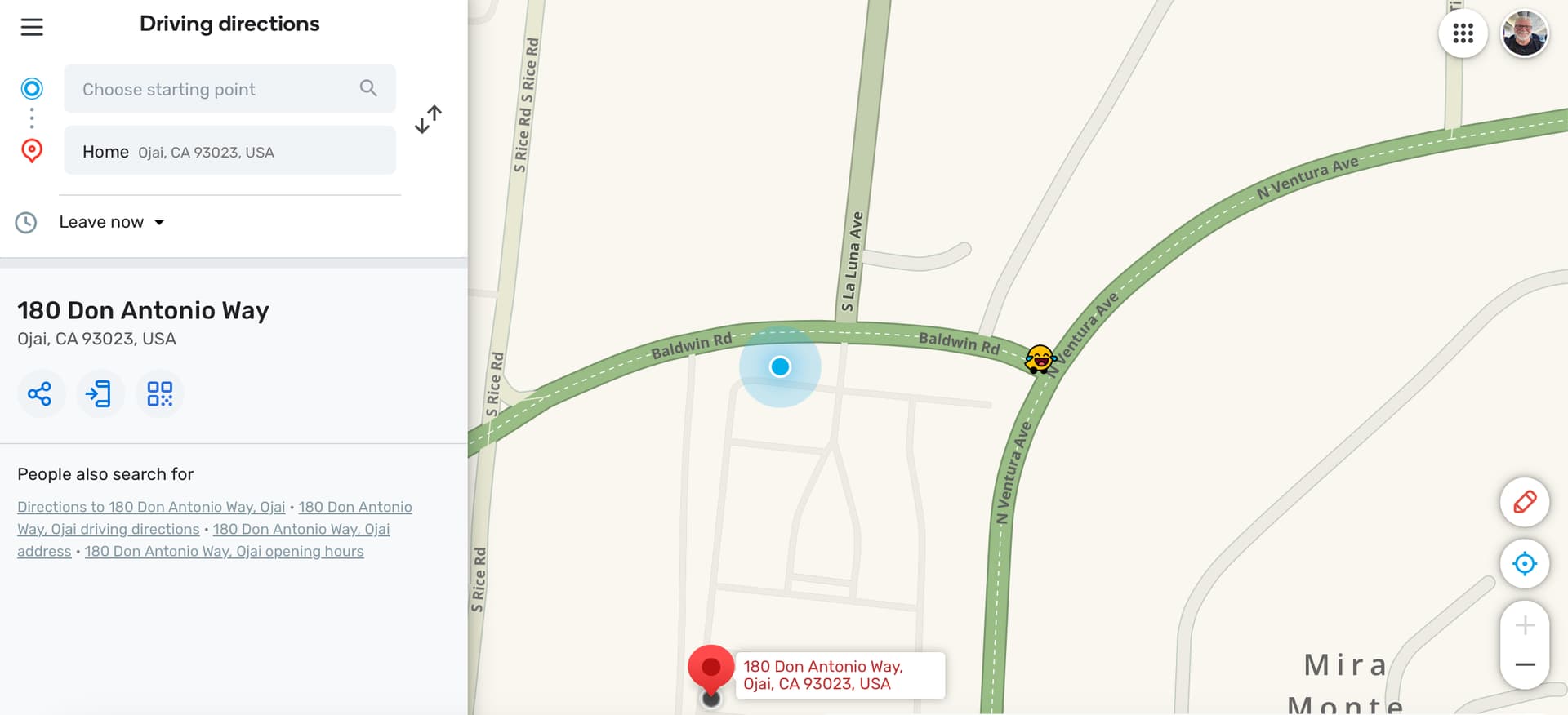
Hi, We don’t have address info available inside this community. From the image is looks like your house is the third or forth house on the right after turning off La Plaza. Can you please clarify which house so we can add the address in the correct location. Thanks!
Good day! Awesome, thank you very much. After turning right off La Plaza we are the 3rd house in on the left.
The numbers on the right side of the street start with 1, and are in order. We are the end of the numbers with 180, and there are 182 spaces in the park.
Thank you for your help.
Tim
Thanks! We’ll follow up in a few days when the changes have reached the app.
Thank you! I appreciate it.
information removed by turbomkt
I removed the address and phone number just for privacy sake. @ojlaw and I still have it and will take a look.
The location you’re getting is most likely coming from Google Maps.
I just checked and the the changes made for the address are live in the app. You will need to clear the navigation cache for this address. To clear the navigation cache for this address please follow these steps:
IMPORTANT STEPS- From the home screen tap Where to?, scroll to the address, long press on the address until the next menu appears, and then tap Remove drive. Do this for ALL instances of this address in your search history. Repeat these steps in Saved places, Home, and Work, if applicable. Then re-add the destination. These steps will clear the navigation cache for this address. If this is not done you will continue to get improper navigation.
Please let us know if this helps. Thanks!
Hello, Awesome! I have done as you instructed and my location seems to be correct now. Thank you,
Tim Key