We’ve just released a new WME production version 2.252.
Below you can find a summary of the release.
Known issues:
Compact mode: Road details: Selected chip looks pale while hovering in compact mode.
Venues: The last category under the venue could be deleted, but the save stack is empty. When you reselect the venue, the category is still there.
Saved search: ‘All issues’ should be marked as default in case custom default search is deleted.
New features/ enhancements:
We added a Link to Help Center article to the camera types description
Bug fixes:
We released 9 bug fixes:
Issue Tracker Layer Causes Segment Disappearance During Split - fixed
It is possible to select deleted segments - fixed
New camera types: user can add the RRC but can’t adjust the direction - fixed
New camera types: user of a valid rank can’t create a camera - fixed
KoiFish: suggestion cannot be approved or rejected - fixed
Venues: Learn more button from Photos tab leads to the 404 page - fixed
Restore unsaved edits: ‘1 Unsaved edits’ should not be plural - fixed
Chat with yourself is possible to create via WME action logs track - fixed
Remove my own suggestion: The status of the suggestion may temporarily display as “Awaiting Removal” after clicking the “Save” button. This can be resolved by refreshing the page. - fixed
Important note: to pave the way for some new features, we had to make some unavoidable code changes that could cause a few hiccups with certain scripts. Our dev team has been making an effort to minimize disruptions, and they’ve already created several patches for JAI, RouteChecker and URO+.
More details for script writers can be found here (closed forum for Script Writers)
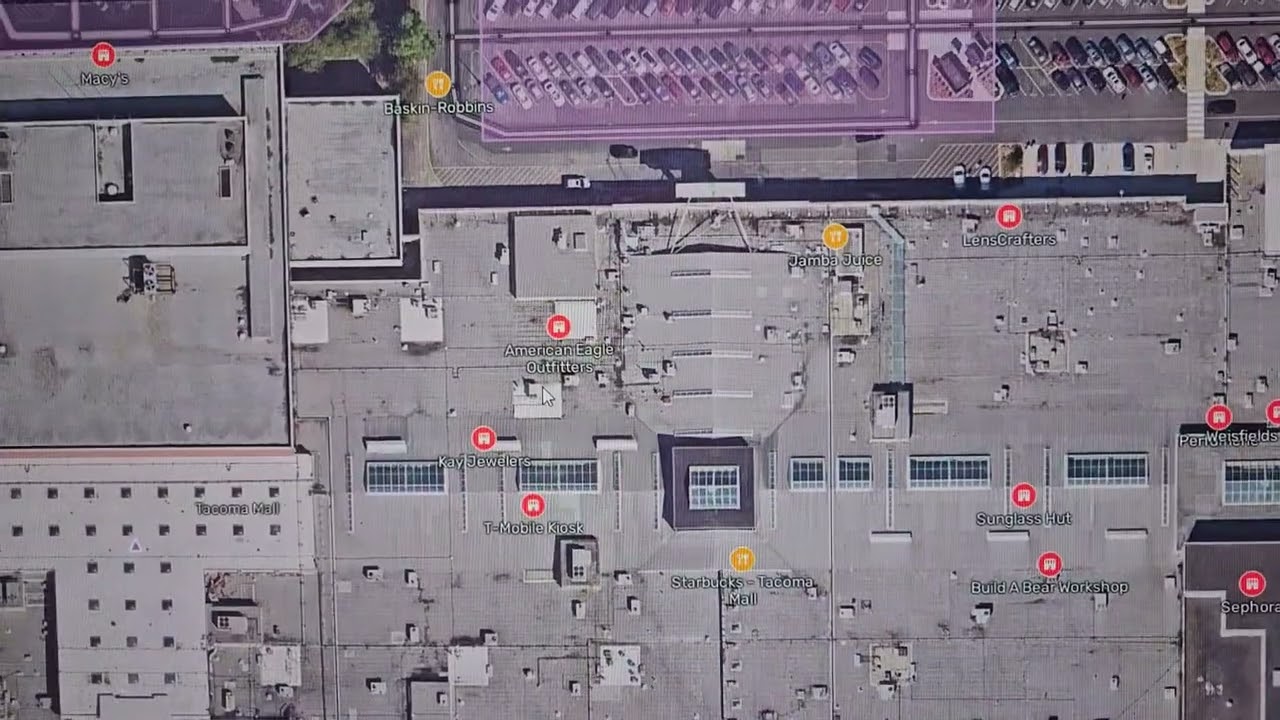
Places always disappear and require soft refresh when zooming in and out. I really feel like this one is a big enough problem that it should be included in release posts from staff. Just my opinion.
Would you be able to please share a screen recording and steps to reproduce? We’ve already released a fix for the issue reported here (available for beta testers).
If it’s still occurs, I’ll add your new example and re-open the issue.
Are you advising a fix for the issue is released on WME beta?
I just recreated the issue on WME beta. Microsoft Edge, no scripts.
In the attached video, you see a fresh reload of the tab. I then zoom in with the mouse scroll wheel. On the third zoom in step, all point places and area places disappear. They do not come back even when zooming out. A soft refresh restores them.
A quick glance at the link you shared seems to indicate that issue was more about an intermittent problem with RPPs, but what I am seeing involves ALL places, all types. Problem occurs 100% of the time when zooming in, and is a constantly recurring problem when zooming out and zooming back in again.
This occurs literally everywhere I edit, so I can make this happen anywhere on the NA server, it doesn’t matter if there is only one place in view, or many dozens of them. But if you still need this exact spot:
In the last thread I provided instructions to recreate the fail-to-snap problem when drawing segments, but I failed by making the example too specific.
In the example I provided, I walked through making a new segment and then trying to snap a second one to the first one while the first one was still selected (cyan). However, that first segment does not need to be new, it merely needs to be selected.
You can select any segment that is pre-existing, and if you use the “I” key to draw a new segment, it will not snap to the existing (cyan) segment that is selected.
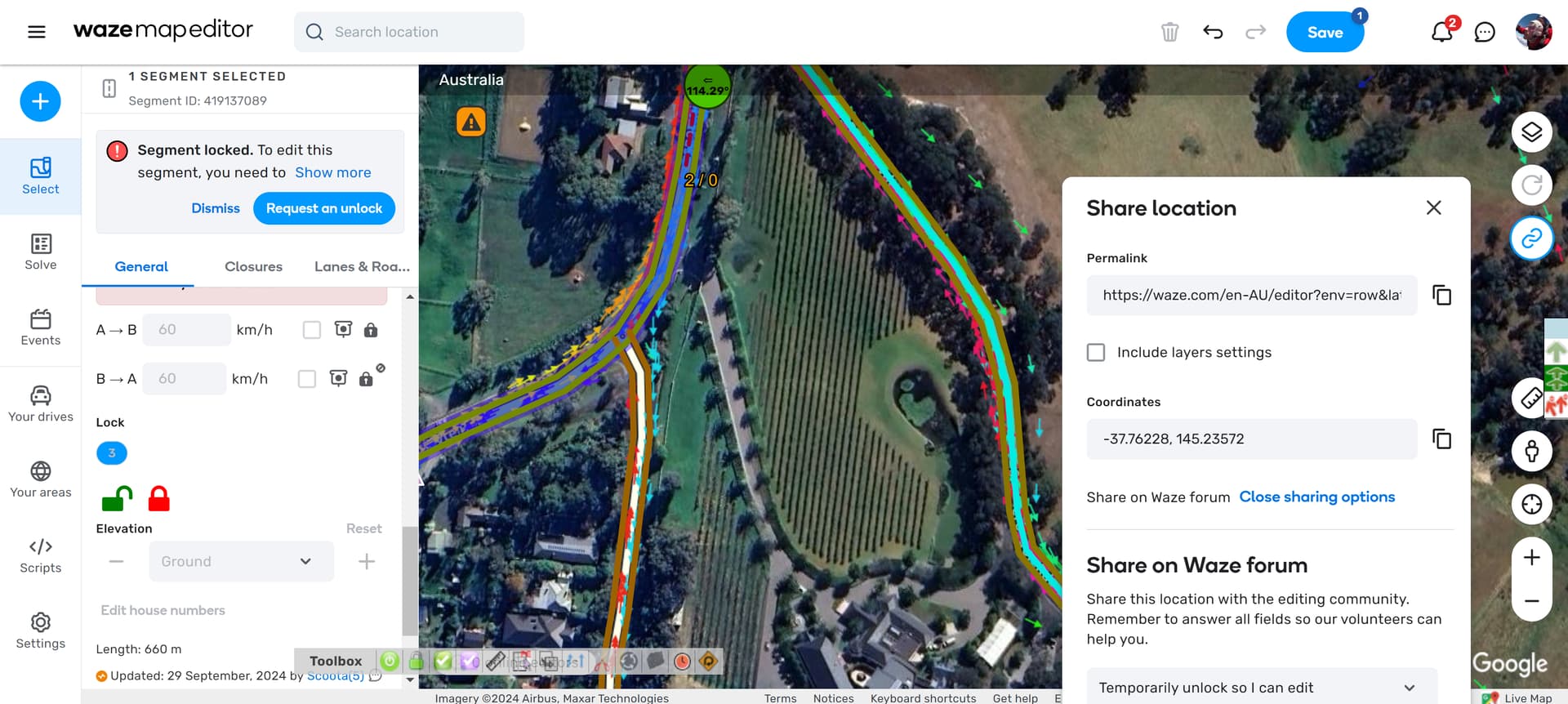
I find it incredibly hard to share an unlock request on the Waze Forum when I can’t click on anything as the box is hidden in the window, you can’t move it. Might even be nicer as a popup that covers the whole window instead so you can easily click on things.
Can we make it so we can edit an entire road i havebeen trying to update the speed on my road and have to do it a mile at a time its vey glitchy and takes days to do because it only 5 edits
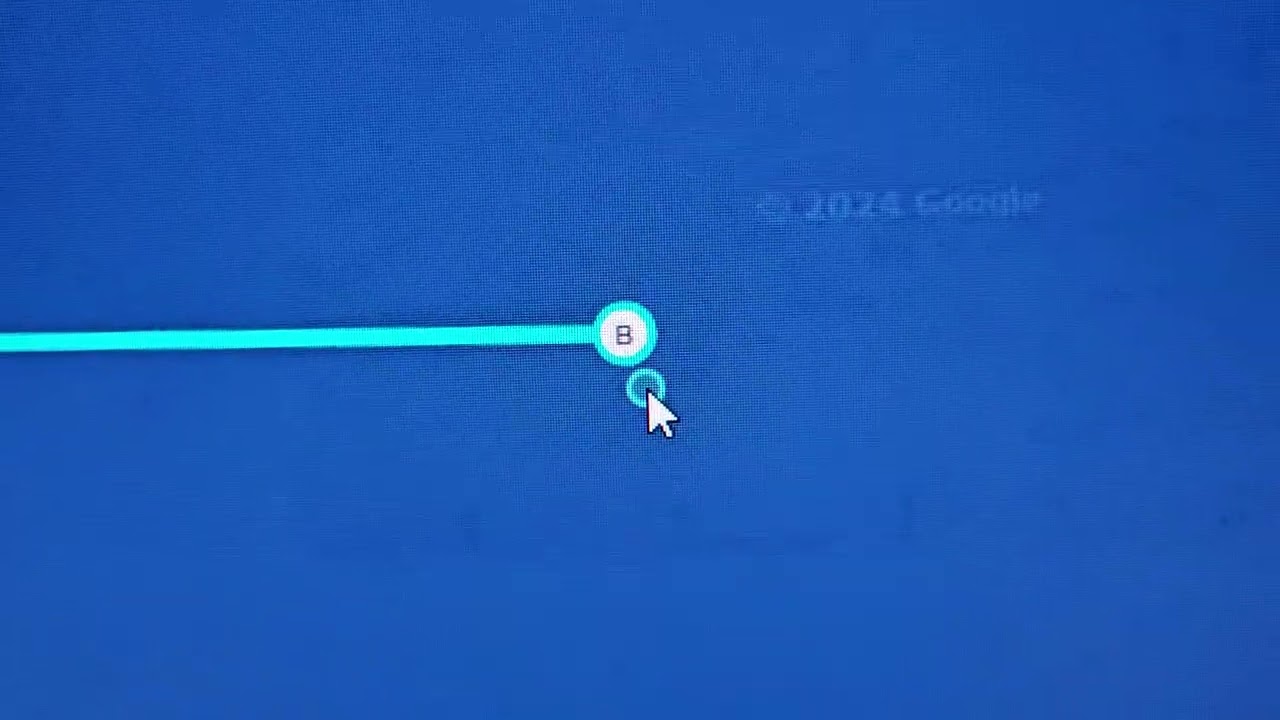
When a segment is already selected (shown in cyan) and you attempt to create a new segment by pressing the “I” key (normal practice for high volume editors), WME will not snap the start point of the new segment to the endpoint of the selected segment.
If you click away to unselect the segment, snap to endpoint works fine.
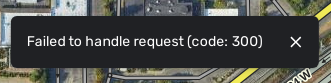
As to the issue with places disappearing, I also sometimes load the page and the places never do appear, and this error comes up at the bottom of the screen:
I’d say I get this error about 10% of the time. Soft refresh usually - but not always - gets places to load. I have no idea if this error is specifically about loading places or if there is a bigger problem and places not showing up is merely a symptom of it.
Just sharing in case it is relevant to the issue. Note that when places have initially loaded and then vanish from zooming in, this error does not appear.