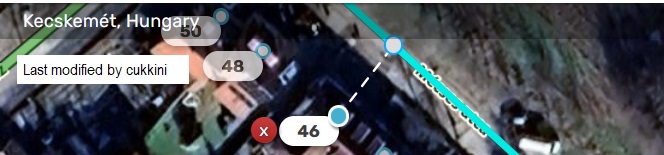
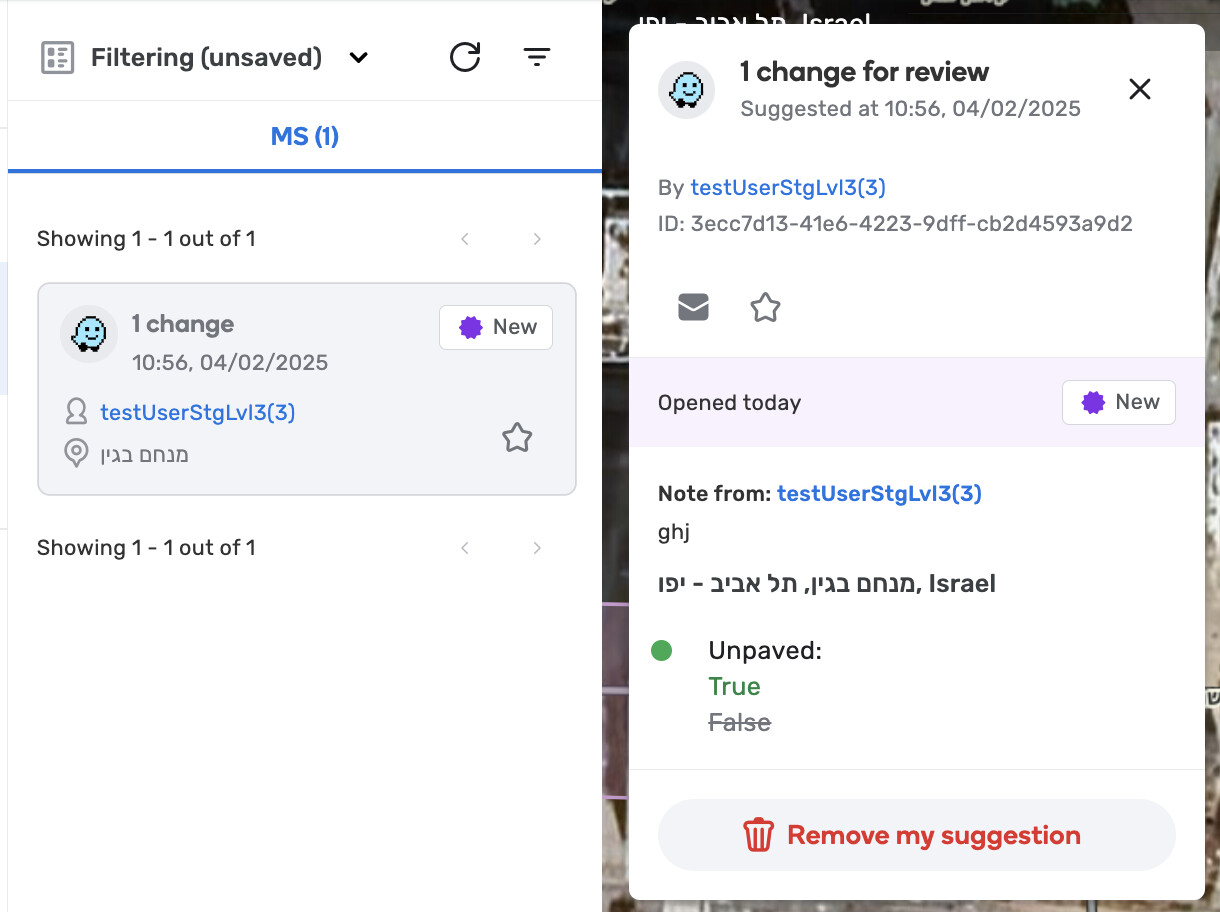
The ‘New’ icon was updated for SaE on the issue card and Issue Tracker card.
Bug fixes:
We released 15 bug fixes:
Fixes for the Scheduler feature:
Now it’s possible to delete Community Schedules.
Fixed incorrect validation messages for mandatory input fields on the Applying and Excluded Times pages of the Community and Local Schedule wizard.
Fixed an issue where filtered results were not visible when filtering from the second page of the Community Schedules list.
Fixed the issue where the time range for Saturday and Sunday was populated with a default range instead of “none” in the Applying Times step of the Community and Local Schedule wizard.
Updated the mandatory description field on the Excluded Times page to prevent accepting only spaces.
Fixed an issue where tooltips were not appearing on hover over the (-) and (+) buttons on the Applying Times page of the Community and Local Schedule wizard.
Updated the CTA name to “Add dates” when all timeframes are deleted in the Applying Times step of the Community and Local Schedule wizard.
Implemented a default state for Excluded Times step in the Community Schedule wizard, removing the need to delete the default time frame in case it’s not needed to proceed to the next step.
Allow opening the profile or chat with the schedule creator in the School Zones card for users who cannot edit the schedule because of low rank.
Fixed an issue where the snack bar message was not appearing after creating or editing a Community Schedule.
Other fixes:
Restored the ‘crosshair’ icon when drawing roundabouts.
Fixed an issue causing Street View images to appear black due to load failures.
Fixed an issue where using Ctrl+A to select all segments would deselect everything when clicking on a single segment.
Fixed the issue where the x button in the Merge popup was unresponsive.
Resolved the issue where switching from ‘All day’ to ‘From’ in the opening hours for venues was not possible.
Known issues:
Community Schedules without assigned states (stateless community schedules) will not appear in the autocomplete search results and thus, cannot be utilized for a school zone.
Workaround: to ensure your community schedules appear in the autocomplete search, please add states to them.
For more details and for feedback about this issue, please refer to this thread.
We know this workaround is not ideal, and we appreciate your patience as we address this issue.
Or at least move the popup above the button. Then we can continue with the usual workflow. Currently the popup blocks some needed choices and creates unnecessary extra movement to get rid of it.
Hi @kamonu, I’ve checked and was able to merge two segments via deleting a node by the Delete key. Can you please share more details of your case (including permalink) by reporting a separate issue here?
I have two remarks besides all these improvements I’m not sure if they’re related to these fixes:
When you start drawing a segment and create a U-shape, it sometimes behaves unpredictably, thinks you’ll create a loop. Even when undoing all segments that are not connected to a node (just placed on another segment), it gives an error about a segment ID which is not present.
Could you please bring back the status of house numbers? Previously, when clicking on an HN, it showed who added numbers to the segment. That feature disappeared in the latest release.
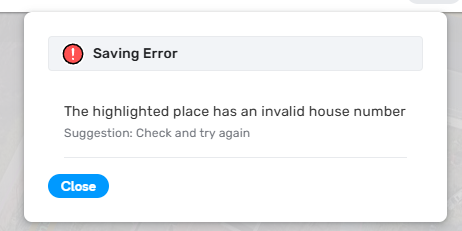
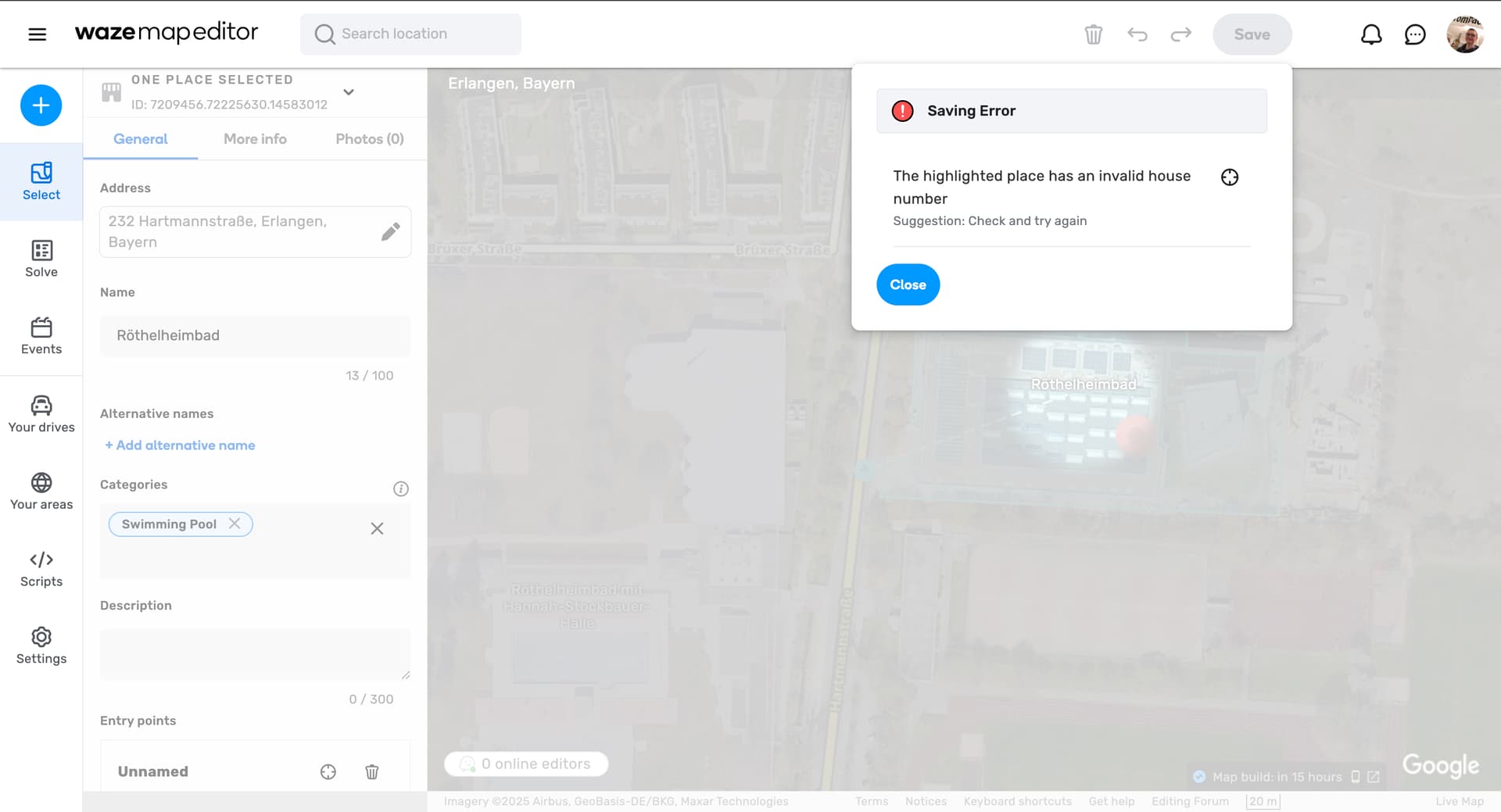
Something in this update (or the backend) has badly messed with the way house numbers are checked to be valid. It started with the initial release of the update and seems to have gotten worse with yesterdays hotfix (v2.275-11).
I (and other editors, @downperiscope, @dqb699) are getting “invalid house number” errors left and right. It’s affecting normal HNs on segments and POIs alike. It’s inconsistent what number is “invalid”, sometimes it’s a simple number (5, 7, 181 etc.), sometimes it’s a number with an added letter (3b) or a from-to house number (10-14).
We’ve made sure the reportedly invalid numbers don’t already exist somewhere else on that road.
Sometimes trying again later in the day adding that same HN works without issue.
Also it looks like it’s no longer possible at all to set from-to HNs in POIs and we can’t edit any POIs that have them set already (or accept pending PURs on them): Example 1, Example 2


 I’m not sure if they’re related to these fixes: