New WME v2.290

Hi Everyone,

Regarding the issue: the team is currently working on a fix. We’ve emphasised its importance, and it’s being treated as a top priority.

I’ll keep you updated on the progress.

We truly appreciate your patience and understanding.

Regards,
Nataliia

4 Likes

Hi Maciej,

Info provided by Jmbox: I turned off the House Numbers layer and the crashes have stopped, so far. Appears to be related to that change.

Też pozdrawiam!

1 Like

Dziekuje za informacje. :folded_hands:t2::+1:t2:

Here you go. It’s pretty easy to reproduce, just pan around and use keyboard shortcut shift h. This is incognito no scripts.

1 Like

I can duplicate that - see this YouTube video. This is the area where I scrolled. I was using the keyboard shortcut to activate/deactivate the HN layer also.

I’m using the WME Toolbox on my main Chrome installation, but no scripts in my other browsers and they all exhibit the same issue with the house numbers layer enabled.

Here’s a fun bug.

Go here: https://waze.com/editor?env=usa&lat=45.47665&lon=-73.59092&marker=true&zoomLevel=18&mapComments=108474

Now, WME is generally frozen! The only way to select other objects or to pan the map is to hide the map-notes layer.

This is not a bug for all map notes. But it sure is for this one.

This happens for multiple users in multiple browsers, with and without scripts and extensions active.

Hey there! Just wanted to give you a quick update on my WME experience after opening your permalink. Everything’s working smoothly so far—no freezing when I pan or zoom, I can select any segment or place without issues, and I’m able to view notes just fine. I even think I can add comments if I have permission for that! The only thing I can’t do is edit since I don’t have permission. Just double-checking—is this permission connected to the bug you’re looking into?

Hi @ojlaw / OJ,

Thank you for the video and additional information.

Regards,
Nataliia

Thank you @abc1357 for this example.

Regards,
Nataliia

Thank you @CrackedLCD for the reply.

Regards,
Nataliia

Thank you @Webs101 for the report. We have an open bug for this problem: Can’t move map. The team is still working on resolving this issue. Sorry for inconveniences.

Regards,
Nataliia

Hi @AndyLaode,

Could you please specify, which permalink do you mean?

Regards,
Nataliia

ahh sorry
i am referring to this post

1 Like

The same problem !

I’m very happy to have this new indication when making polygons.

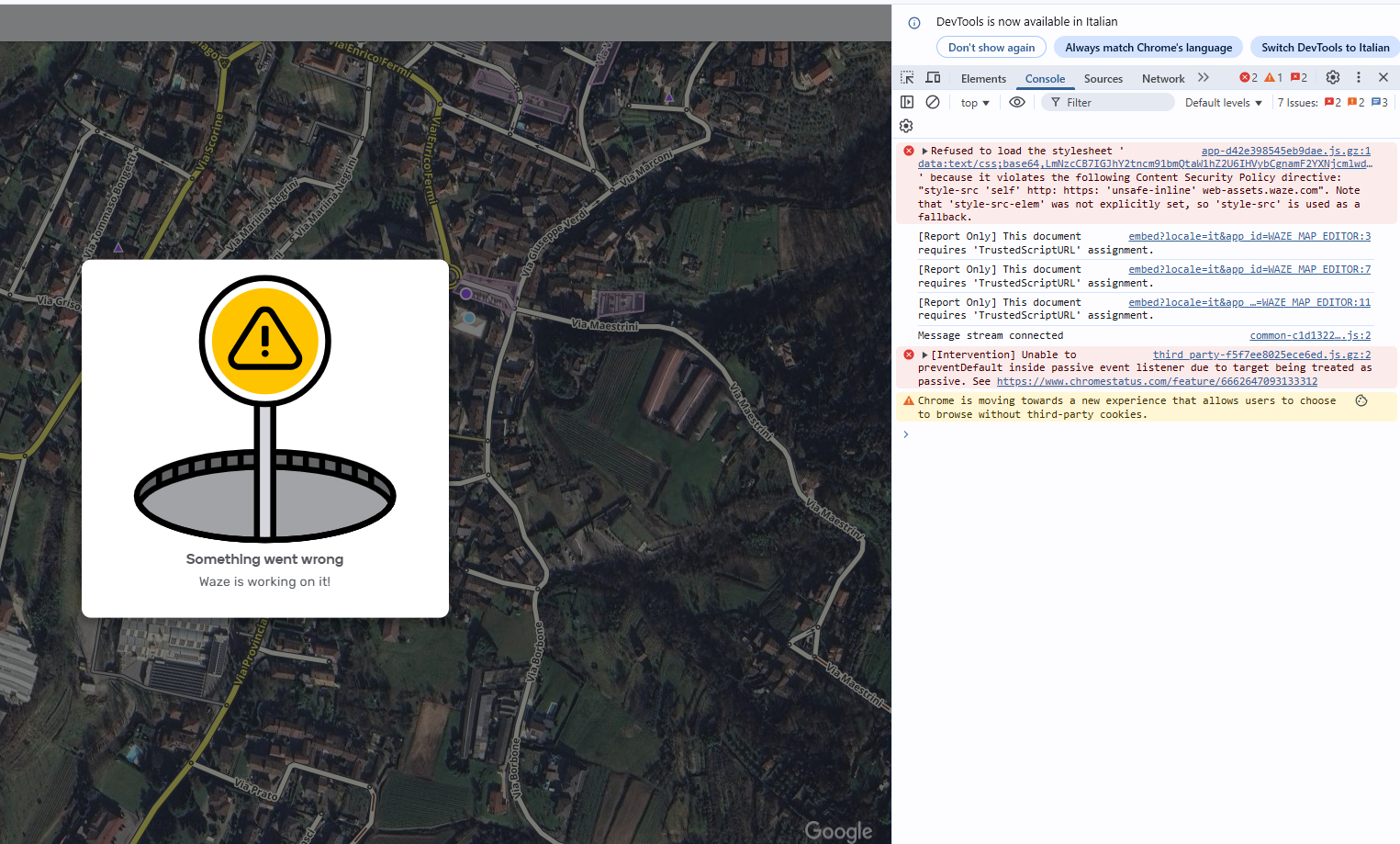
Also for me it is impossible to use WME, every time I try to zoom in or out or move on the map, WME crashes.
Without script and also in incognito

Try to disable house number layer.. (Info provided by Jmbox)

Thank you @AndyLaode for the reply.

Regards,
Nataliia

Hi @Ellannos,
Hi @Peralt4s,
Hi @m4rc072,

Our apologies for this experience. The team is currently working on releasing a fix for the issue.

In the meantime, we recommend disabling the House Numbers and Hazards layers, as well as the WME Color Highlights script.

We will keep you updated on any further progress.

Thank you for your patience!
Nataliia

3 Likes