The link to Waze live map in the user box, will now open the current of the user on the map, same as the link in the bottom of the map
*Invisible DIV obstructing map - community b/139273730 - FIXED
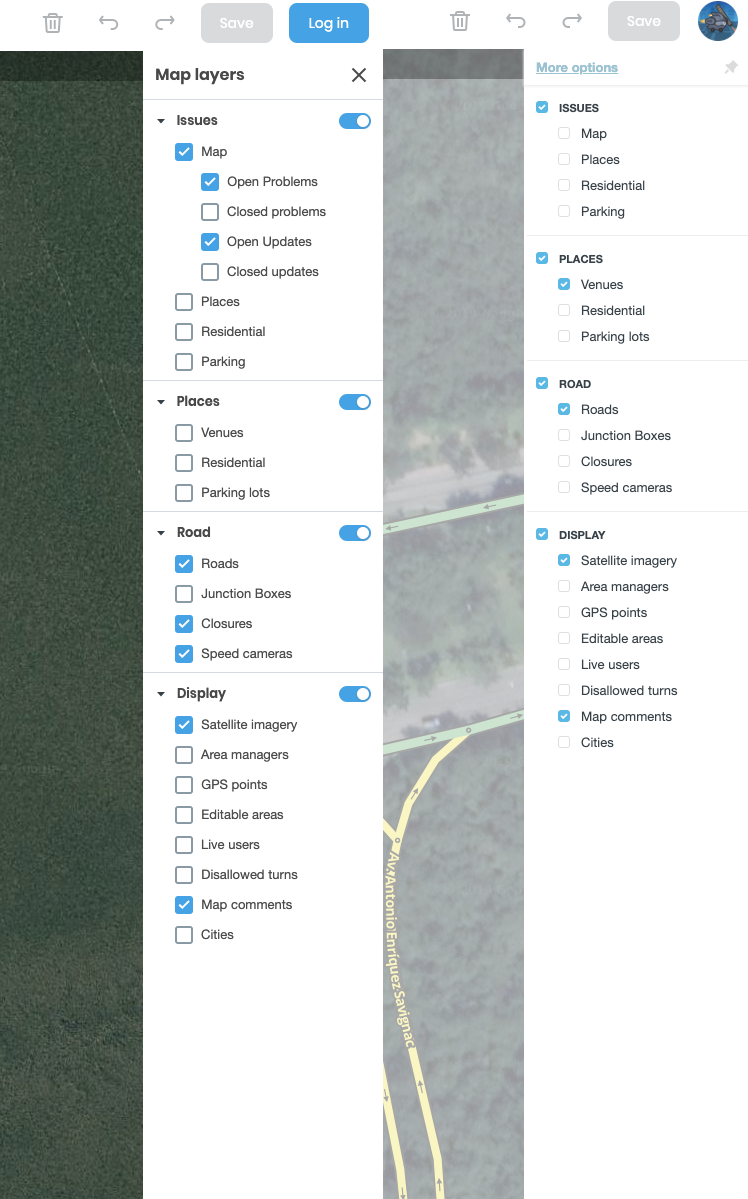
*Layers menu in HN Mode - community b/139100136 - FIXED
*Font size affecting menu view - community b/136691459 - FIXED
*User box layout issue on non-Chrome browsers - Community b/ 139104186 - FIXED
Thanks for implementing some of the suggestions we provided regarding the layers menu.
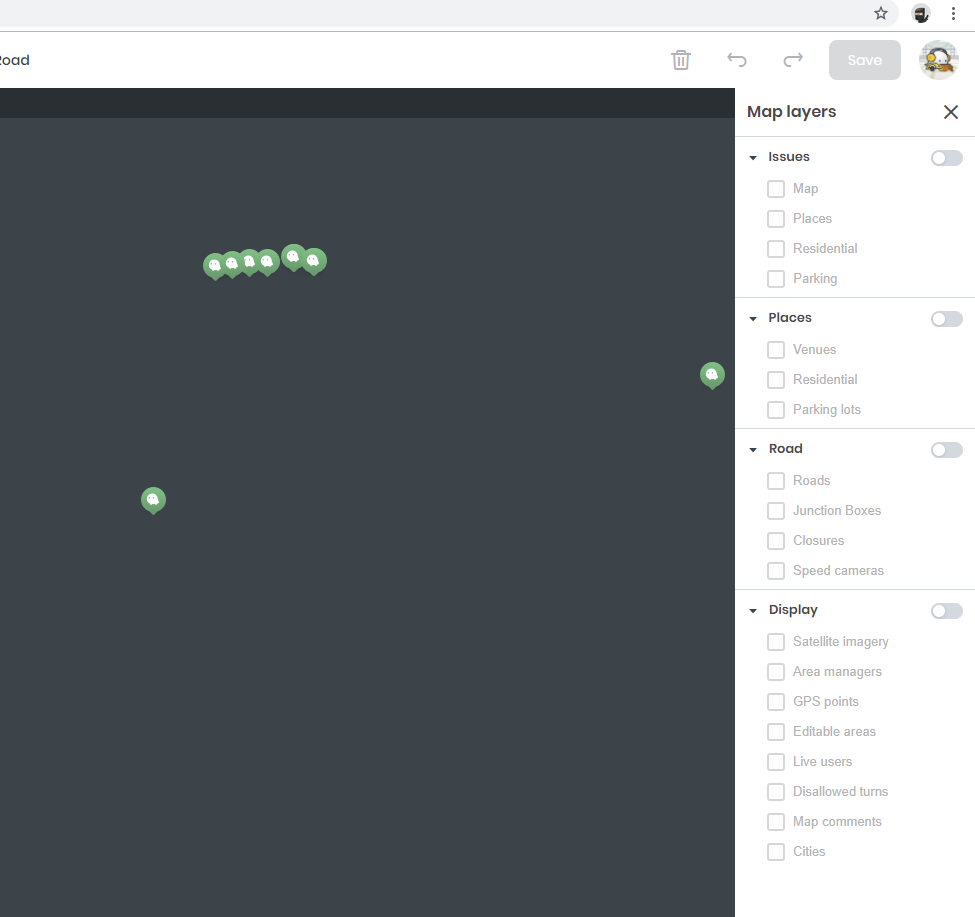
I think the screen capture indicates part of the issue. Please look at my screen capture. I keep my Windows Taskbar to the side so I have full height of the screen available, and have the Places option minimized, and can’t fit the menu on the screen. It’s a 17 inch laptop with 4k display. Many edit with far smaller screens.
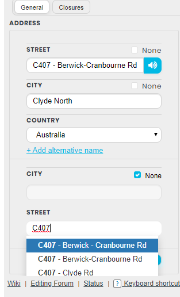
I am trying to add an ALT of just C407, no city (the route number) - however I am finding it difficult for WME to not use one of the results in the list.
Add me to the list of people having problems with segment name autocomplete (and override) being a bit on the aggressive side. The alt naming problem appears to happen on any segment type, minor, major or freeway/motorway. Switching segment types hasn’t helped in overcoming the problem either.
After changing the name of a segment or adding an alt name to a segment, you have to press ESC first, the list of suggestions disappears and the change can be saved.
Since the latest update there have been a bunch of UR’s that won’t go away even if I disable all the layers, reload page or empty browser cache etc. Those URs are fully functional and accessible to me.
I believe this could be connected to the ‘non-existent streetid’ bug. When this happens to you, try clicking to another road segment nearby and see if it has a name or just shows as ‘no address.’
Aren’t these just the URs that are also listed in your feed, and which have (annoyingly) been exempt from all the native WME display option filters pretty much since the feed was introduced?