Is this a…:
Standard bug Steps to reproduce this issue:
This bug happens inconsistently, however, in all cases have been due to a segment split. I have been unable to locate a bug report on this behaviour.
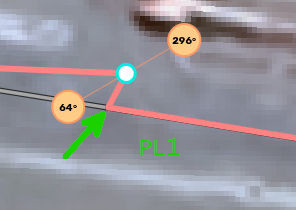
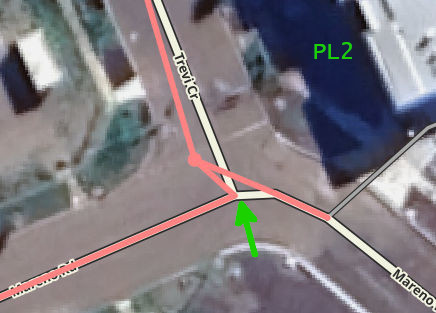
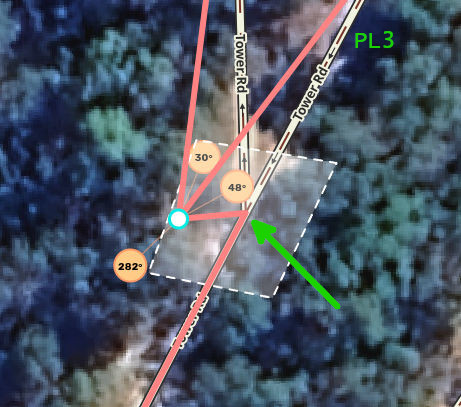
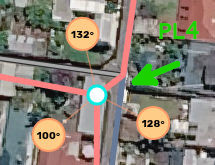
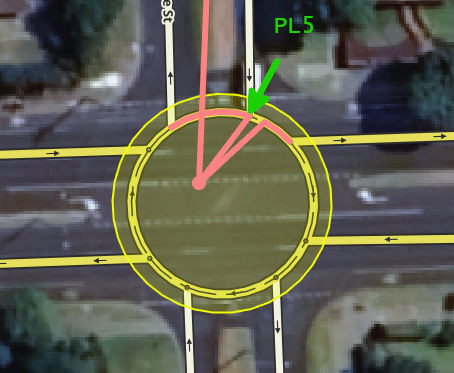
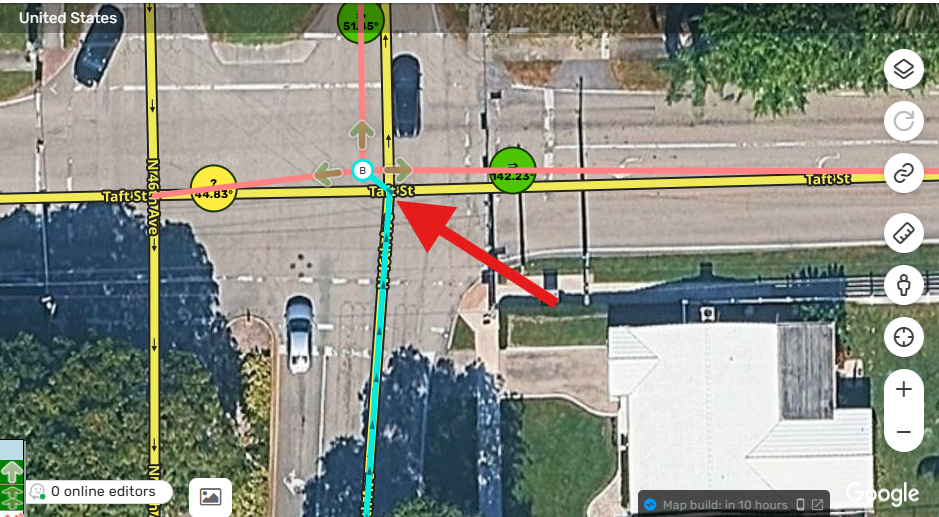
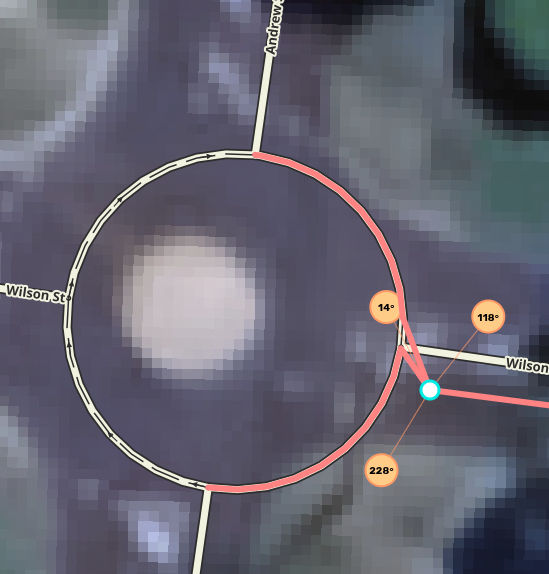
When a segment is split in WME, under certain (yet unknown) circumstances, an overlapping geo-node is created at the point of split (new junction node). This would often be where a split is performed at an existing geo-node. In other terms, WME is possibly creating a new junction node on top of a geo-node, instead of reusing/replacing it, even though the new segment creation tool would visually snap to an existing node.
This would result in geometry distortion, which can be visualised by noticing the u-turn icon oriented abnormally, or if using Lane Tools scripts, it’s lane info overlay (dashed lines) are sometimes not visible. Normally LT overlay would extend until centre of a segment.
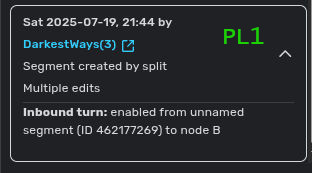
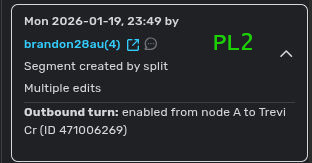
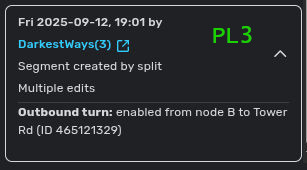
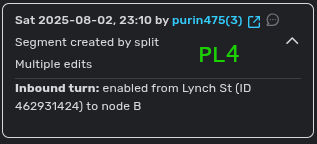
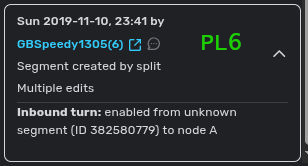
In the examples below, all of these were result of a split, albeit from few versions prior of current WME. I haven’t been able to reproduce it recently, so there is a small chance that the bug was inadvertently (or knowingly) fixed. However, since this happens inconsistently, it is difficult to say otherwise.
No, not necessarily or always. The segment creation tool would snap to an existing node, and mouse cursor would generally be close, if not already on top, of the existing geo-node. First click would still show that the starting node was created on top of the existing geo-node. There is no error on save either, or any indication of overlapping nodes, until after save and looking at LT script overlay or u-turn icon.
The examples above are also not all mine; some are from other editors.
Thank you for your detailed report as well as all the examples.
We will analyze these instances.
In the meantime, could you please clarify what the new segment creation tool is?
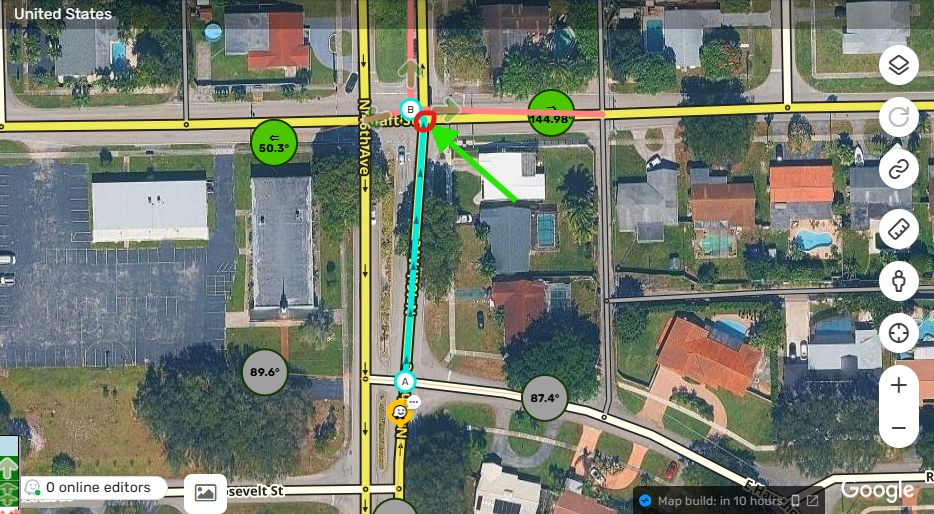
This is an issue that is been around for sometime, the geonode appears under the main node of the junction creating a small turn, you can only find it when you see the Arrows pointing to a different direction, i just fix one of those cases, then you moved the main junction and find out that there is a geonode under it and this causes and issue in the main junction.
Thank you for your input @locojd1!
If you happen to find any steps to reproduce this issue in a consistent manner, please let me know. This will help to investigate this case more efficiently.
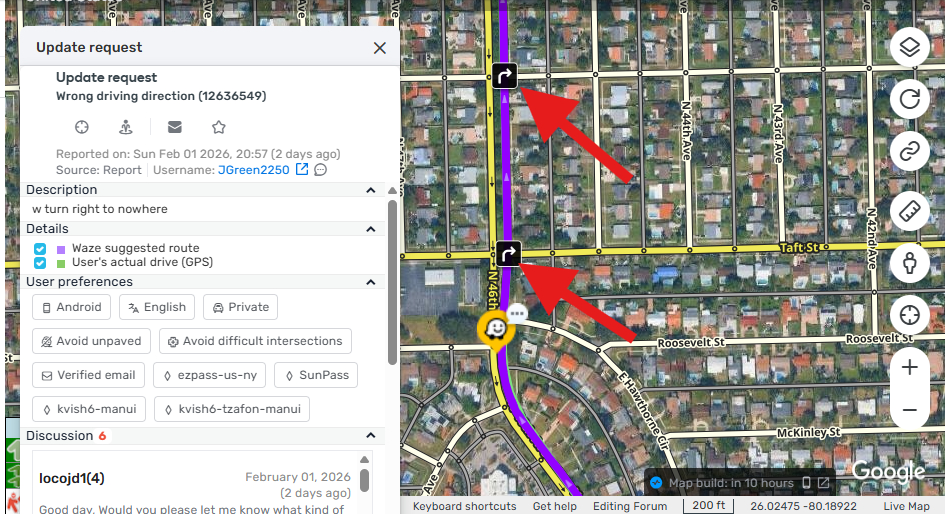
Hi @Olesya-Staff unfortunately i haven’t encountered this issue while creating segments, but i encounter this issue very often in a lot of routing issues, where the Map announces right turns or left turns when the segment is actually straight. and i just had one case a few minutes ago when i thought it was a BUG but after closely looking and investigating i found that this BUG was the issue, as the Geonode under the main junction creates that turn instruction even know the Route keeps going straight.
Thank you @Olesya-Staff, as i mentioned before is a very important issue that really needs to be look at if possible, because is causing big issues, like saying “turn right” and give you the directions even after you can see the route goes straight so is bad for users, and also is very hard to catch if you don’t look properly so i Agree with @YanisKyr that this junctions that have those geonodes under it should be flagged as an MP that would make it easy to find and faster as they are creating routing issues and when this happens you need to be aware of this issue to know what it is, if not it can pass as a different Issue like giving bad Right turns or directions meanwhile is the geonode under the intersection.
Thank you for looking into this issue.
@Olesya-Staff and update on that issue that i posted above, after removing the geonode from under the main junction and after TU, the user reported that the issue was fixed and there was no longer a Right turn instruction in the Route any longer in those junctions, so this BUG is creating an unwanted behavior that is affecting voice and routing directions.
So this is really important in my opinion, specially when is affecting Routing which is the main goal for the App have a nice and smooth ride with proper routing.
Thank you.
Thank you for sharing your thoughts on this.
While the fix for this issue is in the works, maybe it would be worth raising the MPs scanning for these overlapping nodes as a separate suggestion, something along the lines of this one? I will gladly raise it with the team.
Of course @locojd1 I’ve highlighted the fact that this issue has a significant impact on routing and the internal case has been prioritized accordingly. As you said, very tricky to spot and you won’t check for these nodes unless you’re aware of this problem.