Hey everyone, how’s it going?
I’ve been wanting to share this for a while with editors who, like me, didn’t know (didn’t pay attention) about the feature to bulk review/delete place images provided by the Place Interface Enhancements script.
I don’t remember seeing an article about this on Wazeopedia, but anyway, you can never have too much information.
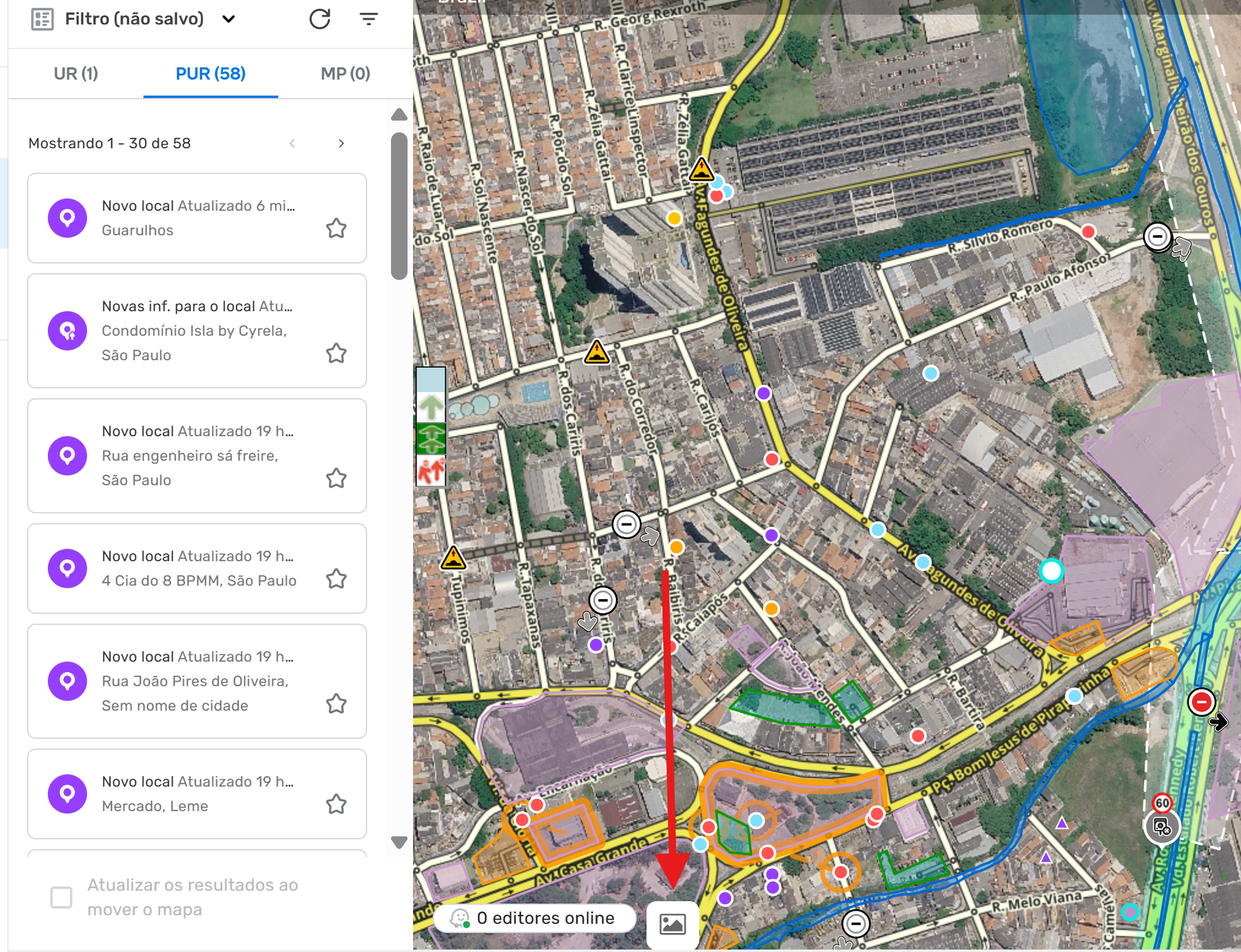
This button opens the screen below:
Note: It works up to zoom 12 at most.
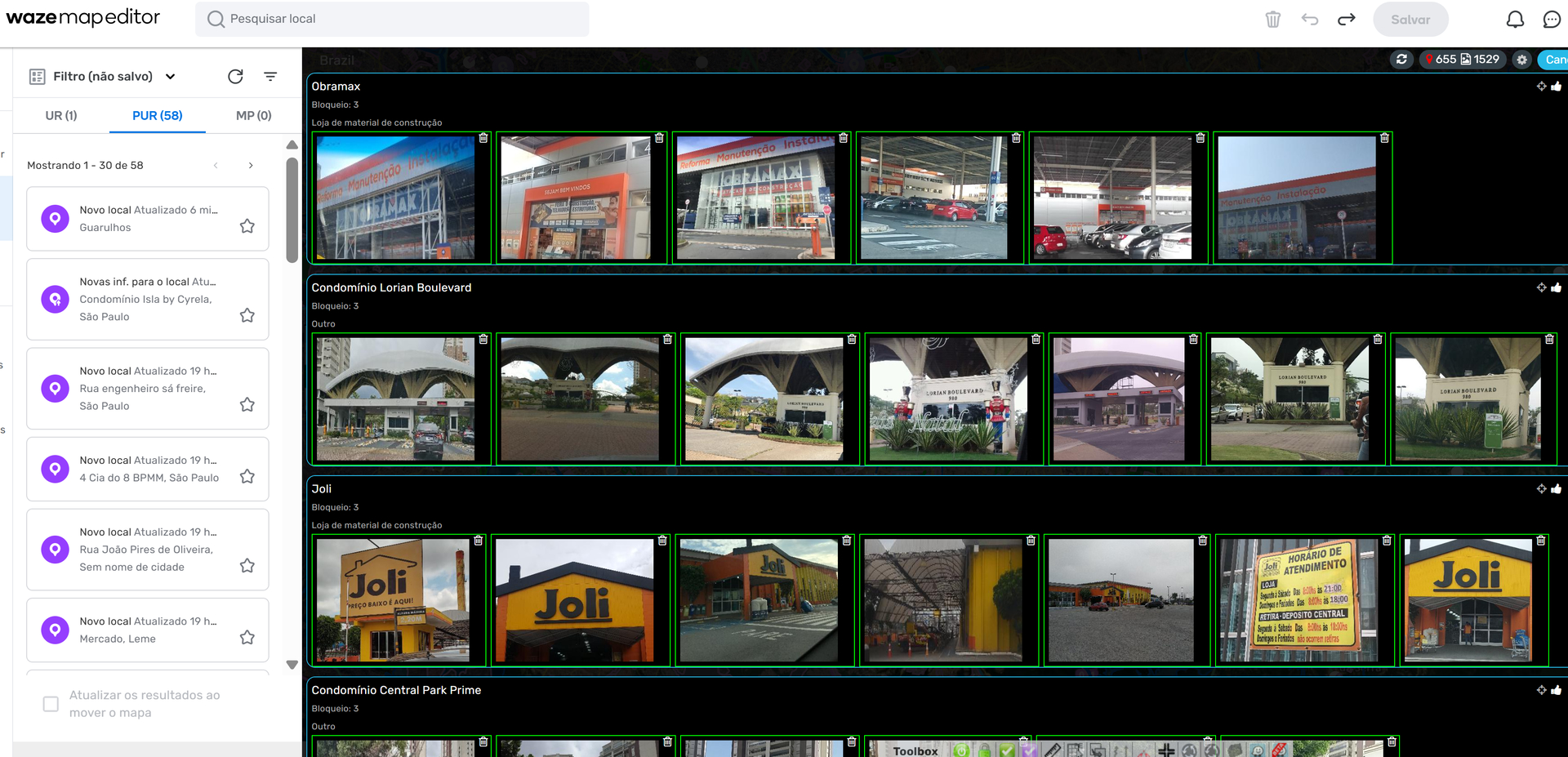
In this example alone, we can see a lot of images that don’t meet Wazeopedia standards, and with just a few clicks, we can delete several inappropriate images.
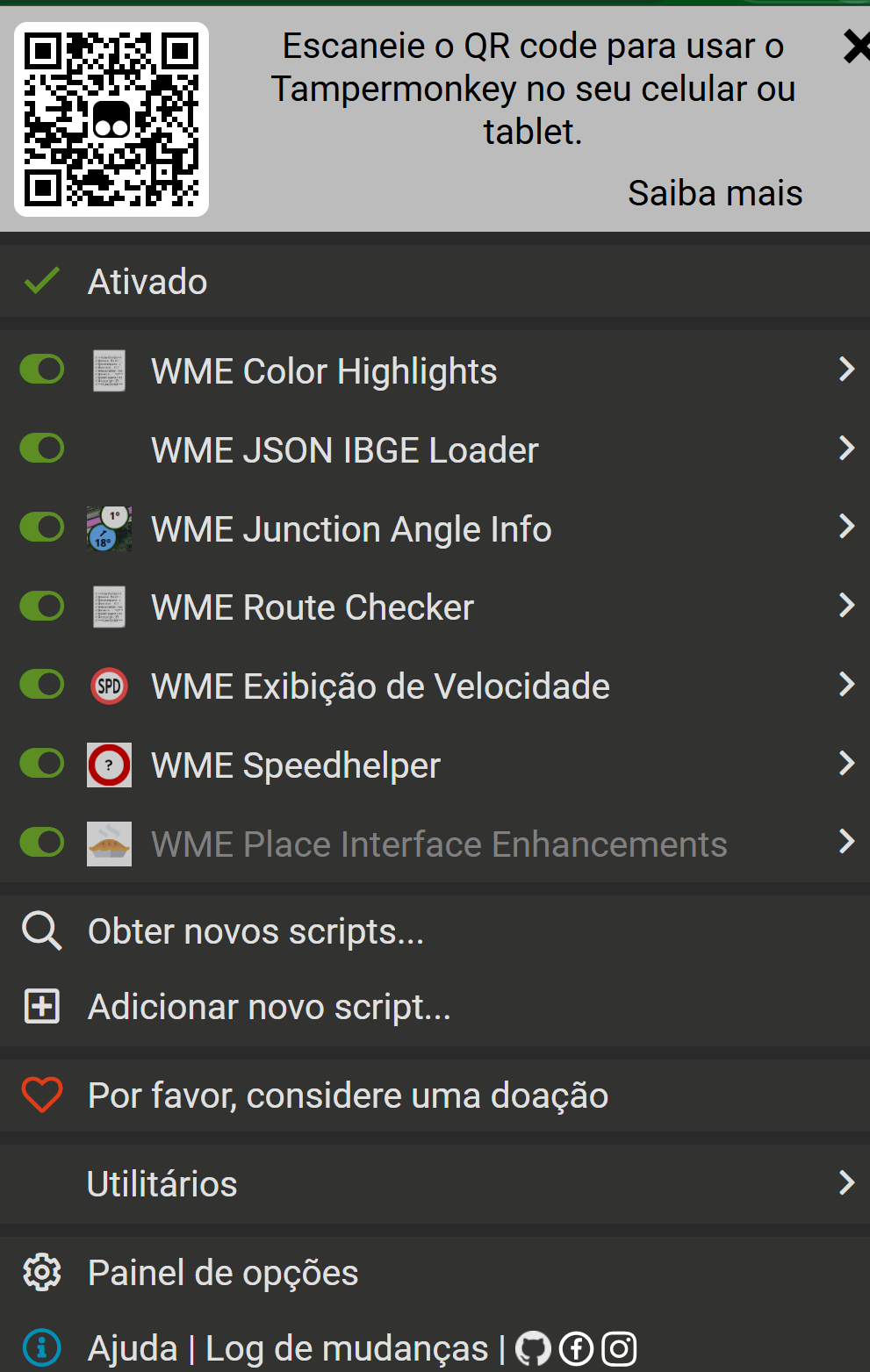
For this script to work, you need to download Tampermonkey. Then, in the Tampermonkey settings, set these two options as shown in the images below:
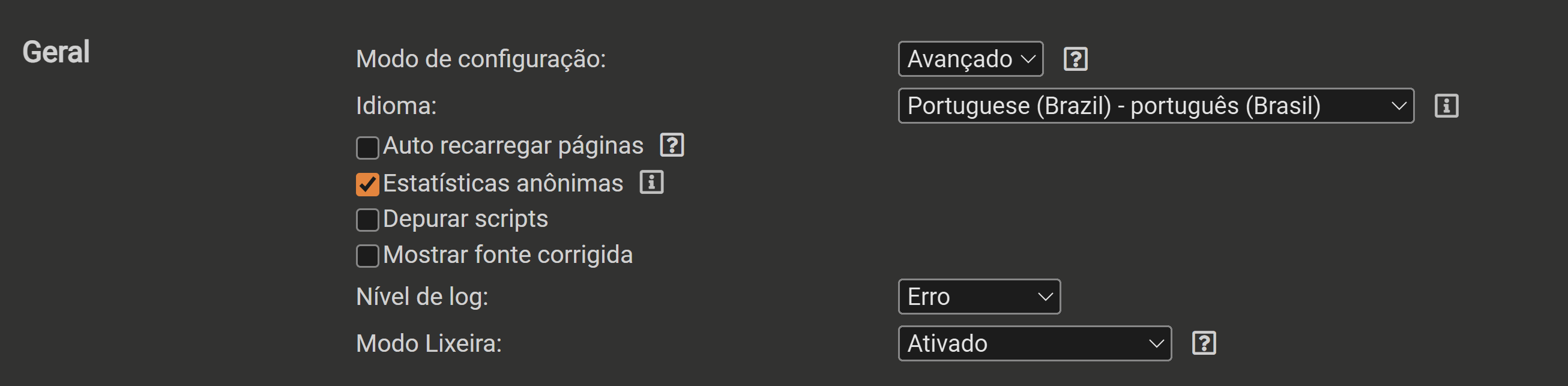
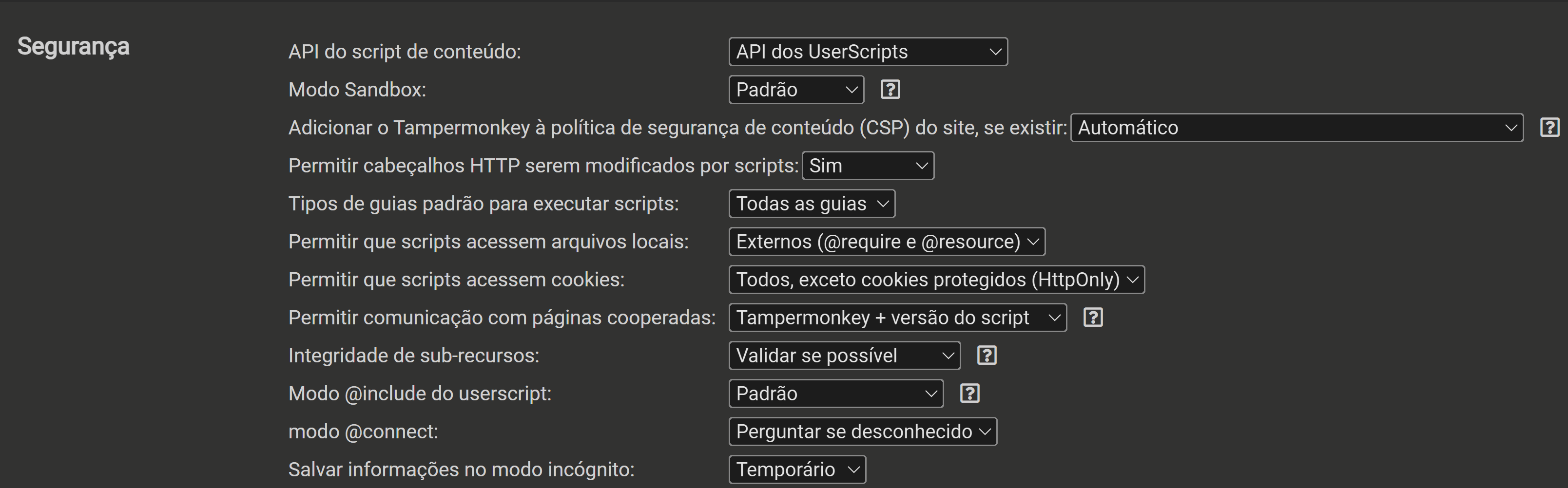
Once that’s done, you can download WME Place Interface Enhancements.
This is necessary because, roughly speaking, Tampermonkey is an app where we store scripts.
Long-time editors definitely know about this, but there’s always someone who doesn’t, which is why I wanted to share this info with everyone 
Use it with care and wisdom.