Thanks for pointing this out, it’s now fixed in 1.2.1… Also fixed the positioning of popups to keep them visible when their markers are close to the bottom or right hand edges of the map.
I like this tool so far! I do have one quick suggestion, if fairly easy to implement…
If one goes to http://www.waze.com/livemap (not secure), put a red instead of green box at the top, and if you look up there, say ‘LMUR doesn’t work on a non-secure connection. click here for the secure page.’ In other words, @include both URLs, but do an if in there somewhere, early, to avoid this common user error?
Thanks for the suggestion, it’s such an obvious thing to do I can’t believe I never thought about doing it myself…
Also in 1.3 is marker clustering - at zoom levels of 4 and below, clusters of 10 or more markers are replaced by black circles containing a count of the markers within that cluster. This helps to reduce map clutter and redraw times when using LMUR to visualise wider areas.
Great tool.
Is it possible to give markers outside my editable area a other color then in side my editable area.
And is it possible to add a box (select all)
And can you move the main menu button. It is in the way when using the search box. Especially when the drop down box with search suggestions, drops down.
I think you’re getting confused with the filtering functionality in the URO script. LMUR only recently gained the ability to filter by type, and has never had the ability to save any of its settings - it’s on my to-do list though…
On the UK map, “Missing road (automatically detected)” is a map problem, and they show up OK for me (as green circles) if the appropriate problem filter options are set (Enable and hide map problems, then clear the Missing road checkbox).
If you’ve got an example of this type of problem that definitely isn’t showing up in LMUR even after checking all the filter settings are correct, please post a permalink to its location from WME and I’ll investigate further.
It’s been a while, but following a bug report (thanks ditchi56 ) we now have a new version of LMUR…
Fixing their reported bug means that turn problem markers (the blue circles) now show up again.
I also noticed that at some point in the past I’d changed the map problem markers to green circles instead of the green squares they used to be - not sure why I made that change, and since it prevents the three marker types being differentiated by both shape and colour, I’ve changed them back to being squares.
Would it be possible to filter map problems by age in the same way as user reports, i.e. to have a “hide map problems less than nn days old” box?
I’m guessing that the answer may be “no it’s not possible because WME doesn’t show the age of map problems”. If this is the case, would it be possible to pick up the colour of the map problem on WME and have a “show only red map problems” box?
As requested by ditchi56, 1.6 now enables map problems to be filtered by severity (low/medium/high). These three severity levels equate to the yellow/orange/red marker pin colours in WME.
(and big thanks to OyyoDams for providing the previous crx version until I figured out, with more than a little help from Timbones, how to do it myself…)
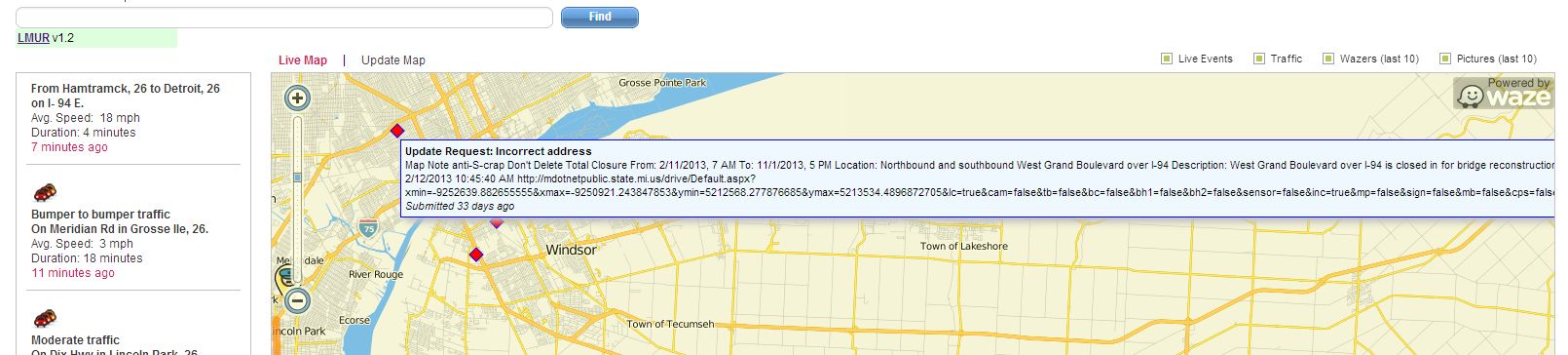
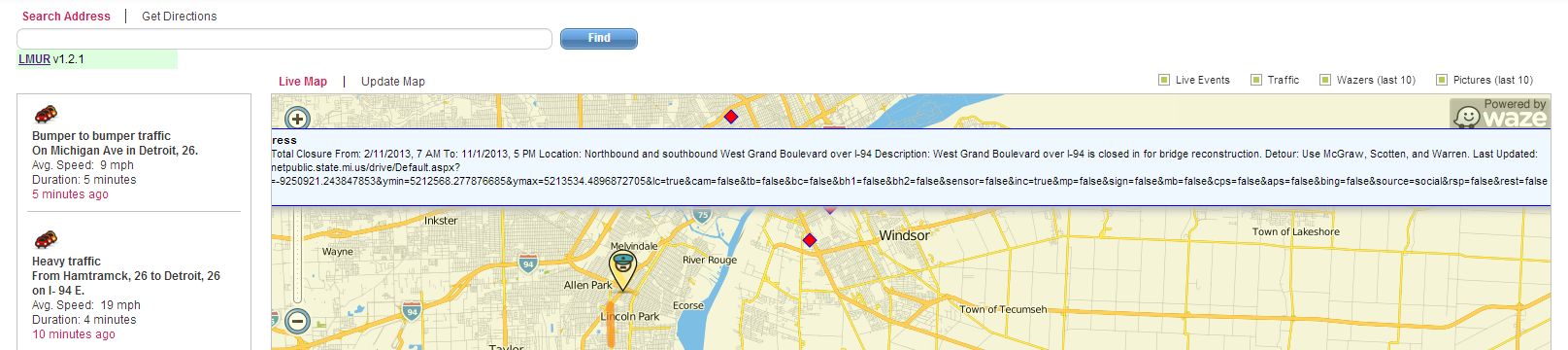

 ) we now have a new version of LMUR…