What was already good just got even better. =)
Thank you, @EsdrasFarao
Any bug ou suggestion, let me know haha
Waze Chat Plus v1.12.28 is here!


What’s New:
- Emoji picker: It now looks and works like the chat’s own, with the same emojis, search, skin tones (press and hold an emoji) and the same “Frequently Used” list, and it also opens from the emoji button of the conversation;
- Emoji search in your language: In the emoji picker you can also search in your own language, for example “heart” in the language of your chat;
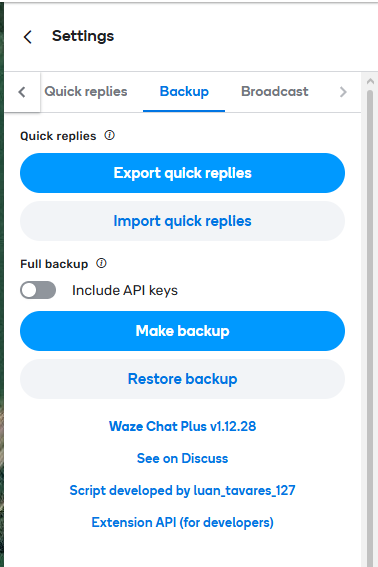
- Backup tab: The backup now has its own tab in Settings, and you can export the quick replies you choose to a file and send it to someone, who imports it in the same tab;
- For developers: A guide to making extensions for Waze Chat Plus now opens from the bottom of the Settings.
Fixes and Improvements:
- New message: When you choose a list from an extension in the “To:” field, the field for names hides until you remove it, and extension lists get their own title in the suggestions;
- Skin tone: The emoji picker now remembers the last skin tone you chose;
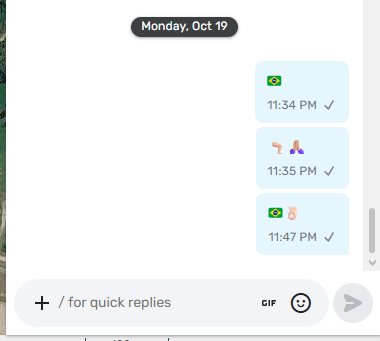
- Flags: On Windows, country flags now show as flags instead of letters, in the emoji picker, the messages and the conversation list;
- Close with Esc: On the conversation list, with no search or filter, pressing Esc closes the chat, right after opening it too, without clicking on it first;
- Mentions: When you type @ in a private conversation, in “New message” or in “Forward”, the person you are writing to now comes first;
- New filter: profile photos in the list now have the same size as the other pictures;
- Conversation menu: While you are selecting conversations, the “Select conversations” option is hidden from the ⋮ menu;
- Forward selected messages: In an extension screen, the Forward button no longer sits under other buttons and has proper spacing.
Download Link: Waze Chat Plus
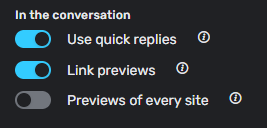
Please consider adding a switch to show or hide images shown for every link.

Waze Chat Plus v1.12.29 HOTFIX!
Fixes and Improvements:
- Chat: After a Waze update the chat lost the search, tabs, filters, menus and “New message” of Waze Chat Plus; everything works again.
Download Link: Waze Chat Plus
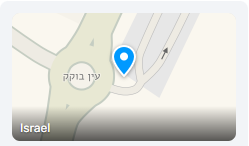
Ah, I see—you’re referring to permalinks and coordinates, not just any link.
Just so I can understand your perspective: why didn’t you like the rendering cards for permalinks/coordinates?
Waze Chat Plus v1.14.2 is here!


What’s New:
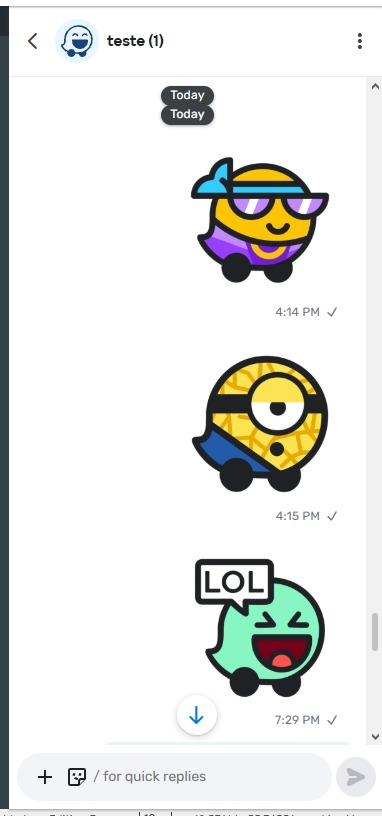
- Stickers: A sticker someone sends you now shows as a sticker, without the message balloon;
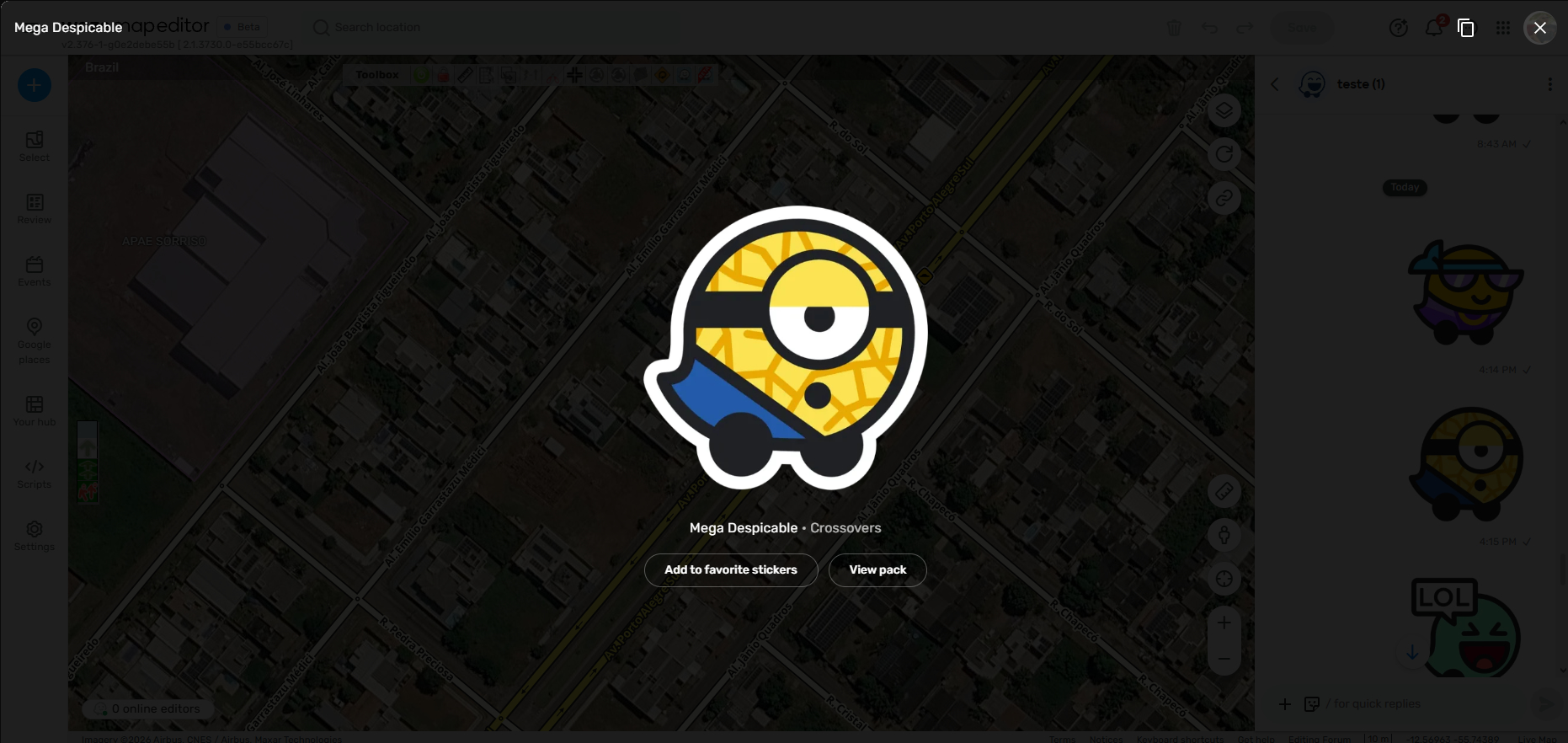
- Sticker options: Click a sticker to see it in full screen, with buttons to add it to your favorites and see its pack; right-click it to also copy its link, block its pack or report it;
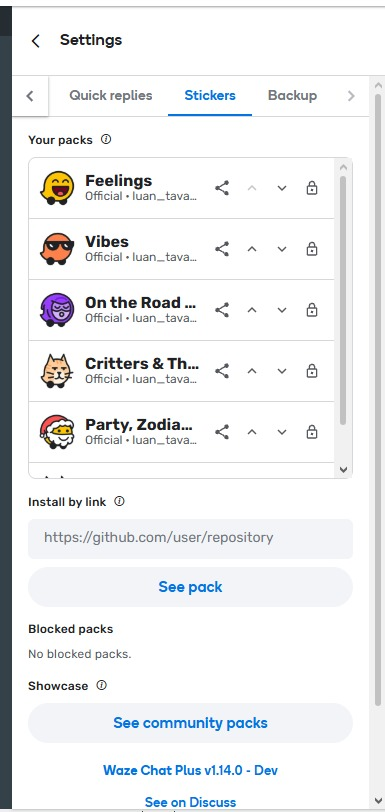
- Sticker settings: The new “Stickers” tab in Settings lets you order and update your packs, install a pack from its link, unblock packs and browse the showcase;
- Emojis, GIFs and stickers: One button next to the “+” opens emojis, GIFs and stickers together, with tabs at the bottom; GIFs now have categories like Trending, Recent, Favorites and themes;
- Sending stickers: In the Stickers tab, pick a pack or search a sticker by its name or emoji in your language, then click it to send it; your recent and favorite stickers are there too, and “+” opens the showcase of packs;
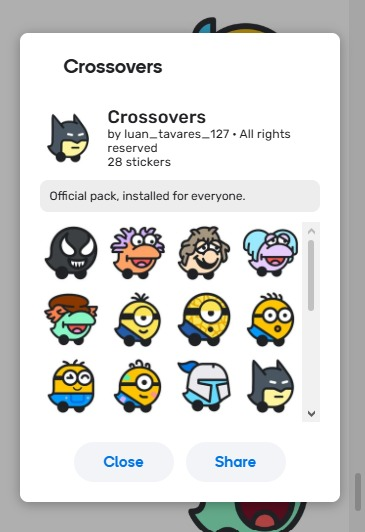
- Share sticker packs: Use “Share pack” in a pack, its sticker menu or Settings to send it to someone; they see a card of the pack with buttons to view it and install or remove it.
Fixes and Improvements:
- Link previews: Link cards now come from the Waze Chat Plus server, so every site gets a full card and Tampermonkey no longer asks you to allow sites (the option “Previews of every site” is gone);
- Emojis: The emoji tab now opens right away, showing a placeholder while the emojis load;
- Emoji icons: The category icons at the top of the emoji picker no longer show stray lines.
Download Link: Waze Chat Plus
I prefer to see more messages on one screen.
Thanks for your feedback.
I have created settings to show/hide some features like that. 
Waze Chat Plus v1.14.8 is here!

What’s New:
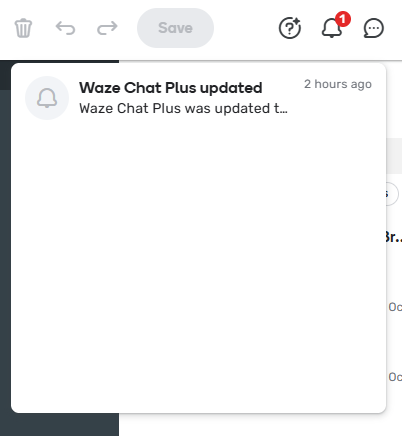
- Update notice: When a new version is out, a message appears at the bottom of the WME and a notification in the bell with a button to update; after updating, reload the page;
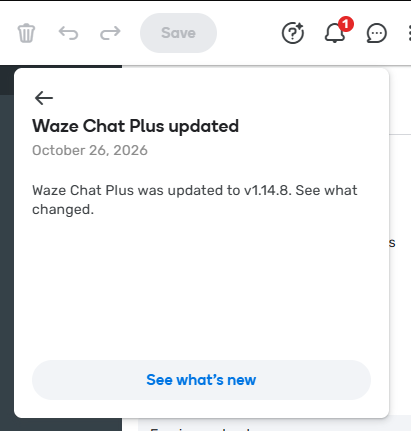
- Release notes: After an update, what changed now arrives as a notification in the WME bell instead of a window opening by itself; open it to read everything;
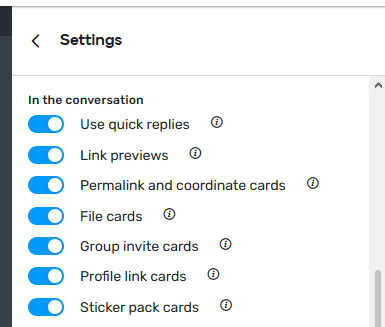
- Optional cards: Each kind of card in the conversation (permalinks, coordinates, files, group invites, profile links and sticker packs) can now be turned off in the settings;
- Sticker backup: In Settings › Backup, save the sticker packs you choose, with their favorite stickers, to a file and import them on another computer or share them.
Fixes and Improvements:
- Windows and messages: The windows and messages of Waze Chat Plus in the WME now wait their turn, so they no longer pile up with those of the WME or of other scripts;
- Filters: Scrolling the chips with the mouse wheel now glides smoothly to the end instead of getting stuck;
- Settings: The explanations in the info icons are shorter and clearer, and every option now has one.
Download Link: Waze Chat Plus
Loving the script, complete overhaul! Thank you 
I’ve got a suggestion - would it be possible to add an option to mute sounds?
Thank you for you feedback and suggestion, @YanisKyr
I’ll note your suggestion and keep it in mind for my futere roadmap 
If you have any other suggestions or if you find some bug, let me know 
Waze Chat Plus v1.15.0 is out!
What’s New:
- Waze Lumen: Waze Chat Plus now appears in the Extensions tab of Waze Lumen;
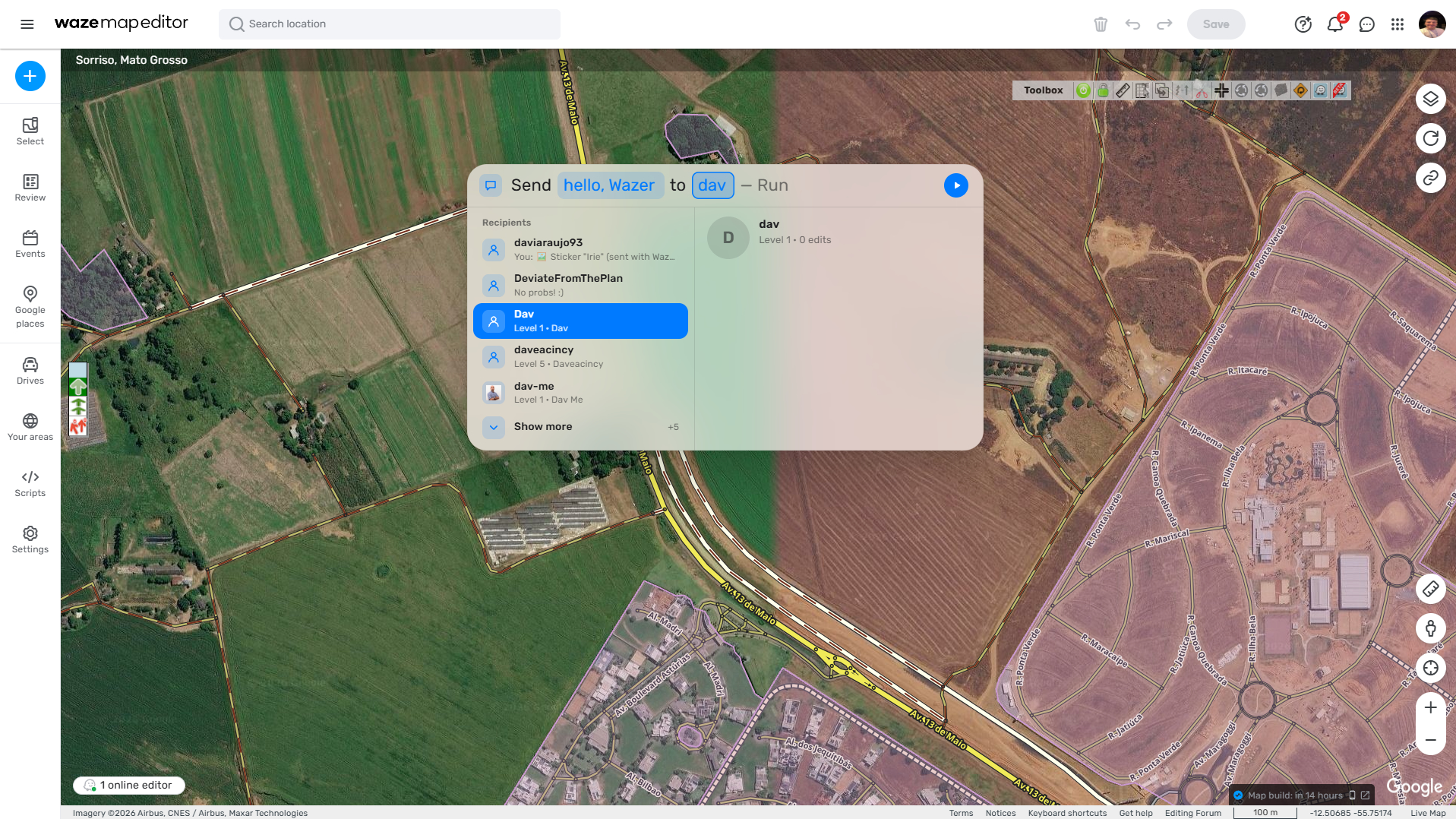
- Message any editor from Waze Lumen: The bar now reaches any nickname and suggests people from Waze Discuss. The first message to someone asks you to press Enter again;
- Editor profile in Waze Lumen: Select a person in the bar to see their photo, level and edits; Tab opens their profiles and adds them to your favorites;
- Stickers in Waze Lumen: Use the round grid button beside the field to browse your stickers, or type “sticker sad to nick”. Pick one, check the recipient and press Enter;
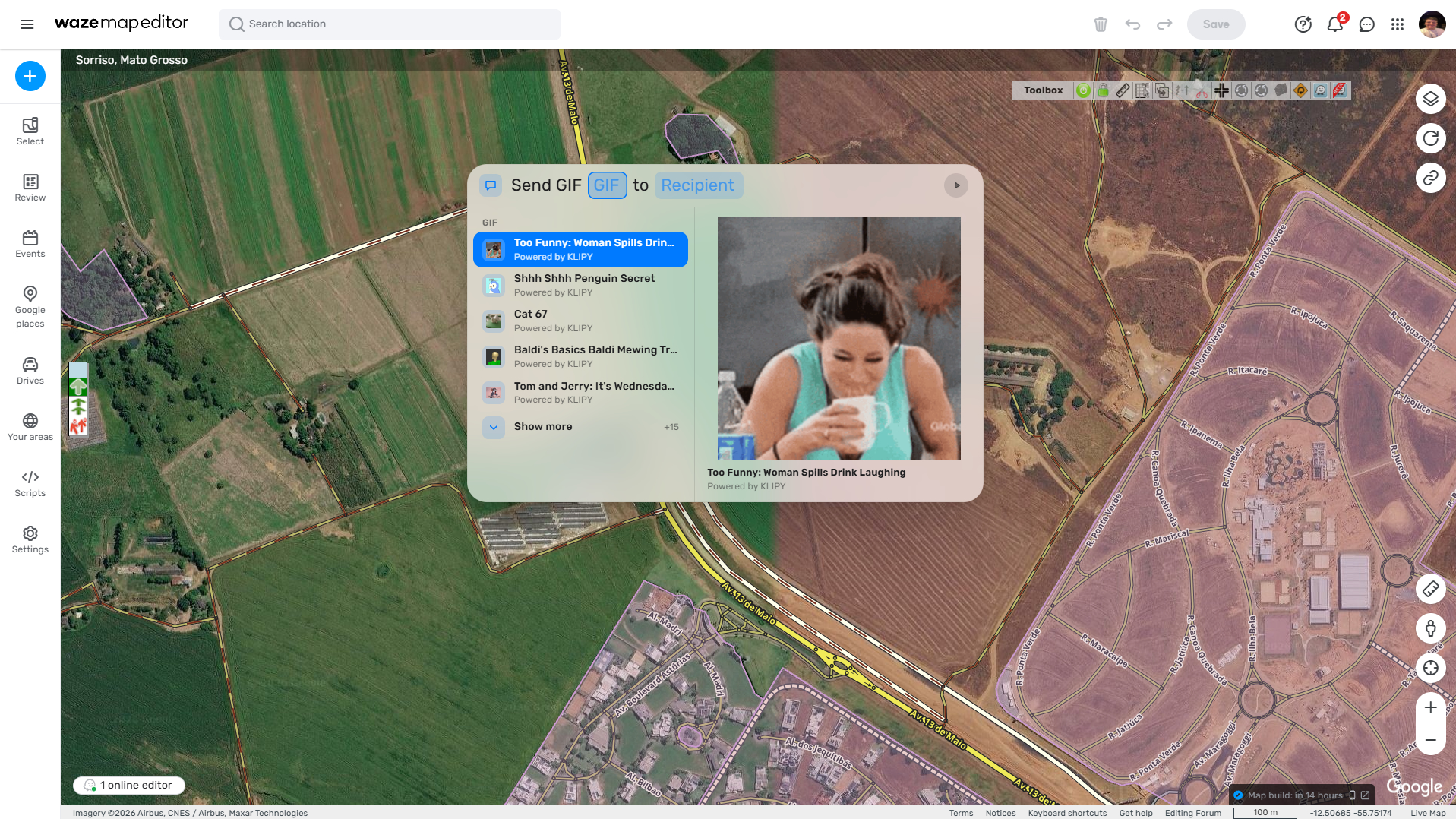
- GIFs in Waze Lumen: The same round button now also shows your recent and favorite GIFs and the trending ones, and its search finds GIFs too. You can also type “gif to nick” and pick one;
- Quick replies in Waze Lumen: Type “reply good morning to nick”, or just the title of the reply, check the recipient and press Enter. Each part goes as its own message, with the variables filled in;
- Talk to the last editor in Waze Lumen: With a segment or place selected, press Tab in the bar and pick “Talk to” the editor. The message comes with the permalink, and you press Enter to send;
- Conversations in Waze Lumen: Use the round Conversations button beside the field to see your unread, favorite and group conversations and your filters. Enter opens one, Alt+Enter marks it as read;
- Groups in Waze Lumen: Send messages, stickers, GIFs and quick replies to a group by choosing it as the recipient. Type “open group”, “group link” or “share group” followed by its name for the other actions;
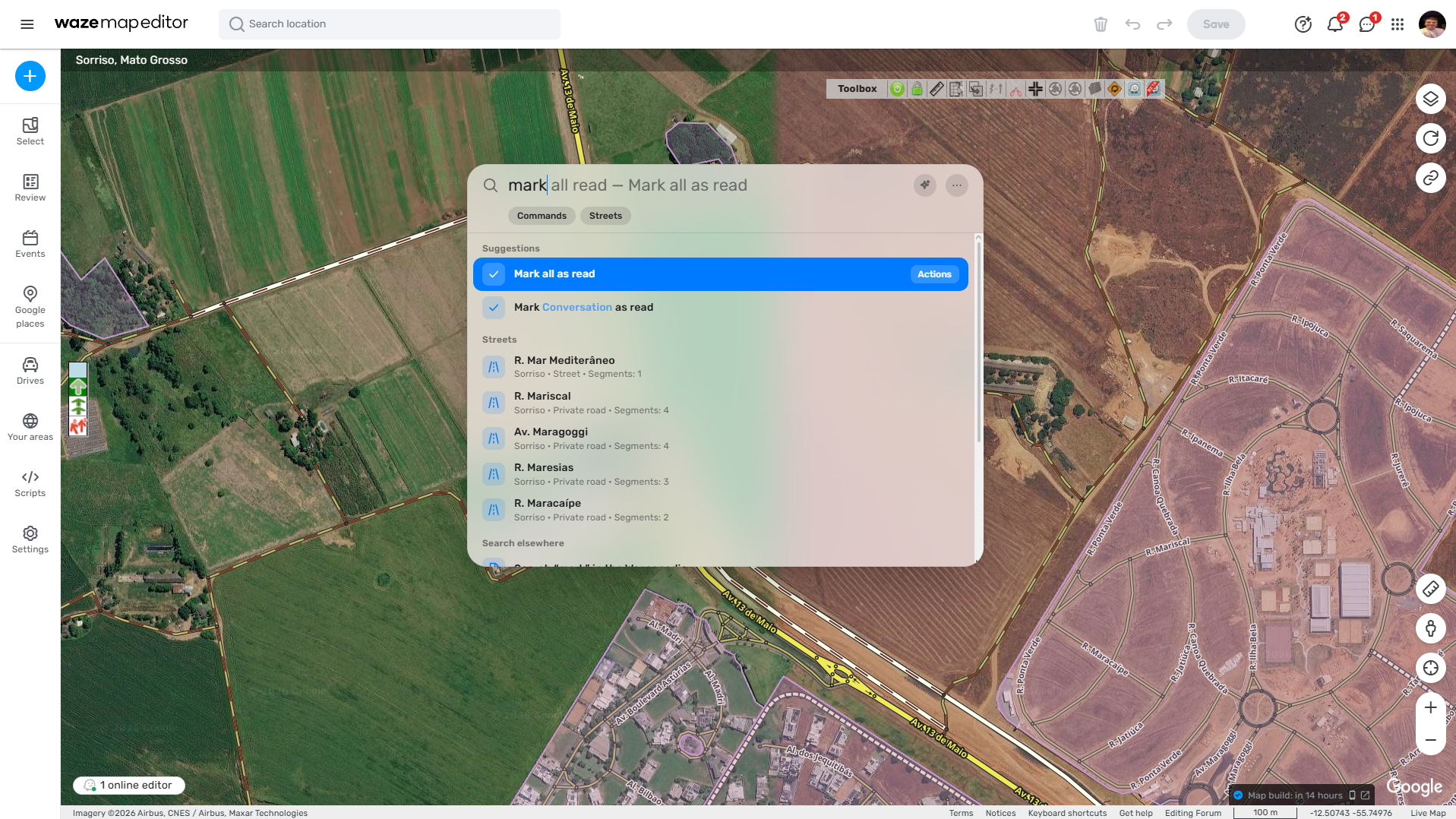
- Actions in Waze Lumen: Type “mark all as read”, “mute nick”, “block nick”, “clear history nick”, “favorite nick” or “leave group” and a name. Blocking, clearing and leaving ask you to press Enter again;
- Pasted links in Waze Lumen: Pasting a group invite, an editor or Discuss profile link, or a sticker pack link now shows the right action first: join or open the group, see the profile, or see the pack;
- Emojis in Waze Lumen: The round button beside the field now also shows your most used emojis, and its search finds emojis by name. You can also type “emoji thumbs up to nick”, pick one and press Enter;
- Images and files in Waze Lumen: Type “image to nick” or “file to nick”: the conversation opens with the file window, what you choose goes to the message box and you send it from the chat;
- Bigger GIFs in Waze Lumen: In the stickers and GIFs button, the selected GIF shows bigger beside the list;
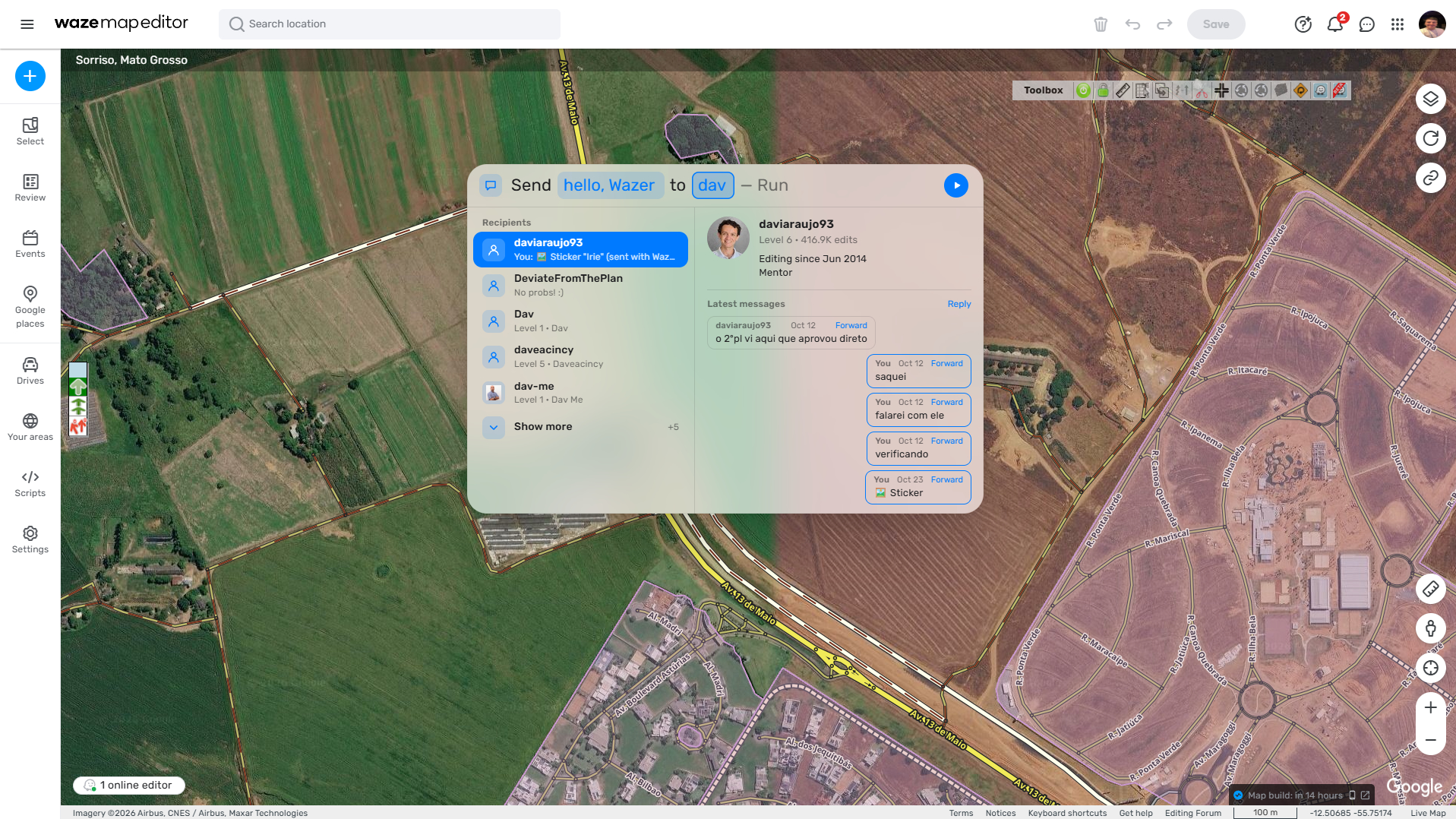
- Read messages in Waze Lumen: Select a person or a group in the bar to see the latest messages beside the list, without marking them as read.
- Reply and forward in Waze Lumen: Beside the latest messages, “Reply” starts a message to that person or group, and “Forward” asks who gets the message, which arrives just as it was written. You can also type “forward” and pick a message;
- Places in Waze Lumen: In “Go to”, the place box now suggests places people sent you. Type “place sent by nick” to open “Go to” with the last place that person sent; nothing moves until you press Enter;
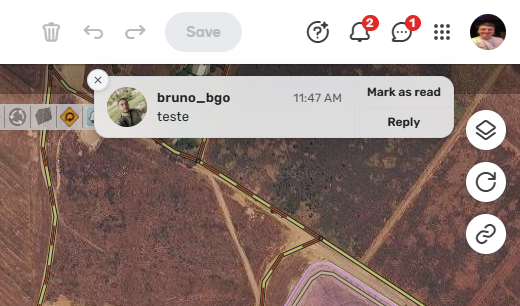
- New message notices: With the chat closed, a new message shows a notice in a corner of the screen with the photo, the name, the time and the message, plus a small preview of an image, GIF or sticker. Click it to open the conversation. Point at it to close it with the X or to use “Mark as read” and “Reply”, which lets you answer right there. Turn it off, choose the corner or silence the chat sound in Settings, General tab, Notifications;
- Extensions: Other scripts that work with Waze Chat Plus can now show their own notices in the same corner of the screen.
Fixes and Improvements:
- WME Alert System: Updated to the latest version of the library;
- Nickname not found: A nickname that does not exist now shows as not found instead of “could not check”.
Download Link: Waze Chat Plus