What is it?
This script is based on code of the old WME Simplify Street Geometry, but it works
What can it do?
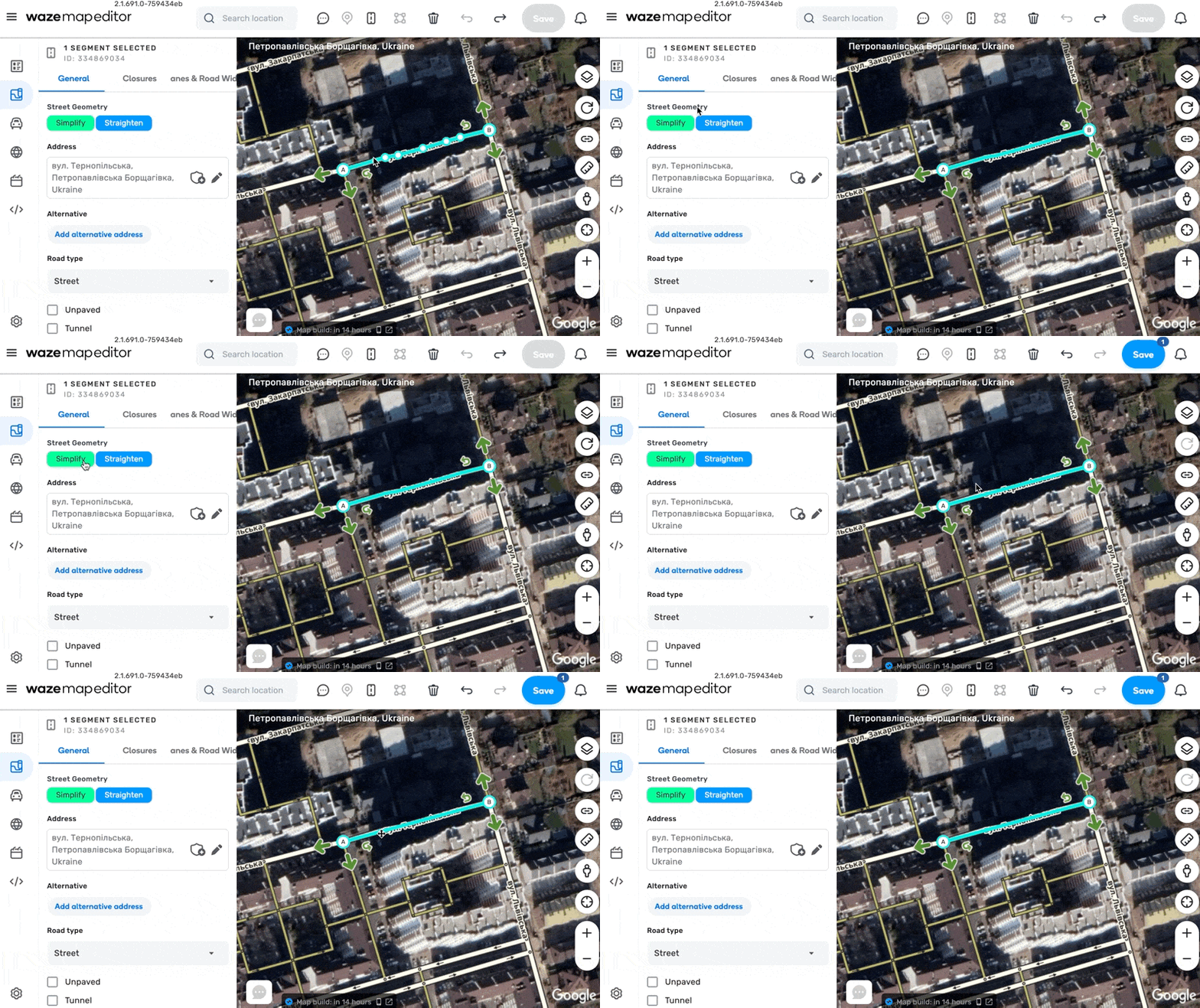
- Simplify a segment or a street
- Straighten up a street
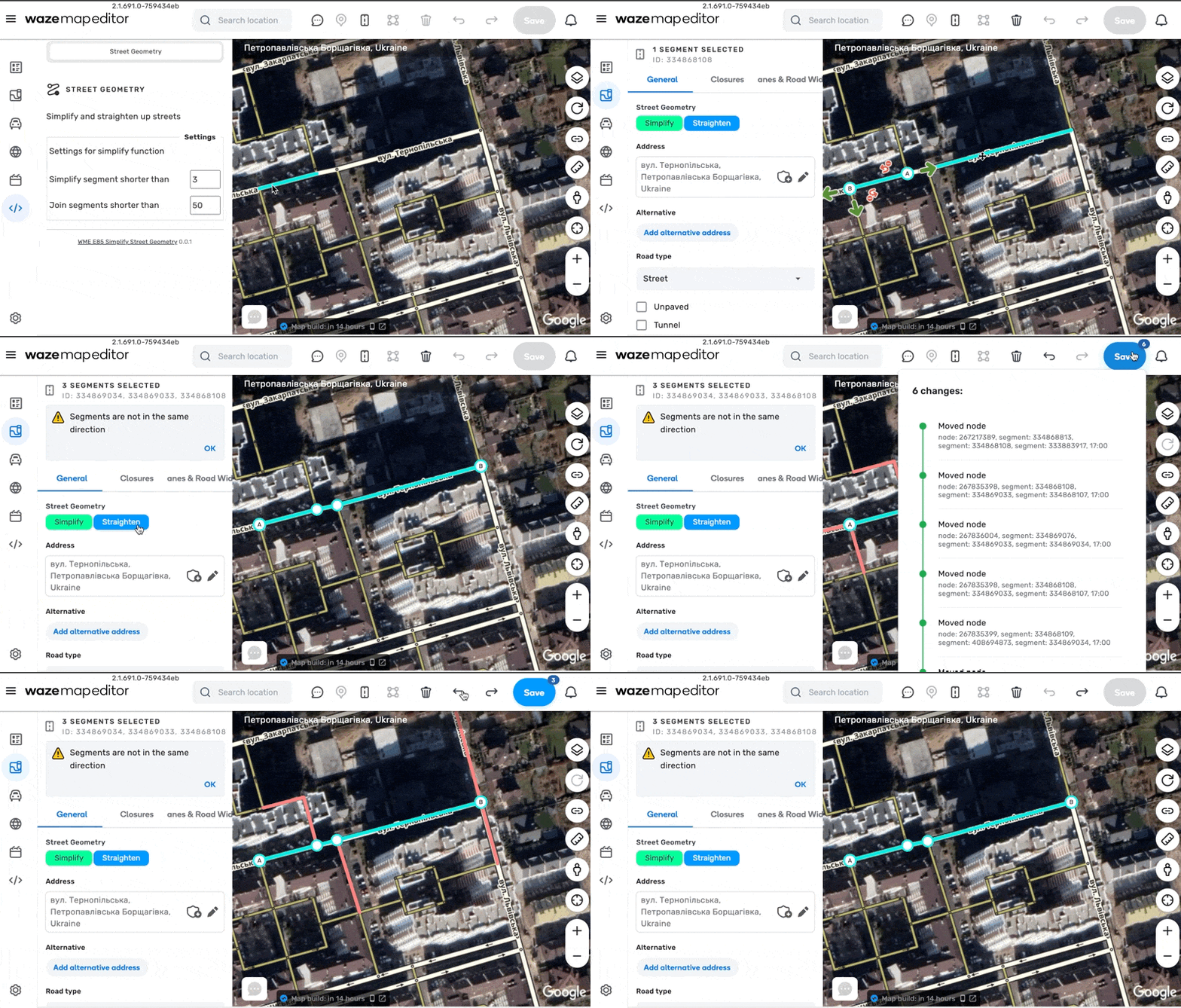
- Align two segments crossroad by 90 degrees
Settings Simplify method can by optimised by settings.
GreasyFork: https://greasyfork.org/en/scripts/456490-wme-e85-simplify-street-geometry
GitHub: https://github.com/AntonShevchuk/wme-e85
Thank you for all your scripts! Слава Україні
Script was updated and now it works with current version of WME
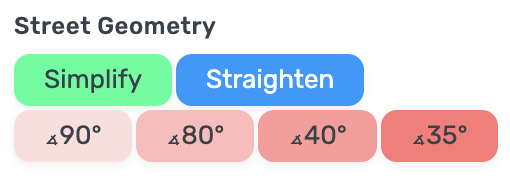
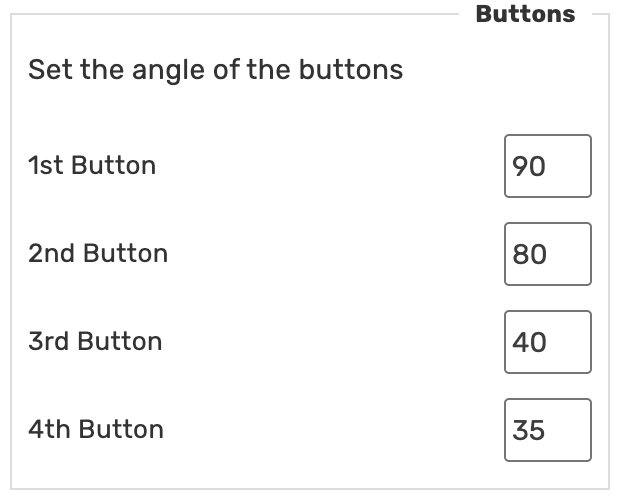
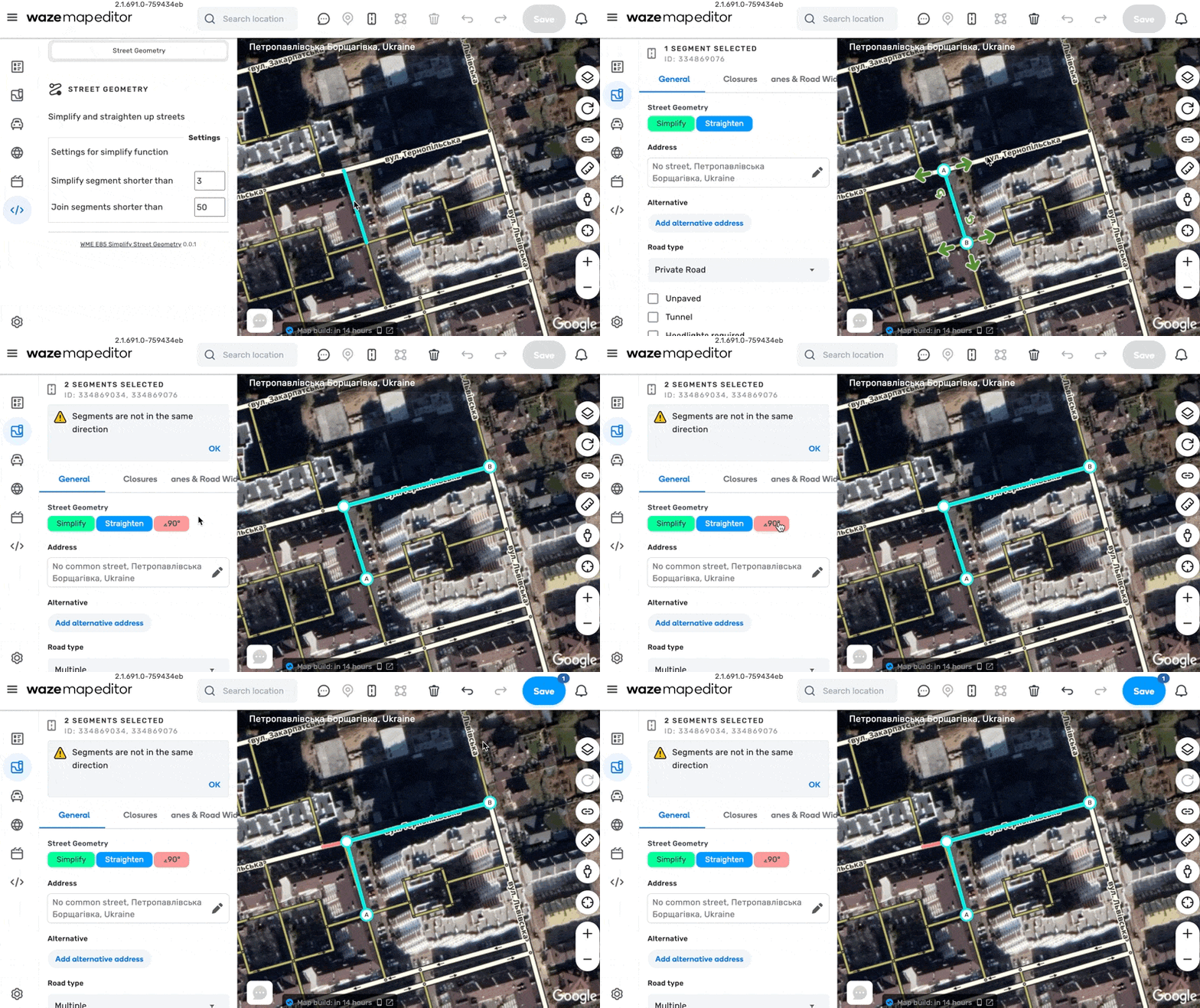
Script was updated, added buttons to align two segments by customizable angle.
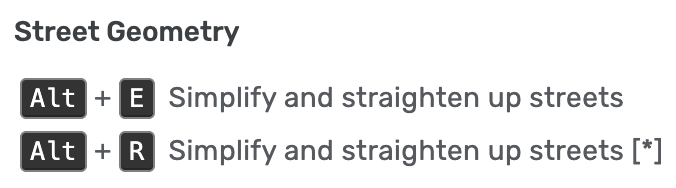
The keyboard shortcuts don’t do anything for me. I tried Firefox and Chrome.
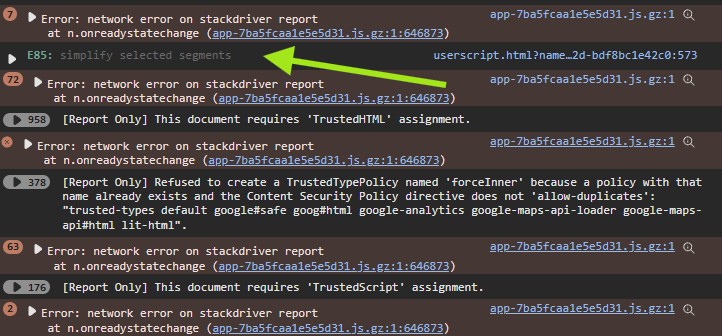
Nothing pop-up in the console either.
it works for me. i am using production and i was using ALT+E
Thank you very much, @AX1983CT! Great option for the old WME Straight Up.
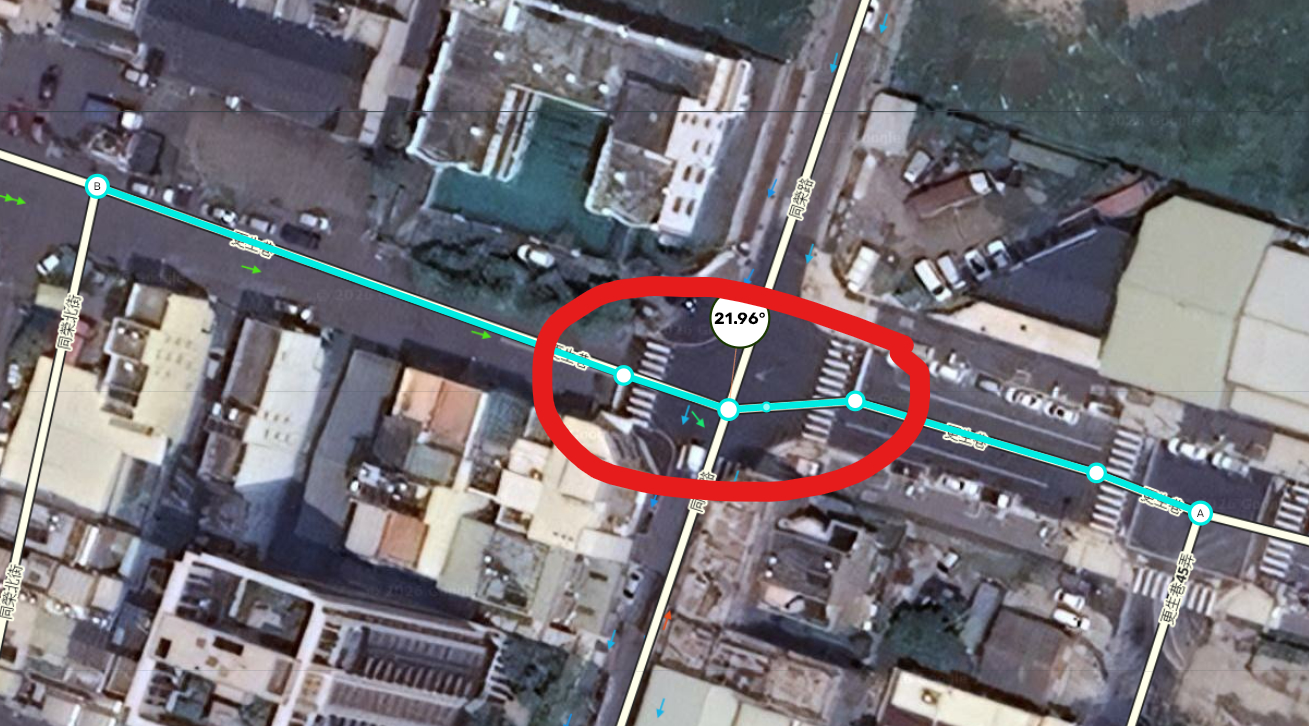
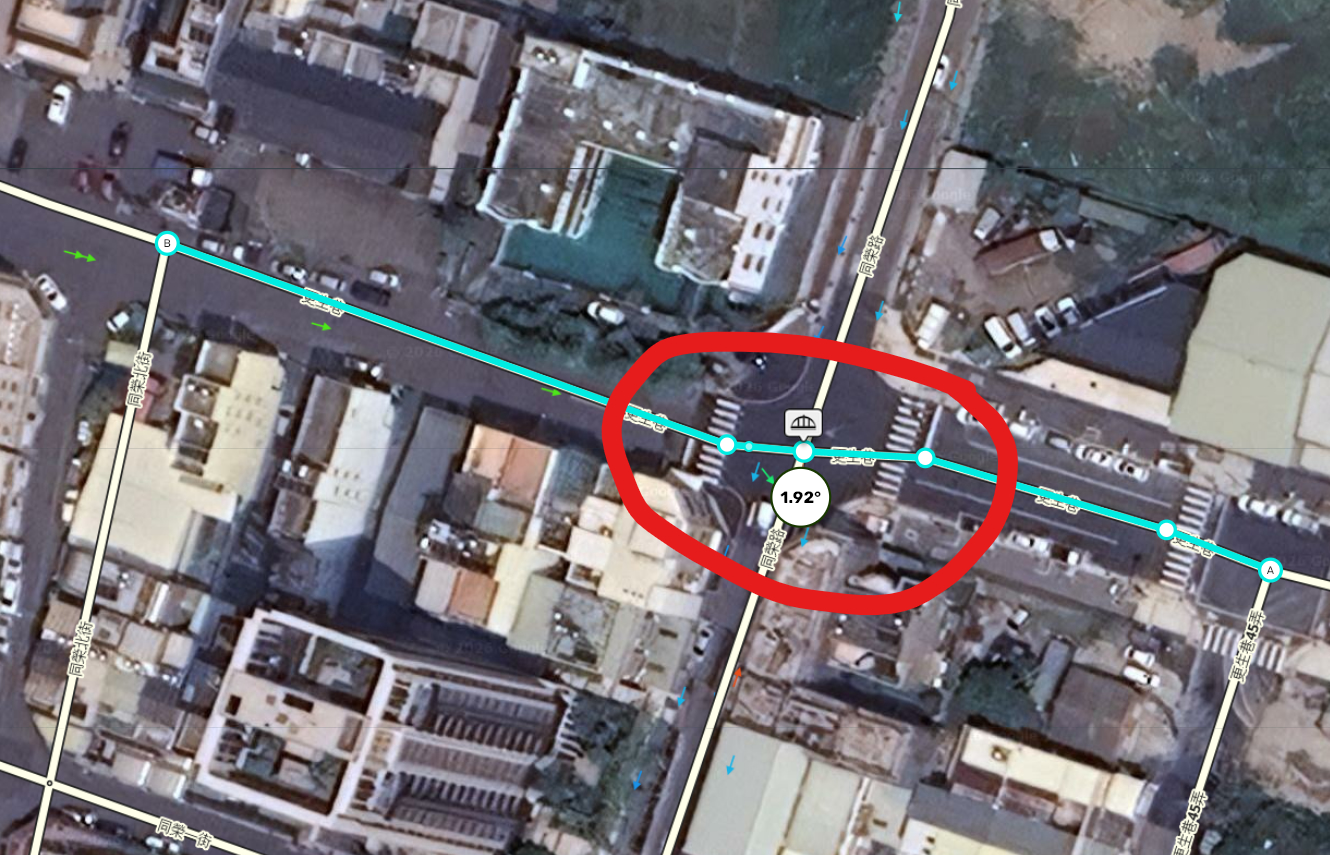
Thank you for the great script; I really enjoy using it. I have a quick suggestion: would it be possible to design a feature that straightens crooked intersection segments, as illustrated in the attached screenshot?
Before
After
Hi, it’s an interesting request, I’ll think about how I can realize it.
Helllo @AX1983CT,
First of all, I’d like to congratulate you on your dedication to the community by developing a tool that helps improve map editing.
We recently had to restrict this feature in Toolbox for editors in the Brazilian community because some users were using it without considering the potential impact on navigation instructions when segment angles are changed.
After the latest Toolbox update, I adjusted the restriction so that only editors with specific roles can simplify nodes, and only on selected segments. The new update also prevents simplifying the end nodes of a segment, helping to avoid changes to the segment’s entry and exit angles.
I was wondering whether your tool has a similar limitation or safeguard to prevent modifying the end nodes, ensuring that the segment angles remain unchanged.
Thank you in advance for your time and attention.